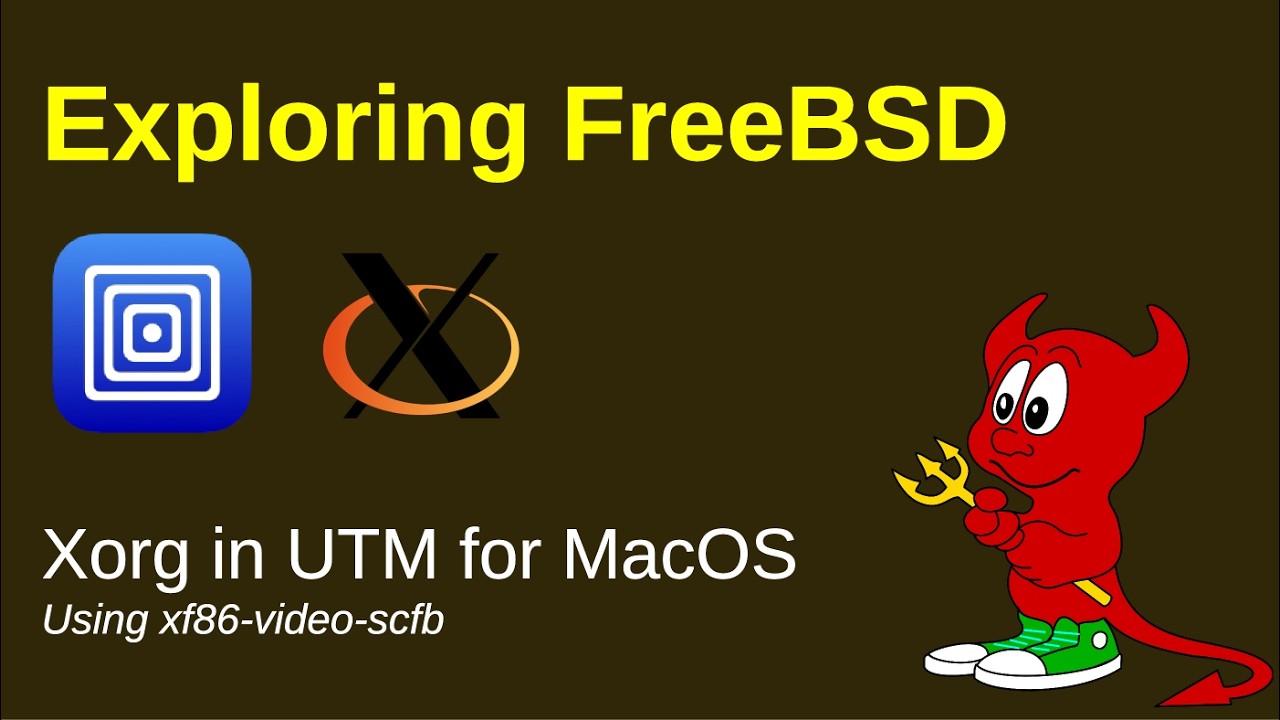
In this video, I show how to install a kernel patch that I developed to enable 2D video on FreeBSD running under UTM on a MacOS /arm64 machine.
Unfortunately the driver does not offer hardware acceleration but… well.. at least we do not really need to install xrdp.
The bad thing… xfce apparently does not like the driver – it says that the monitor is not detected, and does not allow to set a desktop wallpaper. Still trying to find a solution, but it seems that with such a simple kernel driver and xf86-video-scfb, it might not be possible… Solution would be to implement a full driver – but that will mostl likely take a lot of time…
For now, in case you need, you can enjoy this little driver – if I am lucky, it will get added to FreeBSD, and you would not need to patch the kernel 🙂
Cheers!
#FreeBSD #BSD #Unix #UTMapp #Xorg #X11
UPDATE:
Use the following file, to make Xorg work properly..
Place it in /usr/local/share/X11/xorg.conf.d/00-monitor.conf
Section “Screen”
Identifier “Screen0”
Device “Card0”
Monitor “Monitor0”
DefaultDepth 24
Option “ConnectedMonitor” “1280×800”
SubSection “Display”
Depth 24
Modes “1280×800”
EndSubSection
EndSection
Section “Device”
Identifier “Card0”
Driver “scfb”
Option “RandR” “on”
Option “ShadowFB” “on”
EndSection
Section “ServerLayout”
Identifier “Layout0”
Screen 0 “Screen0”
Option “Xinerama” “on”
EndSection
There are still issues switching back and forth in virtual terminals (CTRL+ALT+F1 and then CTRL+ALT+F9)
If the screen does not redraw, run “xrefresh” to refresh the X display…
Note: BSDJedi is the original author of this video, we just embed it, if you have any questions please contact him via Youtube.