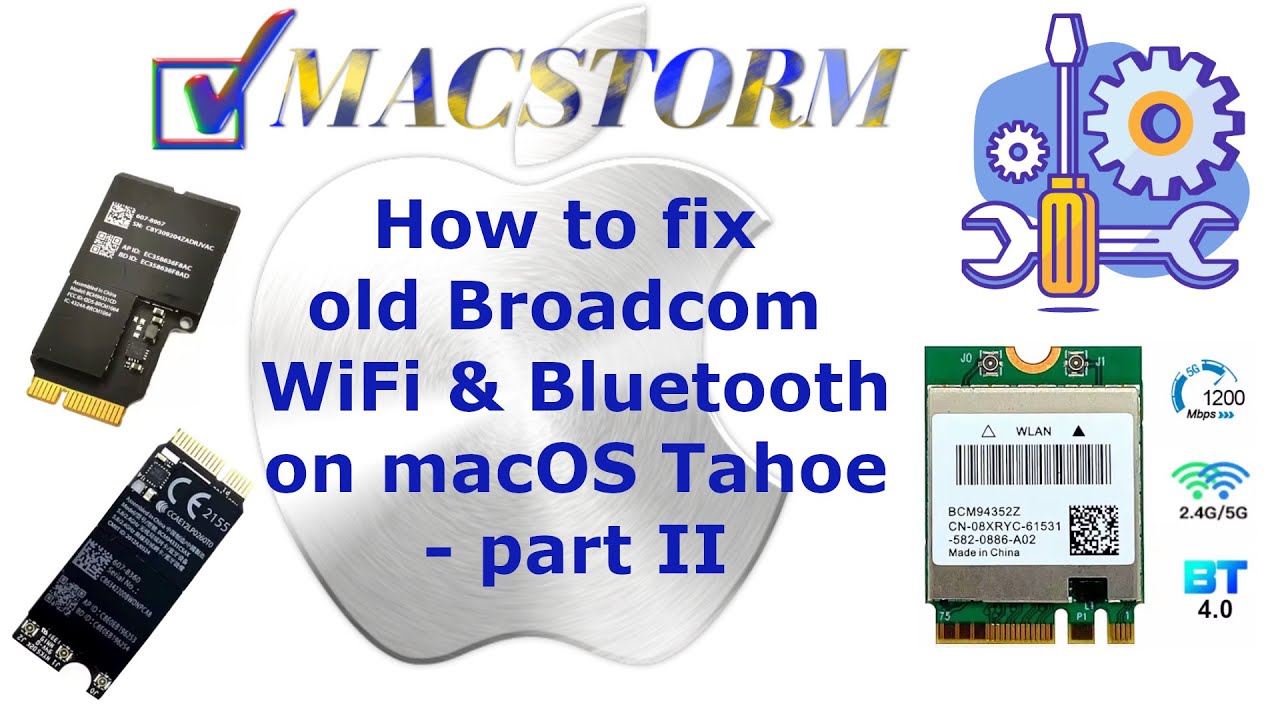
In today’s episode, we will focus on older WiFi cards that require additional
drivers to work on macOS Tahoe. Modern WiFi that works native in Ventura dont
need add -on drivers . So older WiFi/BT chipsets require more effort.
If you installed WiFi using OCLP as I showed a few weeks ago and your WiFi or BT
is still not detected, watch this video. In the case of older WiFi chipsets,
installation using OCLP is required, but additional drivers must also be installed.
In this episode, we show you which drivers to install and how to do it.
Here link to necessary drivers:
https://macstorm.eu/pub/youtube/oldwifi-drivers.zip
Best watching resolution 1920×1080 FullHD.
English translation under caption butto.
Note: Macstorm is the original author of this video, we just embed it, if you have any questions please contact him via Youtube.