Why waste time watching videos that tell you that
the official version of OCLP 3.0 doesn’t work?
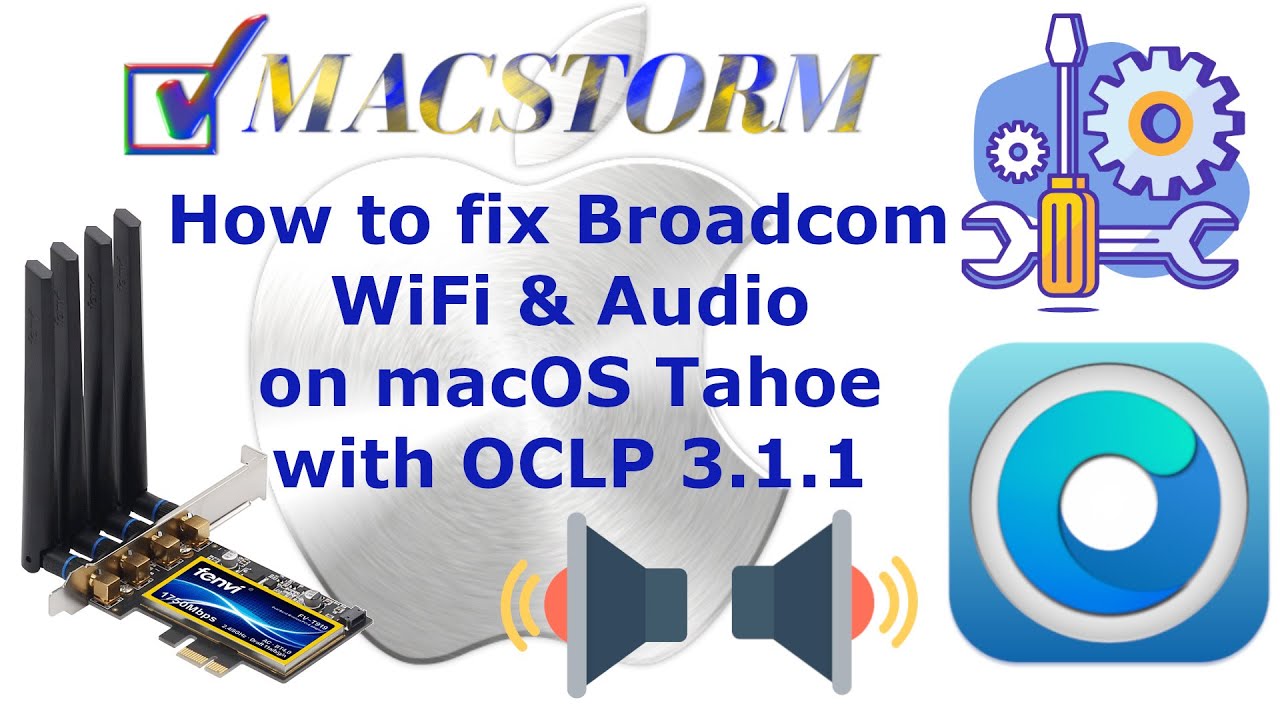
Here you will find a detailed tutorial on how to use OCLP 3.1.1 to install
Broadcom WiFi cards and restore Audio on the Tahoe system.
All Broadcom WiFi cards that worked on the Sequoia system are now also
available on macOS Tahoe.
The step-by-step installation guide ensures that you will be able to install
the missing devices on this system.
Recommended for all PC-hackintosh and origin Mac with Intel CPU.
Here You can download from our server all needed apps :
https://macstorm.eu/pub/youtube/WiFi-audio-Tahoe-YT.zip
Recommended viewing resolution: FullHD 1920×1080.
English translation available under the caption button.
30.12 2025 Update – Add important info for all users with RTL8125 network cards.
4.01 2026 Update – Add links to new version OCLP 3.1.3 – a few minor corrections.
Note: Macstorm is the original author of this video, we just embed it, if you have any questions please contact him via Youtube.