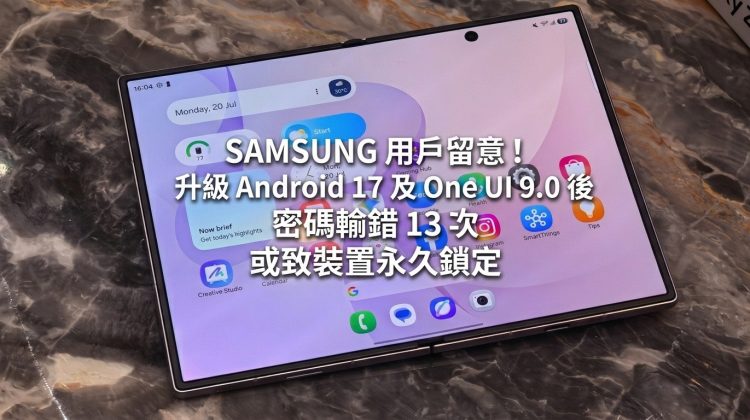
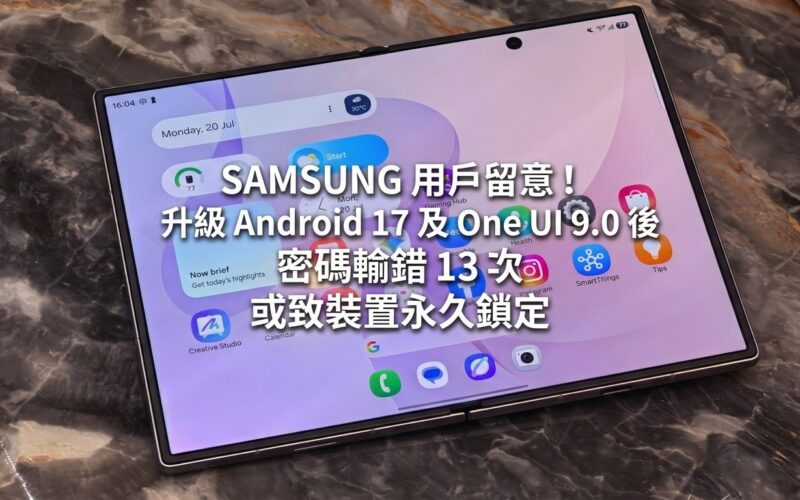
Users of SAMSUNG Galaxy phones need to be more careful when entering the lock screen password in the future. According to foreign media reports, SAMSUNG has readjusted the limit on the number of failed lock screen unlocks in the One UI 9.0 system based on deep optimization of Android 17. Once the user enters the wrong password 13 times in a row, the device will be permanently locked, and the only way to unlock it is to restore the phone to factory settings.
SAMSUNG stated that this adjustment is to improve the security level of the device and prevent others from illegally accessing user data by trying different PIN codes, passwords or unlock patterns multiple times through brute force cracking. In addition to limiting the maximum number of fault tolerances, the new system also extends the cooling waiting time after each incorrect password is entered, further increasing the difficulty of brute force cracking.
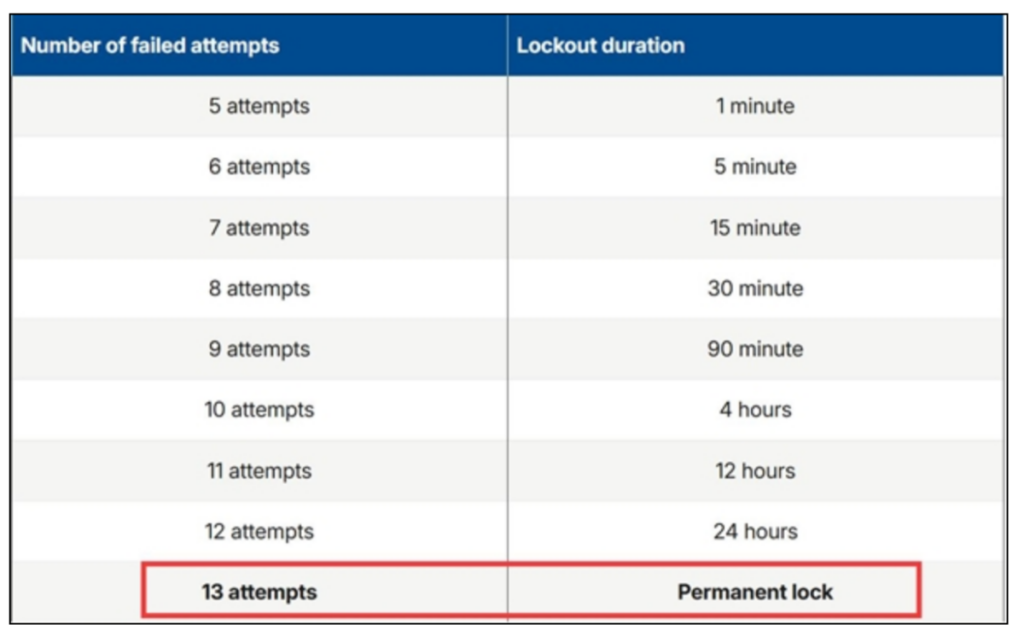
In terms of implementation details, when a user fails to unlock for the 12th time, the system will be forcibly locked and required to wait 24 hours before making the next input. If the error persists after the 13th attempt, the phone will be permanently locked and the phone must be reset before it can function again. This significantly increases the requirement for users to remember the correct password.
It should be noted that even if they mainly rely on fingerprint or face unlocking on a daily basis, users still need to remember their PIN code, pattern or text password. Because the Android system itself will force users to enter a password for identity verification after the phone is restarted or every 72 hours. If you forget your password and are forced to restore to factory settings, the data in your phone will be wiped out, so it is important to back up important data on a regular basis. Relevant security mechanisms have been adopted on new models such as Galaxy Z Fold8, Galaxy Z Fold8 Ultra and Galaxy Z Flip8. As for whether older Galaxy models will follow up in subsequent updates, there is currently no official announcement.