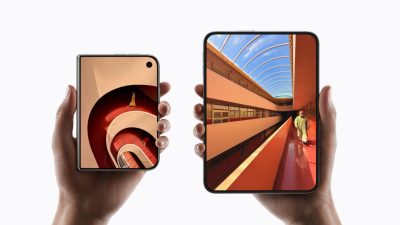

When using artificial intelligence services on mobile phones on a daily basis, you often need to exit the application you are currently using before you can open the exclusive AI tool. The operation process is inevitably a bit cumbersome. In response to this pain point, HONOR Magic V6 makes full use of the hardware features of the folding screen and provides a very practical shortcut operation, allowing users to directly wake up the AI assistant to assist in daily tasks through simple physical movements.
To enable this convenient operation, users only need to open the phone’s settings interface, find and enter the “Folding Screen Area”. Click the “One-fold split screen” option in this directory. After turning it on, just pay attention to the AI assistant settings at the bottom of the screen and make sure the default option is designated as “Gemini” to complete the entire setup process.
After the settings take effect, whenever you need to find inspiration or answer questions while browsing the web or processing paperwork, you only need to gently fold the body of HONOR Magic V6 in half. The system will automatically trigger the split screen mode and start Gemini AI immediately. This native design eliminates the need for complicated application switching steps, makes the experience of obtaining artificial intelligence suggestions smoother and more direct, and greatly improves the efficiency of multitasking.