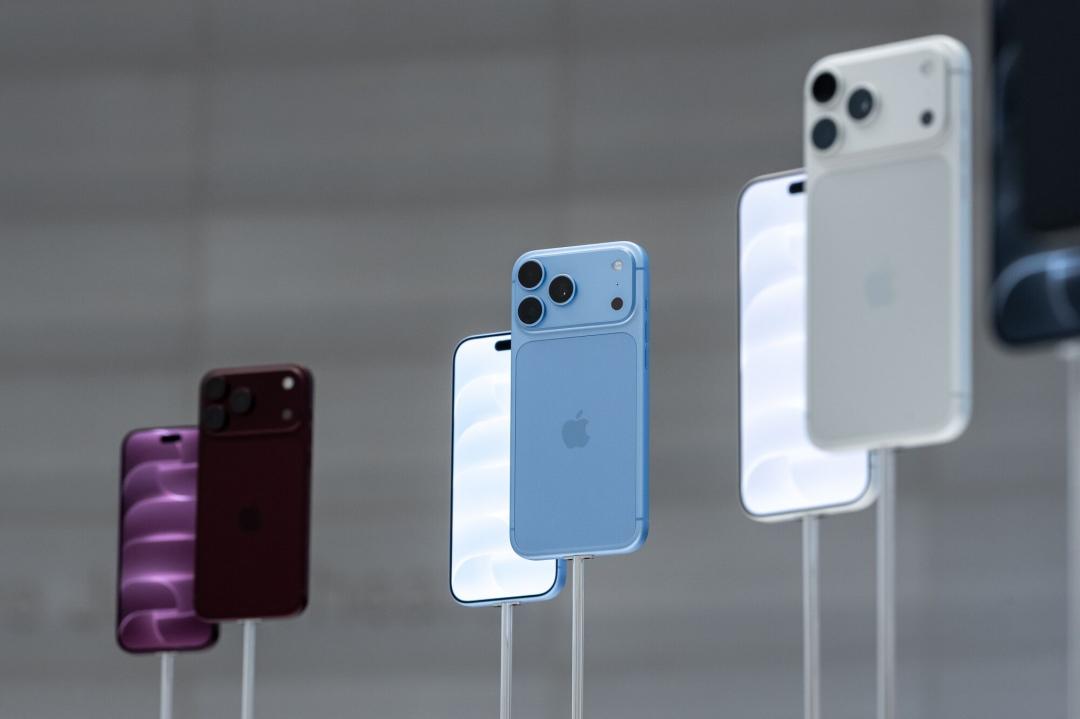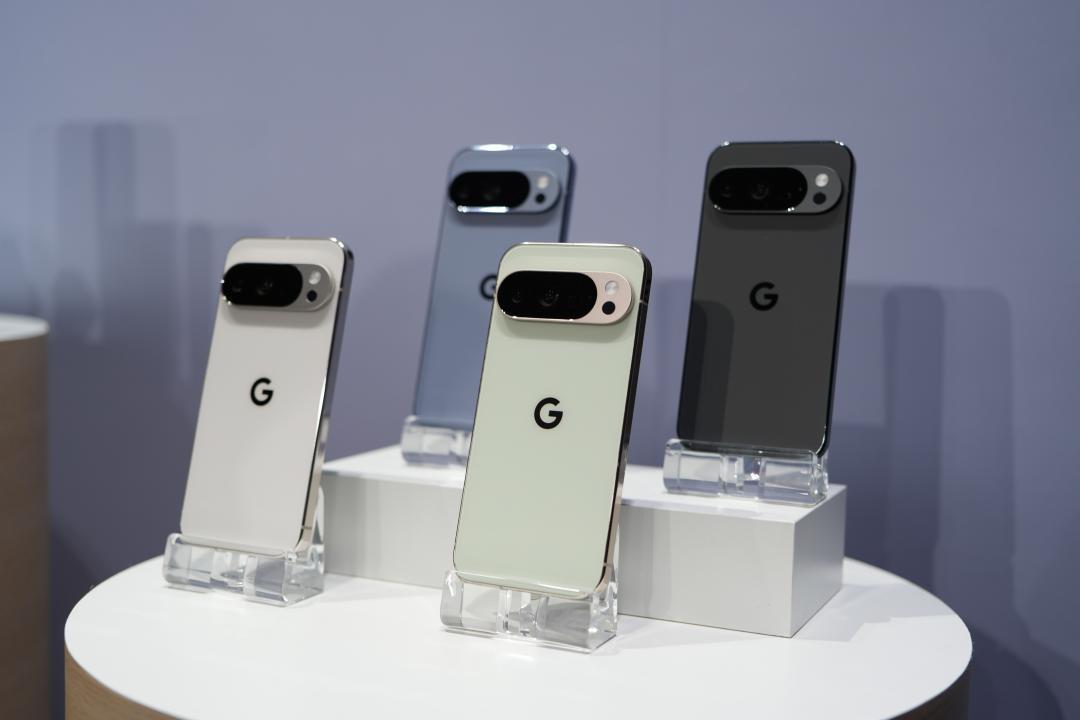
In conjunction with the official launch of Android 17, Google has also launched the June Pixel Drop update to unlock more practical new features for Pixel phones. Pixel 6 series and above models can benefit.
New screen recording and selfie function
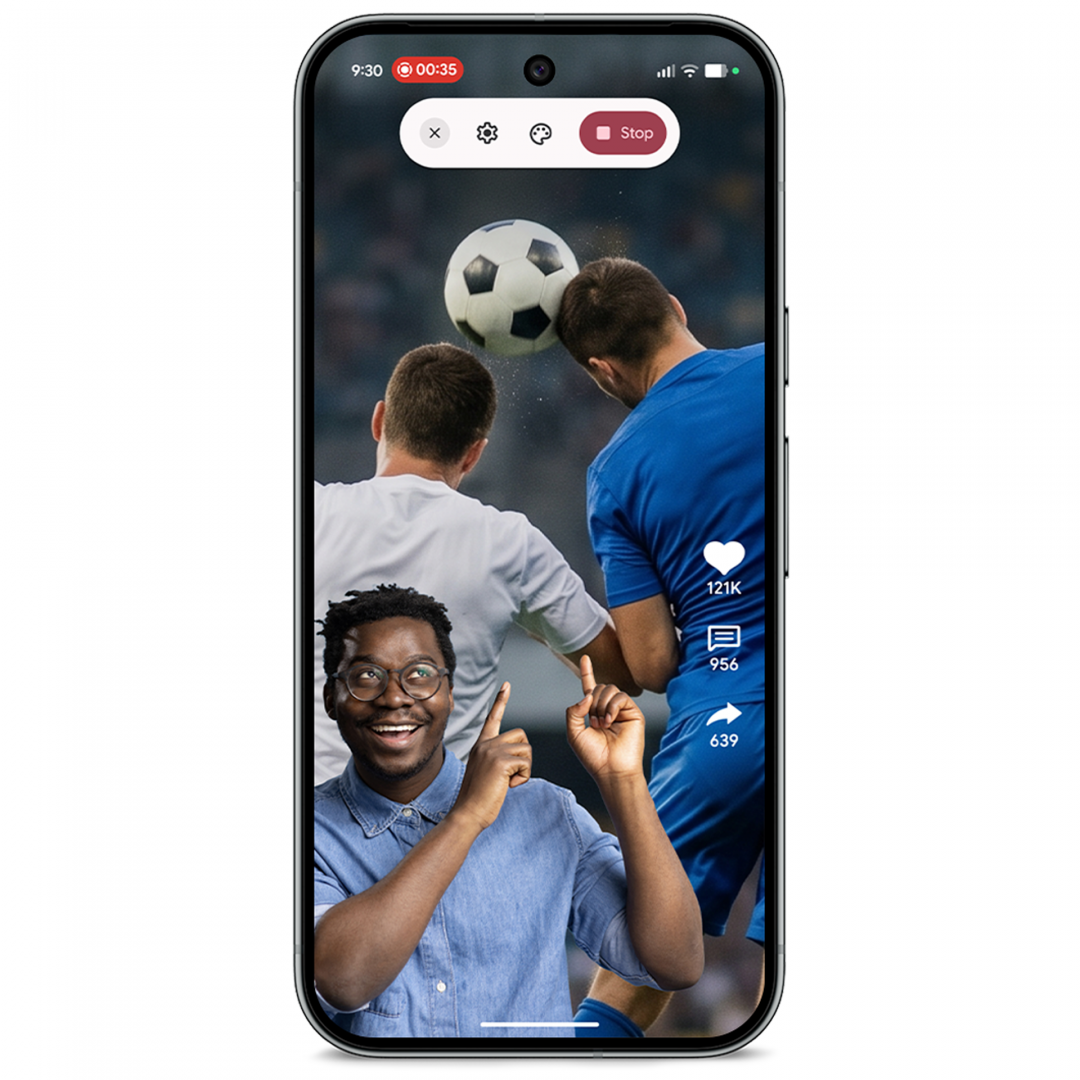
Android 17 adds a “Screen Recording Selfie” function, which allows users to simultaneously record their own expressions and reactions while recording the screen, making it easy to create the popular Reaction videos in recent years.
It’s very simple to use. Just swipe down twice from the top of the screen to open the quick settings menu, click on the video recording icon, then turn on “Show selfie camera” and start recording. The front camera will capture the image simultaneously. You can still operate your phone normally during the recording process, and you can freely drag the position and size of the selfie window. It should be noted that this feature can only be used when the “Record Entire Screen” mode is set.
Bubble function makes multi-tasking on mobile phones more convenient
Android 17 also introduces a new “bubble” function. As long as you press and hold the App icon, the App can be reduced to a floating window and displayed above the screen of another App in use. Users can quickly switch between different apps without having to return to the home screen repeatedly, greatly improving multitasking efficiency. On foldable phones such as the Pixel 10 Pro Fold, bubbles will also be displayed in a dedicated bubble bar at the bottom of the screen, making management and switching more convenient.
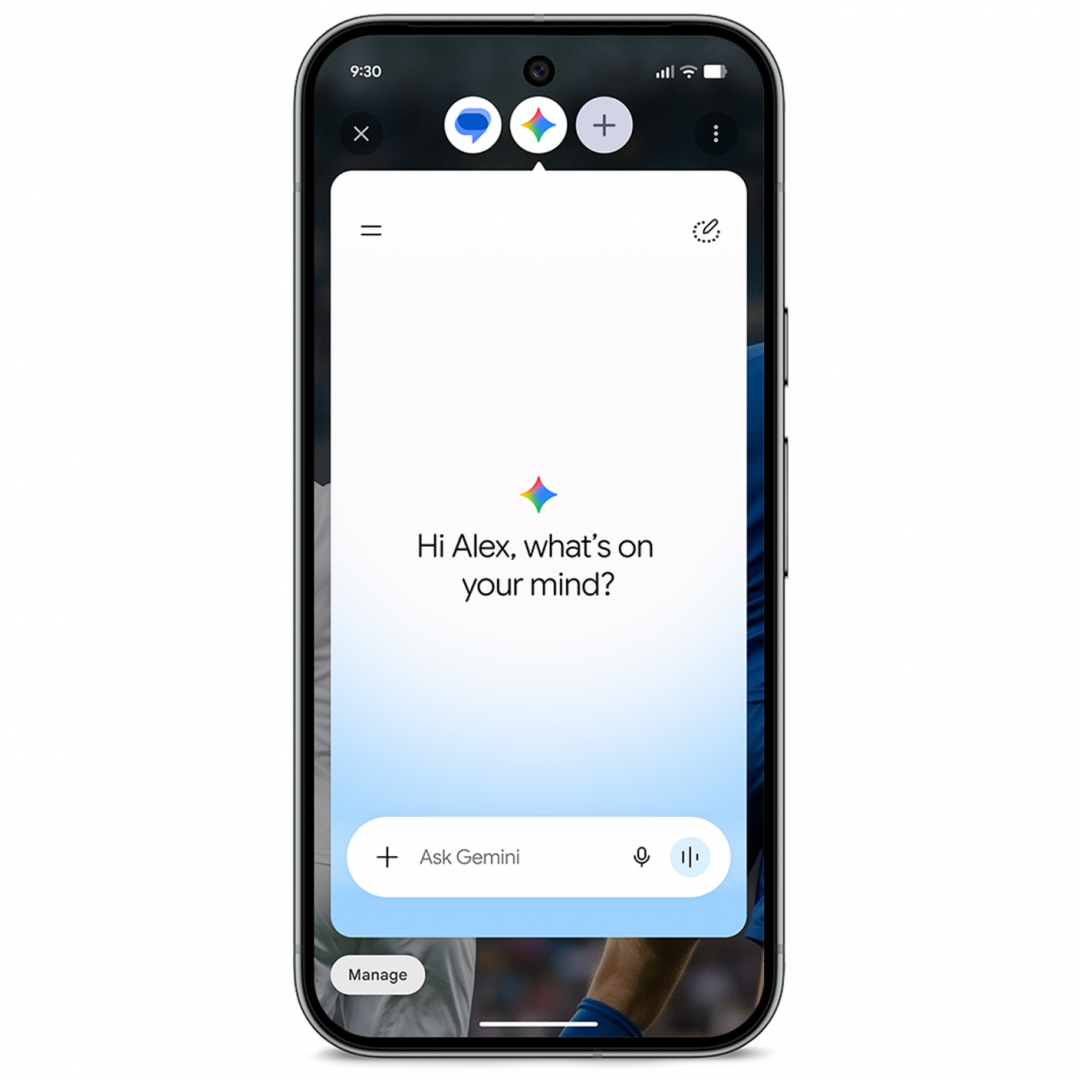
Gemini Omni produces creative videos
Pixel phones can now create and edit videos through Gemini Omni. Users only need to enter their requirements like normal chat, and Gemini will help generate video content. Whether you are creating from scratch, rearranging photos and videos in an album, or applying ready-made templates to quickly create videos, it can all be done through AI.
Google said that Gemini Omni also supports the creation of avatars that look and sound similar to themselves, allowing users to appear directly in AI-generated videos. However, Gemini Omni requires a subscription to the Google AI solution to use. Some functions currently only support English, and users must be over 18 years old.
Gemini can also write songs and soundtrack for you
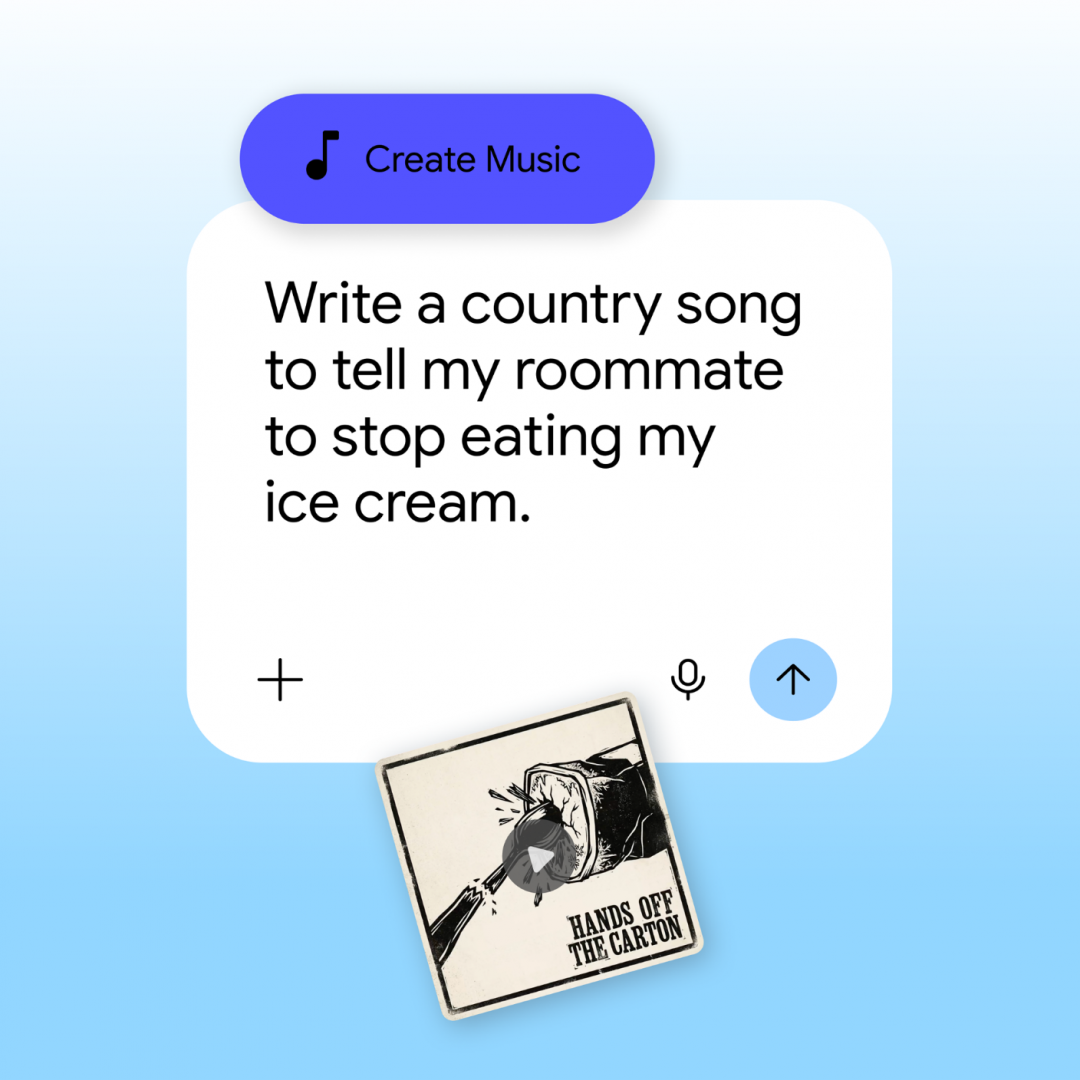
In addition to video creation, Gemini can now also assist in music production. Just enter a description of your inspiration or even upload a photo directly, and Gemini will generate songs and soundtracks based on the content. Users can further specify the music style, vocal performance and rhythm speed to create works that better meet their needs.
Just open the Gemini App, enter the tool menu and select “Create Music” to start experiencing this feature. Users must be over 18 years old.
Detect emergencies and automatically notify relatives and friends
Google has also further strengthened the security features of the Pixel ecosystem. When a Pixel phone or Pixel Watch detects an emergency such as a major car accident or a fall, in addition to automatically contacting emergency rescue units, it will also simultaneously notify preset emergency contacts. Users can freely choose whether to enable relevant notification functions according to their needs.
Currently, fall detection supports Pixel Watch, Pixel Watch 2, Pixel Watch 3 and Pixel Watch 4; car accident detection supports Pixel Watch 2, Pixel Watch 3 and Pixel Watch 4.
Circle the search to find the entire outfit in one click
Google has also added a new “Search for similar styles” feature to circle search. When you see an outfit you like, you don’t need to leave the current app. Just circle the clothing or accessories on the screen to quickly find similar products, ranging from tops to pants to shoes. This feature currently supports all devices running Android 14 or above and equipped with the circle search function.
Privacy and security are enhanced
Android 17 also brings a number of privacy and security enhancements. For example, when an app requires location permission, users can choose to only temporarily share their precise location; when they need to access contacts, they can also authorize only specific contacts instead of the entire address book. In addition, the “Find Center” adds a more powerful “Mark as Lost” function. When the phone is lost, even if someone else guesses the unlock password, they cannot turn off location tracking or access personal data.
Google also increases the difficulty of brute force cracking, limits the number of incorrect password entries, and extends the waiting time after each failed entry to further enhance device security.
“You May Also Want to See”
Apple’s new camera version of AirPods won’t be available this year! The fastest time to market exposure
No need to draw, no need to grab. Now use the APP to watch the news and you are guaranteed to win every day. Click me to download the APP. Click me to see the event details.