The audio button on the right side of the Messages text field has one reliable skill: getting hit by mistake. iOS 27 gives you a way to remove it. 9to5Mac put the setting back in the spotlight on November 24 with a short recap by Ryan Christoffel. For readers the useful part is the version path. The setting already ships on the public iOS 27 build. You do not need the 27.3 beta for it.
What the Show in Text Field row controls
The row sits at Settings > Apps > Messages > Show in Text Field. It has three options. None removes the audio button from the text field. Record Audio and Start Dictation keep the button but lock its function, so it stops switching on its own. Before iOS 27 the button changed jobs dynamically between recording and dictation.
Pick None and audio messages still work. Tap the + button left of the text field, then choose Audio. Dictation also stays on the keyboard. The complaint the setting answers is old. Accidental taps land on the record button in the spot where a send button should be, and the fix traces back to coverage of Justin Bieber's public complaint in June.
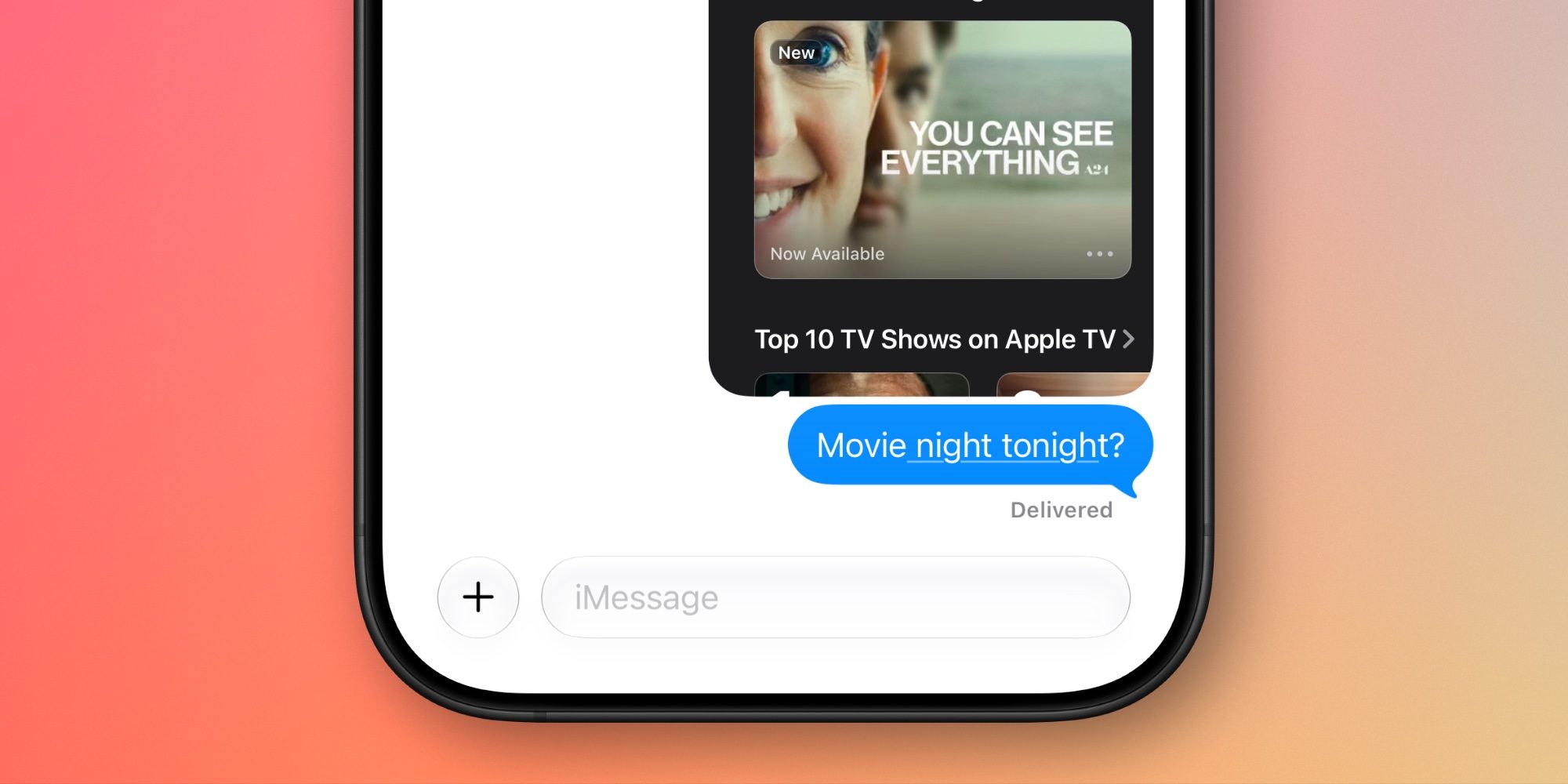
The same steps on iPhone and iPad, first documented in June
MacRumors logged the path three times before this week. Joe Rossignol's June 9 piece, Juli Clover's August 26 Messages guide under "Accidental Recordings", and Tim Hardwick's September 14 how-to, which also applies the steps on iPad. Hardwick adds one edge case: if the keyboard microphone is missing, dictation is off. Turn it on under Settings > General > Keyboard > Enable Dictation.
Our own September 17 iOS 27 tip on hiding the Messages audio button walks the same four taps. It told day-one readers to check build 24A437. That line aged out. What matters now is that the row is on every public iOS 27 install. The ten Messages settings worth checking after the iOS 27 update still hold, and hiding the button changes nothing for Smart Reply in Messages and Mail.
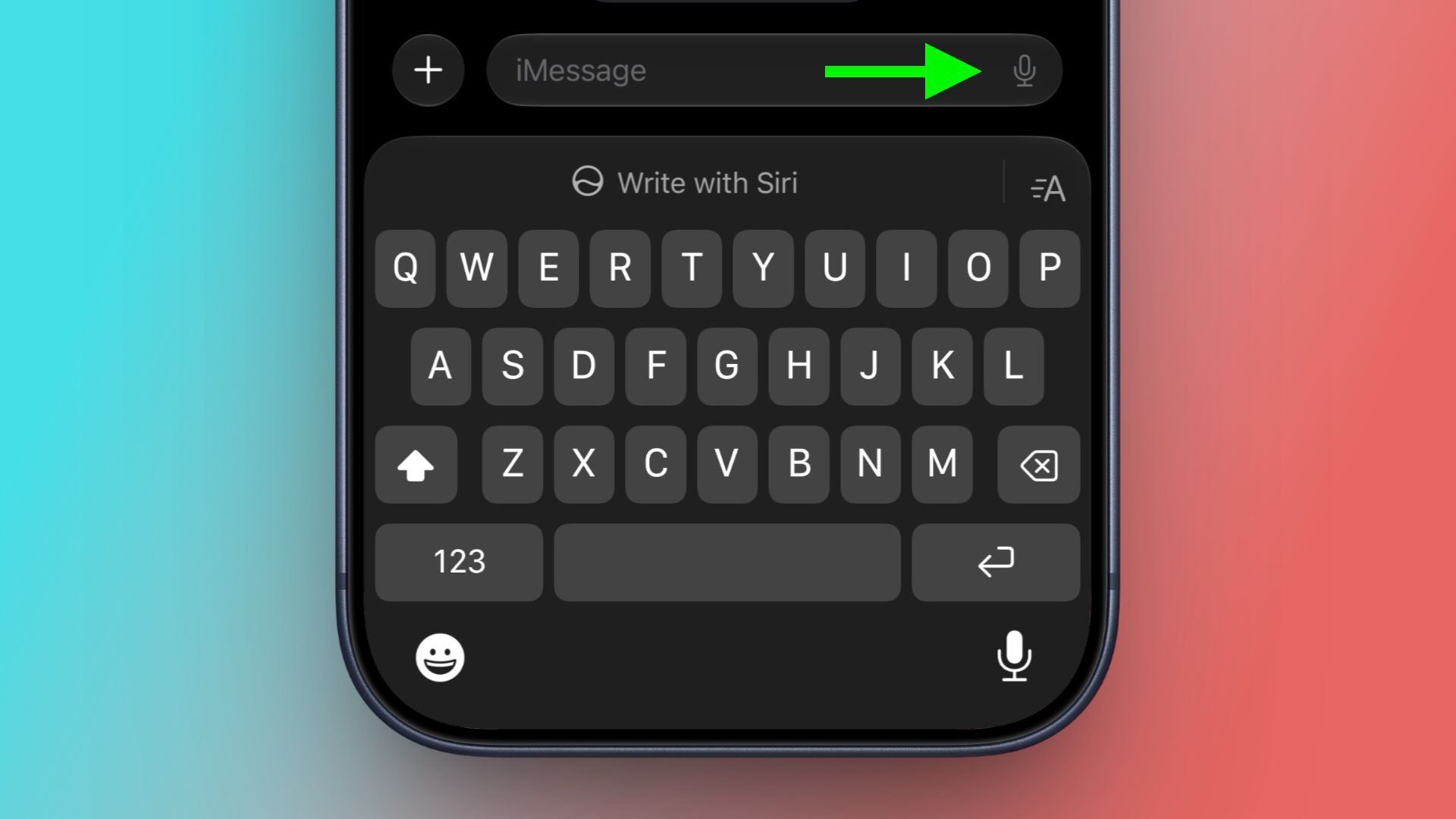
The November 24 recap is a rediscovery, not a new Apple change
Christoffel's post is a usage recap, not a new Apple announcement. He writes that he never sends audio messages and only met the button through accidental taps. The timestamp is November 24, 2026, 7:05 a.m. PT. One gap worth naming: Apple has not published a support document for the row. About iOS 27 Updates has no "Show in Text Field" entry, and the iPhone User Guide messaging page still only describes sending audio through iMessage apps. The path above comes from outlets that tested it, not from an Apple manual.
Where iOS 27 stands on November 25
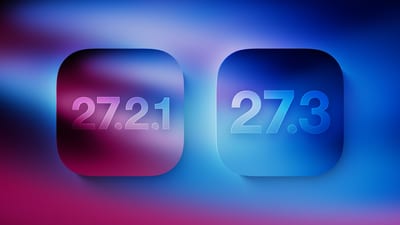
As of November 25, 2026, the public tip is still iOS 27.2.1 (24B156, with the iPhone Duo SKU at 24B91034), dated November 9 on Apple's Developer Releases. The newest tester build is iOS and iPadOS 27.3 beta 2 v2 (24C5049f) from November 19. No RC and no public 27.3 yet. So if this setting is all you want, stay on the build you have. Testers who want the public tip back should read Apple's How to uninstall iOS or iPadOS beta software first. Turning Beta Updates off only stops future betas. Going back to the public tip takes an erase and restore.
Photo: 9to5Mac (Messages icon, screenshot); MacRumors (input bar shot).
Source: 9to5Mac, MacRumors, Apple Developer Releases.