Apple today officially launched the latest firmware update for AirPods Pro 3 and AirPods Pro 2. The AirPods Pro 3 firmware version was upgraded from 8B40 to 8B41, while the AirPods Pro 2 was updated from 8B39 to 8B41. Apple also released a new 1B211 firmware update for Beats Studio Buds.
Apple releases latest firmware update 8B41 for AirPods Pro
According to Apple’s latest update information, AirPods Pro 3 and AirPods Pro 2 have begun to push firmware version 8B41. Since Apple has not announced the detailed update content, it is unclear whether this update will add new features.
Only relevant firmware update information is mentioned in the support document. According to past practice, such AirPods firmware updates usually focus on correcting known issues, improving system stability, and improving overall performance.
In addition to the AirPods Pro series, Apple also simultaneously launched a new version of 1B211 firmware for Beats Studio Buds, which is improved compared to the previous version 1B204. It also did not explain the specific content of this Beats Studio Buds firmware update.
How to update AirPods Pro firmware 8B41?
AirPods firmware 8B41 cannot be downloaded and installed manually. The system will automatically complete the update after meeting the conditions. If you want to upgrade to the latest version as soon as possible, you can follow the steps below:
- Confirm that AirPods Pro has completed Bluetooth connection with iPhone, iPad or Mac.
- Connect your Apple device to your Wi-Fi network.
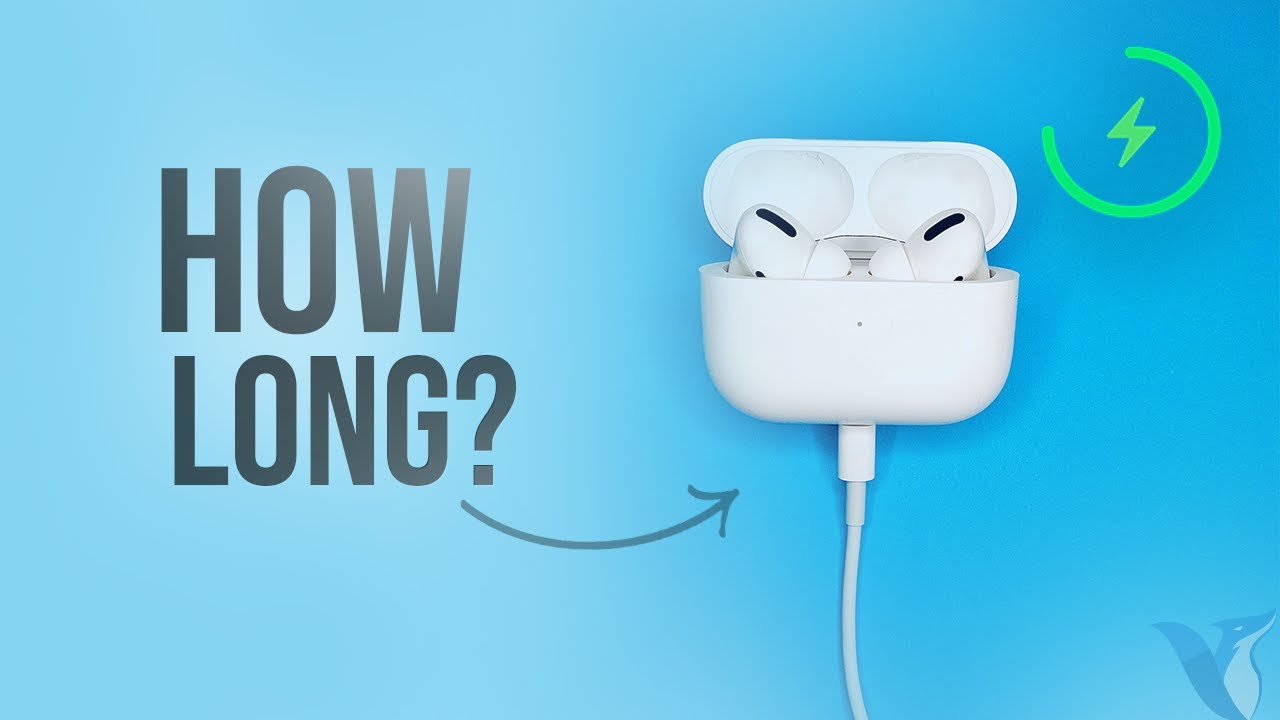
- Place AirPods into the charging case.
- Connect the charging box to the charger or power source.
- Close the top cover of the charging box and let it sit for at least 30 minutes.
After completion, you can go to the AirPods settings page to check the current firmware version. If the update has not been successful, you can wait for a while and reconfirm.
In addition, Apple releases AirPods firmware updates in stages and will not fully push the new firmware on the day it is released. For detailed update methods, please refer to “AirPods Firmware Update Tutorial: Teach you how to check the device version and update methods.”
After updating, if you want to confirm whether AirPods have been updated to the latest version, you can open “Settings” > “Bluetooth” through iPhone, click the information button (i) next to AirPods, and you can view the current firmware version number on the device information page.
If “8B41” is displayed, it means that AirPods Pro 3 has been successfully upgraded to the latest firmware. For the latest version currently listed in Apple’s official documents, please refer to “Latest AirPods Firmware Query”.
If you want to know more Apple information, iPhone teaching and 3C information skills, please follow us
Crazy Mr. FB fan group,
Subscribe to Mr. Crazy Google News,
Telegram,
Instagramas well as
Subscribe to Mr. Crazy YouTube.