AI Smart Summary
Click to generate
Ready, click the button in the top right corner to generate summary
AI thinking...
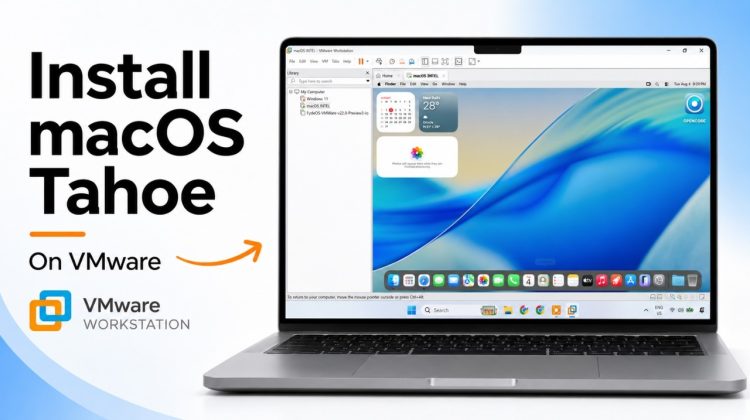
Learn how to install macOS Tahoe 26 on a Windows PC using VMware Workstation. In this tutorial, I’ll show you how to download the macOS recovery image, create the virtual machine, install VMware Tools, enable shared folders, fix audio, and get macOS Tahoe running smoothly on Windows.
This setup is useful for testing macOS without replacing or dual-booting your existing Windows installation.
OC4VM: https://github.com/DrDonk/OC4VM
QEMU for Windows: https://qemu.weilnetz.de/w64/
Command:
“C:Program Filesqemuqemu-img.exe” convert -O vmdk -o compat6 tahoe.dmg tahoe-install.vmdk