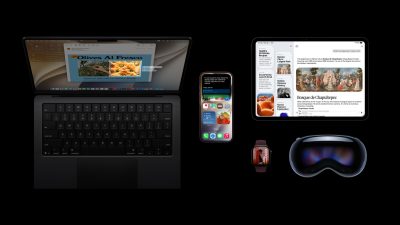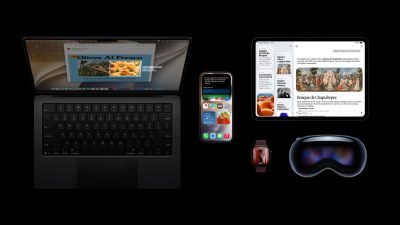
Having trouble with iPad multitasking after the new update?
Here’s how to master Split Screen, Stage Manager, and Window Apps — and actually make them work.
🎬 In this video:
• What went wrong with the new multitasking update
• How to fix lag, app closures, and confusion
• Step-by-step walkthrough to customize your setup
• Tips for resizing apps, moving windows, and managing your Dock
This guide is perfect for anyone who wants to use their iPad like a real productivity tool again.
👉 Watch now and learn how to make multitasking smooth, simple, and actually useful.
#iPadTutorial #iPadMultitasking #AppleTips #Productivity #ipados26
—————————————————————————————————————————————————-
⏳ Time Stamps ⏳:
0:00 – Intro
1:30 – Your Ipad Setup
2:14 – How To Adjust Your Window
3:31 – Adjust Your Ipad Keyboard
4:26 – How To Use Multitasking
6:26 – Your Menu Bar ( Traffic Light Controls )
7:59 – Add Apps To Your Doc
9:10 – Adjust Your App Colors
9:48 – Outro