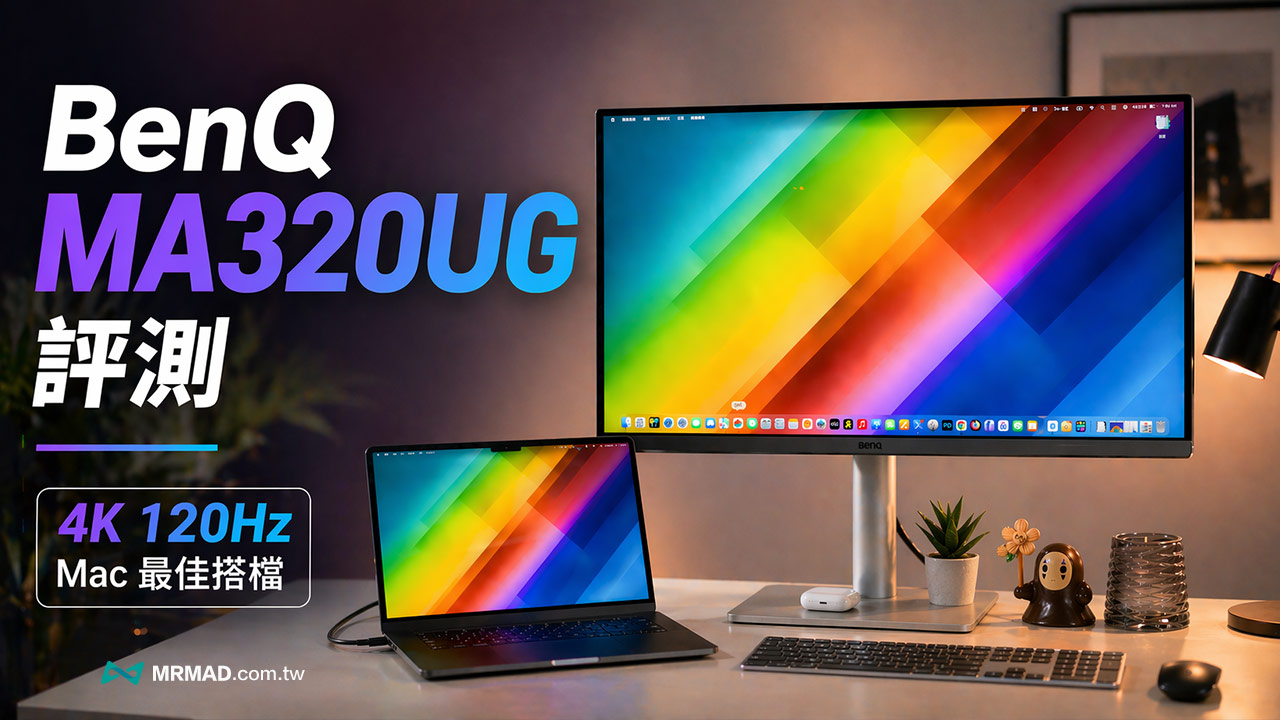
I believe that when many MacBook users choose an external monitor, they often encounter colors that run off after the screen is connected, the image quality looks blurry, or the brightness and volume cannot be controlled directly with the Mac keyboard. If you are like me, you have become accustomed to the MacBook display effect, and you will really feel like you can’t go back when you look at an ordinary PC screen. Recently, BenQ has also launched the new MA320UG, which is specially designed for Mac. It not only has a 32-inch 4K high-quality image, but also uses a Nano Gloss mirror panel and is equipped with a 120 Hz high refresh rate for the first time. Can this screen, which sells for less than 30,000 yuan, really be comparable to Apple’s original external screen? This time, Mr. Crazy is here to bring you a complete unboxing and in-depth review to see if it is the best choice for a Mac external monitor!
The most common dissatisfaction of Mac users with external monitors usually focuses on three things. The first is that the colors look different from the MacBook itself. The second is that the glassy feel, contrast and black levels lack the transparency of Apple screens. The third is that the wiring and control are not intuitive enough, and they often require additional OSD to adjust slowly.
BenQ clearly targeted these pain points on the MA320UG this time. The official emphasized that this screen uses Nano Gloss surface treatment, combined with M-book mode and Mac color calibration logic, with the goal of making the external screen closer to the visual style of the MacBook.
Of course, the MA320UG is not intended to replace the Apple Studio Display, but to have a higher CP value choice between price, size, update rate and connection flexibility. This time BenQ is on the MA320UG, with the main focus on a larger 32-inch screen, 120 Hz smoothness, Mac color matching and more complete expandability. The needs of the two customer groups will be different.
BenQ MA320UG unboxing review
Appearance design perfectly matches Mac
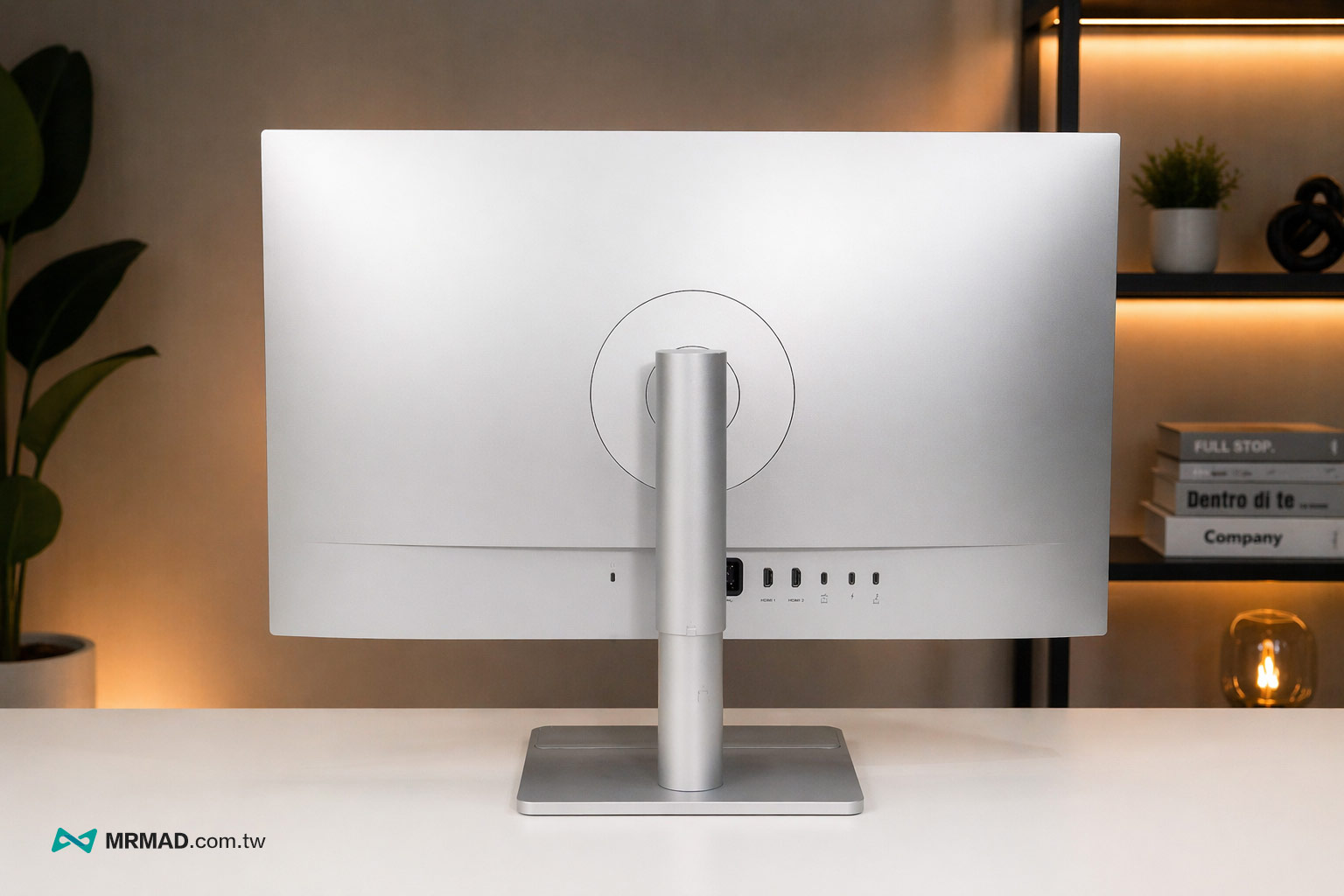
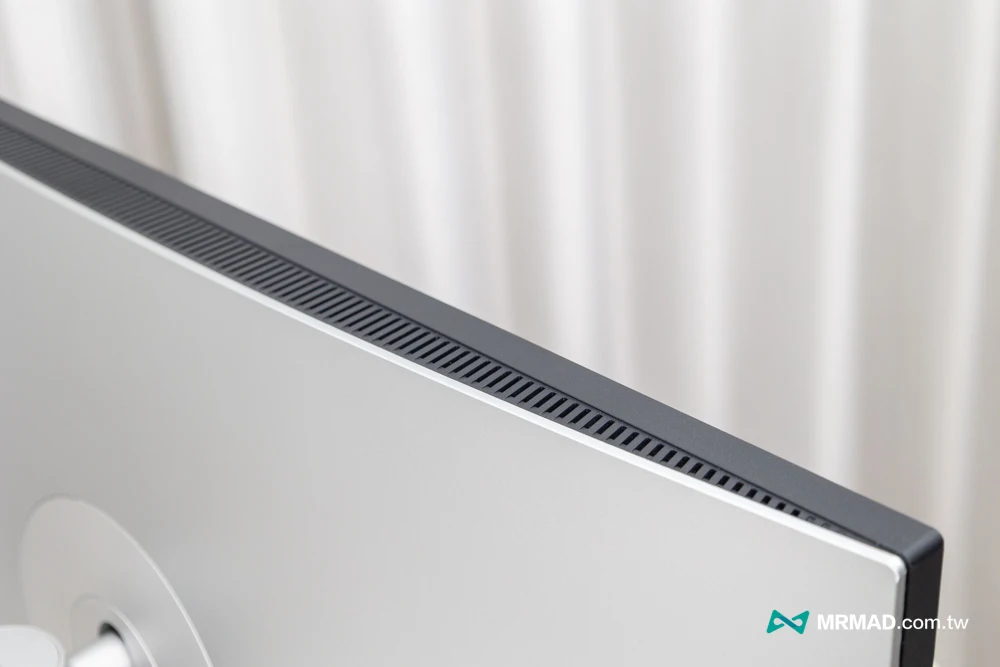
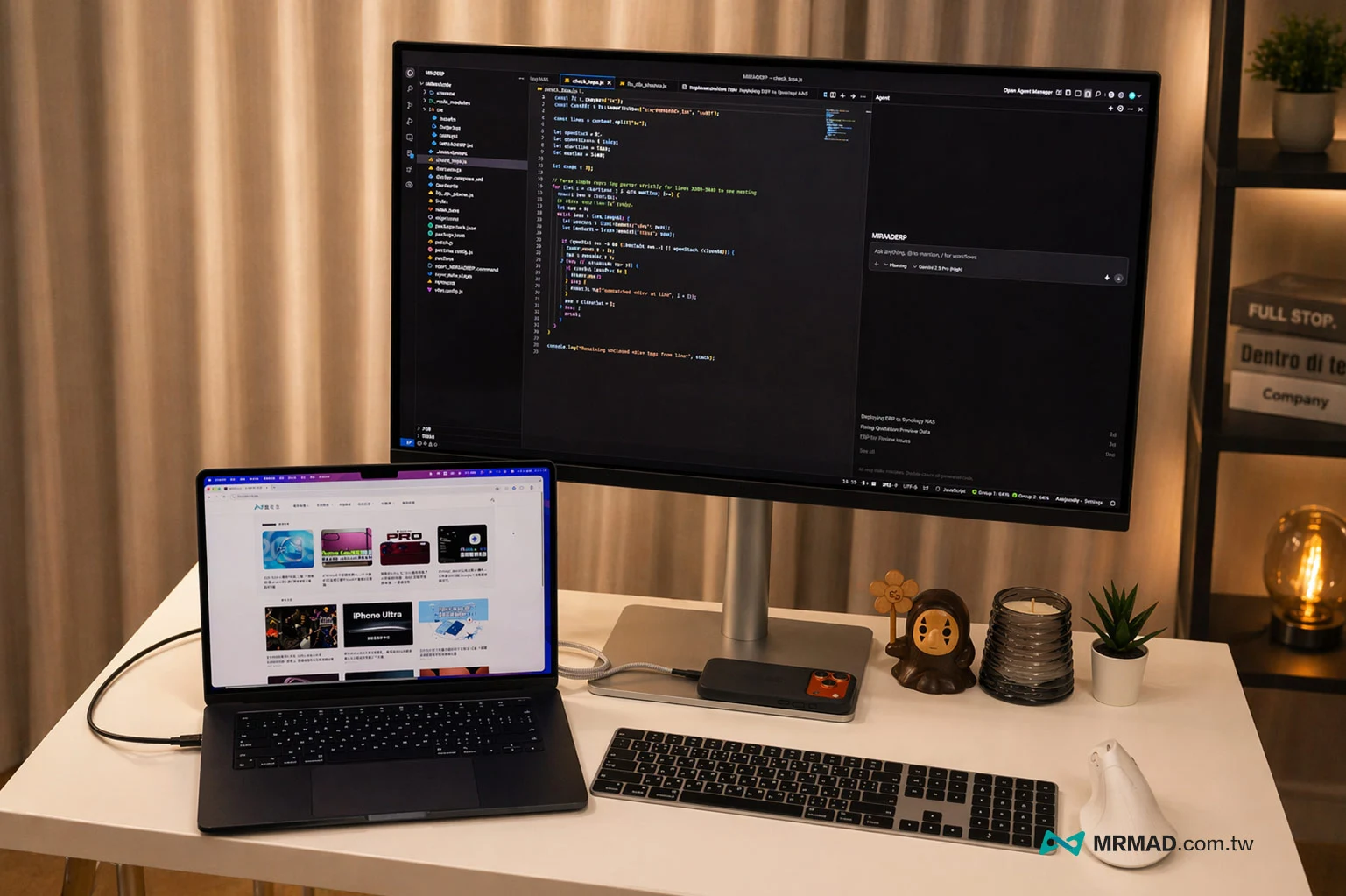
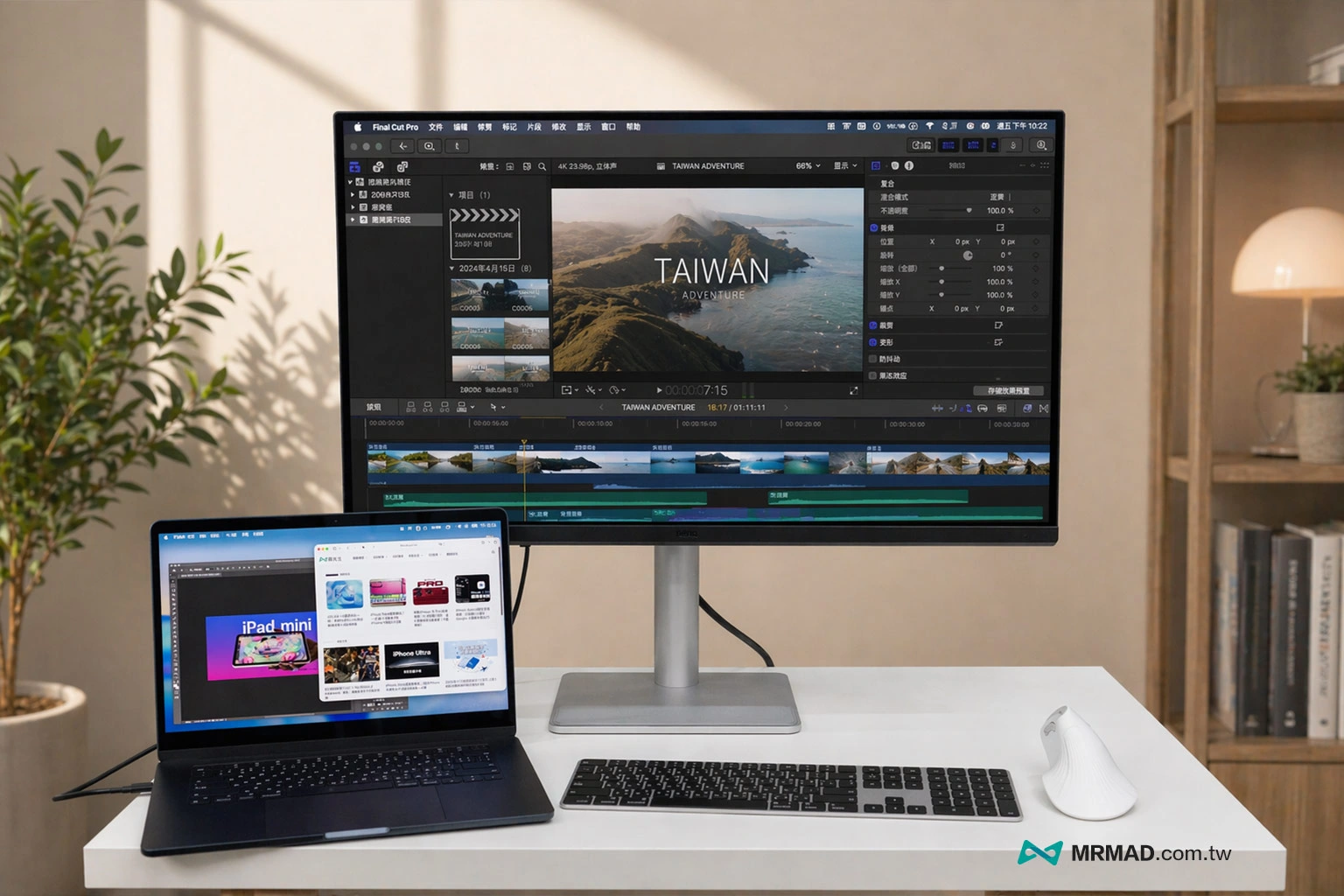
From the appearance design point of view, the BenQ MA320UG is not the kind of product that is deliberately made into an Apple clone. It does not directly copy the minimalist aluminum alloy unibody language of the Studio Display. Instead, it also retains BenQ’s unique design line. Different from the heavy or plastic feel of traditional gaming screens, the MA320UG uses a very clean silver metal texture base and back panel. When placed on the table, it will not look out of place when paired with a MacBook Pro or Mac mini.
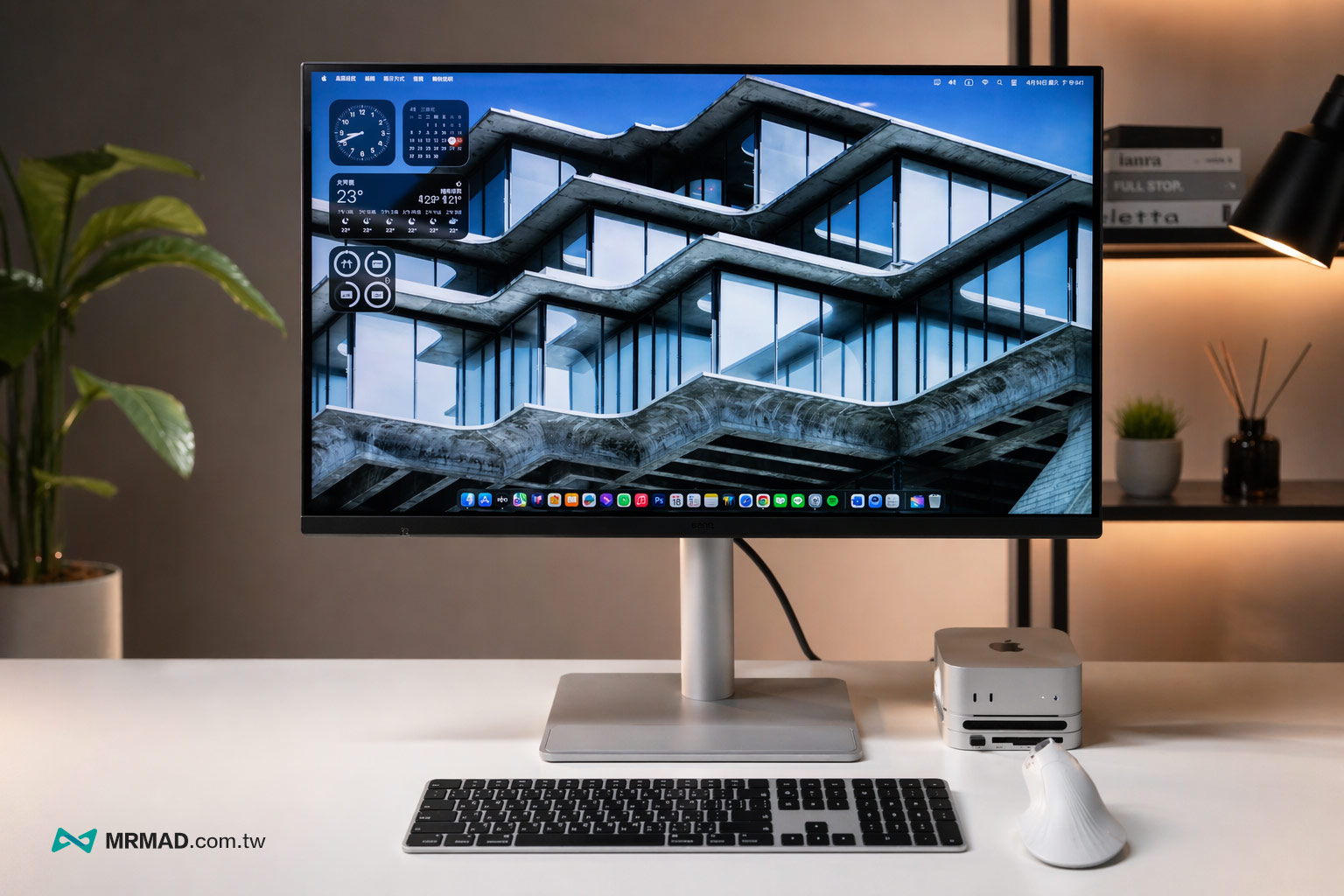
Ergonomic stand (lift/swivel/upright)
The stand design is also very ergonomic, supporting 150mm height adjustment, tilt and left and right rotation, and can even be flipped vertically 90 degrees. It is more flexible than some original monitors and is very useful for writing programs, viewing effects, photo retouching, previewing article layout, or image processing.
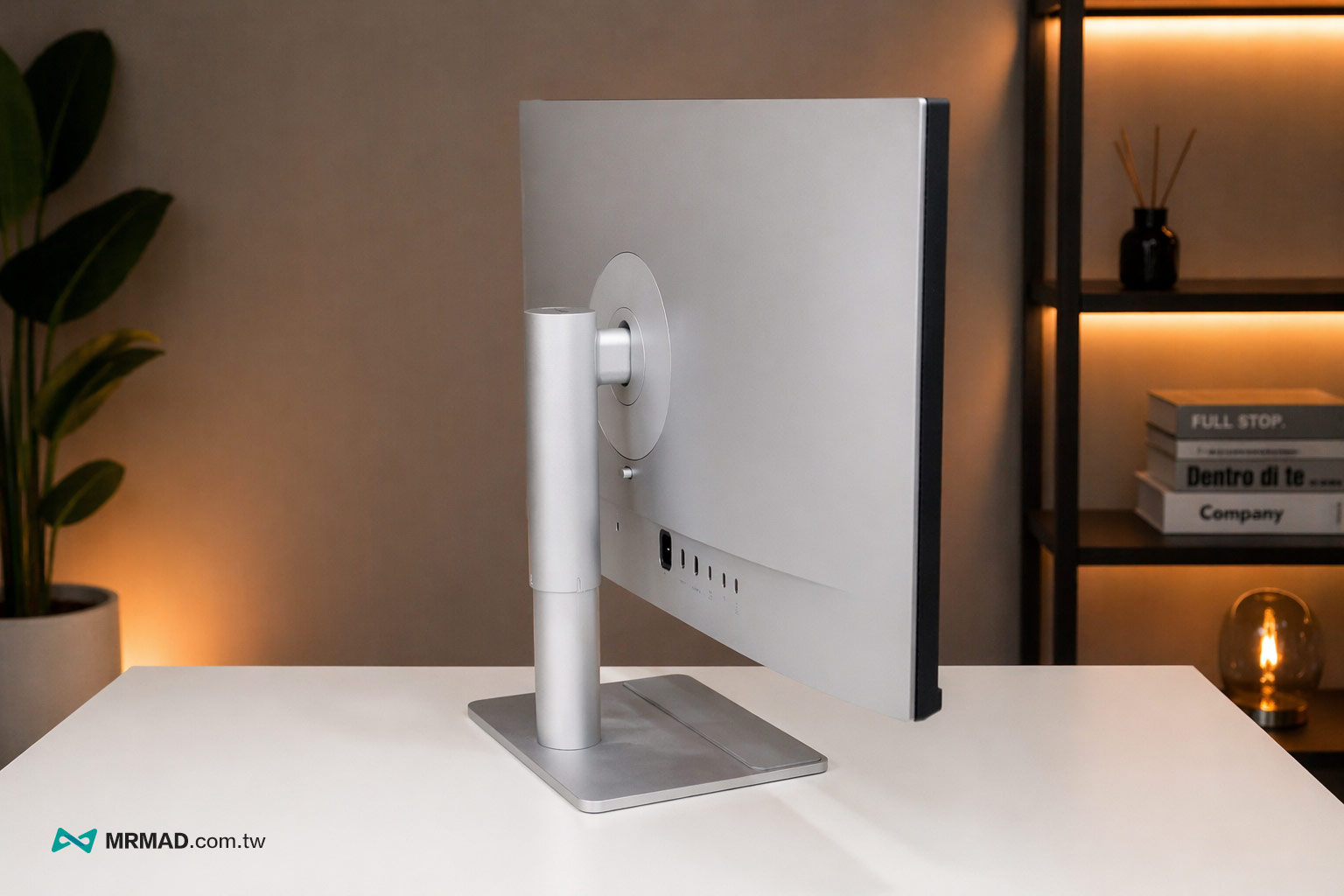
There is still enough bottom space at the lowest position of the stand, and small hosts such as Mac mini can be placed directly without affecting the placement configuration.
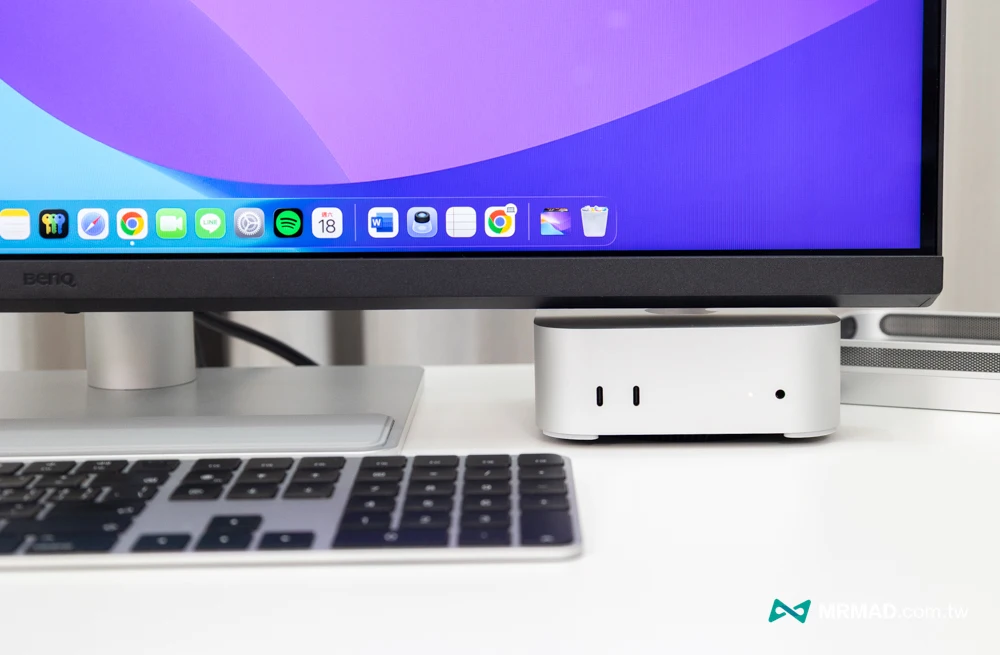
Supports VESA wall mounting and quick release design
It is worth mentioning that for users who pursue the ultimate desktop clearance, the MA320UG also fully supports standard VESA wall mounting specifications (100 x 100 mm). Just press the quick-release button on the back to remove the original bracket, and you can easily replace it with your usual air pressure screen bracket.
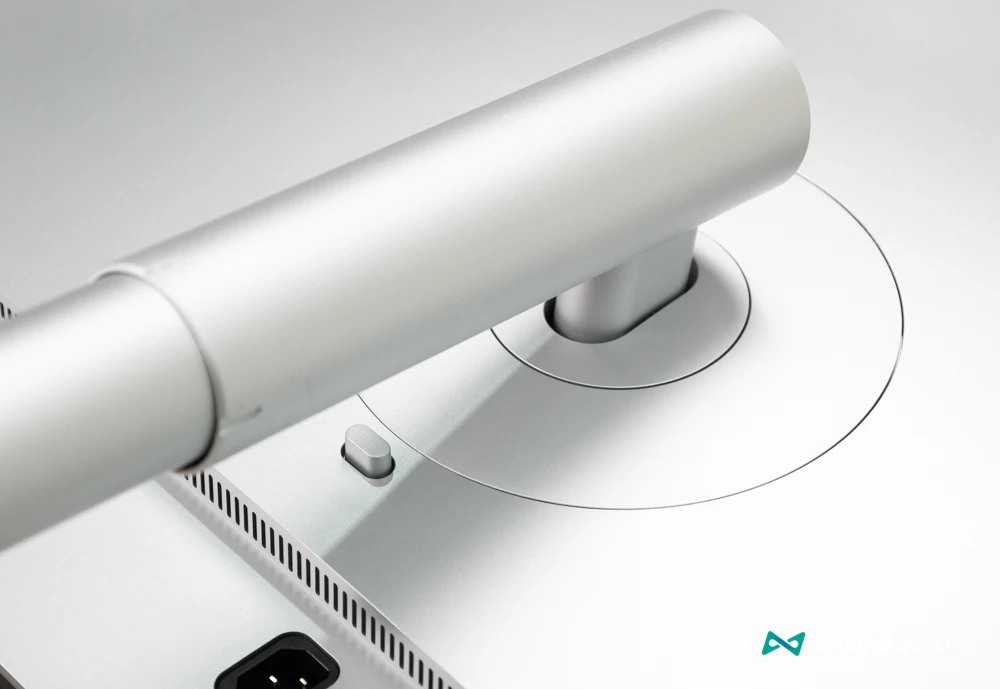
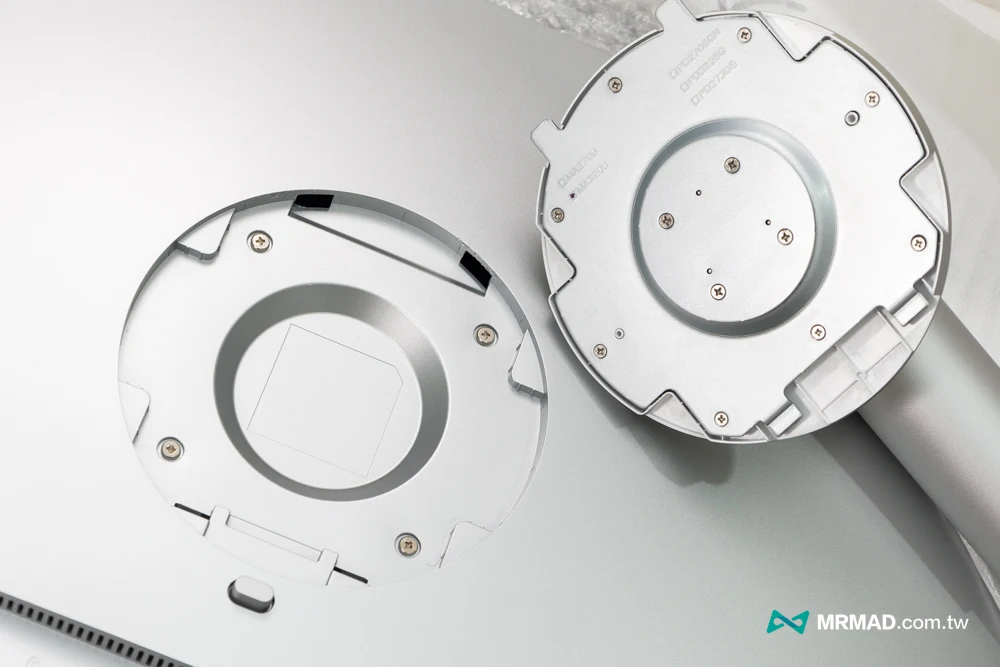
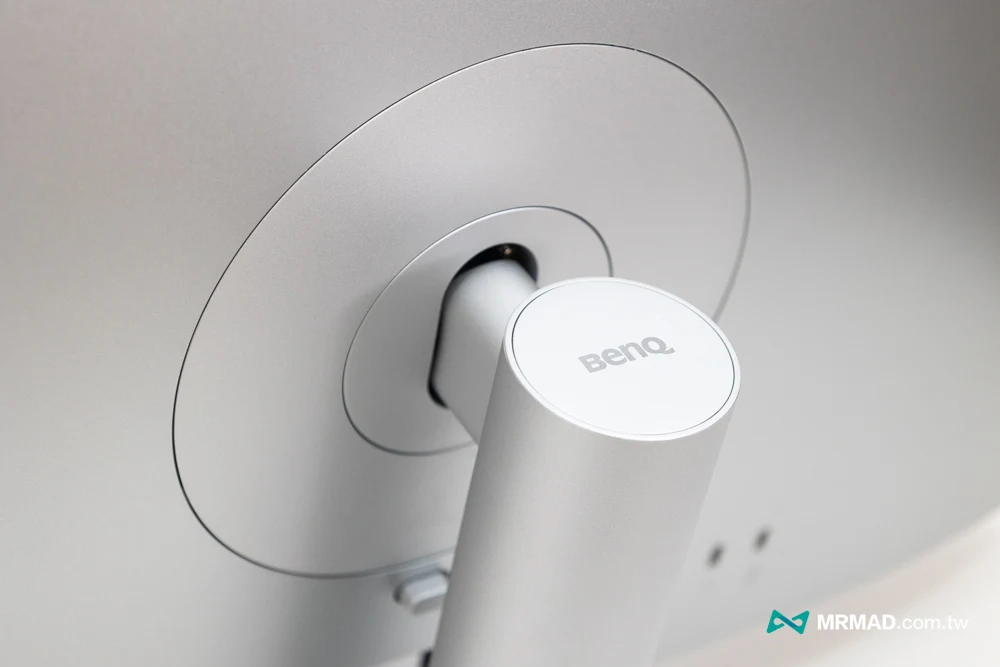
Moreover, the screen base also adopts a screw-free quick-release design, allowing users to easily assemble it in one minute without using any tools.
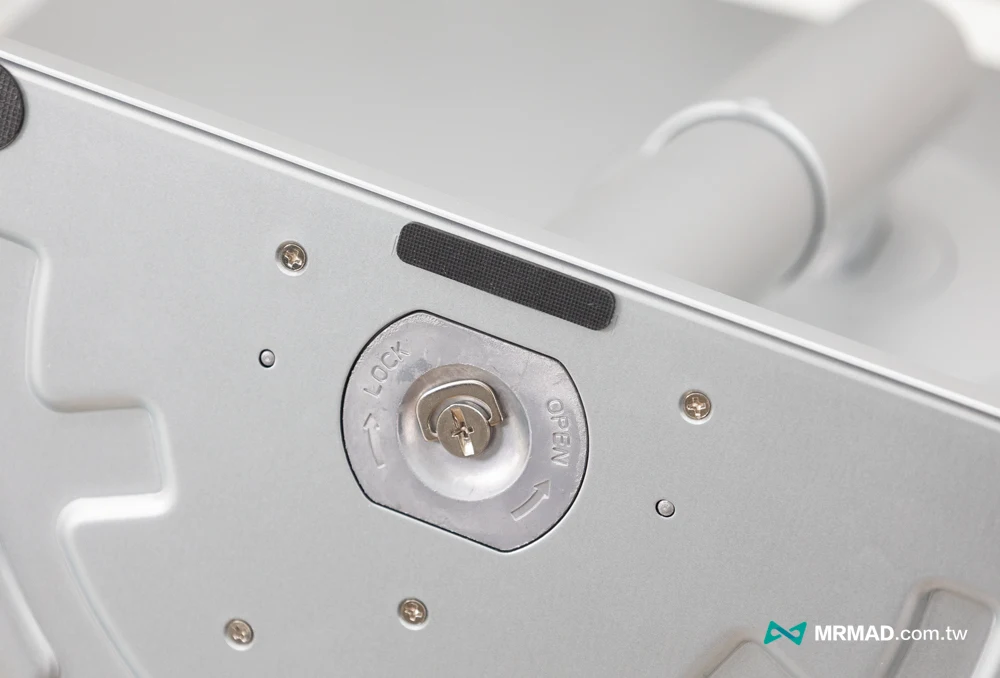
Equipped with Nano Gloss, actual measurement of mirror reflection and clarity
95% of most professional screens on the market use matte coating. Although it is anti-glare, it will sacrifice the transparency and color contrast of the screen. The key reason why Apple’s original screen looks so transparent and beautiful lies in the use of mirror glass.
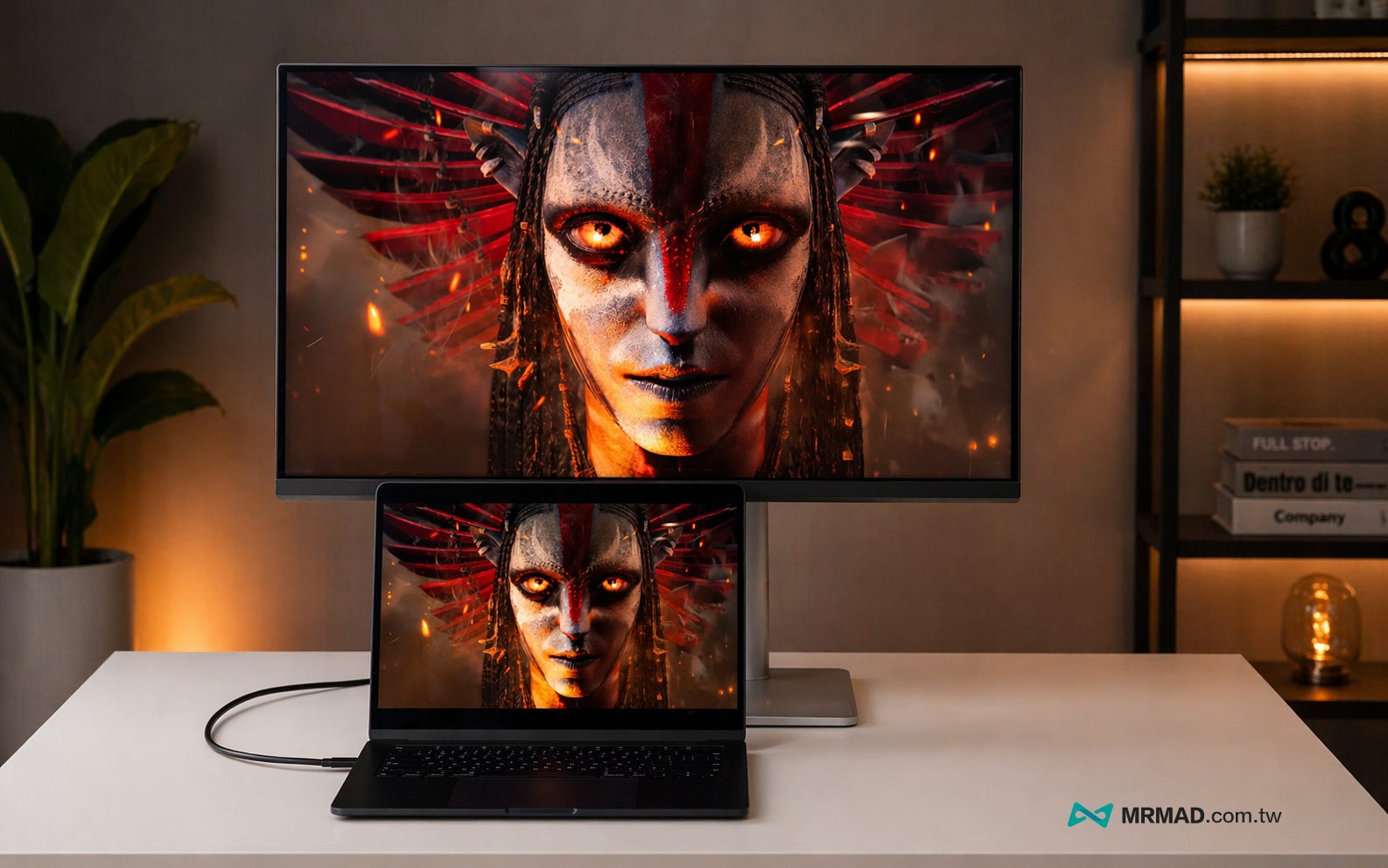
BenQ MA320UG uses a Nano Gloss mirror panel. This special coating can not only perfectly restore the crystal clear luster of the Mac’s native screen, but also effectively suppress the serious reflection problems of ordinary mirror screens.
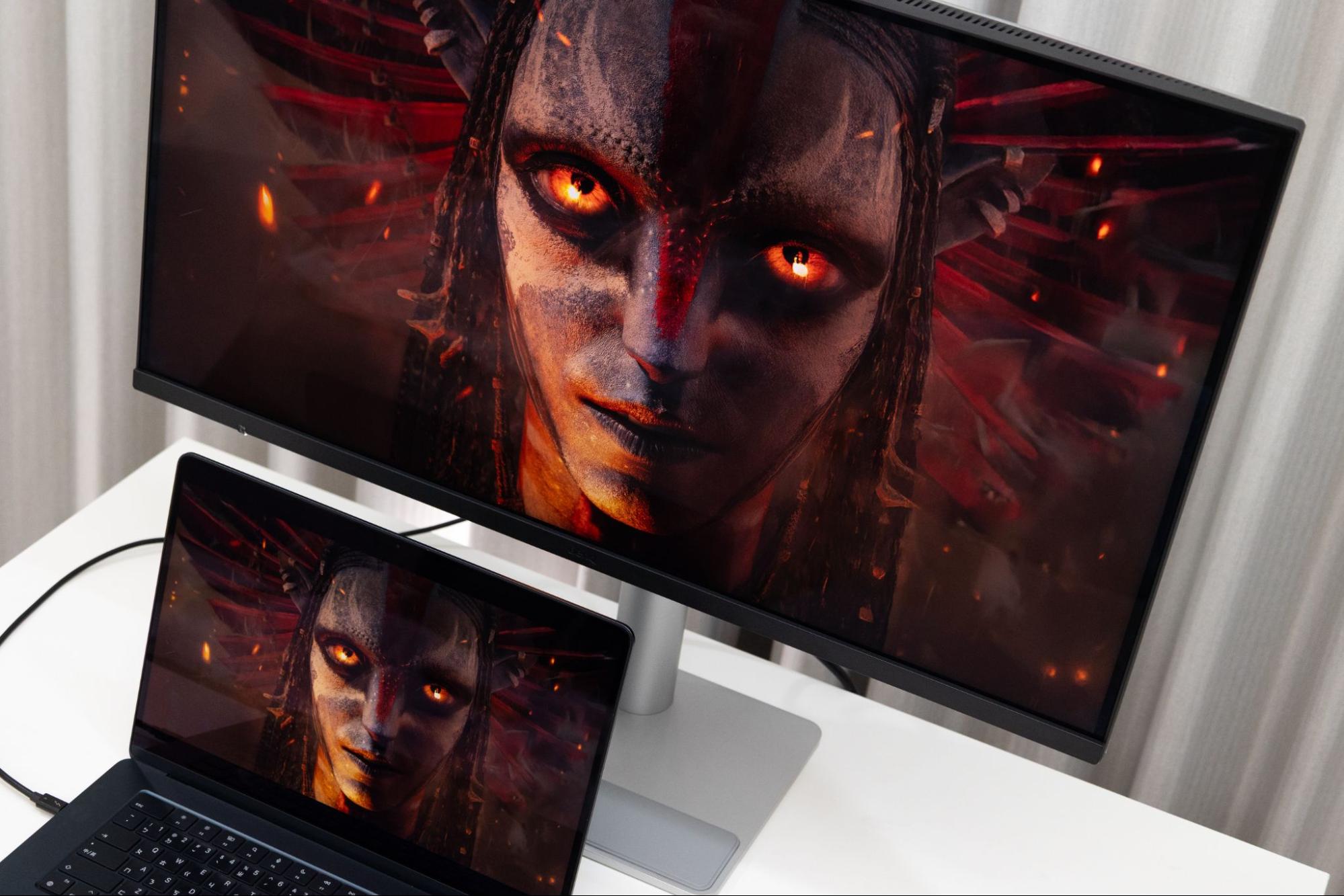
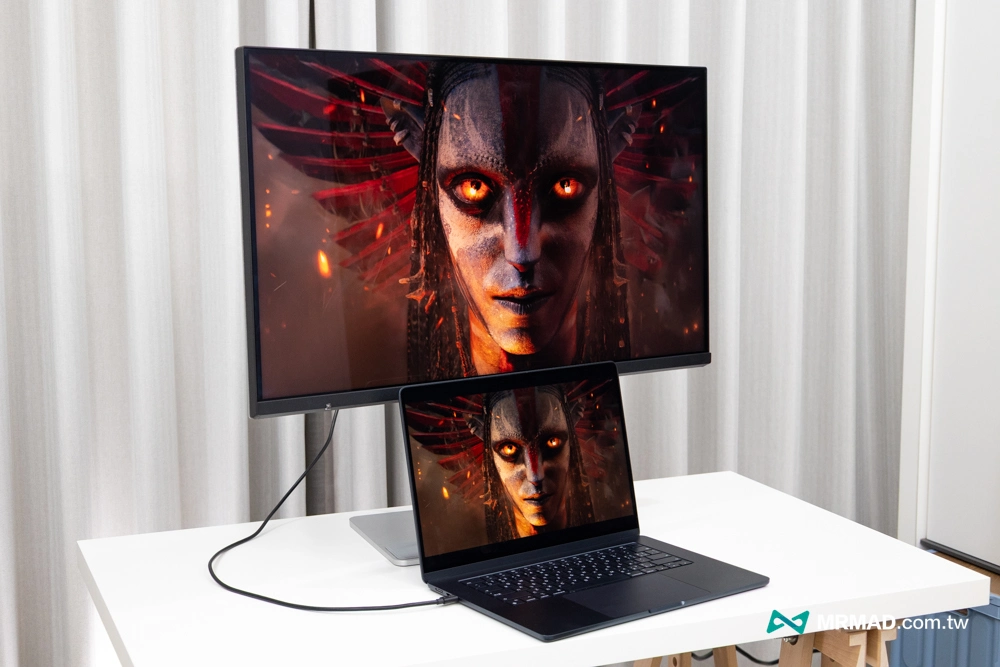
At the same time, paired with a 32-inch large field of view and 4K resolution, the edges of the fonts are sharp and clear, completely solving the common problem of blurred fonts when the Mac is connected to a non-original screen.
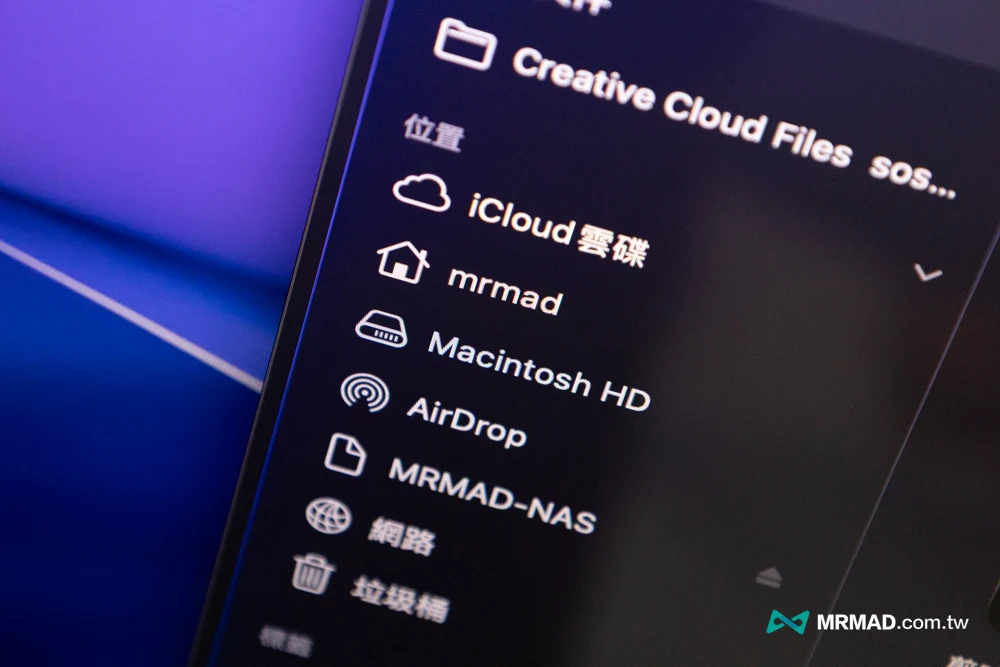
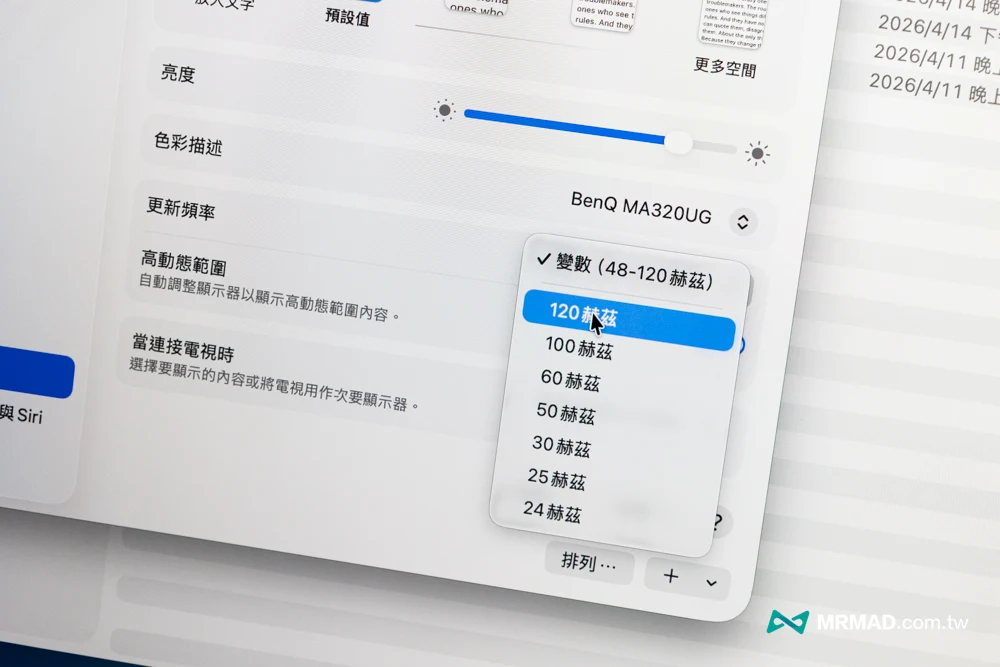
120Hz high refresh rate measured, macOS needs to be unlocked manually
The most important thing is that BenQ MA320UG also supports 120 Hz high refresh rate! If you are used to the MacBook Pro’s ProMotion technology screen, you will feel an obvious sense of lag when you go back to the 60Hz screen.
Under the high refresh rate of 120 Hz, the main advantage of the MA320UG is that when sliding web pages, editing code, dragging the editing software timeline, dynamic playback, and fine-tuning details, the silky smooth feeling without afterimages can greatly reduce visual fatigue. This is one of the reasons why I think it is more worth buying than the Studio Display. After all, the latter is still locked at 60Hz in 2026.
Therefore, for those who edit videos, edit dynamic materials, make short social videos, or even browse a large number of photos, the value brought by a high update rate is not only the pleasure, but also the operation rhythm will be more continuous and the visual tracking will be more natural.
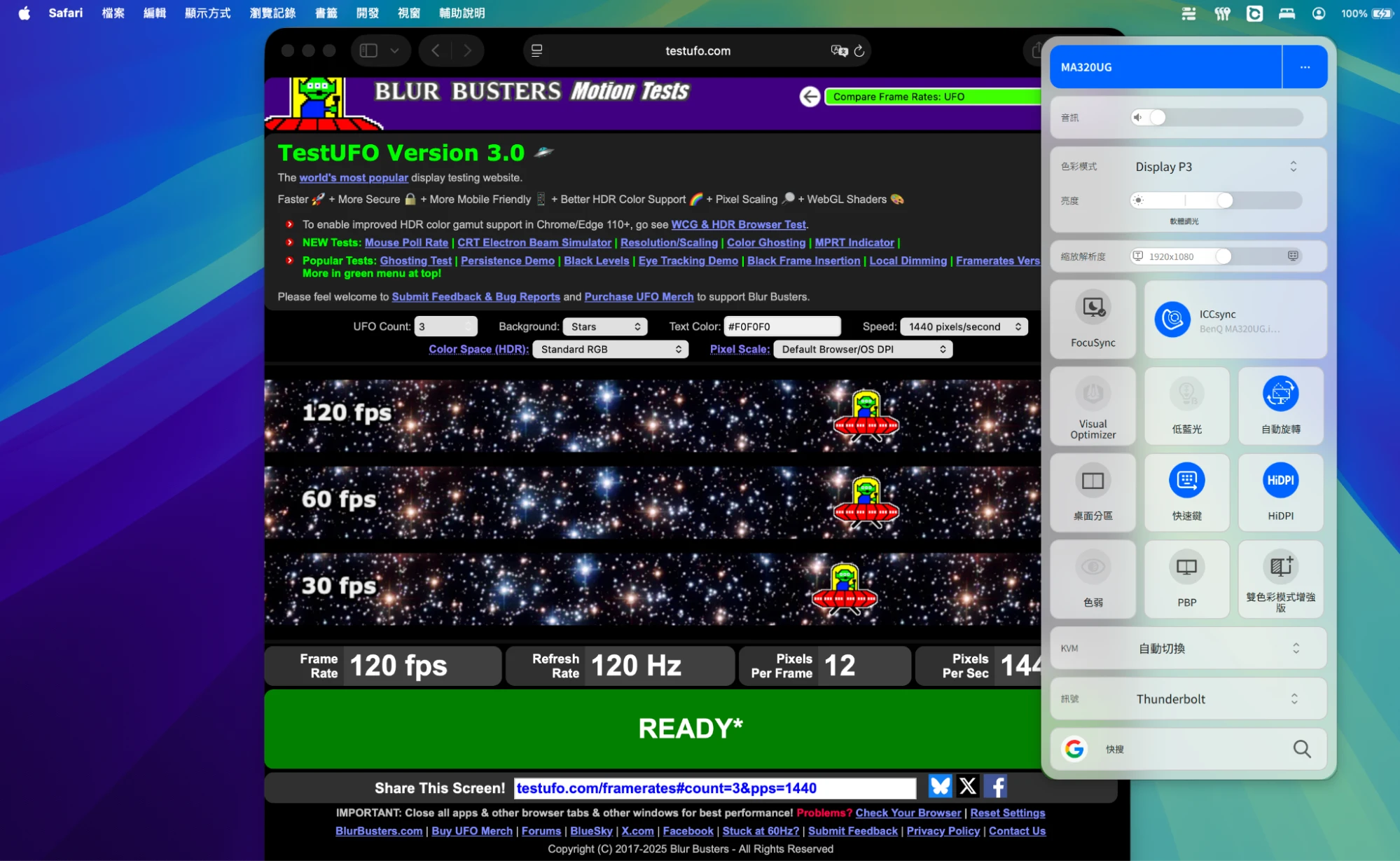
However, it should be noted that the current macOS default is to turn off the 120 Hz high refresh mode of the Safari browser. This can only be achieved by manually unlocking Safari 120 Hz. Otherwise, it will be limited to the 60Hz refresh rate. Through actual testing on the website, it is true that the MA320UG can achieve a 120 Hz refresh rate.
Comparison of MA320UG screen color performance and MacBook measured
Screen color difference is definitely a nightmare for all Mac video creators. This time, the MA320UG uses a 32-inch IPS panel with a color gamut of 99% sRGB and 98% P3. It supports HDR10 and VESA DisplayHDR 400, has a screen response time of 5ms, a brightness of 450 nits, and a native contrast of 2000:1.
Color synchronization and software integration: true plug-and-play zero color difference
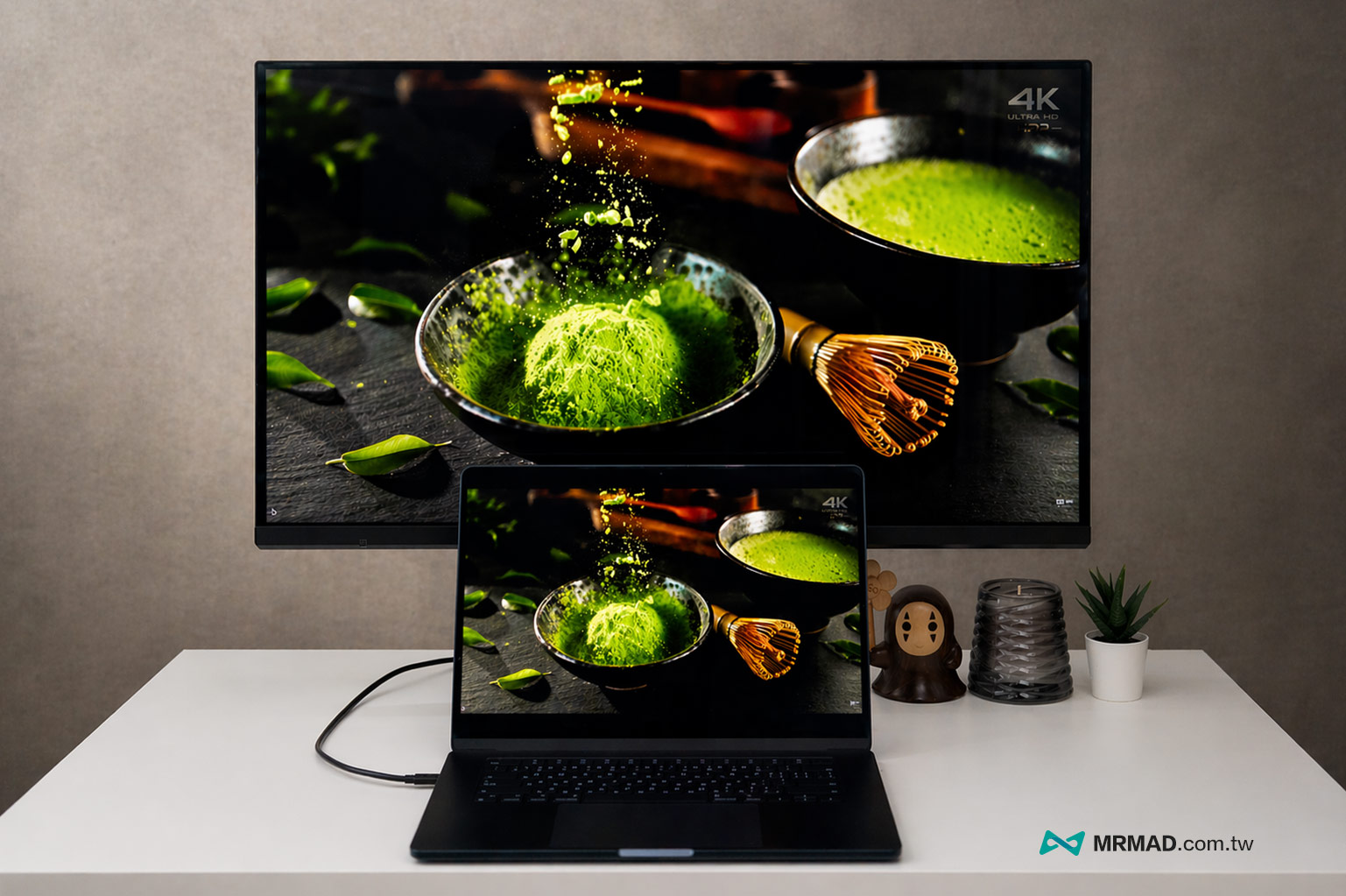
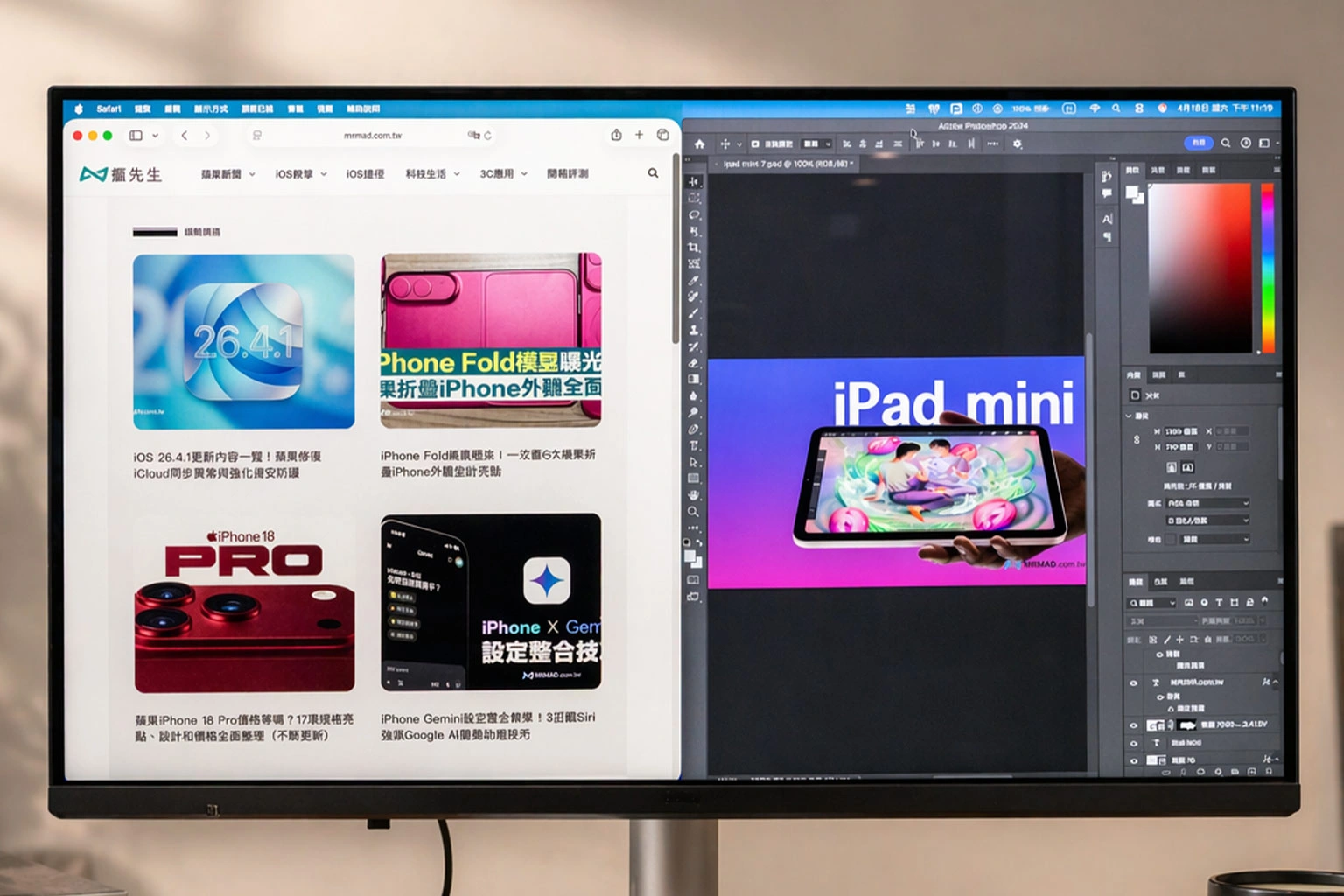
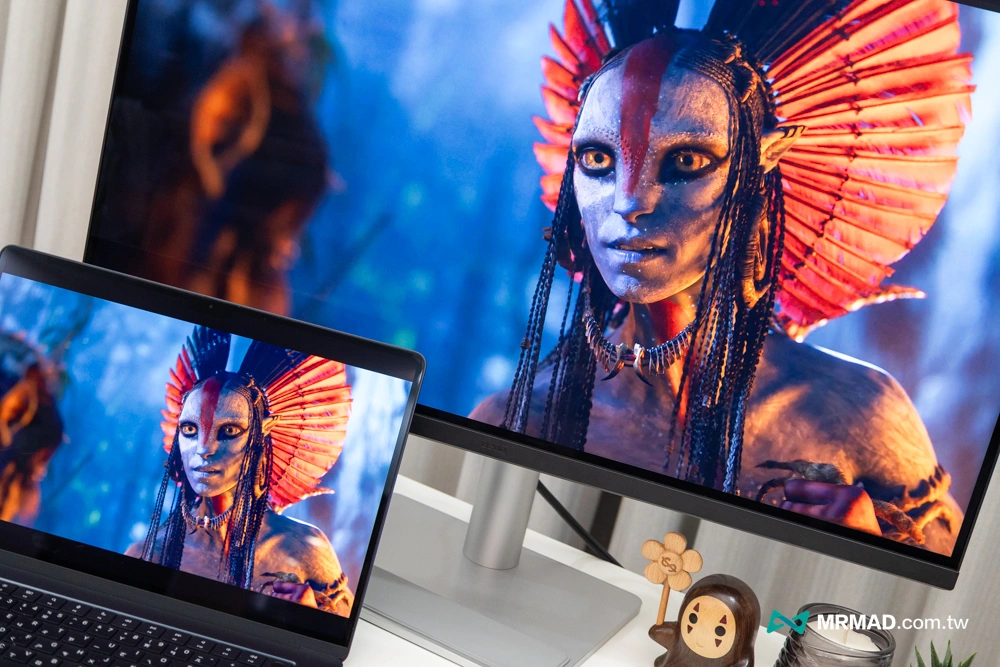
According to actual measurements, after connecting to the MacBook Air, there is almost no need to spend time manually correcting the color. The color of the external screen can be highly consistent with the laptop screen, and the black color is even deeper and the contrast is higher. When processing high-definition videos or editing photos, the crystal clear visual sense is really like the Apple Studio Display. The actual effect can be referred to the picture below:
Hardware specification highlights:
- Panel: 32-inch 4K (3840 x 2160) IPS panel
- Update rate: 120 Hz (beating Studio Display’s 60Hz)
- Color gamut: 98% P3 / 99% sRGB
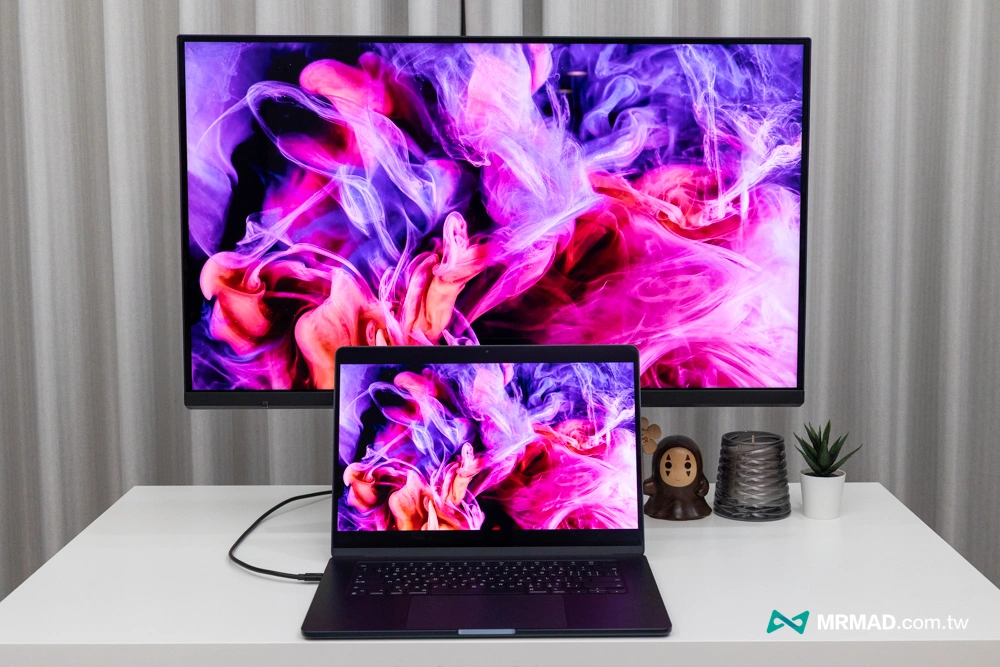
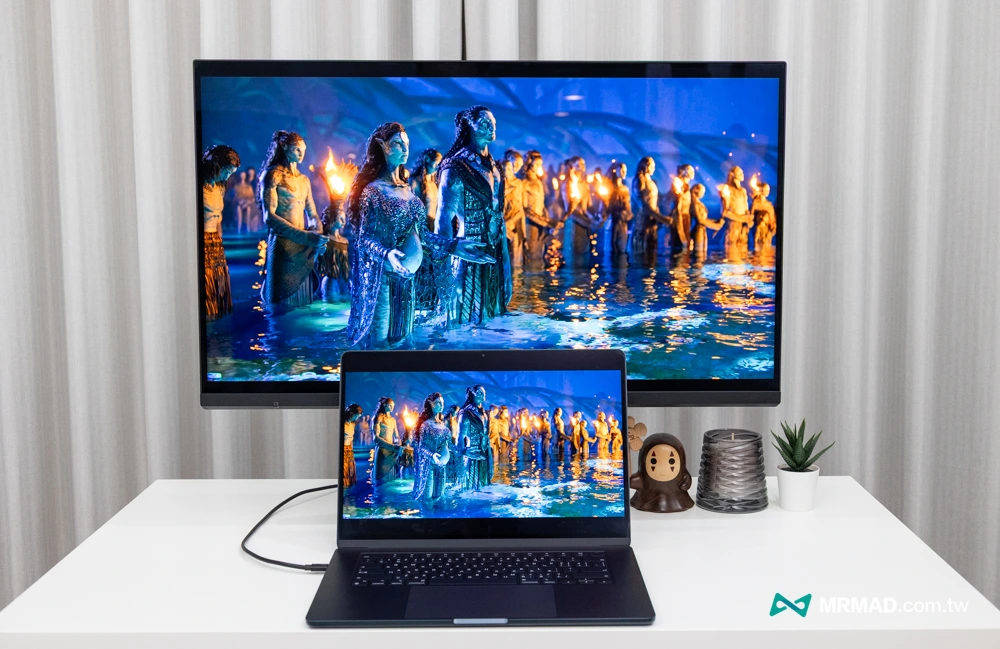
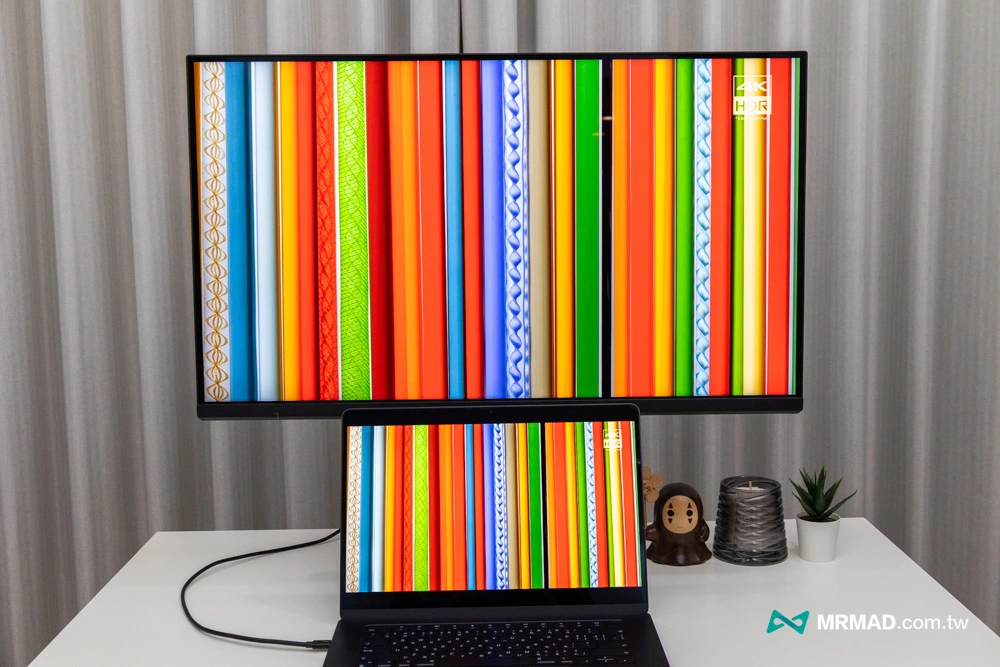
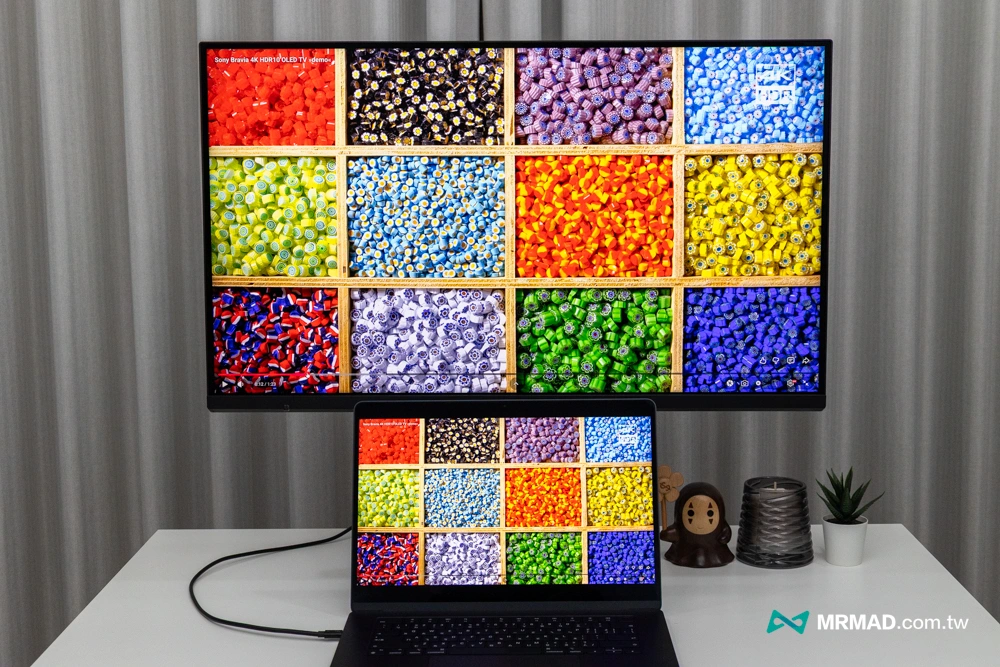
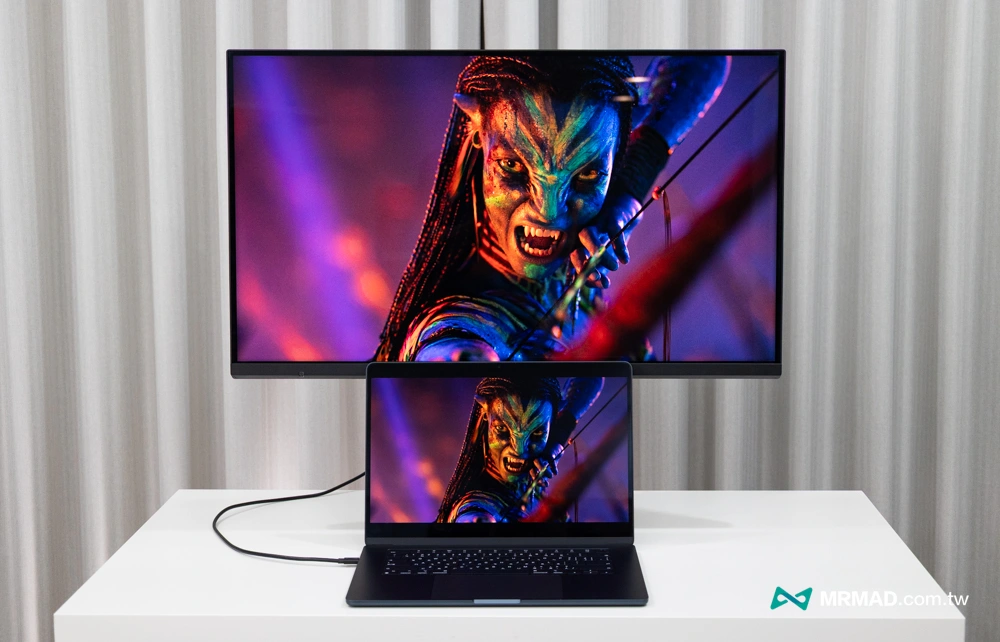
Another craziest feature of BenQ is the M-Book mode, which is not simply color correction, but uses color correction technology to make the color rendering curve of the screen highly consistent with the MacBook Pro’s Liquid Retina XDR display.
After actual measurement, it was found that when the MA320UG is placed side by side with a MacBook, there is almost no difference in the gradient colors of skin tones, sky and stained glass. This can save a lot of trouble for imaging workers who need to frequently switch between the two screens.
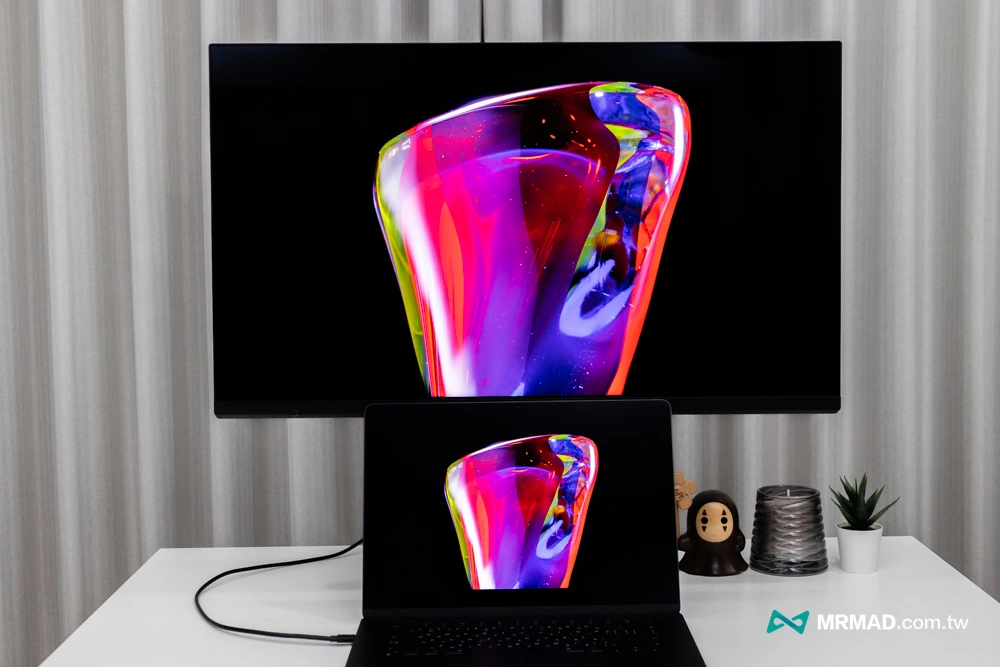
Ports and expansion capabilities integrated into Mac workstation core
First-line integrated desktop solution Thunderbolt 4 + 96W power supply
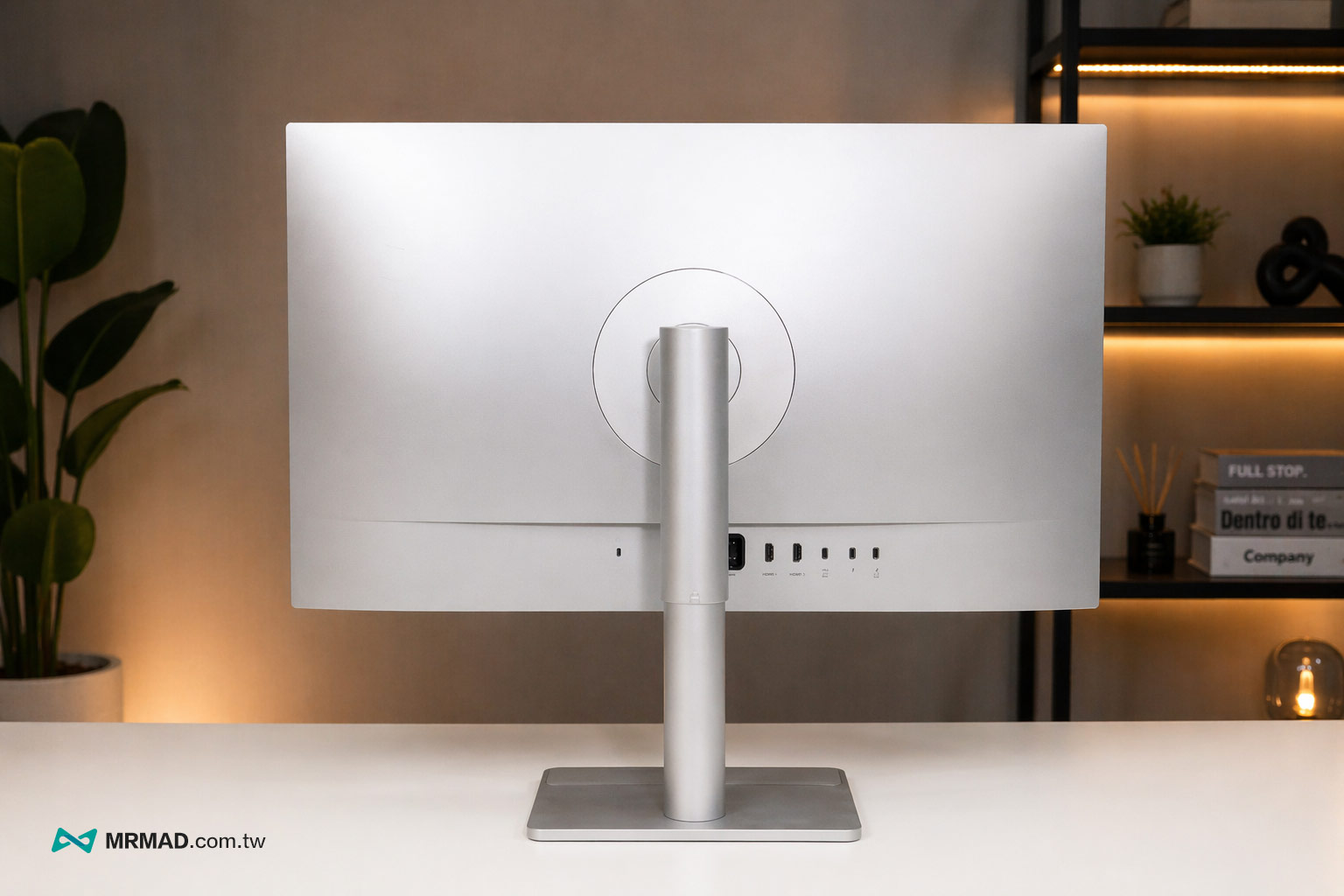
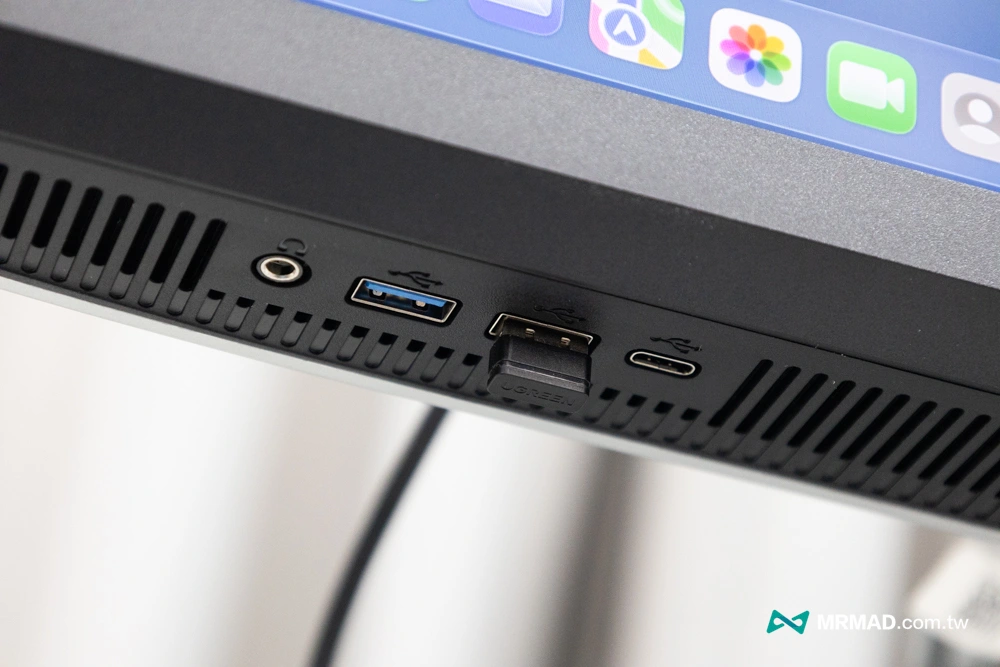
The connection ports on the back of the MA320UG are very complete. In particular, this unit is equipped with a Thunderbolt 4 upstream port that supports 96W power supply, DisplayPort Alt Mode and data transmission. There is also a Thunderbolt 4 output that can be connected in series and provides 15W power supply. In addition, there is a USB-C, 2 HDMI 2.1, 2 USB-A, 1 downstream USB-C, and a headphone jack.
The dual HDMI design of this screen is actually more suitable for multi-device switching application scenarios. For example, I will connect MacBook, NAS or other devices at the same time, and sometimes I will even connect a game console. I can quickly switch the signal source without having to replug and unplug the cable. The whole use process will be much smoother. For people with many desktop devices, this configuration is actually more practical than simple stack specifications.
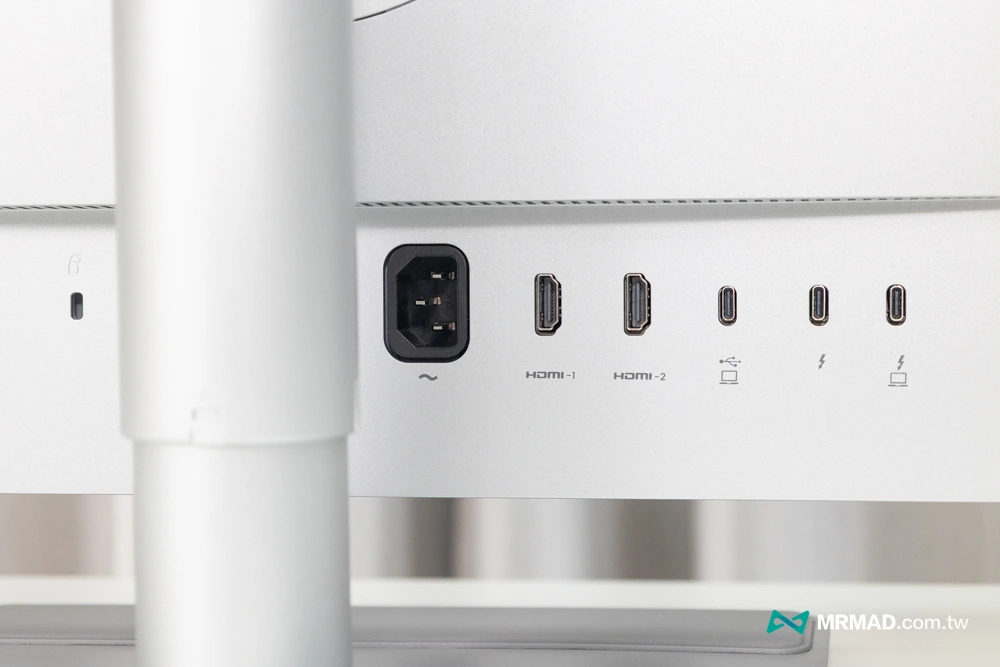
The input and output design is also very interesting. It can make it more than just a screen, but more like a monitor-centered desktop hub. It can integrate display, power supply and wiring through one line, and can connect to Apple devices such as MacBook, Mac mini, Mac Studio, iPad, iPhone and so on.
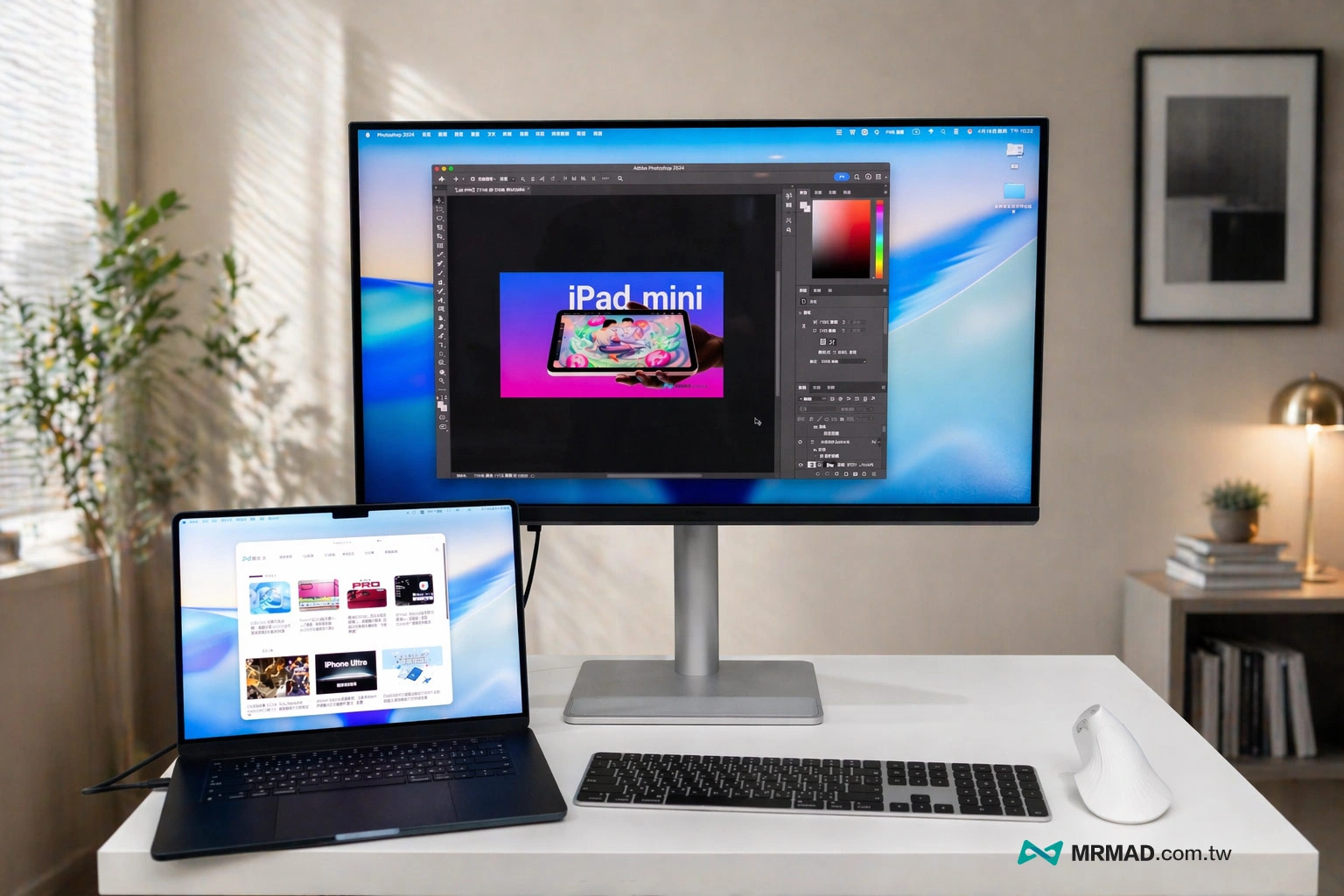
Actually using iPad Air to test the connection to BenQ MA320UG, it can also display 4K high-quality images normally. With the latest iPadOS multi-viewer, it will not be limited to a small screen, but the operation will be somewhat similar to the comfort of macOS system.
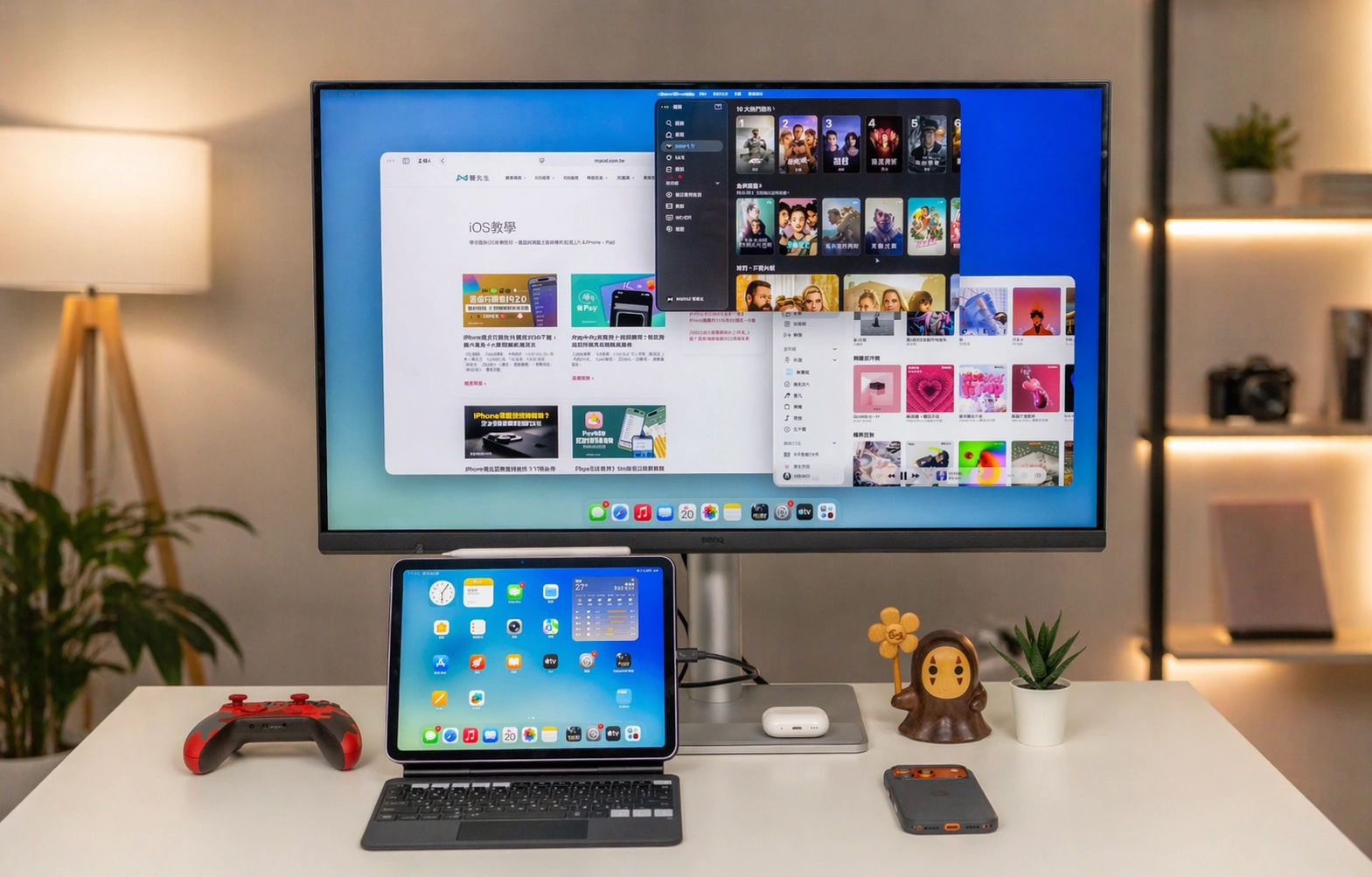
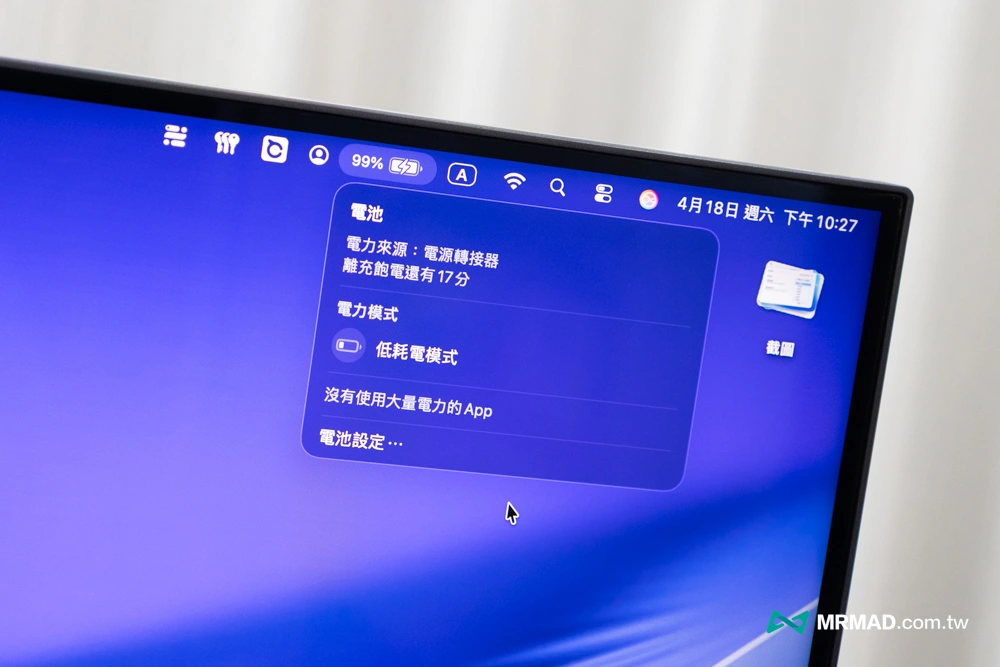
The MA320UG also supports PD power supply of up to 96 W. It only needs one included Thunderbolt 4 line to simultaneously complete 4K 120 Hz high-bandwidth image output and data transmission, and charge the MacBook Pro at full speed.
Unique wire storage keeps the desktop tidy
The MA320UG’s connection ports are not randomly placed on the back, but are concentrated at the bottom of the screen with a hidden wiring design. After actually connecting the wires, all the wires can be collected along the bracket and will not come out from the sides or back.
For those who value desktop tidiness, the desktop will remain clean and tidy with little need for extra arrangement of wires.
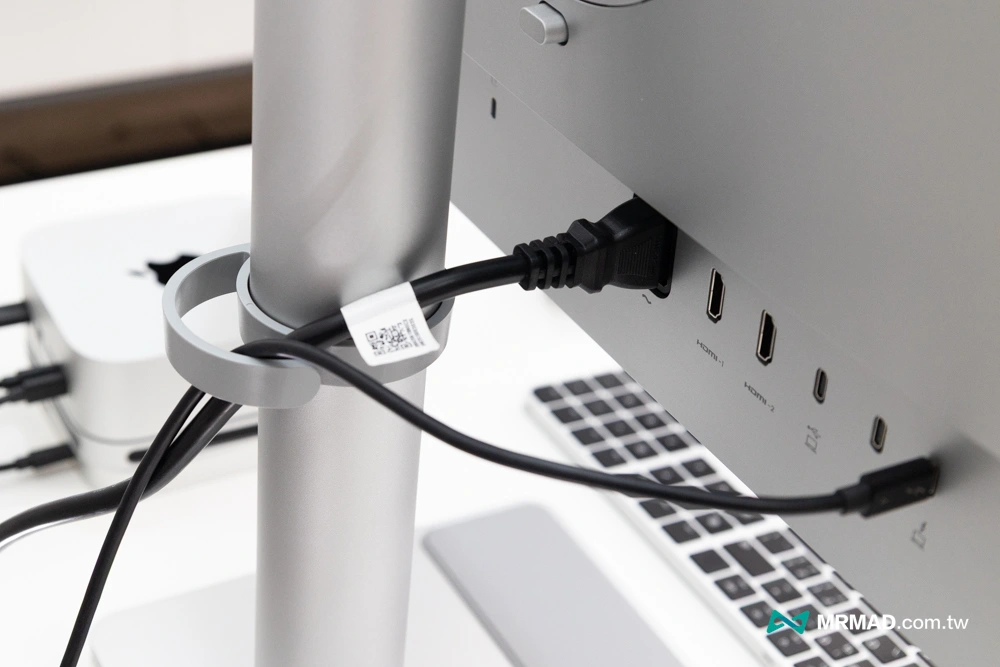
In the past, many people would put an extra Hub on their desks because MacBook laptops were not expandable enough. But when the screen itself can take on part of the expansion role, the desktop will be much cleaner, and plugging and unplugging will be more intuitive.
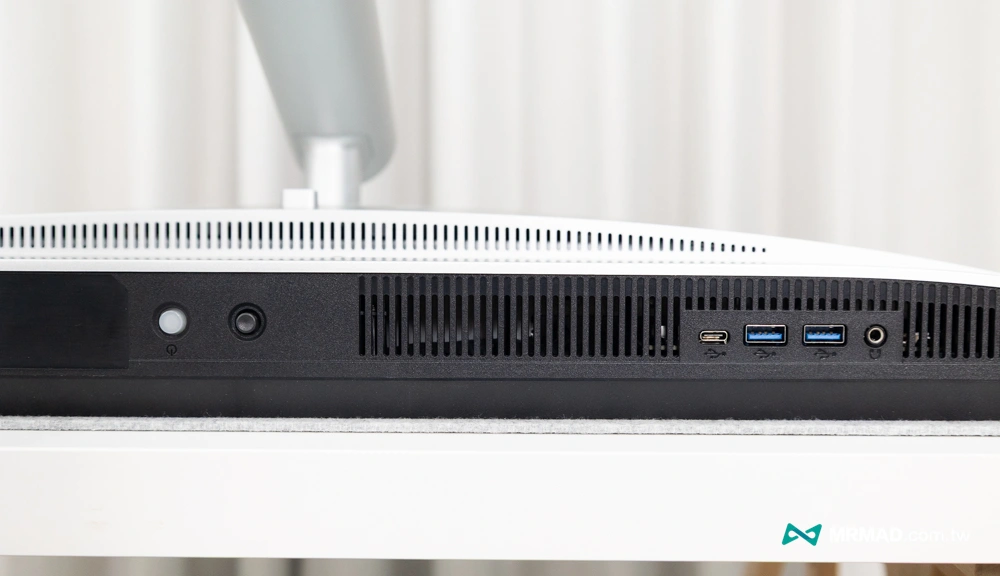
For example, the bottom of the MA320UG screen also has 1 USB-C, 2 HDMI 2.1, 2 USB-A, 1 downstream USB-C, and a headphone jack. If you want to connect an external mouse to your MacBook, just plug the receiver under the screen.
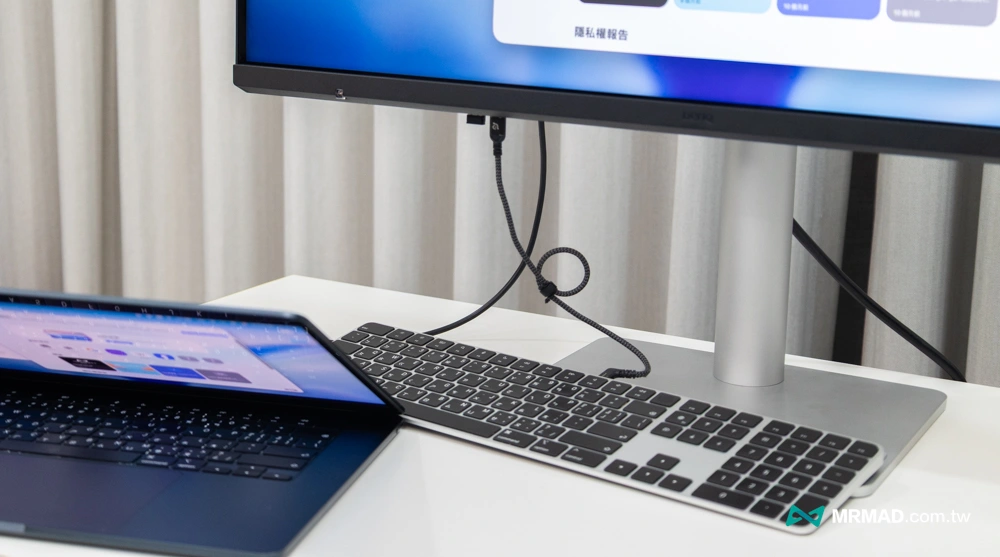
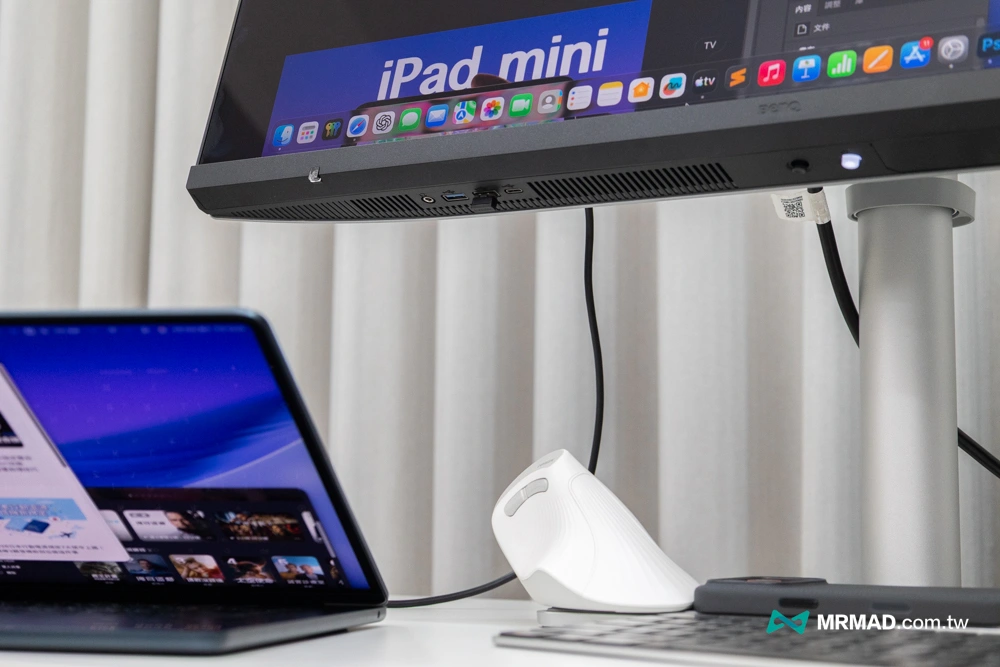
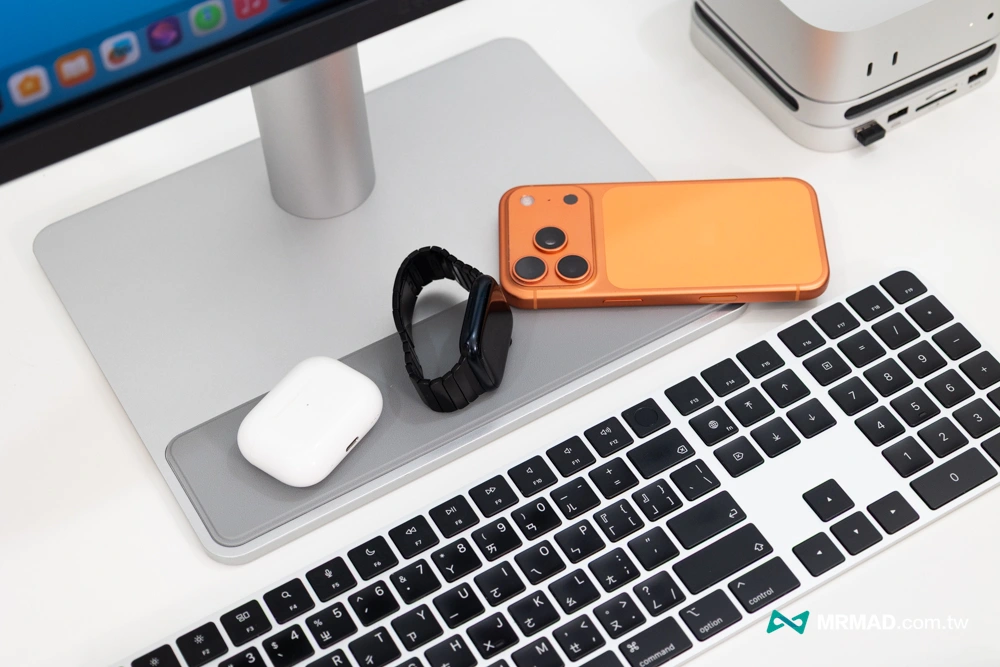
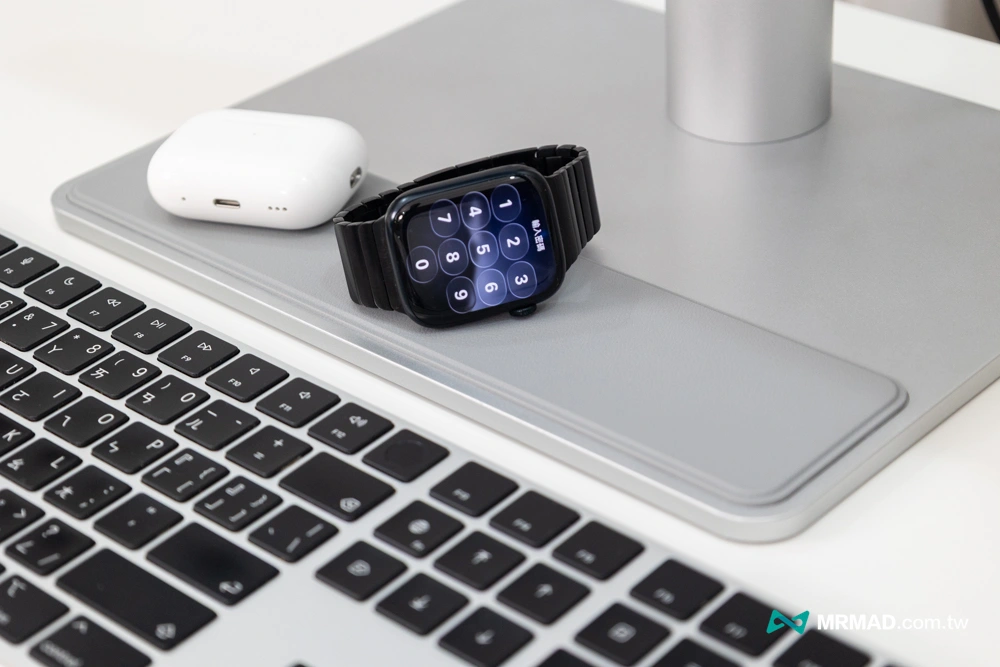
The base platform below the BenQ MA320UG screen is not only a shape design, but also has anti-slip treatment on the surface. It can be used to temporarily place mobile phones, small accessories, and even iPhones temporarily. It is more stable, not easy to slide, and can even reduce scratches.
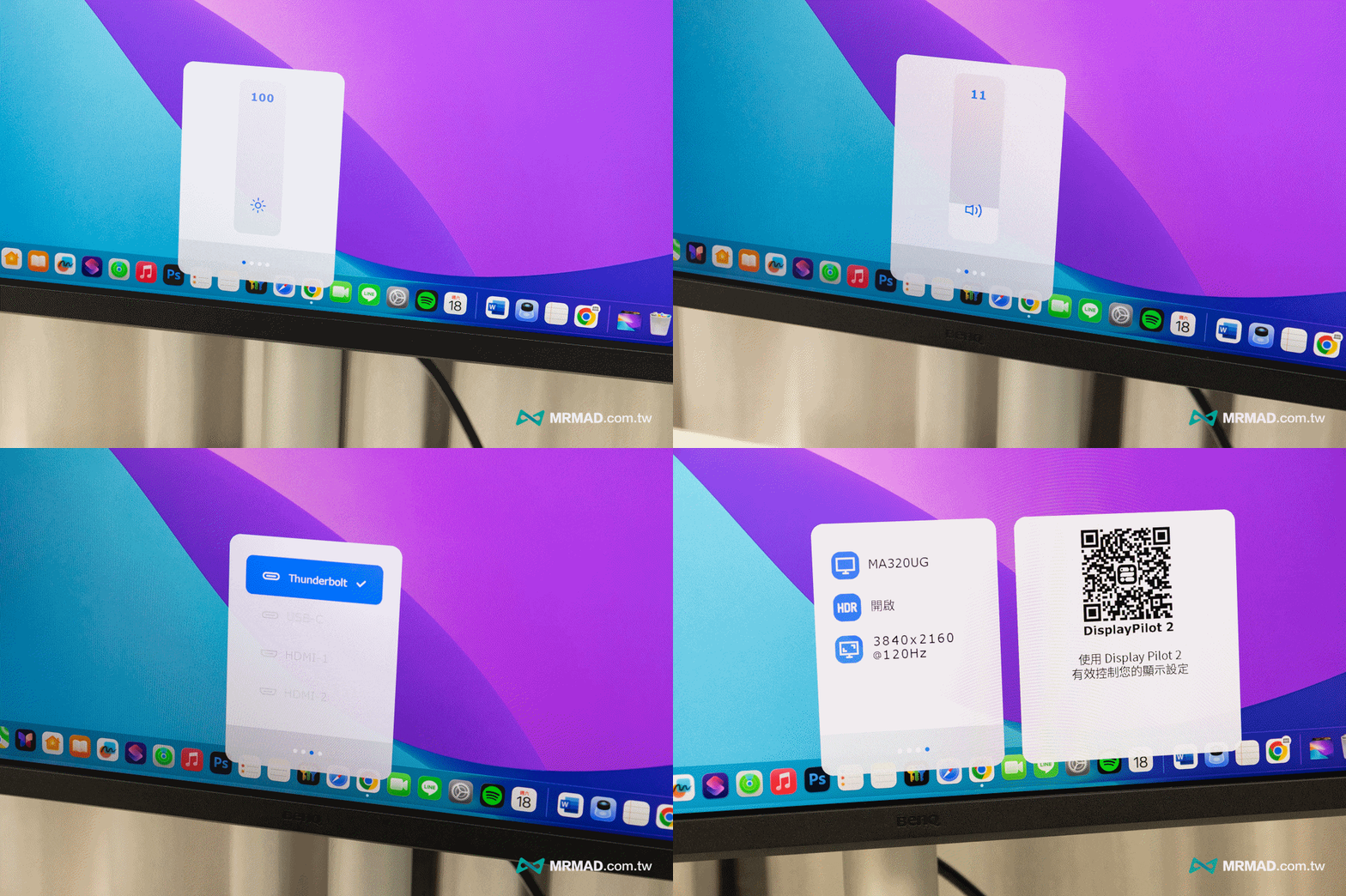
Through the control buttons at the bottom of the screen, you can also quickly control the screen brightness, volume, signal source, and display the current screen resolution status and other information.
Display Pilot 2 breaks the barrier between Mac and third-party screens
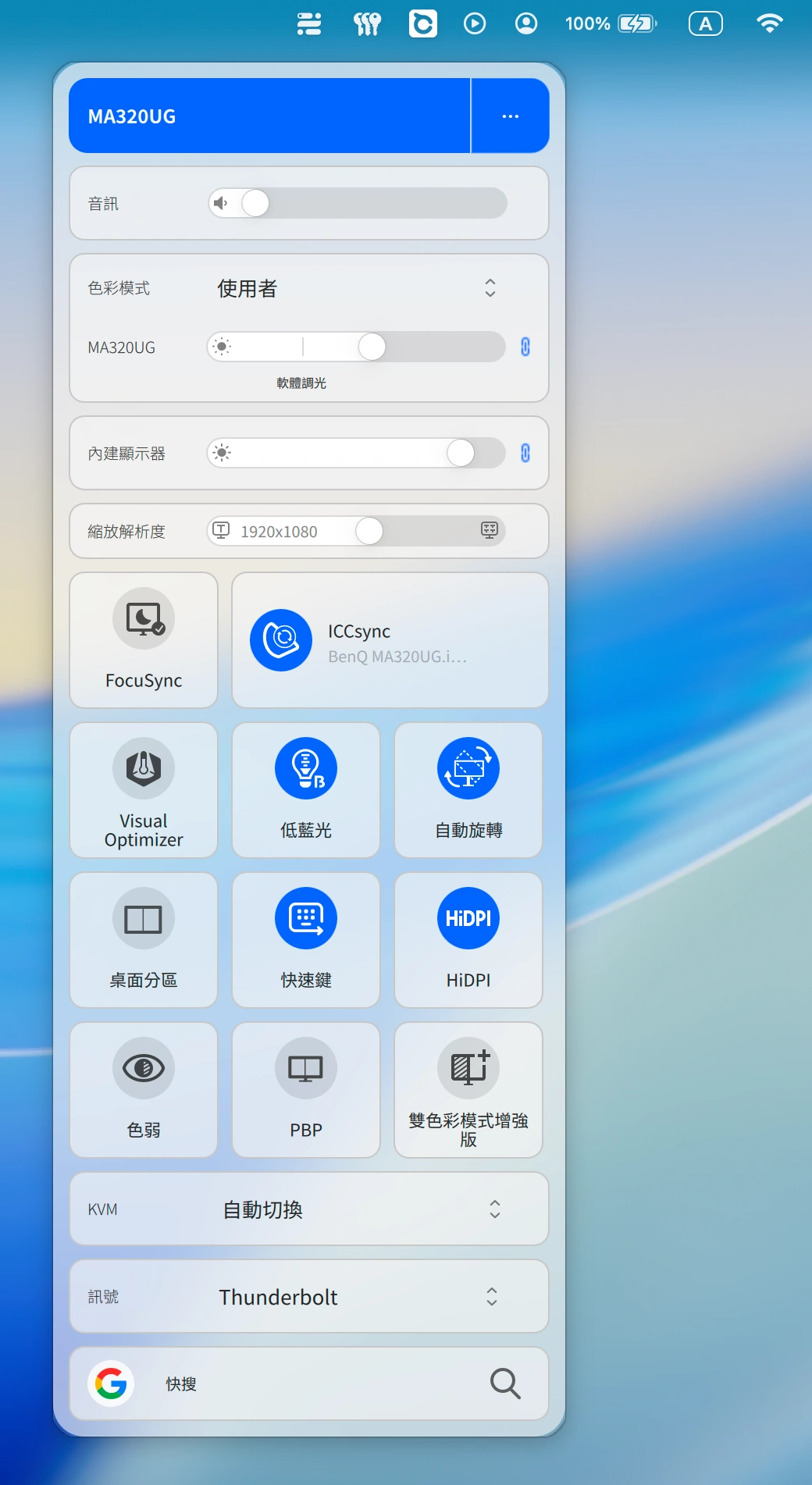
In addition to sufficient hardware, BenQ is also perfect in software integration. Many external monitors on the market, no matter how powerful their hardware is, feel alienated when connected to a Mac. But the Display Pilot 2 software developed by BenQ specifically for Mac is really the most thorough tool I have ever used that can restore the macOS experience. Once installed, it can immediately unlock many functions.
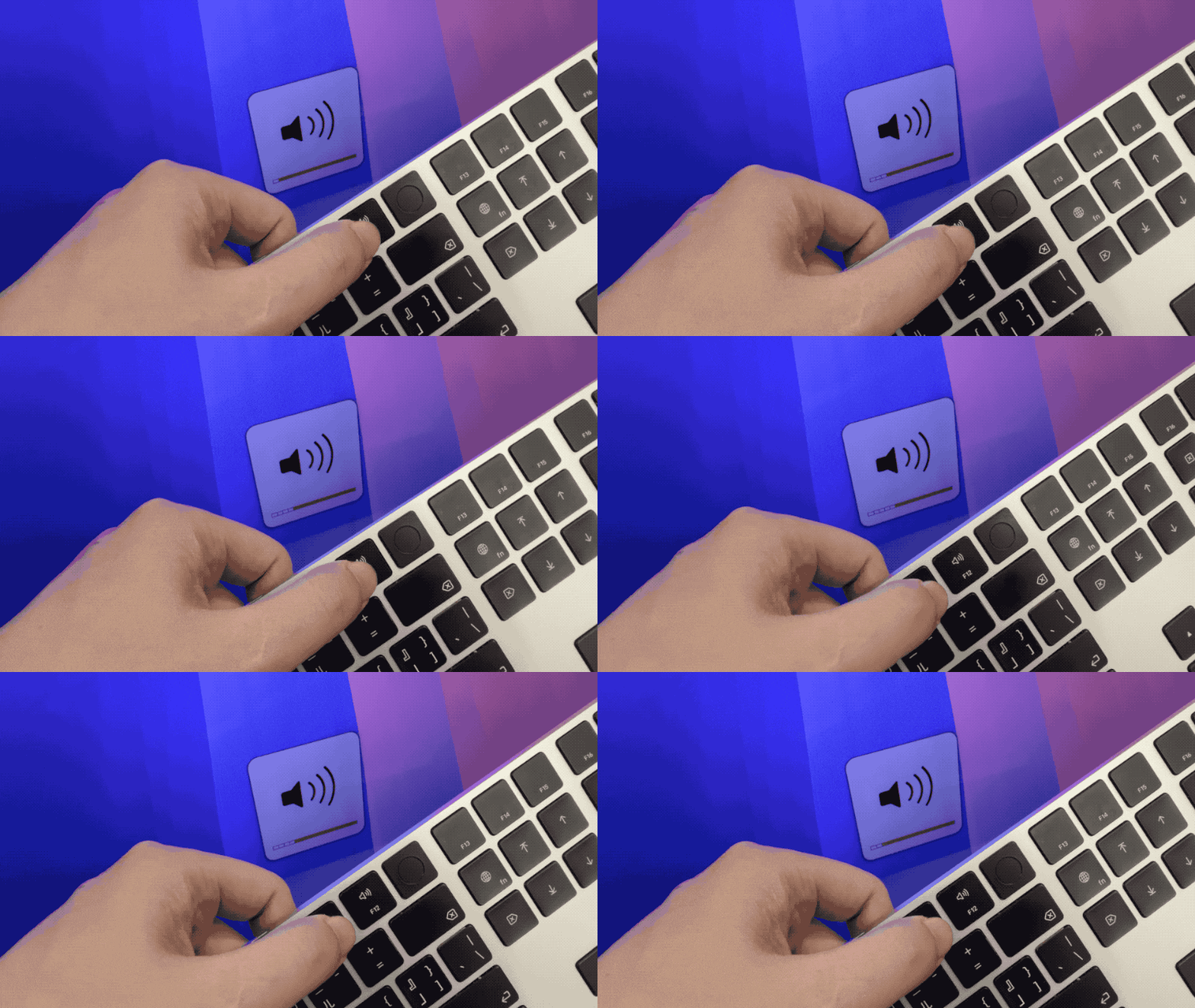
Synchronize Mac shortcut keyboard to control brightness and volume
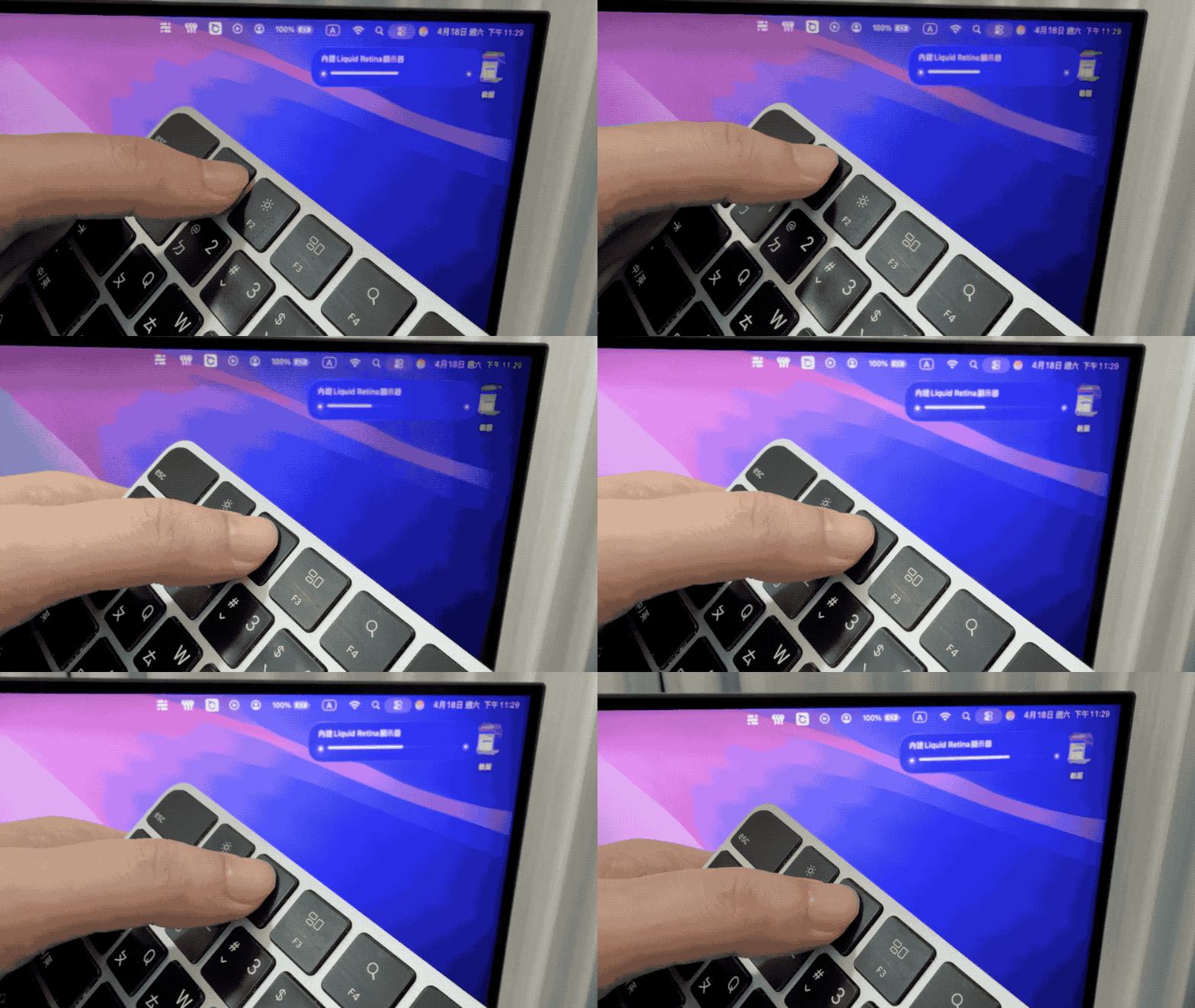
No more fumbling for physical buttons at the bottom of the screen! You can directly use the F1/F2 and F11/F12 keys on the Mac keyboard to adjust the brightness and volume of the MA320UG. It even supports dragging the slider directly from the menu bar on the upper right side of the screen. The operation logic is exactly the same as using the original MacBook screen.
Don’t underestimate this synchronization function, 90% of the screens on the market cannot do this (usually you have to buy expensive LG UltraFine or Apple original ones). BenQ decentralizes this function through software technology, making this screen more Apple-like and allowing users to truly experience the same operation as the original factory.
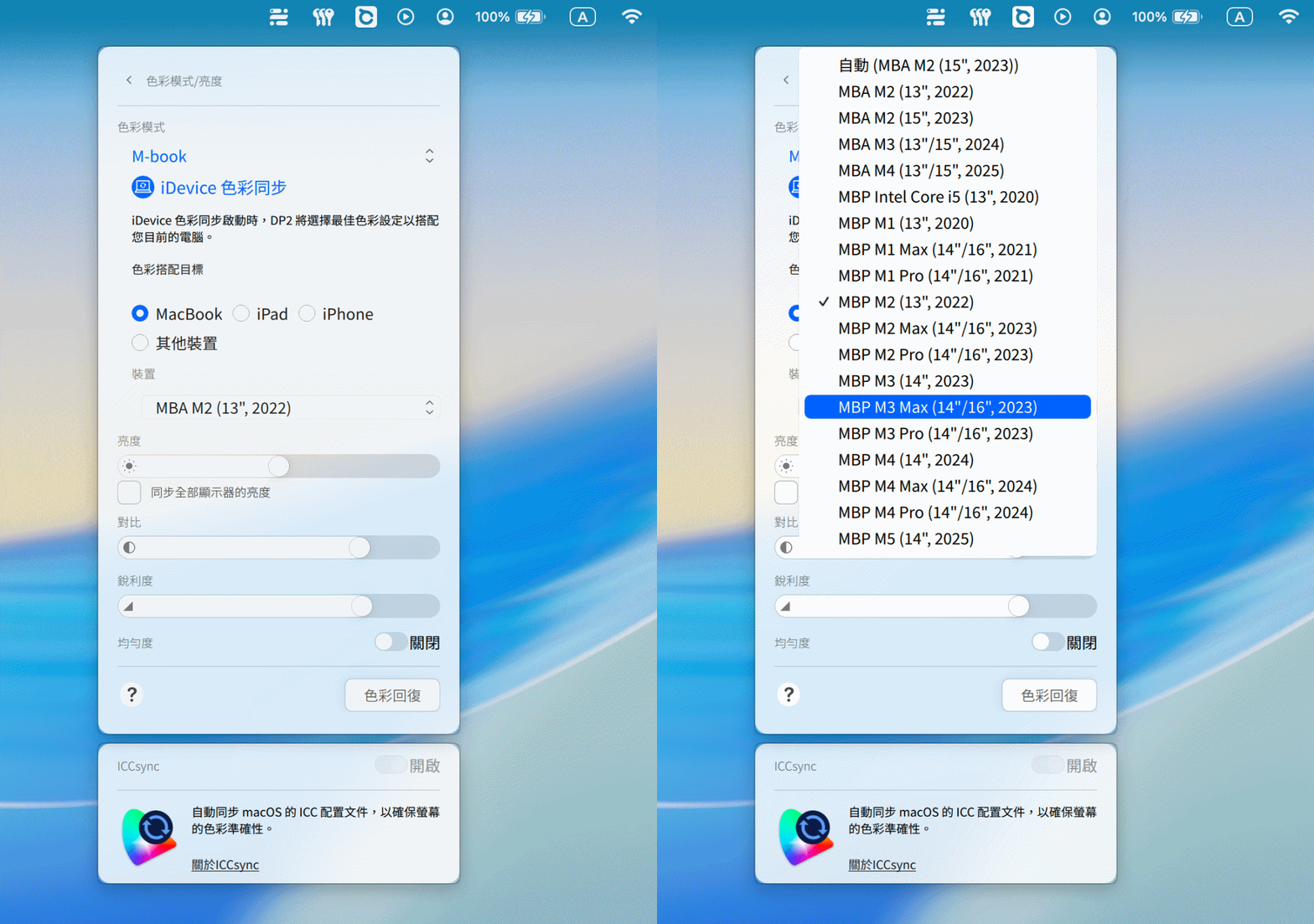
ICCsync color synchronization keeps screen colors consistent
Most BenQ monitors support the built-in M-Book mode, but the MA series goes one step further by integrating the “iDevice Color Sync” function. The software can automatically detect and match the specific model and year of the MacBook, and load a color profile exclusive to that model, instead of the traditional single universal ICC color profile that applies to all devices.
The advantage of this is that whether it is on a MacBook screen or a 32-inch external monitor, it can ensure that the 32-inch MA320UG large screen accurately restores the MacBook’s native color gamut performance. Especially when processing photo retouching or video editing, it can effectively reduce color difference judgment errors and achieve color consistency closer to the native output.
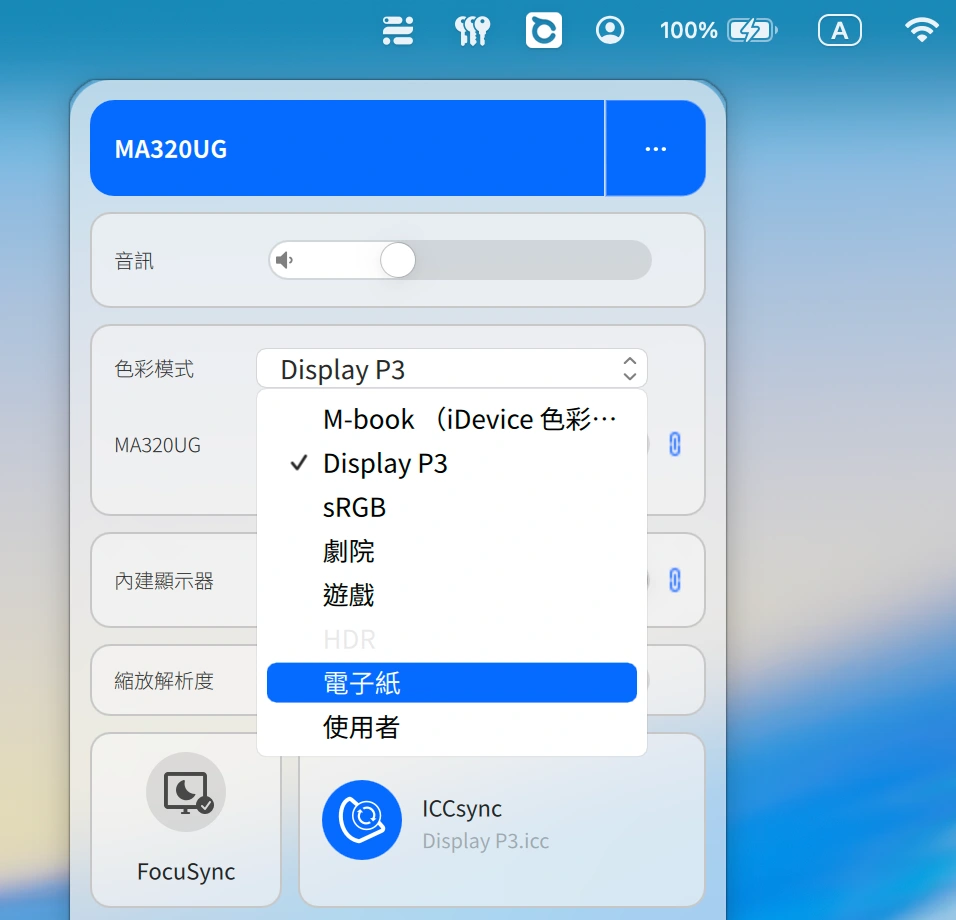
Of course, you can also customize the color mode and quickly switch to Display P3, sRGB, theater, game, HDR, electronic paper and user customization.
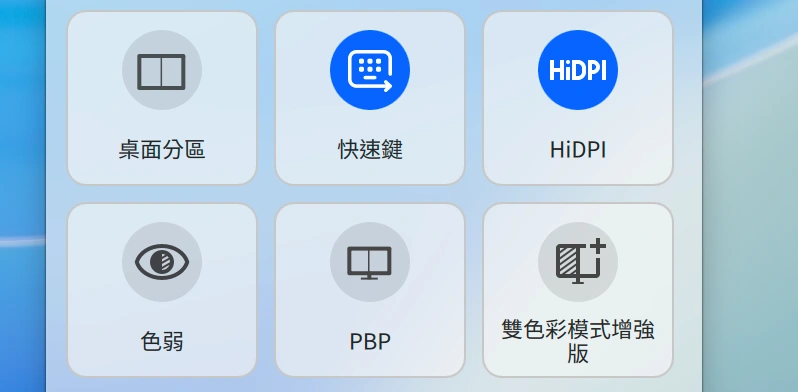
Window splitting, automatic arrangement and dual color mode
It’s a pity that the 32-inch 4K super large field of view is not used for multitasking. It has built-in multiple window split layouts. Whether it is placing the structural data of web social posts on the left, opening a terminal on the right to run the OpenClaw AI agent, or previewing articles and drawing editing at the same time, the windows can be automatically aligned through the “desktop partition” with one click, without the need to manually pull the borders.
What’s more special is that Display Pilot 2 also has a “dual color mode enhanced version” function. The main purpose is to allow half of the screen to show a low blue light state, and the other half to show the original color tone. Even if you are drawing or processing photos at night, there will be no color errors due to color errors, and you can still check the web or find other information.
Automatically adjust scene colors according to application needs
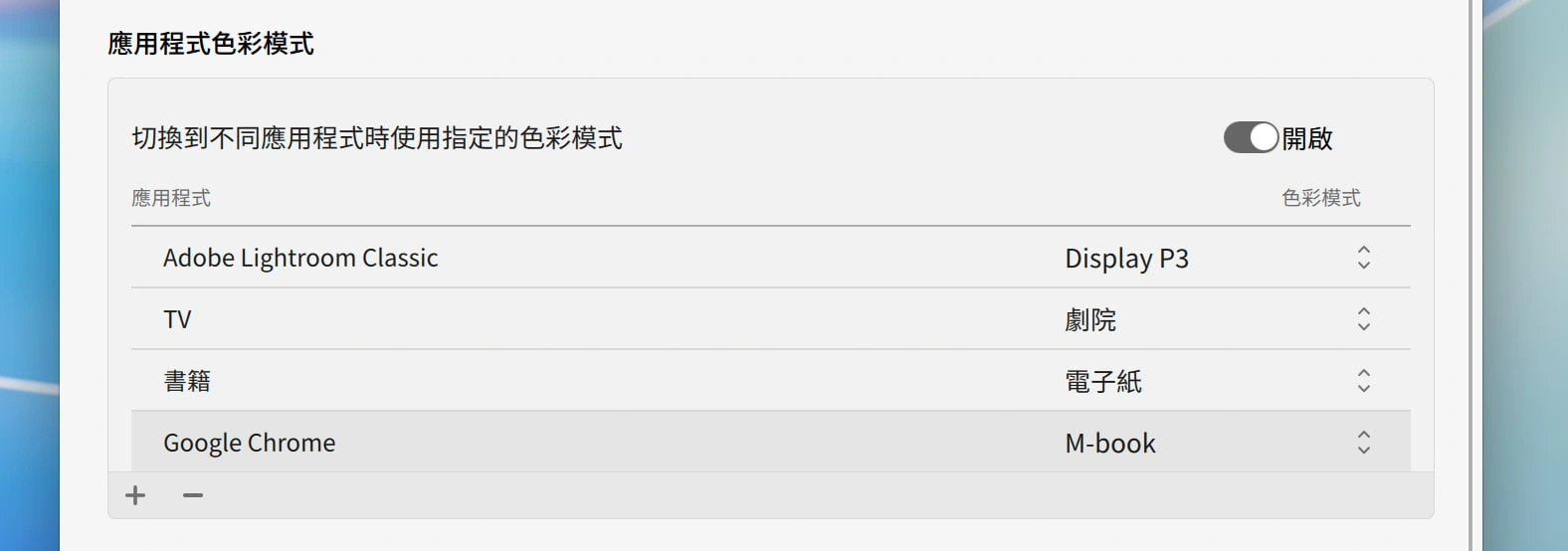
This feature is super useful for developers who wear multiple hats! You can bind exclusive color modes for different software. For example, when you open VS Code to write Node.js or adjust web page code, the screen automatically switches to the high-contrast “Coding Mode”; when you open the browser to look at the 0050 or S&P500 VIX index, it switches back to the standard mode; when you open Lightroom to edit pictures, it automatically jumps to “M-Book Mode”. Everything is fully automatic, and visual productivity is directly doubled.
For people who switch back and forth between Final Cut Pro, Photoshop, Lightroom or document environments for a long time, this automation function is actually very useful.
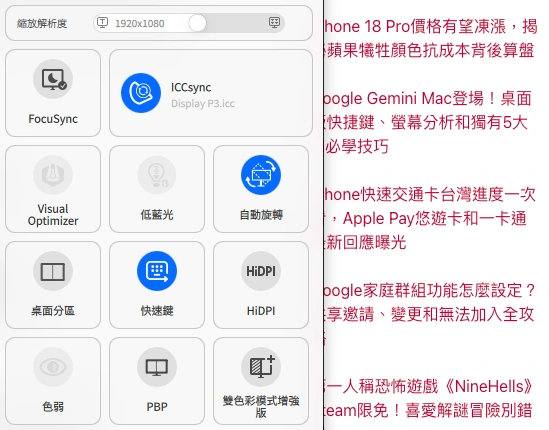
HiDPI technology makes fonts super clear and not blurry
Many Mac users are most afraid of buying the wrong external monitor (for example, buying a 1080p), only to find that the edges of the fonts are blurry, making the screen look cheap.
The MA320UG’s 4K resolution (3840 x 2160) can also cooperate with the HiDPI scaling mechanism of macOS. Although the PPI value is not as good as the original 5K, the fonts are still sharp and clear at a normal sitting distance (about 60-70 cm). When reading long articles or editing and writing, the eyes are very comfortable and there will be no graininess.
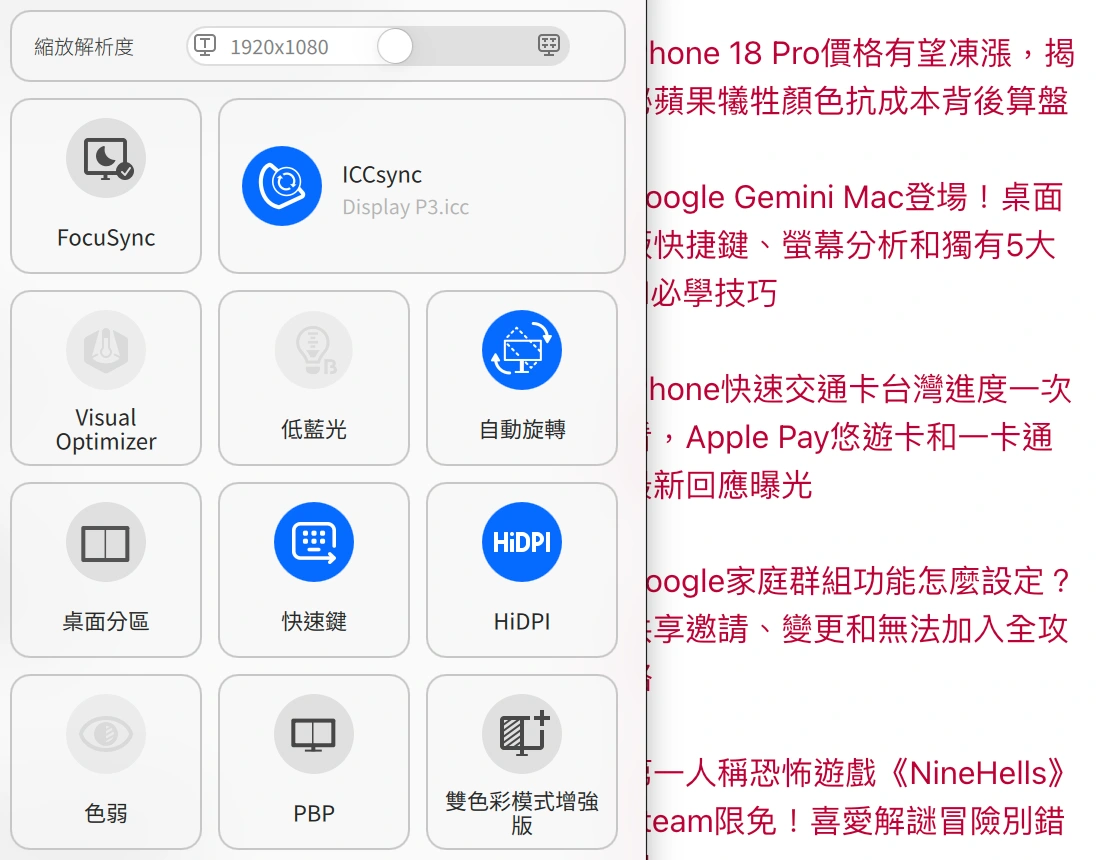
This mainly relies on HiDPI technology. If this mode is turned off, you will find that the screen display will look like a Windows screen with severe edges and blur.
Eye protection function and long-term use experience
As you get older or need to look at the screen for a long time, you will need to pay extra attention to the screen brightness. After all, eye injuries are irreversible. After actually using it for a long time, I found that the MA320UG is indeed very suitable for professional workers. The main reasons are as follows:
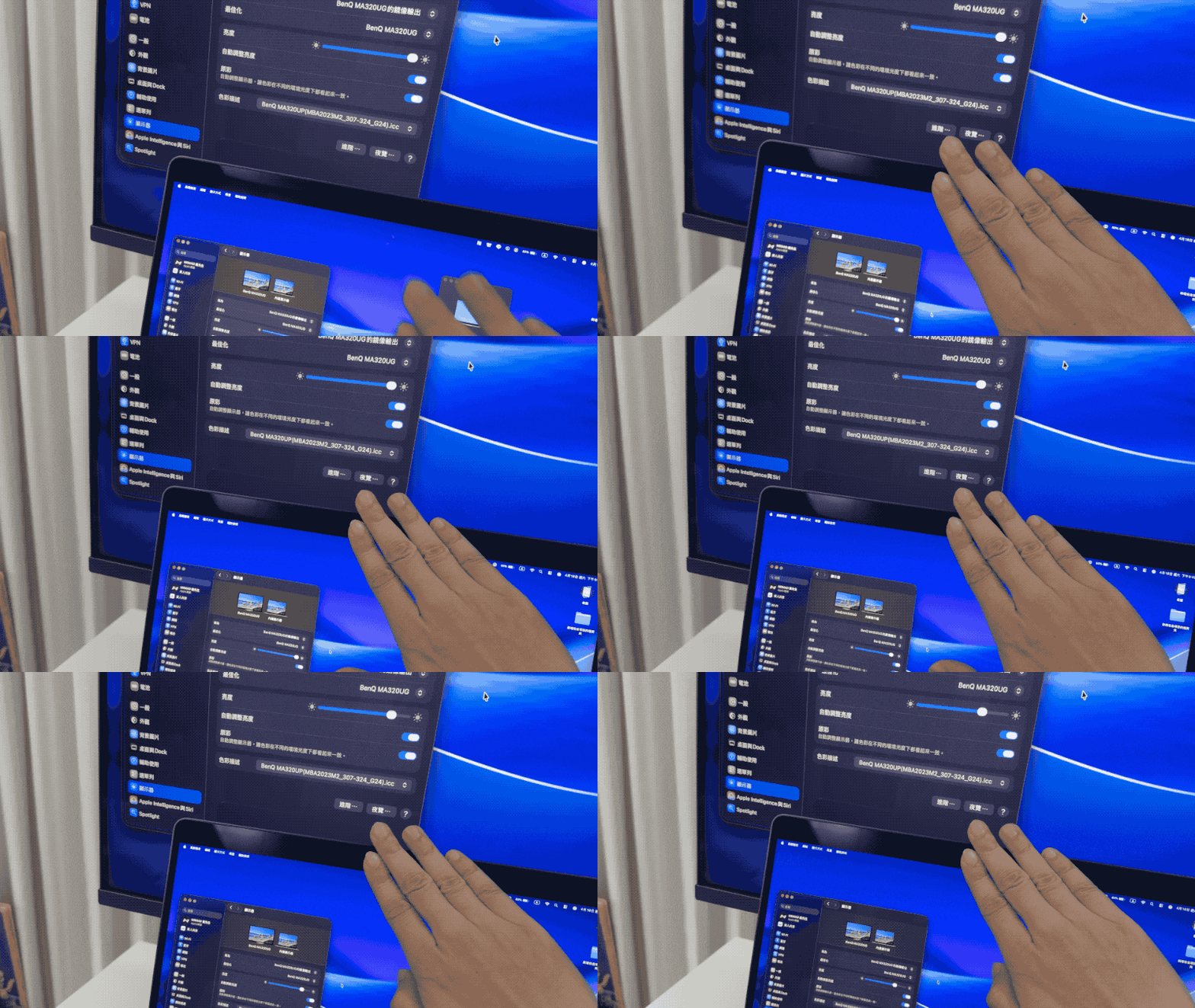
Sync MacBook Ambient Light Sensor
When the MacBook’s ambient light sensor detects darkening and automatically lowers the MacBook screen brightness, the MA320UG will also receive the signal and automatically dim in sync. This means that there is no need to take care of the external screen as an independent individual. It will completely copy the MacBook’s brightness behavior. When the light changes greatly in the morning and evening, this function is very useful for protecting your eyes.
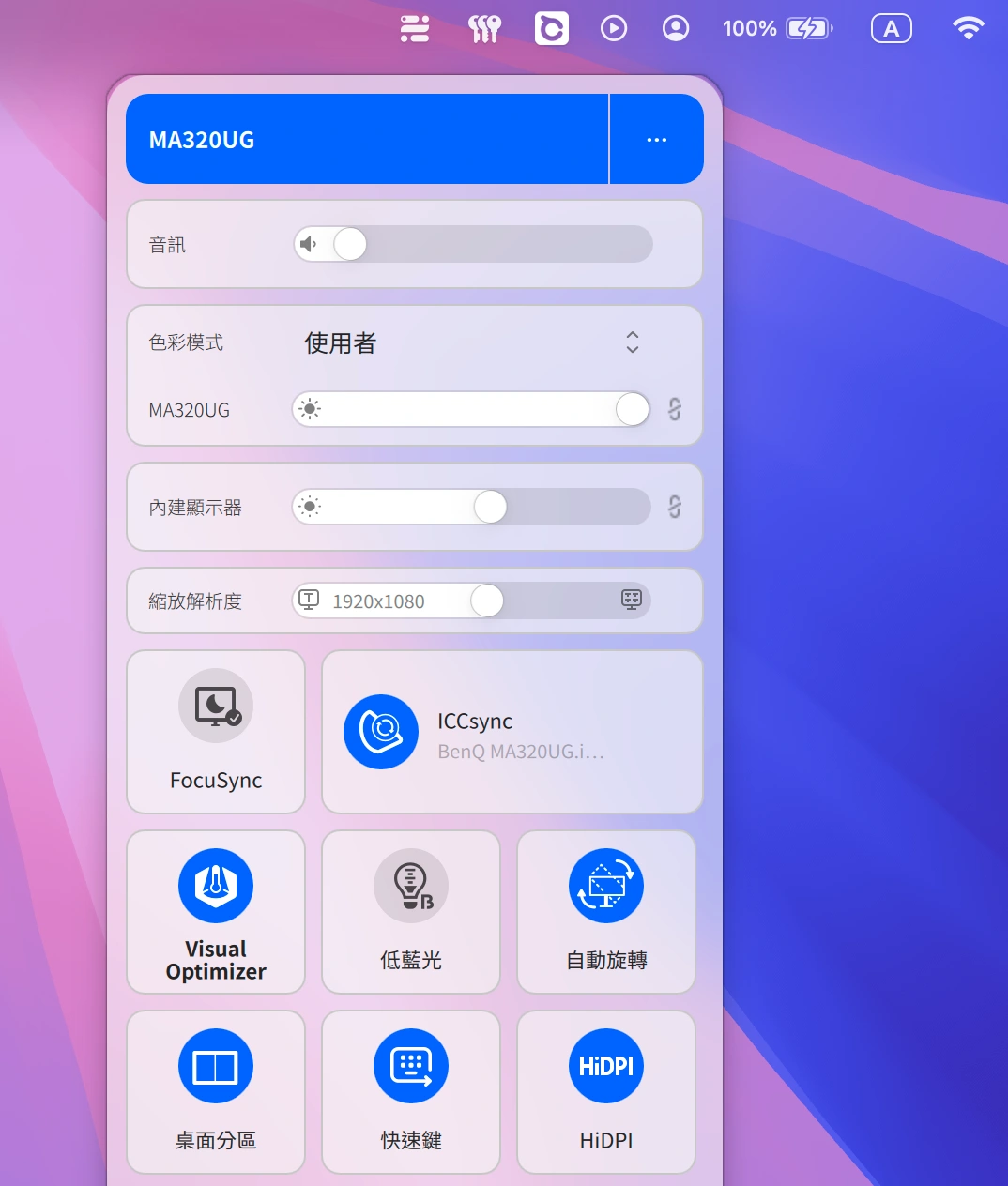
Visual Optimizer: Ultra light smart automatic dimming
If you use the MA320UG screen independently, you only need to turn on the “Visual Optimizer” Ultra light smart automatic dimming (matte models will display BI+ Gen2), and BenQ’s exclusive algorithm can be used to detect ambient light and color temperature, such as turning on yellow light or dimming indoors, MA320UG The screen will automatically lower the brightness and warm the color temperature, reducing the dazzling blue light and softening the vision. All these are stepless and gradual changes, which can keep the eyes in the most comfortable state at all times.
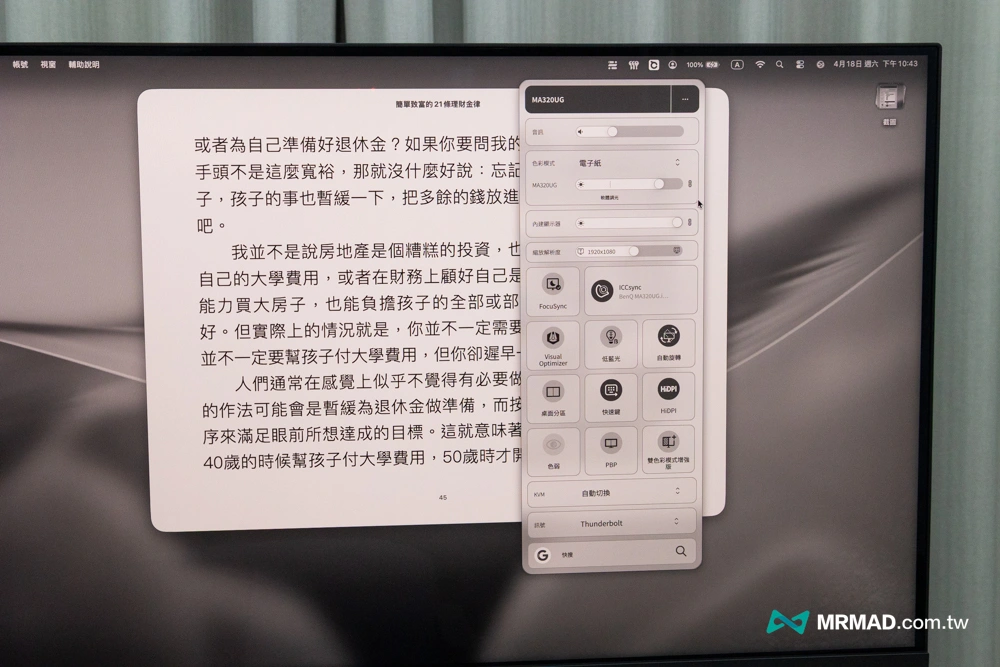
E-paper mode is like reading a physical book
In addition, the MA320UG can also turn on the electronic paper mode. The screen will instantly filter out all dazzling colors, turn to grayscale display, and greatly reduce the contrast and brightness, simulating a visual texture similar to E-Ink (electronic ink).
Although macOS has a built-in dark mode, your eyes will still feel a little sore after looking at it for a long time. After switching to the MA320UG’s electronic paper mode, the background will appear a comfortable warm gray and the text will turn into a soft dark gray. I used this mode to write manuscripts and read e-books for two hours continuously. The dryness of my eyes was obviously much less than in the normal mode. It felt like I was reading a high-quality newspaper instead of a piece of luminous glass.
Passed the Rheinland Low Blue Light Certification: The best screen for eye protection
For those who use computers for a long time, whether it has passed the “TÜV Rheinland” low blue light certification should also be taken into consideration. Of course, the BenQ MA320UG has also obtained the world-recognized and most authoritative double certification from TÜV Rheinland, which means that its eye protection function has been strictly tested by the laboratory, rather than just shouted by the manufacturer itself.
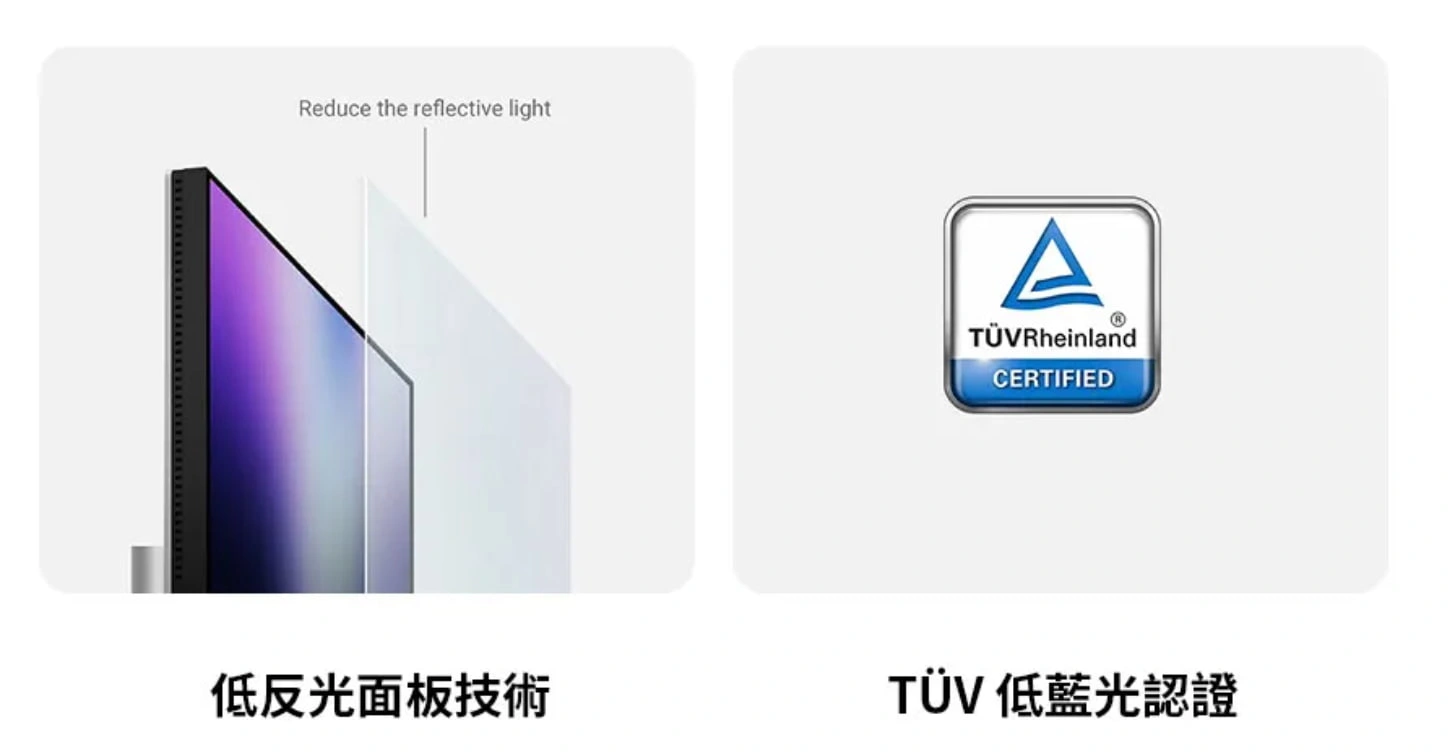
Everyone is talking about blue light hurting the eyes, and you may think that it is just software that makes the screen turn yellow, but the low blue light mode of MA320UG has been certified by TÜV, which can effectively filter out high-energy short-wave blue light with wavelengths between 415-455nm, while retaining color accuracy as much as possible. It has also obtained TÜV flicker-free certification, and mainly uses high-quality DC dimming technology.
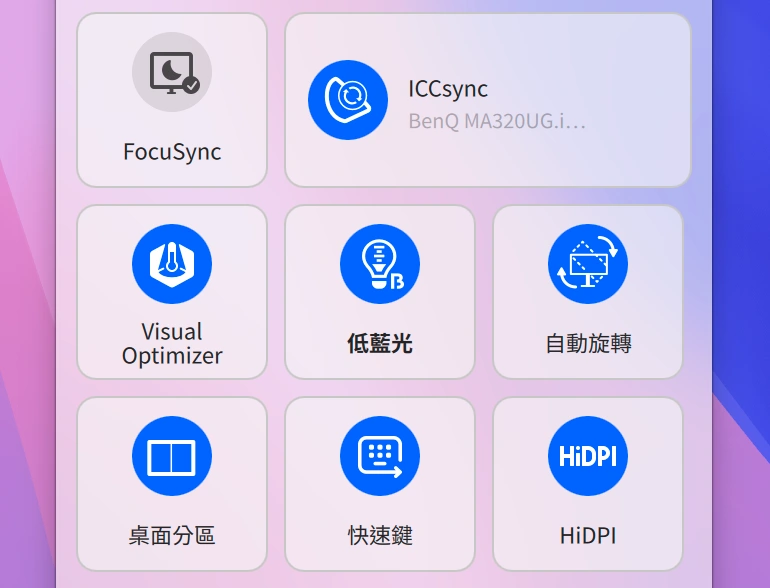
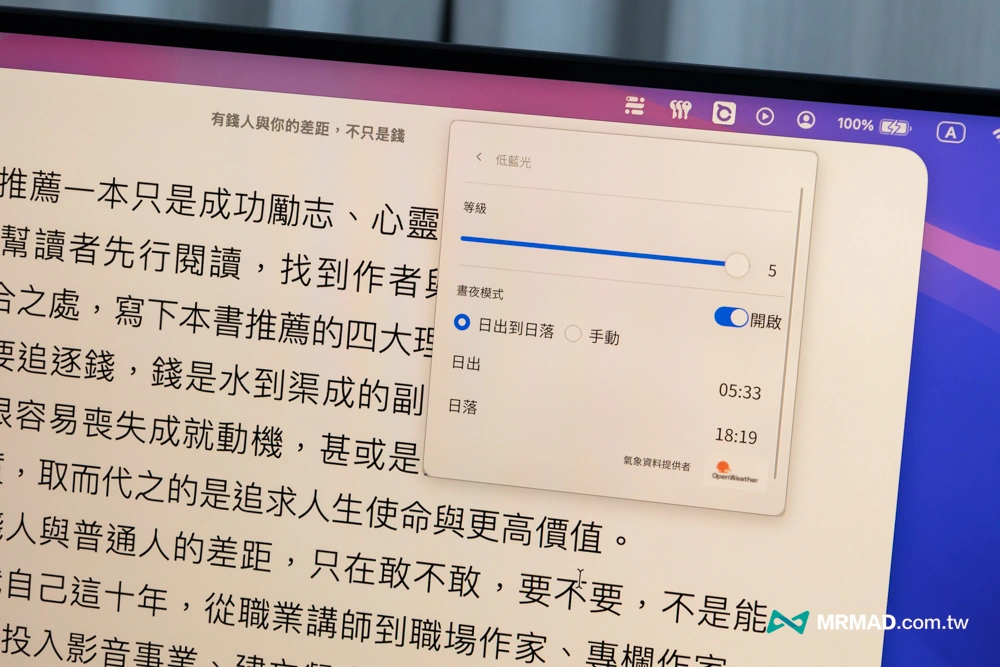
Although the picture quality of Apple’s original screen is indeed top-notch, when it comes to eye protection technology, BenQ is really ahead of the curve. If you are a heavy user who stares at the screen for more than 8 hours a day, the TÜV certificate of MA320UG is a lifebuoy for your eyes.
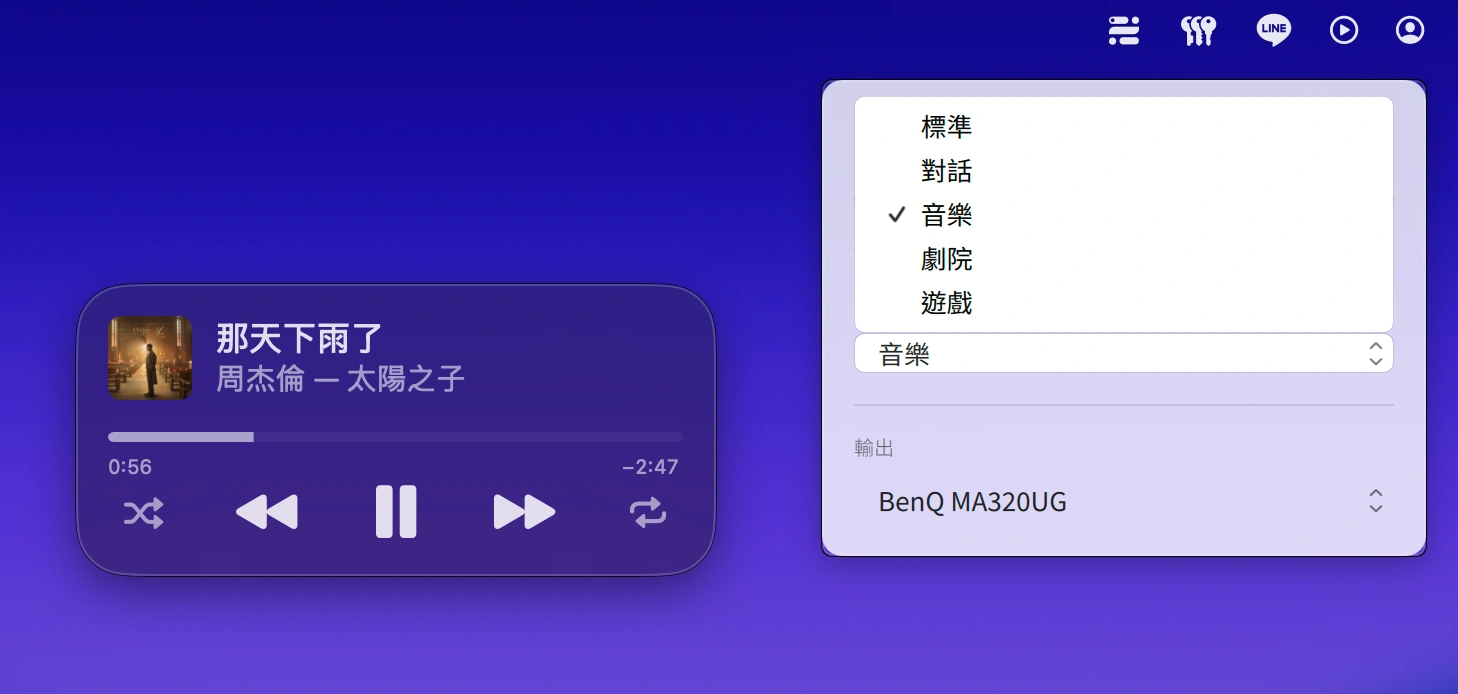
Built-in multiple audio modes to meet daily audio-visual and conferencing needs
The more thoughtful aspect of BenQ MA320UG this time is that in addition to the built-in 3W x2 speakers, it also provides dialogue, music, theater and game audio modes. Even if the built-in sound on the screen is not an accessory function, it can be adjusted for different situations such as watching dramas, meetings, entertainment and basic content creation.
According to actual tests, switching to theater mode will make the sound field of MA320UG more three-dimensional and wider.
BenQ MA320UG vs Apple Studio Display Specifications Comparison
| Specification focus | BenQ MA320UG | Apple Studio Display |
|---|---|---|
| screen size | 32 inches | 27 inches |
| Resolution | 4K (3840 x 2160) | 5K (5120 x 2880) |
| screen update rate | 120 Hz (Supports high frame rate) |
60 Hz |
| Panel material | Nano Gloss mirror panel | Standard mirror glass |
| color expression | 98% P3 wide color gamut (Including M-Book mode) |
Top P3 wide color gamut and true color display |
| Transmission interface | Thunderbolt 4 (96 W power supply) |
Thunderbolt 3 (96 W power supply) |
| Mac software integration | Display Pilot 2 (fully automated synchronization) |
macOS native system level integration |
| Built-in video/speaker | No built-in video camera/basic speaker | 12-megapixel ultra-wide-angle lens/spatial audio 6 speakers |
| VESA mount support | Built-in quick release as standard, no extra price required | You need to select the VESA version in advance when purchasing (not interchangeable with the base) |
| Official selling price | Within about NT$ 30,000 | Starting from NT$ 45,900 |
Who is suitable to buy BenQ MA320UG?
After this period of actual work experience, Mr. Crazy believes that the BenQ MA320UG can indeed hold up the title of “comparable to Apple’s original Mac external screen.” Not only does the hardware provide 4K 120 Hz and the extremely rare Nano Gloss mirror panel, the software side also perfectly makes up for the experience gap between third-party screens and macOS through Display Pilot 2.
If you are an image creator with extremely high requirements for color and image quality, a Pro user who relies heavily on 120 Hz smoothness, or a Mac player who finds the price of Apple Studio Display too unapproachable, this BenQ MA320UG is definitely the most cost-effective and professional Mac-exclusive external monitor on the market.
In addition, currently BenQ also has limited time promotionsfrom now until 5/31, MA270S and MA320UG are newly launched, with detailed and dynamic upgrades. Log in to receive a free $4,290 ScreenBar Pro screen smart hanging light (Star Silver)!
- Event webpage: https://benqurl.biz/42v9yZr
If you want to know more Apple information, iPhone teaching and 3C information skills, please follow us
Crazy Mr. FB fan group,
Subscribe to Mr. Crazy Google News,
Telegram,
Instagramas well as
Subscribe to Mr. Crazy YouTube.