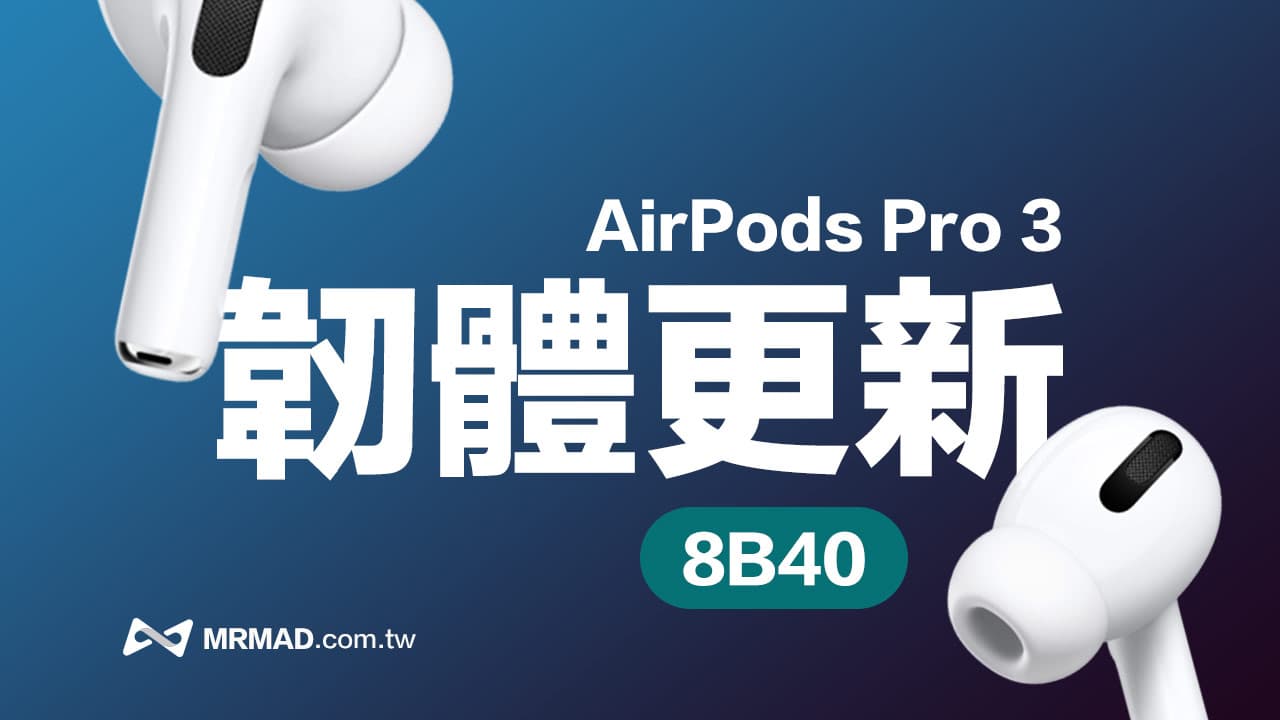
Apple officially pushed the latest firmware update to its flagship headset AirPods Pro 3 on May 1, 2026, with the version number upgraded from 8B39 to 8B40. Although Apple did not make a high-profile announcement, nor did it pop up obvious notifications like iOS updates, many users have already received the updates. This update comes not long after the previous version 8B39. What exactly has been fixed in the AirPods Pro 3 firmware this time? Is it worth updating specifically? How can I confirm whether I have upgraded successfully? This article will take you through it all at once.
AirPods Pro 3 latest firmware version upgraded to 8B40 with corrections
According to Apple’s latest support document, the latest firmware version of AirPods Pro 3 has been updated to 8B40, replacing the original version 8B39. The official update notes released by Apple are still quite brief, only saying “Bug fixes and other improvements.”
Although the official has not disclosed further details, according to Apple’s past AirPods firmware update practices, this type of version usually prioritizes repairs:
- Bluetooth connection stability
- Device automatic switching abnormality
- Noise reduction and transparency mode issues
- Audio delay or popping conditions
- Charging box and battery display are abnormal
Some foreign media also mentioned that the 8B40 firmware also further improved the stability of AirPods Pro 3 when switching between iPhone, iPad and Mac, while reducing background noise and temporary disconnection problems reported by some users.
Why does Apple rarely release AirPods update details?
Many people will find that Apple’s attitude towards AirPods firmware updates is completely different from iOS or macOS. iPhone updates usually list fixes and feature changes in detail, but AirPods firmware updates mostly only include one sentence of bug fixes and improvements.
The reason is that the AirPods firmware itself tends to adjust the underlying driver and audio algorithm. Many changes are system-level optimizations, such as fine-tuning ANC active noise reduction parameters, transparency mode sound balance, chip power consumption optimization, Bluetooth protocol stability, and Siri interaction response speed, etc.
Usually these adjustments to AirPods Pro may not be directly noticed by ordinary users, but they will affect the overall user experience in the long run. Especially after AirPods Pro 3 itself adds more AI acoustic processing and adaptive functions, Apple prefers to continue to fine-tune the performance of the headphones through small firmware updates.
How to update AirPods Pro 3 to 8B40?
At present, Apple still does not provide a manual update button for AirPods, so if you want to upgrade to the 8B40 firmware version, you can only complete it through the system’s automatic update mechanism.
In addition, Apple releases AirPods firmware updates in stages and will not fully push the new firmware on the day it is released. For detailed update methods, please refer to “AirPods Firmware Update Tutorial: Teach you how to check the device version and update methods.”
If you find that AirPods cannot be updated automatically, or if you are only an Android phone user who wants to update AirPods, you can take the device to an Apple direct store or Apple authorized repair center to make an appointment and let a specialist solve the problem for you.
👉 General summary of Apple authorized repair centers in Taiwan (Studio A, Deyi, Shennao, Tsannkun)
How to confirm whether AirPods Pro 3 has been upgraded to 8B40?
If you want to confirm whether your AirPods Pro 3 has been updated, you can follow the steps below to check:
- Click iOS “Settings” > “Bluetooth”
- After connecting AirPods to iPhone, click the “i” button on the right side of the AirPods device
- Scroll to the bottom to see the device “Version” and confirm whether the firmware version is the latest version above.
If “8B40” is displayed, it means that AirPods Pro 3 has been successfully upgraded to the latest firmware. For the latest version currently listed in Apple’s official documents, please refer to “Latest AirPods Firmware Query”.
If you want to know more Apple information, iPhone teaching and 3C information skills, please follow us
Crazy Mr. FB fan group,
Subscribe to Mr. Crazy Google News,
Telegram,
Instagramas well as
Subscribe to Mr. Crazy YouTube.