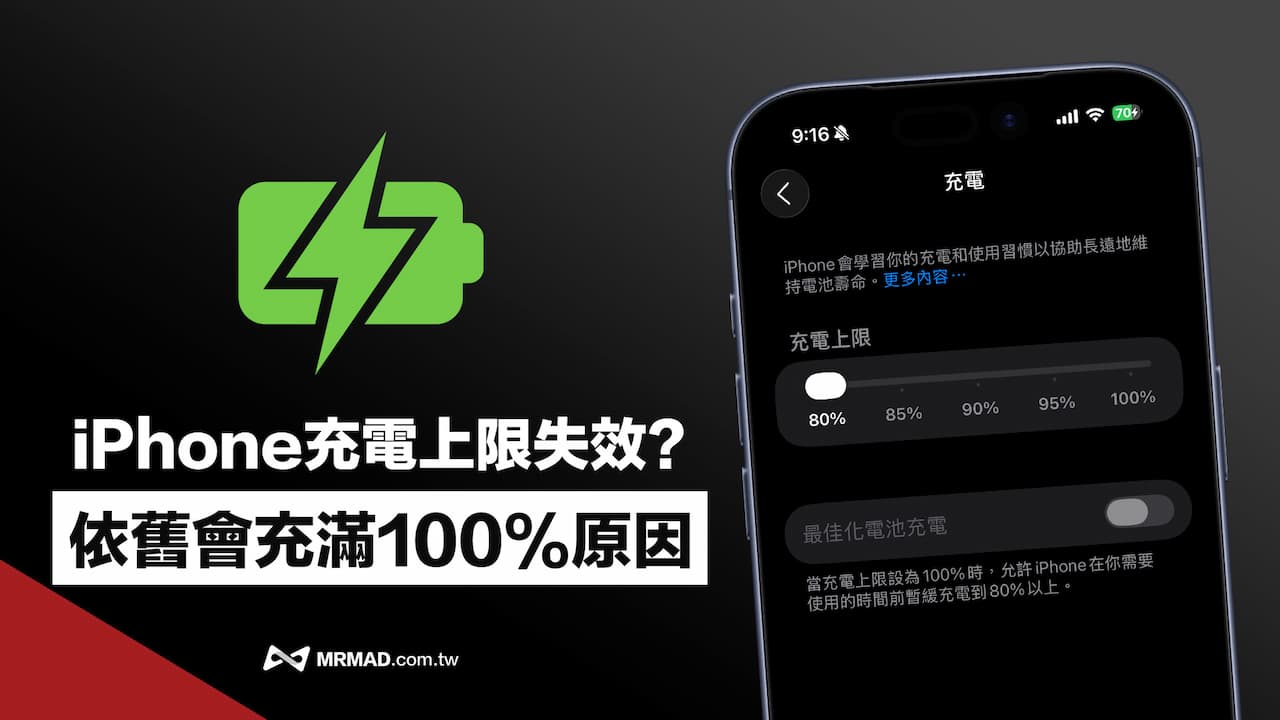
In order to extend battery life, many iPhone users will turn on the “charging limit” function to avoid battery aging caused by long-term full charging of the phone. However, netizens often find that even though they have set an 80% charging limit for their iPhone, they still find that the phone’s power exceeds the preset limit, causing it to be fully charged to 100%. They suspect that there is a bug in the system. Apple officials have personally explained that this is not an abnormality but the design of the system itself.
Apple explains why iPhone charges up to 80% automatically to 100%
From iPhone 15 to subsequent models, Apple recommends turning on the “charging limit” function if the iPhone is often connected to the power supply for a long time. When it reaches a set percentage (such as 80%), the system will suspend charging to slow down battery wear and extend battery life.
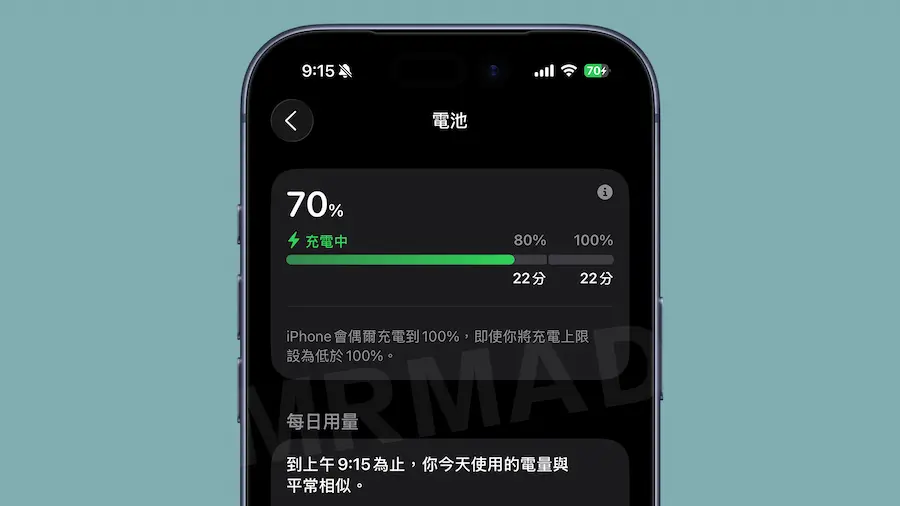
Why does the iPhone continue to be fully charged to 100% even after setting the “80% upper limit” for iPhone charging to stop charging?Apple support document descriptionpointed out that even if the user sets a lower upper limit, there is still a chance that the battery power exceeds the set value. This is mainly to ensure the accuracy of the battery percentage display. The iPhone occasionally charges the battery to 100%, which is considered a normal phenomenon.
In addition, there is a situation where the iPhone charging limit setting is exceeded. As long as the iPhone is not fully charged for a long time, the iOS system will perform “calibration charging” more frequently, automatically charging the battery to 100% to recalibrate the battery capacity and status to ensure the accuracy of the battery display.
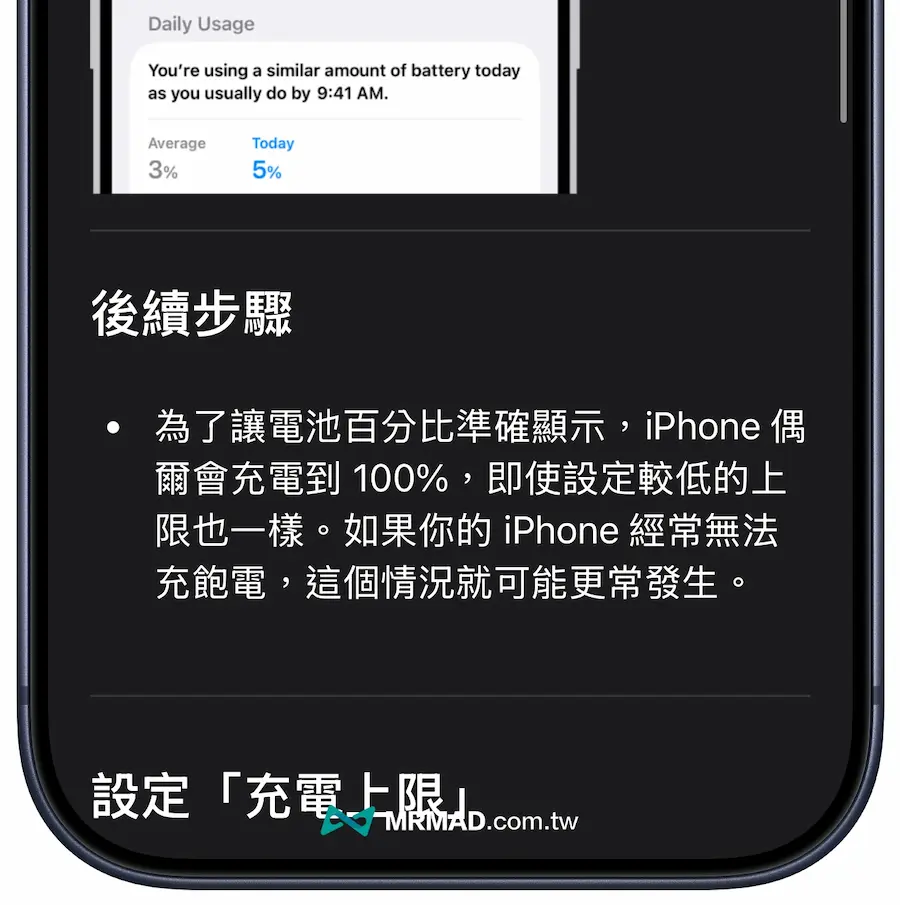
Although some users may find it strange that the iPhone occasionally exceeds the set charging limit, Apple’s design is actually to allow the system to “understand your battery more accurately” in order to maintain more stable battery life performance during long-term use.
Key factors affecting iPhone battery life: temperature and charging habits
Apple emphasizes that the lithium-ion batteries used in iPhones are consumable parts and will gradually age as their “chemical age” increases, affecting battery life and peak performance. In addition to usage time, high temperature and charging habits are the two main factors that lead to accelerated aging of iPhone batteries.
When the iPhone is charging, the battery will generate heat due to the flow of current. If it is exposed to a high temperature environment for a long time exceeding 35 degrees Celsius, the chemical composition of the battery will accelerate the aging of the battery.
Therefore, the iPhone will automatically reduce the charging current when it is close to full power, and even actively limit charging to the upper limit of 80% when the temperature is too high, mainly to ensure safety and battery health.
Apple still recommends that the iPhone enable the “optimized battery charging” function, which allows the system to automatically delay the charging completion time by learning usage habits. For example, if the charging cable is unplugged at 7 o’clock in the morning, the iPhone will be charged to 80% at night and then pause, and will automatically top up in the morning, reducing the pressure of maintaining a full charge for a long time.
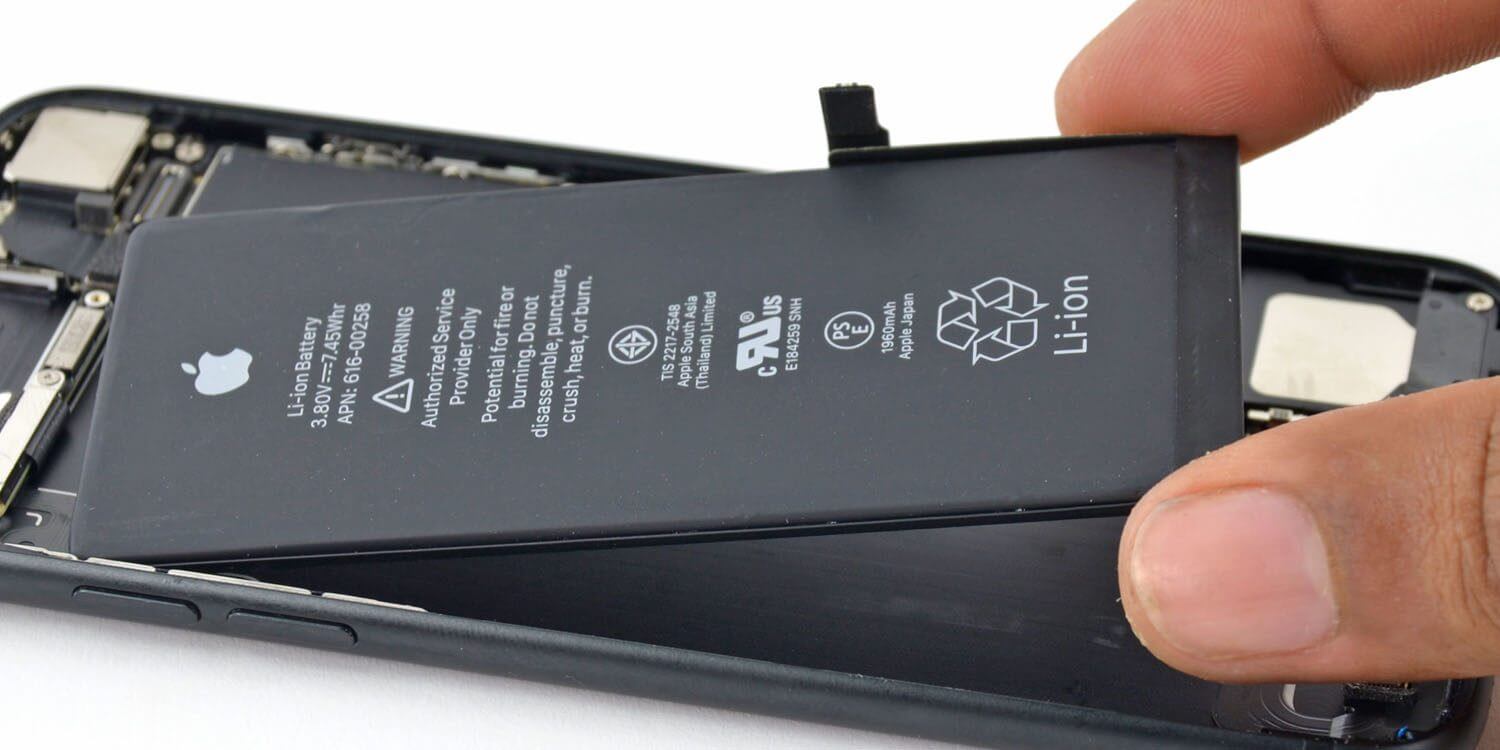
Apple suggests practical tips to extend iPhone battery health
- Turn on “Optimized Battery Charging”: You can turn it on in “Settings > Battery > Battery Health & Charging”.
- Avoid charging at high temperatures for long periods of time: especially in a car or in direct sunlight.
- Use original or MFi certified chargers: Avoid abnormal overheating caused by non-certified power supply.
If you want to know the details of the iPhone charging limit of 80% ~ 95% and who it is suitable for, it is recommended to refer to another article “Does the iPhone charging limit of 80% need to be turned on?” Best settings to improve lithium battery life.”
If you want to know more Apple information, iPhone teaching and 3C information skills, please follow us
Crazy Mr. FB fan group,
Subscribe to Mr. Crazy Google News,
Telegram,
Instagramas well as
Subscribe to Mr. Crazy YouTube.