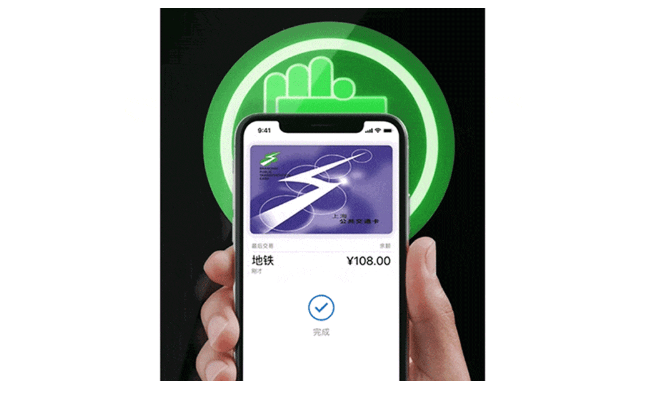
A transit card can only be added to the Wallet app on one device at a time. How do I transfer the transit card from the old iPhone to the new iPhone after changing to a new iPhone? Here’s how to transfer manually.
1. On previous iPhones, open the Wallet app and tap your transit card.
2. Tap the More button (…), then tap Card Details (i).
3. Scroll down, then tap Remove Card. Tap Remove to confirm.
4. On the new iPhone, open the Wallet app, then tap the Add button .
5. Tap Previously Added Cards, then choose your transit card.
6. Just add your transit card to your new iPhone.
What if the old phone is no longer in use, or cannot be turned on, or is not around?
If you sign out of iCloud or turn off Face ID, Touch ID, or Device Passcode on your iPhone or Apple Watch, all credit, debit, and transit cards will be removed from the device.
When the user removes a transit card from any device, the balance on the card is stored and can be transferred to the same iPhone or Apple Watch, or to another iPhone or Apple Watch On the premise that the device is connected to the Internet and signed in to iCloud with the same Apple ID.