Apple has released two video ads that show how Apple Intelligence can be used on MacBook Pros. A comical depiction of how to overcome a crisis at work by using Apple Intelligence’s text summarization function and the ability to change the tone of the text.
Two videos on how to use Apple Intelligence on MacBook Pro
An ad released by Apple that depicts the use of Apple Intelligence on the newly announced MacBook Pro features the words “Catch up quick” and “Change your tone.” There are two of them.
Apple Intelligence is available on Macs running M1 or later with macOS Sequoia 15.1 installed and the language setting set to American English. Japanese support is scheduled for April 2025.
I was suddenly asked for an explanation during a meeting, and I was in a big pinch!
“Catch up quick” begins with a scene of businesspeople gathering for a meeting.
The main character, Rance, is talked to while in the sky above.

When asked for my opinion on the “prospectus,” I reluctantly respond, “Yes, yes, it was wonderful,” but then I get asked, “Could you please explain it to me?” I’m in a big pinch.

Lance moves around in his chair while holding his MacBook Pro.

I left the conference room while the members around me looked stunned.

Once you’re out of the conference room, select the document displayed on your MacBook Pro and select “Key Points.”
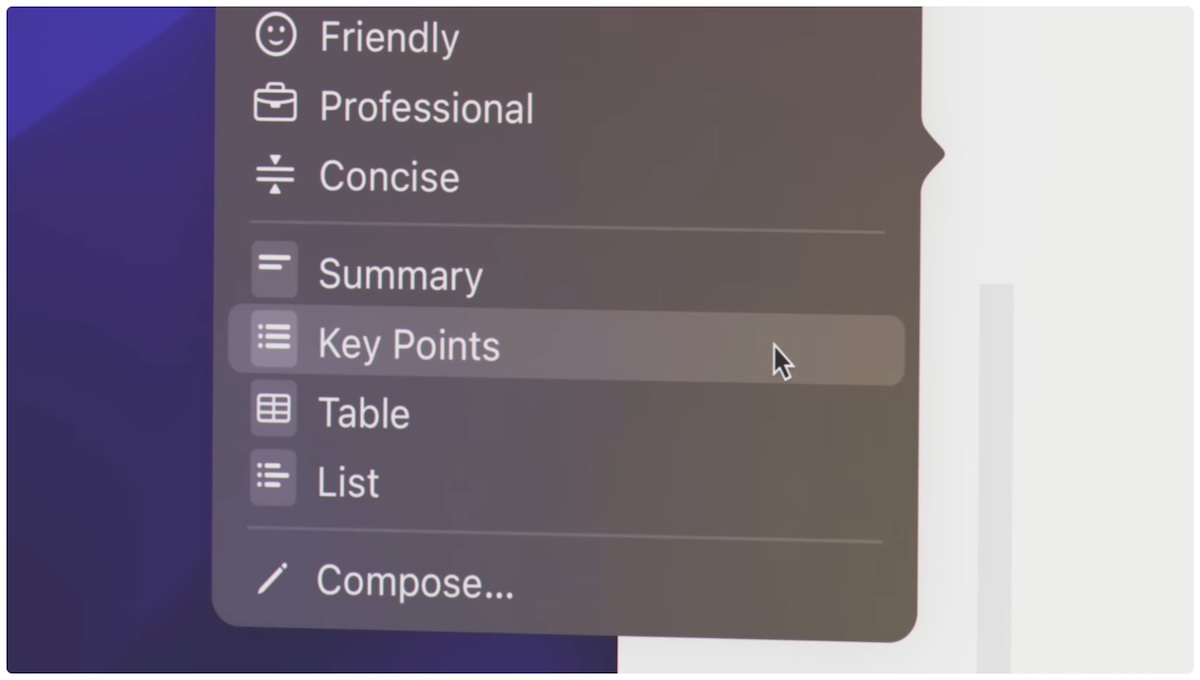
Apple Intelligence summed up the key points in your document.
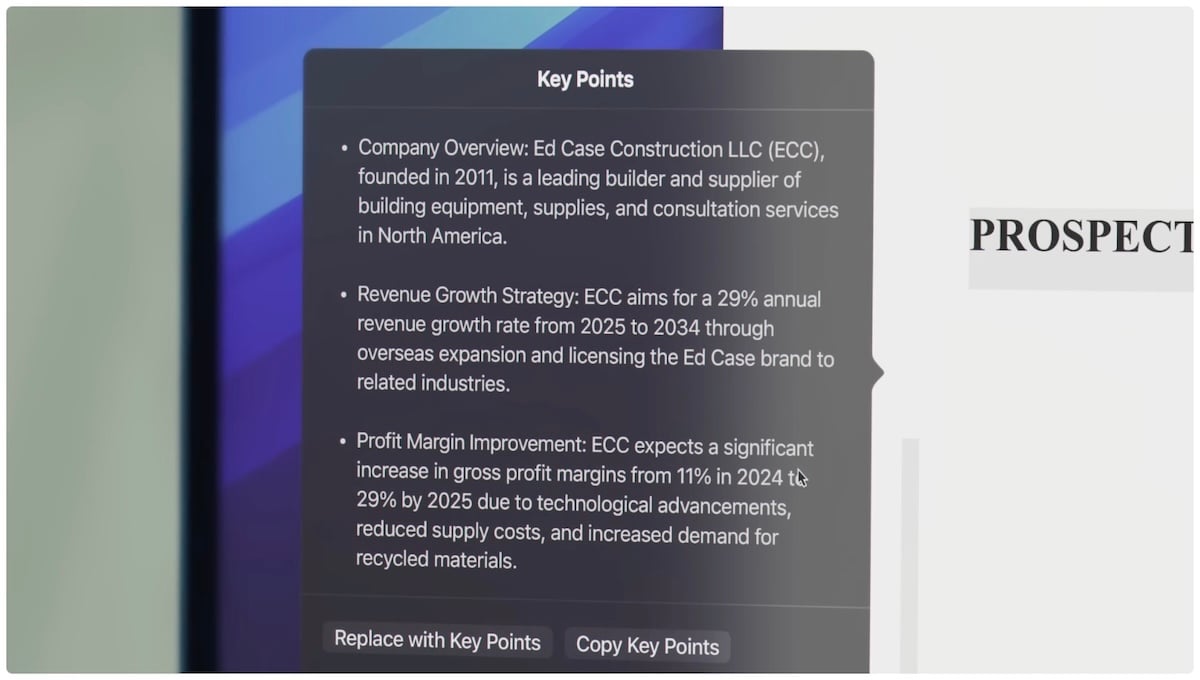
Lance rolls back into the conference room in his chair.
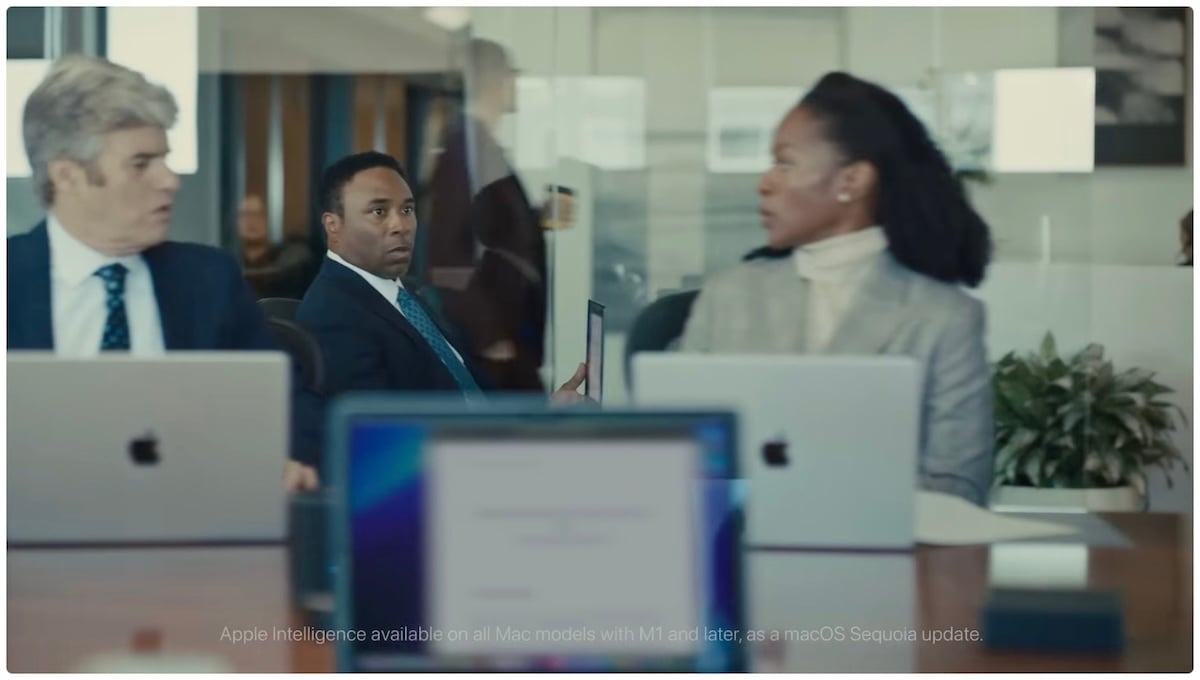
When he returned to his seat, he said with a proud look on his face, “Now, let’s get into the prospectus.”

The members respond with “OK (I understand)” with expressions that remain frozen.

Krizz Kaliko’s song “Genius”, which was also played in the commercial for using Apple Intelligence on the iPhone, plays, and the words “Catch up quick” overlap.

Similar to the commercial that introduced how to use Apple Intelligence on the iPhone, is this really a good idea as a proposal for how to use it in business? That begs the question, but for now Lance looks proud.
Click here to watch the video that will make you laugh if you were put in the same situation as Lance. Playback time is approximately 1 minute 22 seconds.
Who ate my pudding! make your anger milder
“Change your tone” begins with a man closing the refrigerator in his office while saying, “Again?”

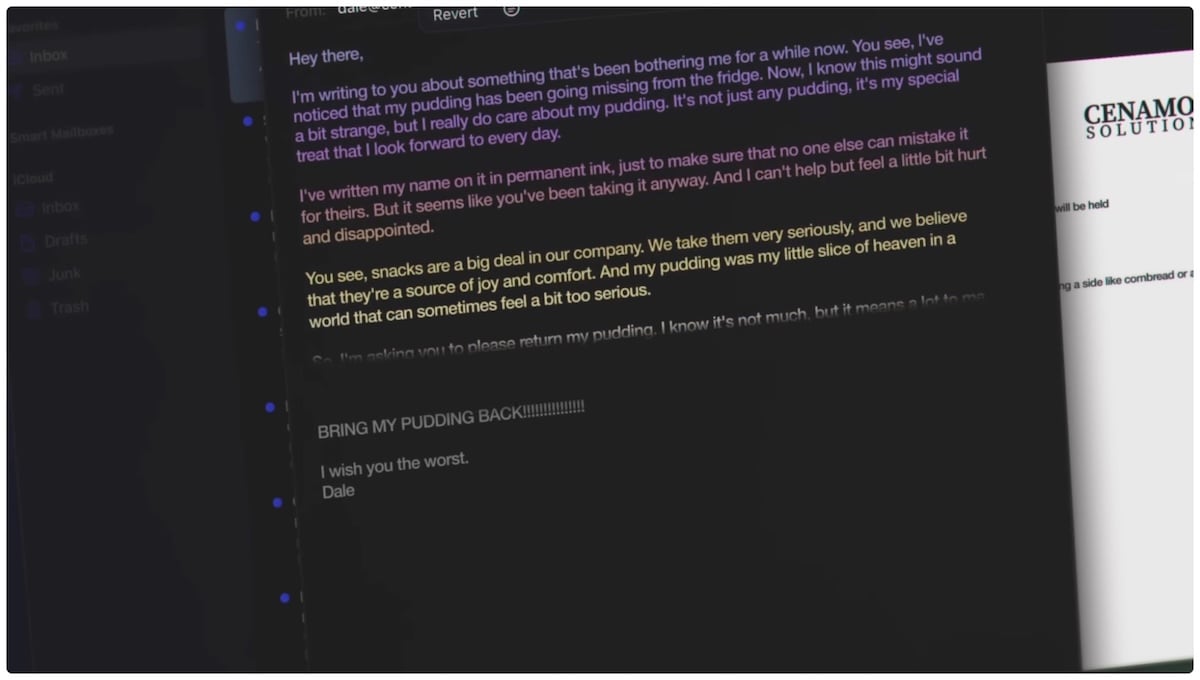
A man sits in his seat, faces his MacBook Pro, and expresses his resentment towards the person who stole his pudding in words in a rather harsh tone.
Apparently, someone had eaten the pudding that had been kept in the office refrigerator multiple times without permission. I understand how you feel, but I feel like that’s a bit too harsh.

When you look up, you notice the words “Find Your Kindness” written on the stuffed animal’s clothes.

In Apple Intelligence’s style change feature, select Friendly.
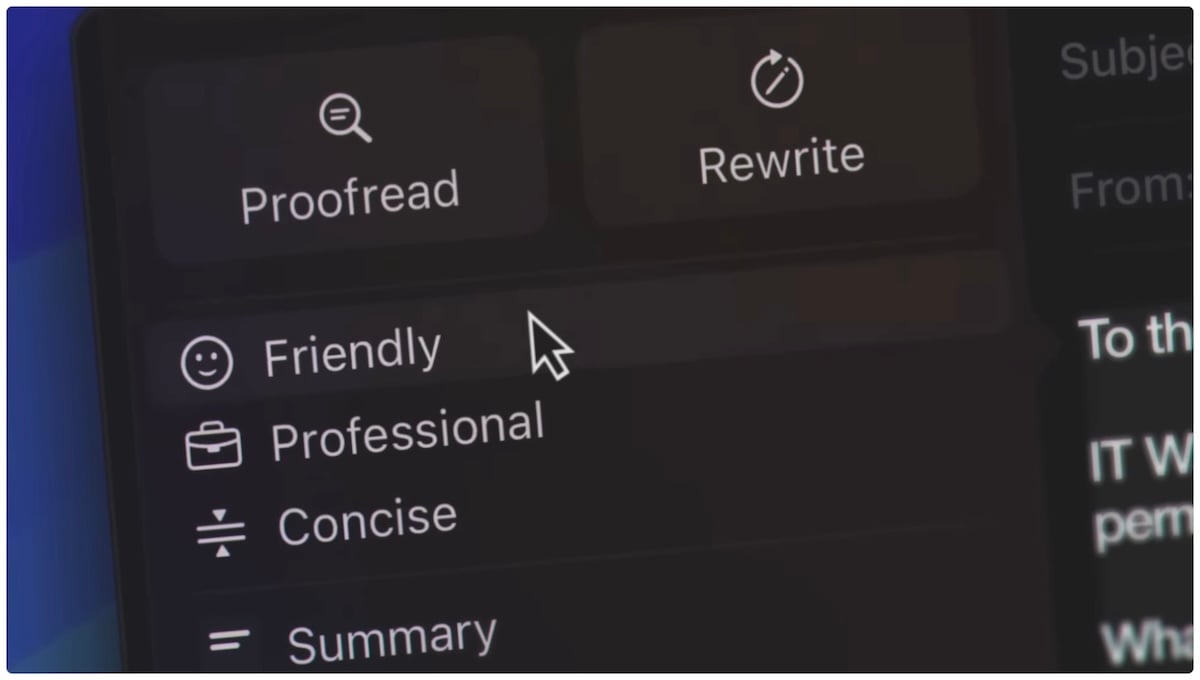
It sends out sentences that are quite long, rippling, and have a modified writing style.
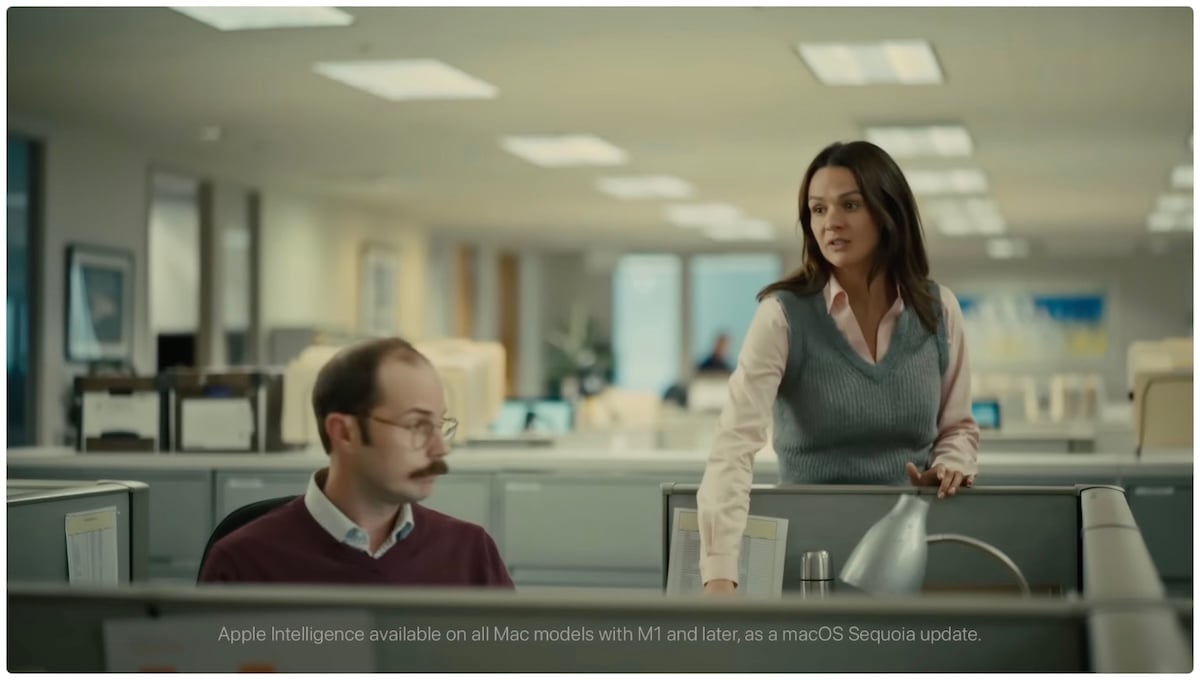
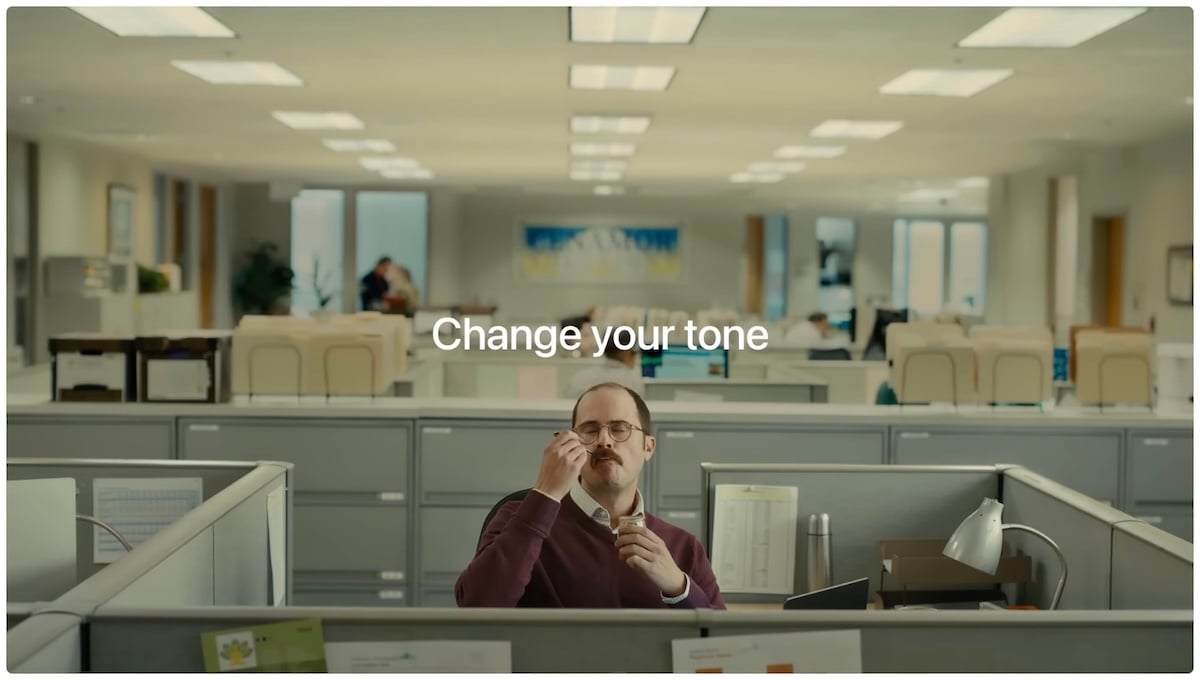
Shortly after, a woman appears with a pudding, saying, “Beautiful words. Dale, I’m sorry,” and leaves, leaving the pudding on the table.
As Dale says “Thank you” to the woman’s back and enjoys pudding at his seat, the words “Change your tone” overlap.
If I had sent the letter in the original harsh style where I was pouring out my emotions, it might have had a serious impact on interpersonal relationships within the office, but by using Apple Intelligence to create a style that was more easily accepted by the recipient, I was able to overcome the crisis. It can be said that he was saved.
Watch the video for “Change your tone” here. Playback time is approximately 1 minute and 8 seconds.
The song used is Krizz Kaliko’s song “Genius”.
Source: Apple/YouTube (1), (2)
Source: iPhone Mania