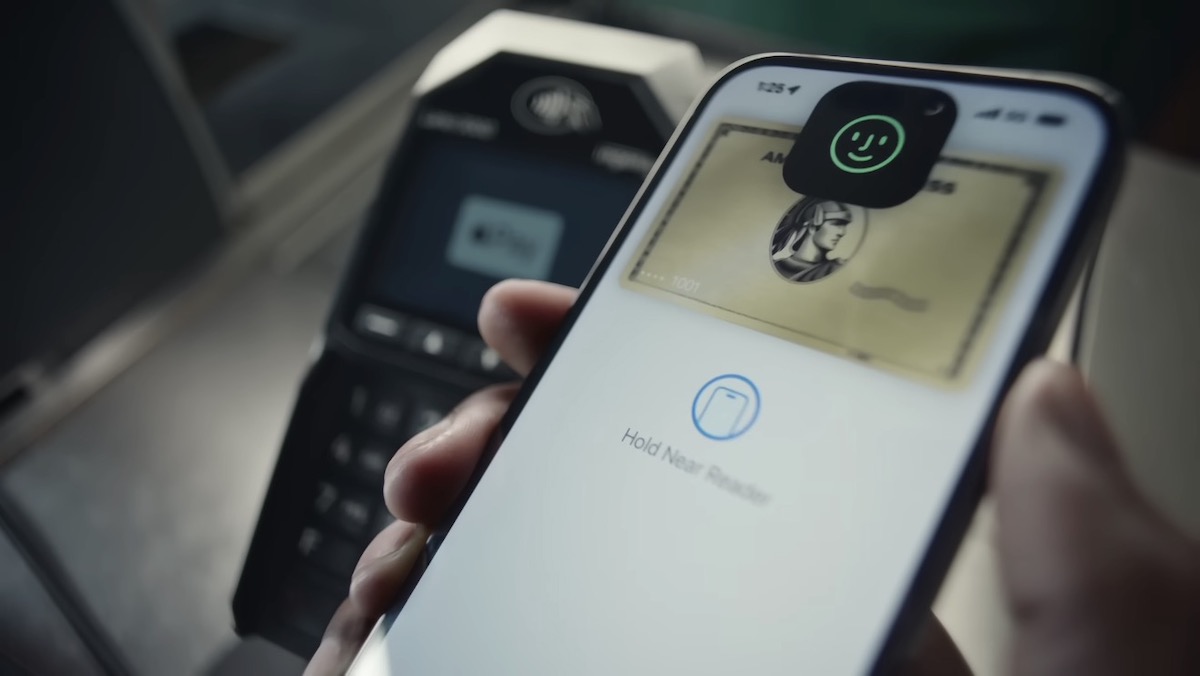
Apple has released two new video ads for Apple Pay, “The Dance” and “Captcha.” It comically appeals that payment using Apple Pay is smooth both at face-to-face cash registers in stores and online shopping.
■ The point of this article that can be understood in 3 lines
1. A commercial video has been released that emphasizes the ease of payment with Apple Pay.
2. The quick settlement of Apple Pay stands out for both cash register settlement and online settlement.
3. Apple Pay was announced in 2014 and became available in Japan in fall 2016.
“The Dance” depicting payment at the supermarket checkout
Apple’s new video ad for Apple Pay, “The Dance,” is set in a supermarket checkout. A female shopper gets into trouble with her card payment terminal.
A woman inserts a card into a card payment terminal after being told the amount to be paid by a store clerk.
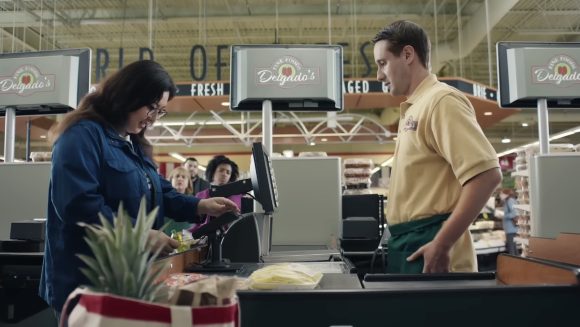
When a woman takes out a card, a beep sounds. “Oh… it seems that you took out the card a little too early. Please insert the card again and wait until you hear a beep,” said the clerk.
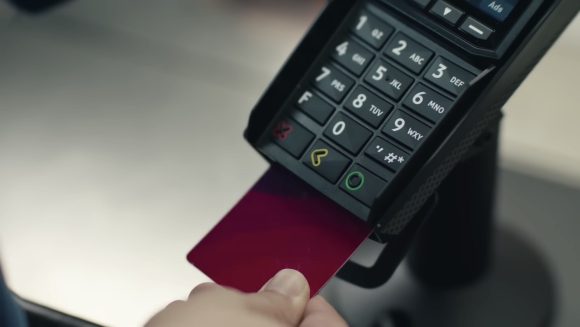
After inserting the card again and after hearing the sound, the woman took out the card with a slightly relieved expression, and another warning sound. “Oh…it was a little late this time,” said the clerk.

The woman responds with an expression that can not hide her irritation, ‘I told you to wait until you hear the sound.’

A woman with a disgusted look when the clerk said, “There are two sounds. A frustrated customer is making a row at the cash register.
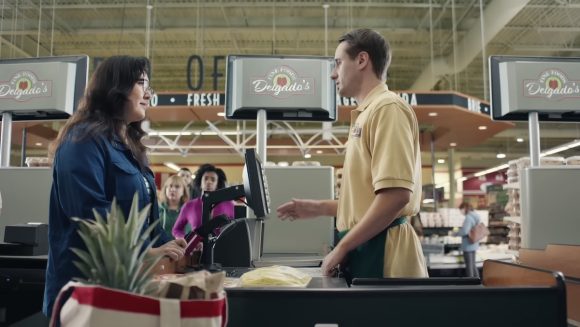
“Let’s put the cards flat, like a plane landing. I’ll count. Yes, 3, 2, 1.” The characters “Let’s pay with Apple Pay” are overlapped by a man who finishes accounting in an instant and leaves with a smile.
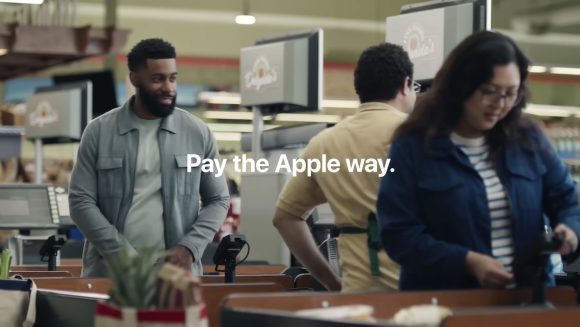
At the female cash register, the clerk continues to say, “Wait, wait, take it out, and then…”.
Watch the video for “The Dance” here. Playback time is about 30 seconds.
“Captcha” set in online shopping
“Captcha” is set in online shopping. A woman who finds her favorite table lamp mutters, “You are mine,” and proceeds to checkout.

I am asked to check “I am not a robot” that I often see on internet services and select an image of the signal, but I get an error saying “The input is not correct”.
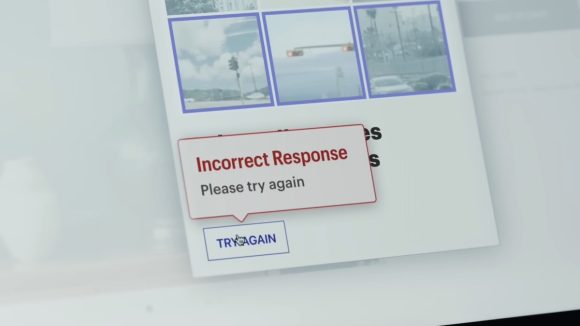
The next question is “Choose all the animals on your farm.” 9 kinds of animals are lined up.
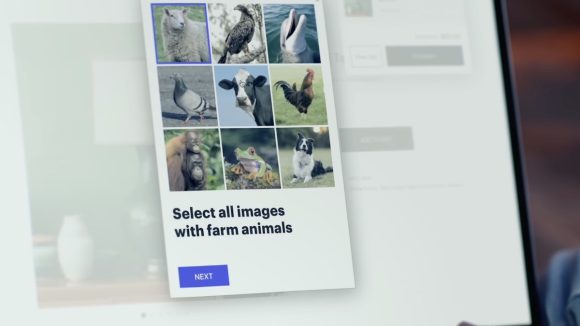
“Dogs… Dogs chase sheep on the farm,” “Wait, dogs chase sheep?” “How do sheep move?” “The input is incorrect” error display.
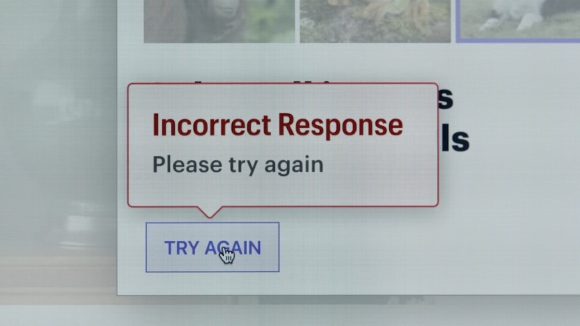
“Sometimes dogs chase sheep,” a dissatisfied woman shouts, “Sometimes dogs chase sheep!”

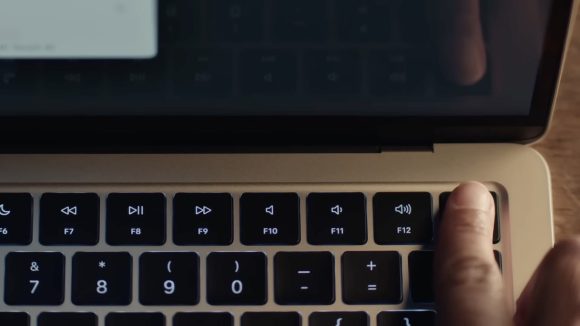
A woman shopping online in another room is surprised by the screams she hears, but uses Touch ID on her Mac to complete the payment with Apple Pay.
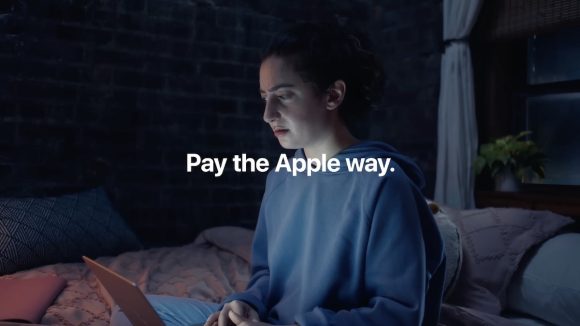
The text “Let’s pay with Apple Pay” overlaps with the woman who asked herself, “Is the dog chasing the sheep?”
Here’s a video that you’ll probably remember when you see the next image selection question. Playback time is about 30 seconds.
Apple Pay announced in September 2014
Apple Pay was announced at the same time as the iPhone 6 and Apple Watch in September 2014, and the service started in the United States. It will soon be 10 years since the service was announced.
In Japan, iOS 10.1 (released in October 2016) launched the Apple Pay service compatible with Suica, QUICPay, and iD. Tim Cook, CEO of Apple, who came to Japan, also showed a demonstration of passing through the ticket gates of the JR Yamanote Line with Suica on the iPhone a little earlier than the start of the service.
Currently, in addition to expanding to nanaco and WAON, PASMO and ICOCA can also be used.
As of September 2020, survey results have been released that Apple Pay is enabled on 507 million iPhones, which is 51% of the world’s total.
Apple Pay recently expanded its availability to Vietnam and Chile.
Source: Apple/YouTube (1), (2)
(hato)
Source: iPhone Mania