Apple told 9to5Mac on October 2 that a small number of iPhone 18 Pro Max units on AT&T may lose cellular service and stop making calls. Soft updates that shipped this week are meant to help prevent new cases. They do not bring service back on phones that already dropped to SOS.
Those already stuck need a hardware replacement. Apple points owners to Apple Support, AT&T, an Apple Store, or an AT&T store. The company and the carrier both say they are working on the issue.

Photo: Apple
Apple statement and what iOS 27.0.1 actually does
In a statement to 9to5Mac, Apple said it identified an issue affecting a small number of iPhone 18 Pro Max users on the AT&T network that may cause a device to lose service and be unable to make calls. Apple released iOS 27.0.1 with the Face ID restart fix earlier this week and strongly encourages all iPhone 18 Pro Max users to update now. A carrier settings update also went out on October 2.
“These updates together are meant to help prevent this issue from occurring,” Apple said. The same note makes clear the software path does not restore service on devices that have already lost it. Our iOS 27.0.1 tip note on build 24A446 tracks the Face ID and camera items in the public release notes. Those notes never listed an AT&T cellular row.
MacRumors reports Apple also started requiring iOS 27.0.1 during iPhone 18 Pro Max setup. A leaked AT&T email framed 27.0.1 as a way to help mitigate future impact, which matches Apple’s prevention language.
Carrier settings 72.1 and the About menu path
AT&T and Apple pushed a carrier settings update on October 2. MacRumors contributor Aaron Perris logged version 72.1, up from 72.0.2. Timing lines up with the Pro Max connectivity complaints, though neither company published a full changelog for the bundle.
Apple says the carrier package will download automatically over about 14 days. Owners can force the prompt sooner: Settings, then General, then About. The About screen also shows the current carrier settings version next to the carrier name. If a notification was dismissed earlier, that About visit is the usual way to bring it back.
AT&T told MacRumors it is “working with Apple.” Separate AT&T comments shared with PCMag said the Apple software update should address an issue that may affect calls, data, texts, and 911 on a small number of iPhone 18 Pro Max phones, and that keeping customers connected is the top priority.
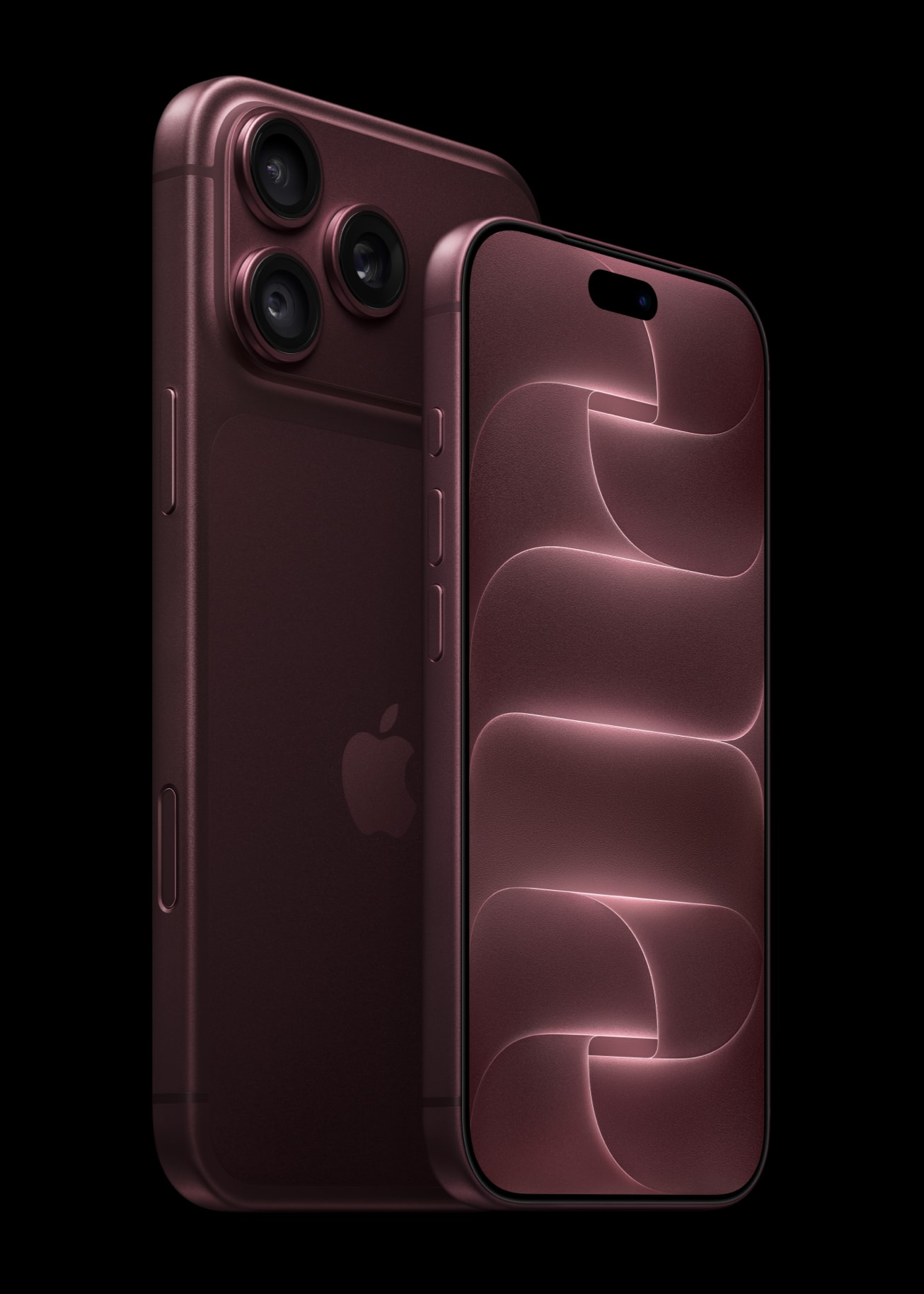
Photo: Apple
SOS status bar means replacement, not another software pass
Affected Pro Max units cannot join AT&T for calls, texts, or data. The status bar shows SOS instead of normal signal. The problem is not hitting every AT&T Pro Max. Earlier September reports already tracked dead cellular and stuck eSIM cases; our September 26 AT&T Pro Max cellular brief covered that wave before Apple’s October 2 confirmation.
Once service is gone, Apple’s line is hardware replacement. Contact Apple Support or AT&T, or walk into an Apple Store or AT&T location. PCMag noted some owners on Apple’s community forums already received replacement units from store staff before Monday’s 27.0.1 drop, and said the new phones connected normally.
U.S. Pro Max Qualcomm modem; iPhone 18 Pro with C2 not in scope
9to5Mac notes the U.S. iPhone 18 Pro Max uses a Qualcomm modem. The iPhone 18 Pro, which uses Apple’s C2 modem, is unaffected by these AT&T connectivity issues. That split matches the SKU map in our iPhone 18 Pro Max four-SKU modem brief.
Neither Apple nor AT&T has publicly named a root cause. MacRumors says it is not yet clear whether a follow-up like iOS 27.0.2 will be required, or whether the carrier update alone will be enough for phones that still have service. For owners already on SOS, the published path remains a replacement handset.
Photo: Apple
Source: 9to5Mac; MacRumors; PCMag; Apple statement to 9to5Mac; AT&T statements to MacRumors and PCMag