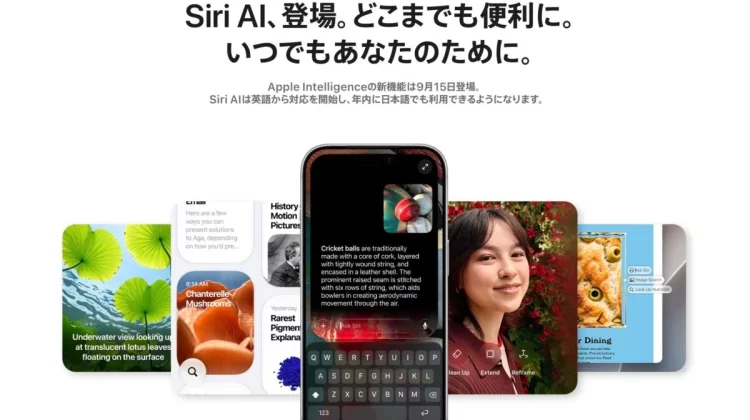
You can’t use Siri AI as much as you want. There is a limit to the number of times you can use it in a day, and if you want to use it beyond that limit, you will have to pay.
That’s what Apple says in its support documents and terms of service published on September 10th. At the end of July, I reported that Mr. Cook said, “We will create a system to increase the number of slots for people who use AI a lot,” and that story has now become an official document.
However, neither the amount nor the start date has been written yet.
The limit is on the “send to Apple server” function.
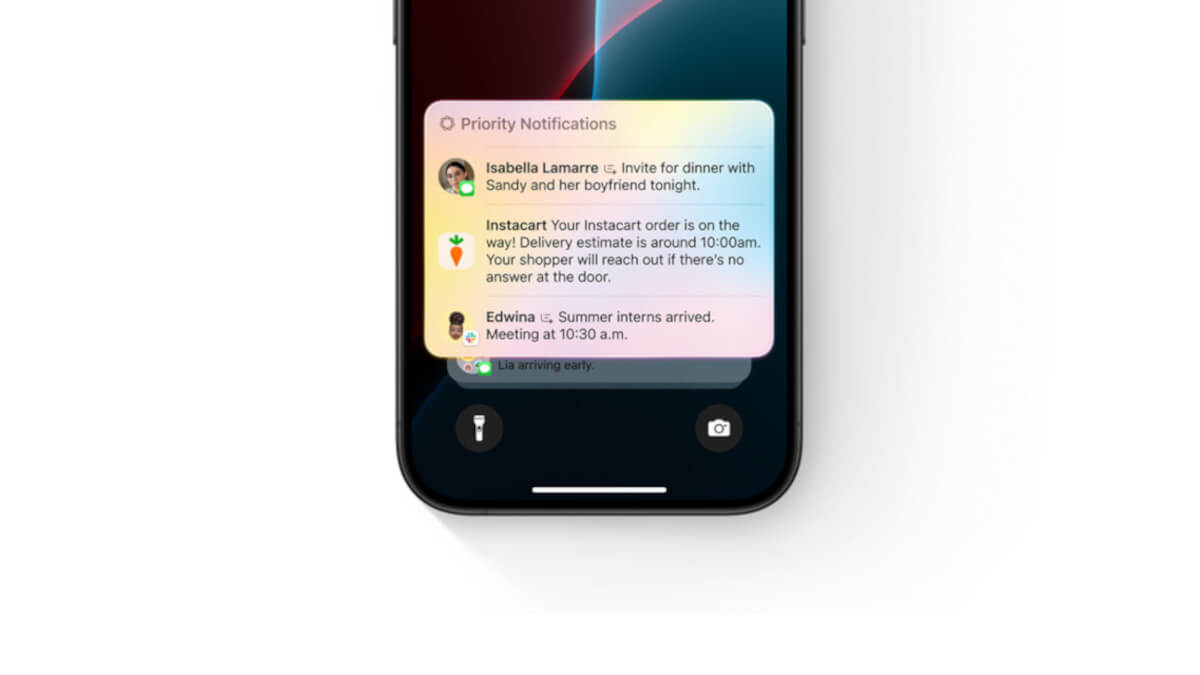
The upper limit applies to functions that do not complete processing on the iPhone, but instead send data to Apple’s servers for processing. Apple lists the following five:
- Siri A.I.
- Intelligent photo editing tools (cleanup, enhancement, spatial reframing)
- Image Playground
- “Shortcut” AFM 3 Cloud and AFM 3 Cloud Pro models (settings that use AI on the cloud side)
- Apps that use the Apple Foundation Model in private cloud computing
There is a fifth thing I would like to note. This also includes third-party apps that use Apple’s AI. Even if you don’t intend to use the genuine functions, you may be approaching the upper limit.
Apple also writes that it is “not limited to these,” and the targets are not fixed to these five.
Once the upper limit is reached, it will become unusable for a while.
It also describes what happens when the limit is exceeded.
If you reach the limit for a particular feature, you can use that feature again after the timeout period ends.
Your account will not be suspended and will be restored after a certain period of time. During this time, you can still use other functions of your iPhone.
However, it has not been announced how many times the limit will be reached. Apple says the number of times is not fixed and “may vary based on functionality, request complexity, system demands, system policies, and other factors.”
There is no way to know in advance how many times you can use it. During busy times, you may reach the upper limit earlier.
Mr. Cook’s explanation in July and what has changed
I will compare the content I communicated at the end of July with this document.
| item | End of July (Remarks by Mr. Cook) | September 10th (Apple document) |
|---|---|---|
| Charged | Preface: At the consideration stage, there is no perfect plan. | It is clearly stated that “expansion of access will be subject to a fee.” |
| Pay to | Increase slots through iCloud+ | There is no mention of iCloud+, only “paid” |
| Usage limit | Unpublished | per day. The number of times is undisclosed and fluctuates. |
| amount | Unpublished | remains unpublished |
The big thing that has changed is where you pay. Mr. Cook had indicated that he would be upgrading the iCloud+ plan, but the word iCloud+ does not appear in the official document. It may be available in a different format.
In an article published at the end of July, this site stated with reservations that “Mr. Cook’s answer does not include any explanation of restricting free use.” Some foreign media outlets went one step further and reported that “limitations will eventually be placed on free usage.”
As a result, the reading on the side that stepped in was correct.
iCloud+ is related to the number of cameras in the home app
What is clearly tied to the iCloud+ plan is the AI functionality in the Home app. The number of cameras that can be used is determined for each plan using a “video summary” that uses AI to summarize security camera footage into text.
| iCloud+ plan | monthly fee | Cameras that can use AI overview | Traditional recording storage (HomeKit Secure Video) |
|---|---|---|---|
| 50GB | 180 yen | — | 1 unit |
| 200GB | 540 yen | — | 5 units |
| 2TB | 1,800 yen | Maximum 1 unit | unlimited |
| 6TB | 5,500 yen | Maximum 2 units | unlimited |
| 12TB | 11,000 yen | Up to 5 units | unlimited |
What I would like to note is that the conditions for saving recordings and the AI overview are different. The recording itself is unlimited on the 2TB plan, but the AI can only summarize the contents on one device even with the same 2TB.
If you have a household with three cameras and want to add AI overview to all of them, you will need a 12TB plan for 11,000 yen per month.
Japanese support will be available within the year ~ No need to panic now
I think there are many people who have read this far and are bracing themselves, but it does not mean that Japanese users will be immediately affected.
Apple says, “Siri AI will start supporting English, and will be available in Japanese by the end of the year.” Until you can use it in Japanese, there is no need to worry about the upper limit.
Siri AI works on iPhone 18 Pro, iPhone 18 Pro Max, iPhone Duo, iPhone 17 Pro, iPhone 17 Pro Max, iPhone Air, iPad M4 or later with 12GB or more of memory, Mac with M3 or later with 12GB or more memory, and Apple Vision Pro (M5). The idea that I told you that “the dividing line is 12GB” was exactly correct.
Apple also writes, “Starting with the 2027 software release, access to features that utilize the server-side model will be enhanced.” There is no word on when paid slots will become available.
The official version of iOS27 is expected to be released on Tuesday, September 15th. For those who are waiting for the Japanese Siri AI, the first step is to try out the new Siri in an unlimited range.
Source: Apple (1), (2)
Source: iPhone Mania