On September 3, local time, NVIDIA released the beta version of “PAIR”, a free software that allows Mac and Windows PC to share AI processing. AI processing that would otherwise be performed on a Mac alone can now be transferred to a gaming PC equipped with NVIDIA’s GeForce RTX GPU. This system shortens the time it takes to complete tasks when multiple tasks are requested at the same time.
On the other hand, responses to a single question are not fast, and verified Macs are limited to M4 and later.
PAIR is a free AI router that connects Mac and PC
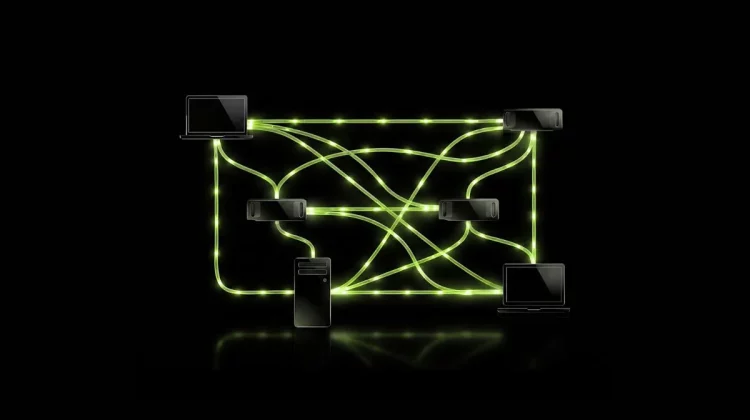
PAIR is an acronym for “Personal AI Router,” and as the name suggests, it is software that acts as a router to distribute AI processing to multiple devices. The large-scale language model (LLM) is not run by PAIR itself, but by existing executable software such as Ollama or LM Studio installed on a Mac or PC.
Ollama and LM Studio are both free software that allow you to run LLM on your own device without sending it to the Internet. PAIR supports these two, sending processing to one available device among multiple devices on the same network, and returning the output results.
The beta version was released, and the source code was also released as open source. From the app’s point of view, the connection destination for AI processing remains the same as before, so PAIR’s selling point is that it can reduce waiting times for processing without changing settings on the app side.
Macs verified by NVIDIA are M4 or later
The configurations that NVIDIA has confirmed to work are as follows.
| item | Content |
|---|---|
| Verified Mac | Mac with Apple Silicon M4 or newer |
| Compatible PC | Windows 11/Linux machine equipped with GeForce RTX 20 series or later GPU |
| Others | DGX Spark (NVIDIA’s small AI dedicated machine) |
| Mac OS | macOS Tahoe |
| memory | 8GB or more |
| free space | 20GB or more recommended |
| Compatible execution software | Ollama, LM Studio |
| Display language | English only |
| price | free |
For Mac, the combination of M4 or later chips and macOS Tahoe has been verified, and for Windows PCs, models equipped with GeForce RTX 20 series or later GPUs are eligible. PAIR does not require the Internet to operate; a connection is only required to obtain the model, which is the main data of LLM.
The only current Mac that does not qualify as verified is the MacBook Neo.
The Macs currently sold by Apple are applied to PAIR’s verified configurations as follows.
| model | chip | PAIR verified configuration |
|---|---|---|
| MacBook Neo | A18 Pro | Not applicable |
| MacBook Air | M5 | subject |
| MacBook Pro | M5/M5 Pro/M5 Max | subject |
| iMac | M4 | subject |
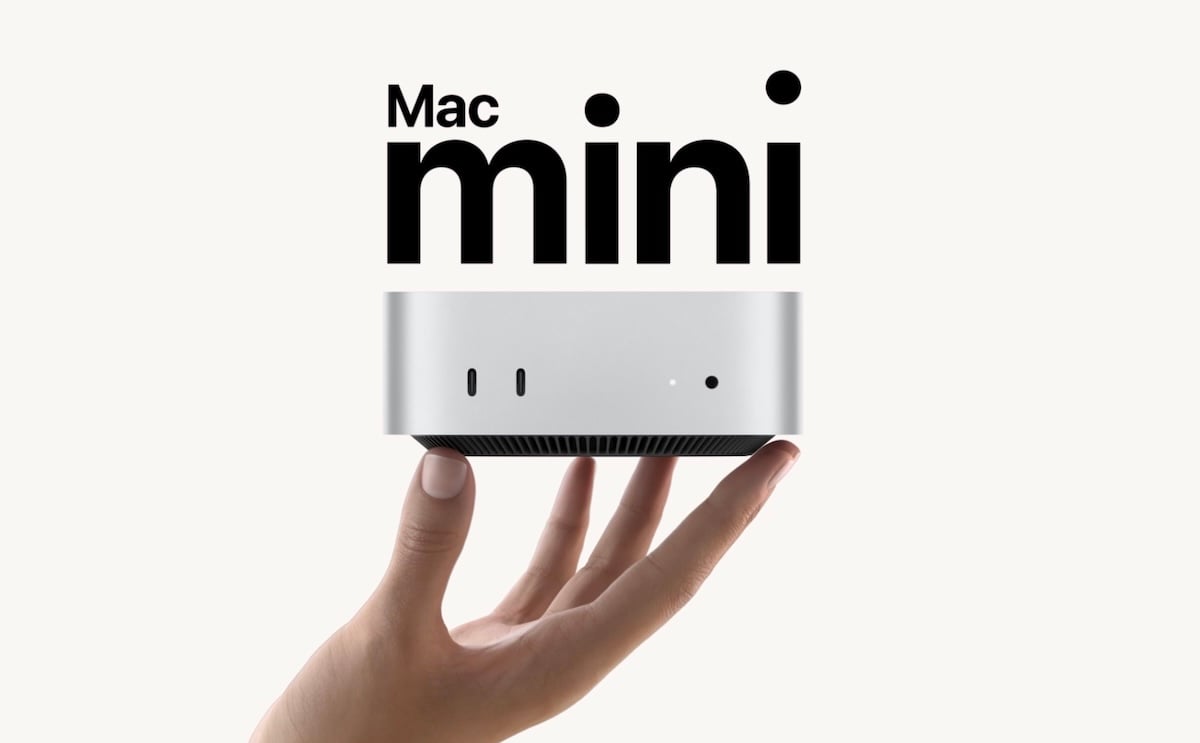
| Mac mini (released September 22nd) | M6/M5 Pro | subject |
| Mac Studio (released September 22nd) | M5 Max/M5 Ultra | subject |
All current M series Macs, including the iMac (M4), fall within the verified range. On the other hand, the MacBook Neo equipped with the A18 Pro is not included in the list, and there are rumors of the next MacBook Neo equipped with the A19 Pro, so it is interesting to see whether NVIDIA will expand the scope of verification.
M1 to M3 Macs can run local AI on their own
M1-M3 generation Macs are not included in PAIR’s verified configurations. Although the PAIR installer itself is available on all Apple silicon, the fact that Mac Studio with M3 Ultra is out of the scope of verification is a point of concern for those who chose Mac for local AI that runs AI only with the device at hand.
However, not being able to be verified by PAIR and not being able to use local AI are two different things. Ollama runs on macOS 14 or later, and LM Studio runs on M1 or later Apple silicon and macOS 14 or later, so you can still use LLM on M1 to M3 Macs as before.
Reduces the time it takes to complete multiple processes
Even if you include PAIR, the AI response itself will not become faster. When multiple processes are run in parallel, the time it takes to complete the process becomes shorter. However, according to NVIDIA, one inquiry will not be shared among multiple devices.
Even if you combine two memory devices, you cannot run a large model.
Even if you connect a Mac and a PC, the memory and GPU of the two machines are not bundled into one. For example, even if you combine a Mac with 16GB of memory and a PC with 16GB of memory, a model that requires 32GB will not work, so the size of the model that can be run is determined by the memory capacity of each machine.
The criteria for determining which device to send processing to is the number of processes waiting on each device and the approximate GPU usage rate. NVIDIA official admits that since GPU performance differences and free memory are not taken into account, if devices with large performance differences are combined, processing may be slower.
NVIDIA demonstration cuts time required for AI work in half
The overall time required is reduced when the AI agent performs multiple tasks at the same time. In NVIDIA’s demonstration, it took an average of 18 minutes for one machine to complete the work divided into five AI roles, but it took an average of 8 minutes and 48 seconds when divided into three machines.
However, the three machines used for this demonstration were an RTX-equipped notebook PC, a DGX Spark, and an RTX 5090-equipped machine, and the Mac was not included. NVIDIA has also announced that it is an unofficial demo that depends on the configuration. It is important to note that there is no guarantee that the time required will be reduced by increasing the number of vehicles.
Combining a Mac and an RTX-equipped PC is realistic at home.
The DGX Spark, which was named as an example of a Mac replacement for corporate AI needs, is a $4,699 AI-only machine that is too expensive to have in the home. What is realistic is a combination that connects a Mac you already have with an RTX-equipped gaming PC, and PAIR is designed for exactly that purpose.
It is also possible to combine Macs, and if you have two Macs of M4 or later, one can be used as a receiver for AI processing. It is not necessary to include the model in all devices; only when there are multiple devices that have the same model installed, the processing of that model will be distributed and will not be sent to devices that do not have the same model installed.
To install, simply insert PAIR into each device and pair with the second device using a 6-digit PIN. Ollama and LM Studio can be installed from the PAIR screen, and PAIR will also take over the connection destination (port number) that the app connects to Ollama etc., so you can leave the settings of the apps you are already using as they are.
Three things you should know before trying the beta version of PAIR
PAIR’s display language is currently only English, and there is no Japanese menu available. Although there are not many setting items on the screen, it is necessary to read the instructions for pairing devices and changing ports in English, which may be a hurdle for those who are reluctant to speak English.
A network using PAIR requires only a reliable environment such as your home. PAIR automatically searches for devices on the same network and performs encrypted communications only with those you approve with your PIN. On the other hand, NVIDIA only requires pairing between trusted networks and devices.
As a known issue, if the macOS version of PAIR is left unconnected to other devices, it may stop responding to connections from other devices. It’s a mild problem that can be fixed by restarting the game, but you should be aware that there is some roughness typical of a beta version before trying it out.
PAIR creates a connection between NVIDIA products and Mac
NVIDIA’s GPUs are not included in Macs, so NVIDIA and Apple products have rarely intersected until now. PAIR is software that welcomes the Mac into a group of devices centered on NVIDIA products, creating new uses for combining RTX-equipped PCs and Macs.
On the other hand, from the perspective of Mac users, PAIR can be said to be a practical tool that allows you to use your idle gaming PC for AI processing. If future improvements include allocation based on performance differences and free memory, the options for local AI are expected to expand even further for households with one Mac and one PC.
Photo:NVIDIA
Source: iPhone Mania