IT House reported on September 2 that technology media macobserver published a blog post yesterday (September 1), reporting that Mozilla has launched a built-in ad blocker for the iPhone and iPad versions of the Firefox browser.
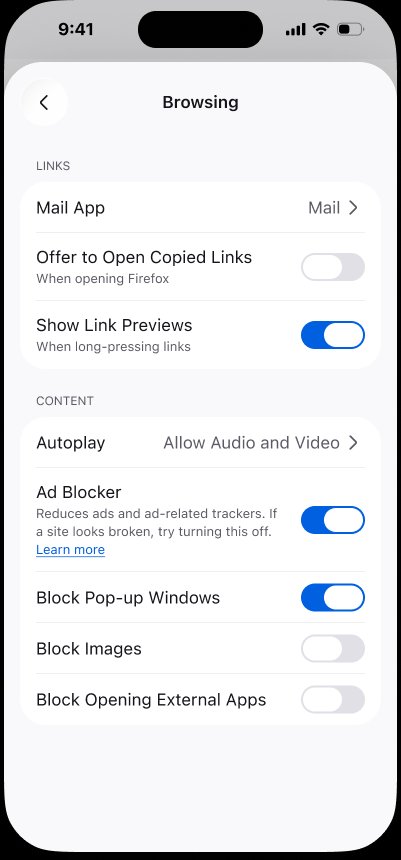
Mozilla turns this feature off by default, and users need to manually enable it. IT Home attaches the relevant paths as follows:
1. Open the Firefox browser on your iPhone or iPad.
2. Click the menu button.
3. Open settings.
4. Select “Browse”.
5. Turn on ad blocker.
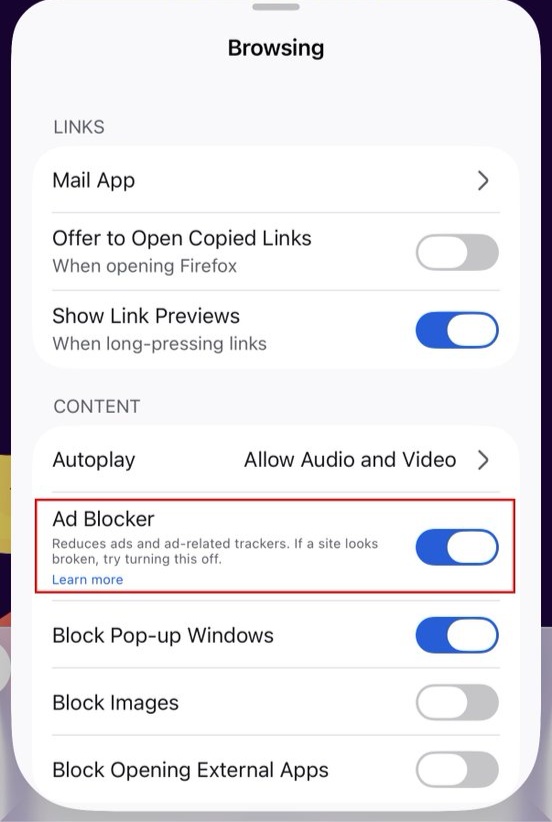
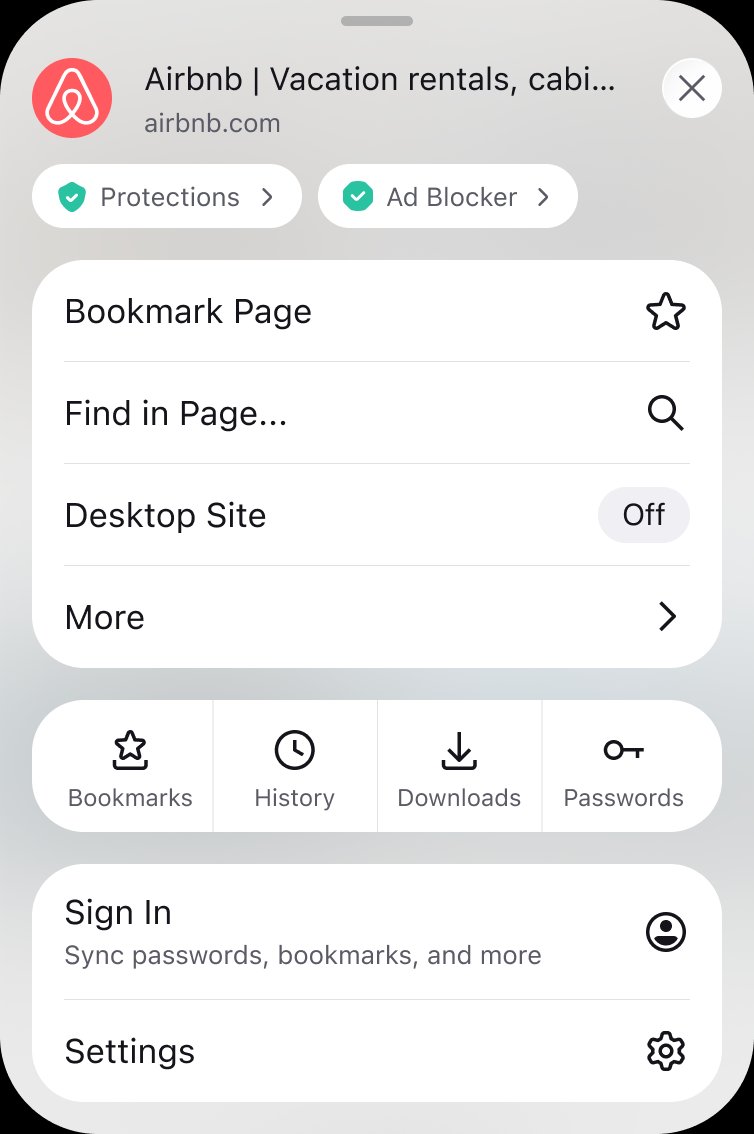
In terms of blocking experience, Mozilla said that this feature mainly targets third-party advertising networks, ad-related trackers, advertisements, pop-ups and page floating layers on most third-party websites. After the function is enabled, relevant ads will be filtered before the page is loaded, making the interface more concise and reducing unnecessary network requests during browsing.
In terms of technical implementation, Mozilla said that this feature uses the EasyList filter list to identify advertising-related requests and calls Apple’s WebKit Content Blocker technology to perform content blocking.
Officials stated that Firefox will not block ads on search results pages, including ads displayed by services such as Google, Bing, and DuckDuckGo. Ads served directly by the website the user is visiting may also continue to be displayed.

Related reading: