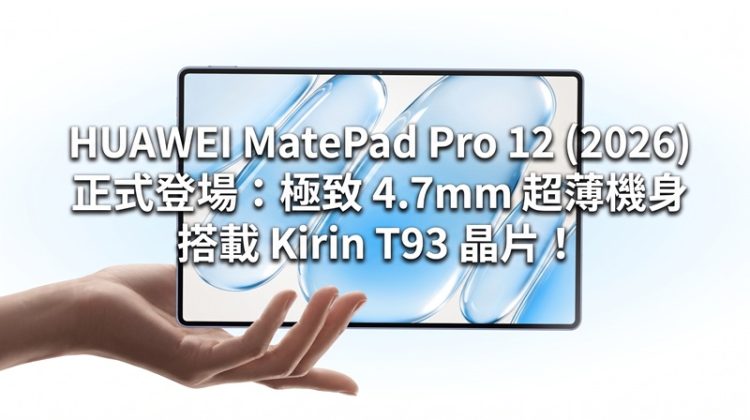
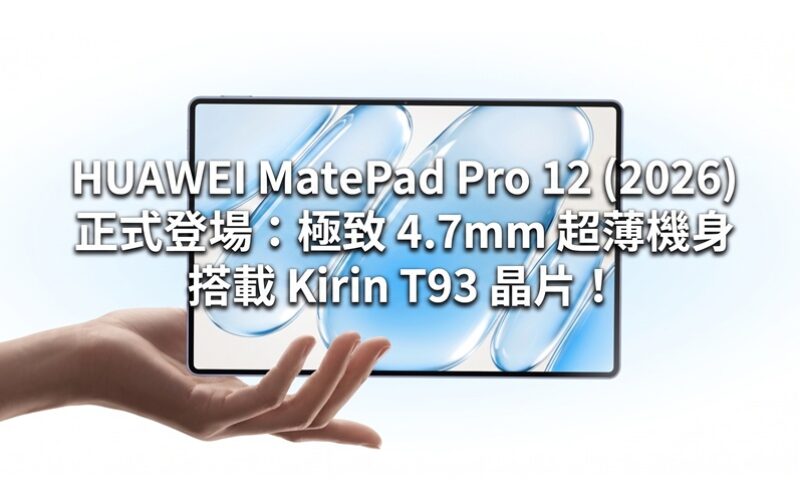
HUAWEI held a global press conference in Munich. In addition to bringing the nova 16s series and a variety of wearable devices, the much-anticipated flagship tablet Huawei MatePad Pro 12 (2026) also officially made its world premiere. This tablet features an extremely slim body of only 4.7mm, a 144Hz refresh rate OLED screen, and powerful productivity configurations.

In terms of appearance and screen, MatePad Pro 12 (2026) has an astonishing thickness of 4.7mm and a weight of 439g, making it extremely portable. The front is equipped with a 12-inch (actually about 12.2 inches) OLED screen, supporting 3,036 × 1,952 resolution, 144Hz screen refresh rate, and peak brightness of up to 1,600 nits. The series also provides a PaperMatte soft-light display version that is popular among document users, which effectively reduces reflection; and supports M-Pencil Pro stylus and Glide Keyboard keyboard protective case.

In terms of core hardware and performance, the body is equipped with a Kirin T93 processor, equipped with up to 12GB RAM and 256GB / 512GB storage space, and the system runs HarmonyOS. In terms of shooting, it is equipped with a 5-megapixel main lens and a 12-megapixel front lens. In terms of battery life, the international version has a built-in 10,400 mAh large-capacity battery and supports 66W wired fast charging and 40W reverse wired charging functions.
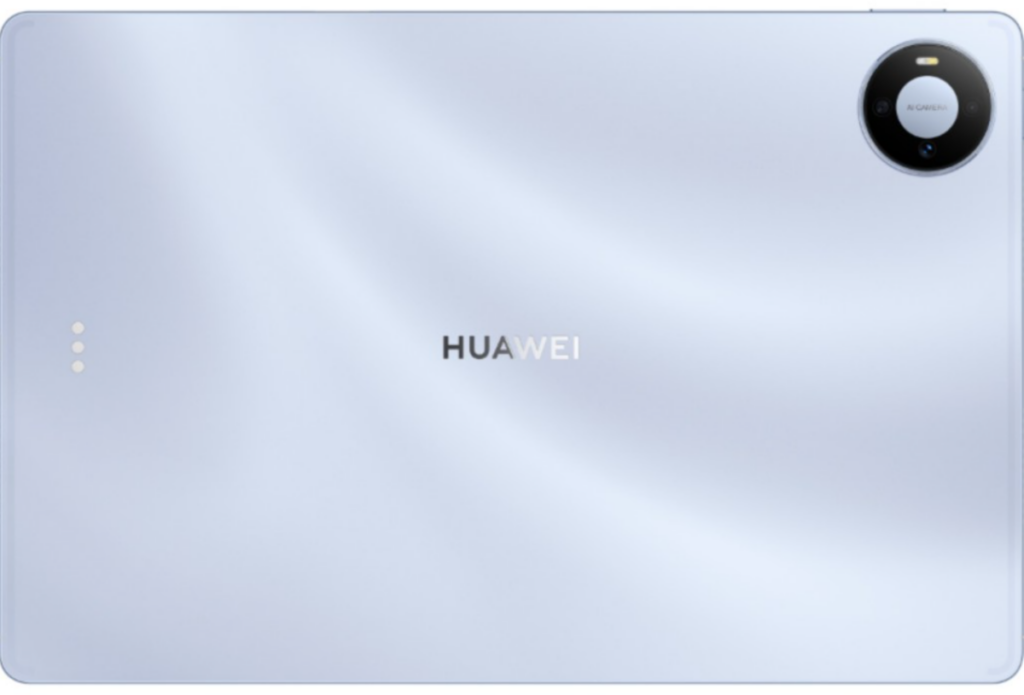
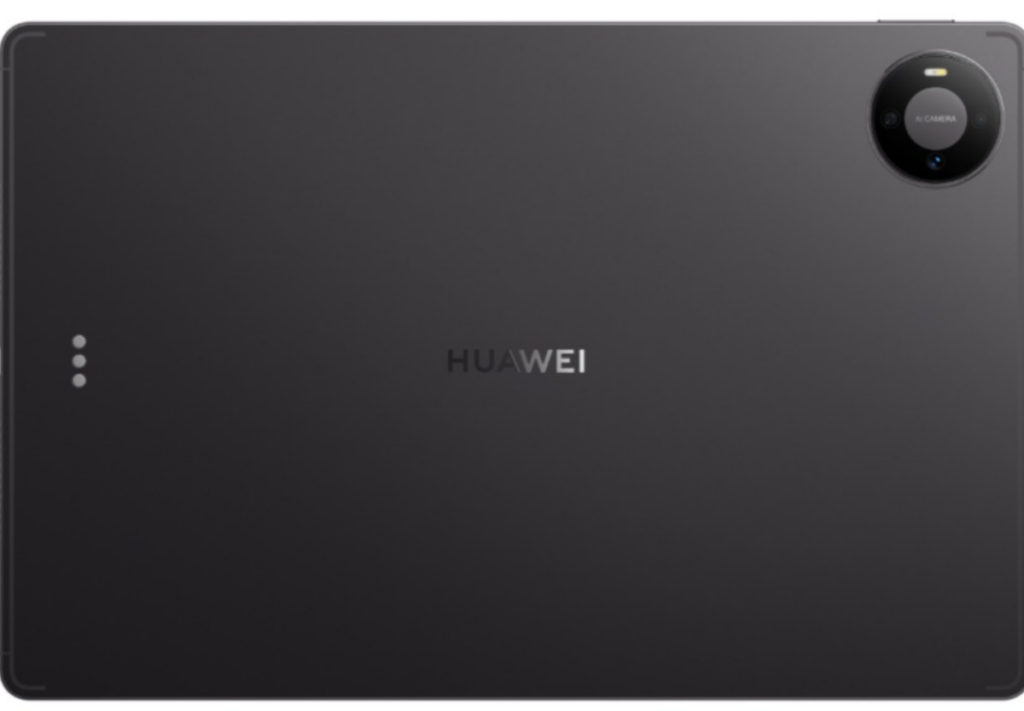
In terms of sales information and pricing, HUAWEI MatePad Pro 12 (2026) is available in blue and space gray body color options. The reference price in the European market is about 770 euros (equivalent to about 6,500 Hong Kong dollars). The actual Hong Kong sale date and local pricing are yet to be further officially announced.