![[HUAWEI Practical Classroom]Complete guide to easily install WhatsApp and painlessly transfer conversation records on Pura 90s series!](https://iphonewired.pages.dev/wp-content/uploads/2026/08/MM2008261619-800x500_c.jpg)
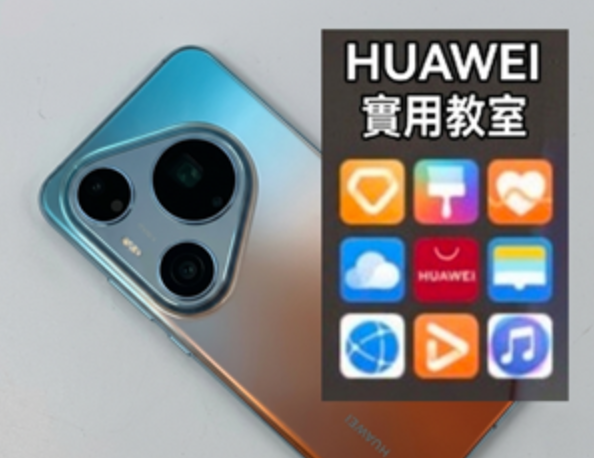
After buying the new HUAWEI Pura 90s series, the first task for many users is naturally to reinstall the daily essential communication software WhatsApp and properly transfer the conversation records from the old phone. Nowadays, the steps for installing and backing up WhatsApp on Huawei phones have become quite mature, and the whole process is smooth and easy. Users only need to use the system’s built-in application market to successfully complete the download and setting, without relying on complicated third-party processes, allowing everyone to quickly transition communication data to new devices.
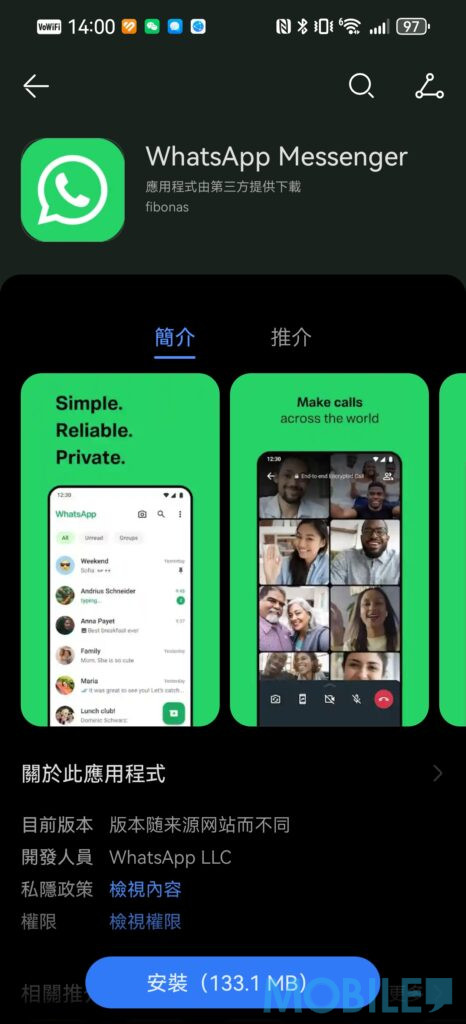
To install WhatsApp on HUAWEI Pura 90s series, the operation method is the same as that of ordinary smartphones. Users can directly open the AppGallery application market built into the phone, enter the WhatsApp keyword in the search bar to find the application and click to install it. If the system prompts that specific components are required to ensure the stability of receiving messages, just follow the on-screen instructions to download the relevant plug-ins. After completing the installation and opening the app for the first time, agree to the terms of service and enter your original mobile phone number for SMS verification to complete the basic download and activation process.
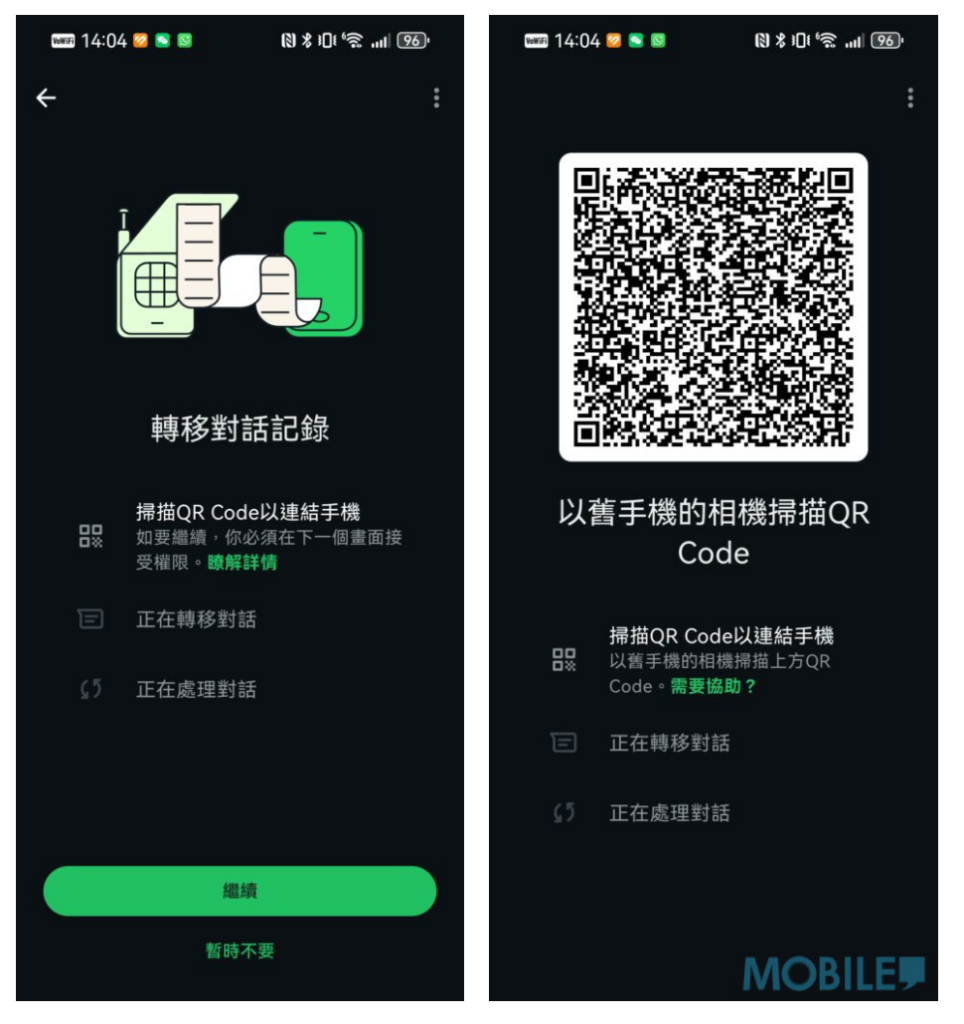
As for the conversation history transfer function that most users are most concerned about, WhatsApp officials now provide a fairly straightforward solution. After the HUAWEI Pura 90s successfully passes the phone number verification, a prompt to transfer the conversation records from the old phone will appear on the system screen. At this point, just click Continue and a set of exclusive QR codes will be displayed on the screen. The user then opens the settings page of WhatsApp on the old phone, selects the transfer conversation option, and uses the camera to scan the QR code on the new phone. The two devices will automatically connect and start transferring data. During the transfer, as long as the two mobile phones have sufficient power and are connected to the same Wi-Fi network, all text messages and multimedia files can be completely transferred to the new HUAWEI Pura 90s series.
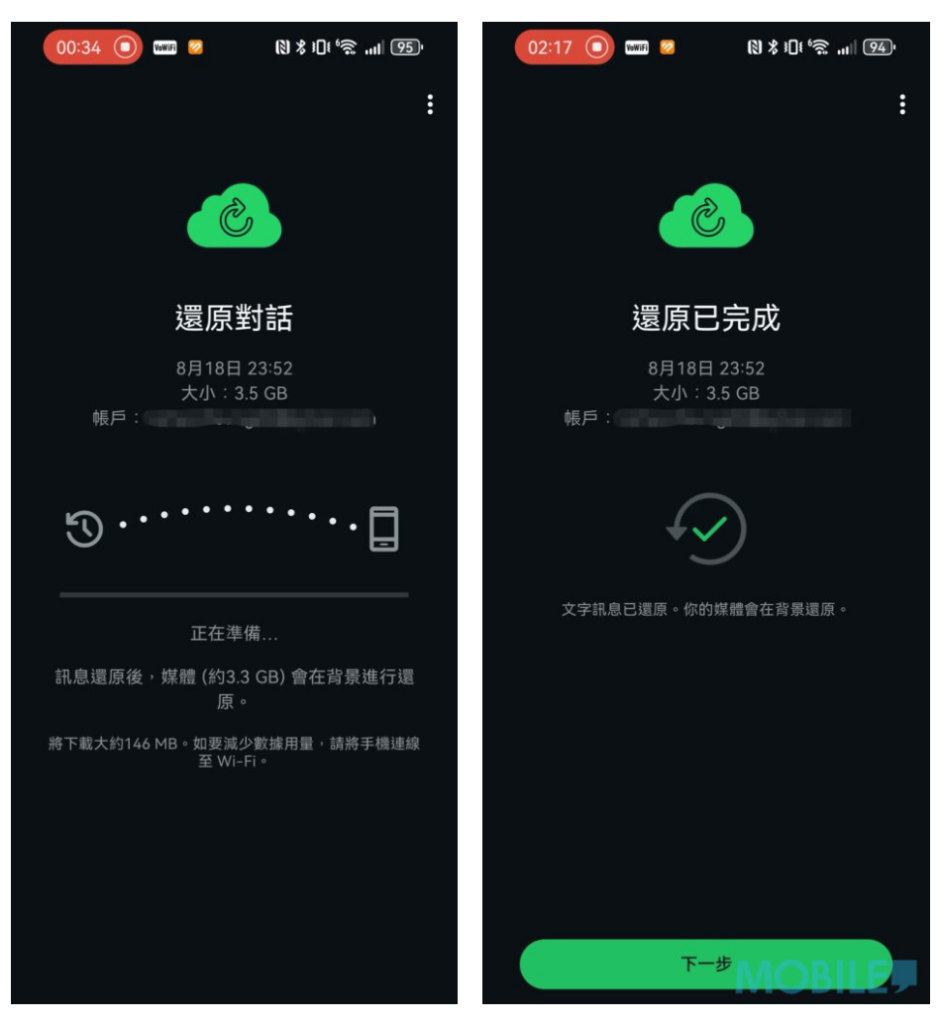
In addition to direct transfer between devices, Huawei mobile phones now also support a more comprehensive cloud backup solution. Users only need to log in to their personal Google account through microG in advance, and then successfully connect to Google Drive in the WhatsApp conversation backup settings. This means that users can not only restore the cloud backup of their old phone to HUAWEI Pura 90s, but also perform regular conversation backups in the future to ensure that all important communication records are properly preserved.
If you want to know more tips on using HUAWEI mobile phones, you can browse the articles in[HUAWEI Practical Classroom]: