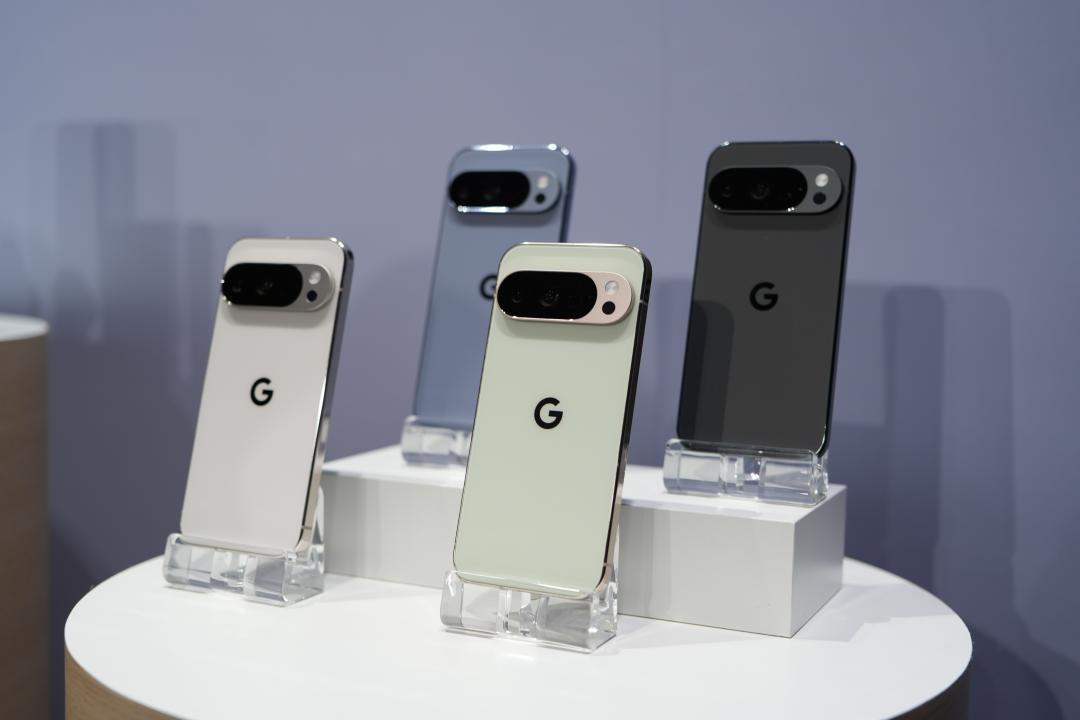
 Pixel users upgraded to Android 17 and reported new disasters, and game performance dropped. (Photo/Photo from this newspaper)
Google has officially pushed the Android 17 update to Pixel phones a few days ago. However, various bugs have emerged one after another. Now there is the latest disaster. Some users have reported that even lightweight games are lagging after the upgrade.
After the launch of Android 17, Pixel users have continued to report various problems, including desktop widgets disappearing for no reason, touch abnormalities, and unstable Wi-Fi and 5G connections. Recently, many people have complained that their phones randomly miss incoming calls, and now even game performance is affected.
Lightweight games also experience lag
Foreign media reported that although Pixel phones have never been known for their gaming performance, many Reddit netizens recently said that after upgrading to Android 17, game performance has significantly deteriorated, and even some games that do not require high hardware requirements are “stuck”.
For example, lightweight games such as “Hill Climb Racing 2”, “Pokémon Champions” and “Clash of Clans: Royal Clash” have all experienced significant performance drops. As for “Brawl Stars”, which has slightly higher hardware requirements, some players bluntly said that it is almost impossible to play normally.
Based on user reports, the affected models are quite widespread, including the Pixel 8, Pixel 9 and Pixel 10 series. In other words, even the latest generation of Pixel 10 series flagships are not immune. For an expensive high-end mobile phone, it is really embarrassing that even ordinary mobile games cannot be executed smoothly.
So far, Google has not officially acknowledged this problem and explained the reason, so it is still unknown when a corrective update will be launched.
Netizens share temporary solutions
As for the temporary solution, many netizens have shared two methods. The first is to clear the Google Play Services cache and then restart the phone.
The second method is generally considered to have better improvement effect, but the operation threshold is also higher. Users need to first open “Developer Options”, then enter “Graphics Driver Preferences”, change the GPU driver of the game in question from the default value to “System Graphics Driver”, and then go to “ANGLE Preferences” to make the same adjustment for the same game.
“You May Also Want to See”
Android 17 update bugs explode! Google recognizes touch failure and network anomalies
No need to draw, no need to grab. Now use the APP to watch the news and you are guaranteed to win every day. Click me to download the APP. Click me to see the event details.