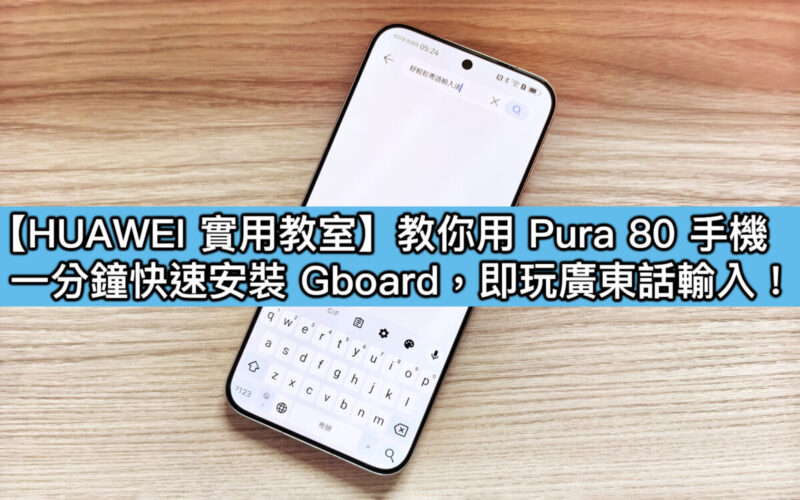
Although the HUAWEI Pura 80 series has discouraged some users due to the lack of GMS, in fact, just simply installing a third-party keyboard application can perfectly solve the problem of Cantonese voice input! The actual test is effective, and now I will teach you how to set it up.
Want to install GBoard when clicking?
Since HUAWEI’s own input method and most domestic input methods focus on Mandarin voice recognition, the support for Cantonese has never been as ideal. Google’s development said that the biggest advantage of GBoard keyboard is that it integrates powerful Google voice recognition services, which are obviously better than Cantonese natural language processing and have a very high recognition accuracy!
Installation setting steps (super simple)
1️⃣ Download GBoard
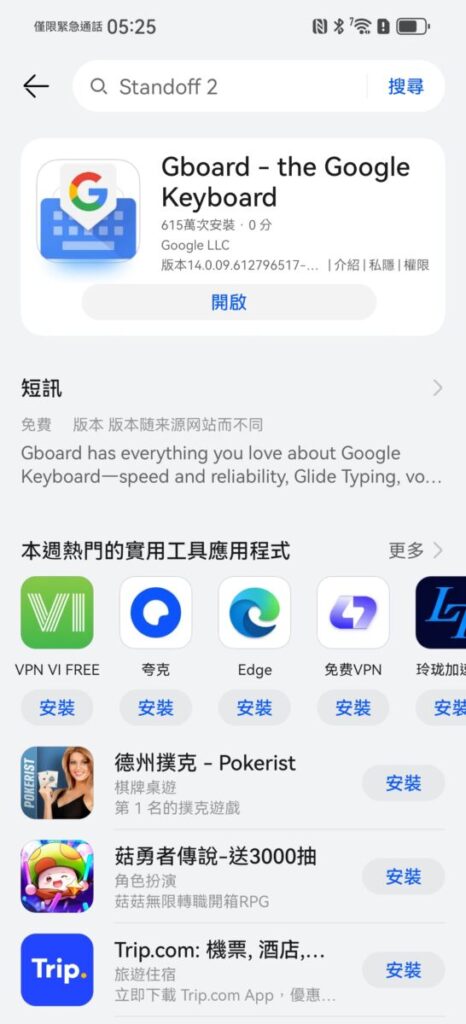
▲Download the latest version of GBoard on AppGallery, the process is so safe and easy!
2️⃣ Install and enable as a preset keyboard
After the installation is completed, go to[Settings]>[System and Updates]>[Language and Input Method]>[Virtual Keyboard]and set GBoard as the preset input method.
3️⃣ Download Cantonese Voice Pack
Open GBoard → Click “≡” in the upper left corner → select[Settings]→[Language]→[Add Language]then search for “Cantonese” and download the voice recognition suite.
4️⃣ Start using Cantonese voice input
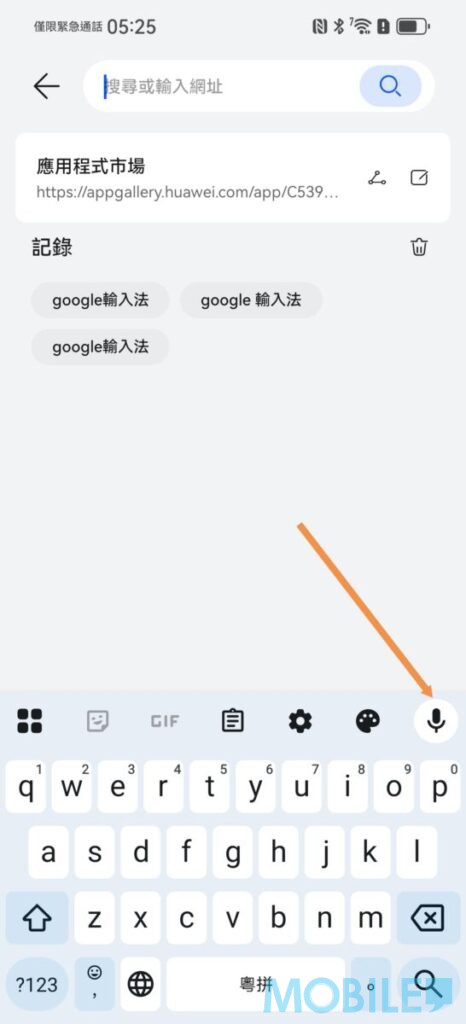
▲Open any input box, click the “Mi Gaofeng” icon in the upper right corner of the keyboard, and then speak Cantonese directly! The actual test shows that the recognition accuracy is surprising whether it is daily conversations or professional vocabulary.
What are the actual measurement effects?
The editor has found out after a few days of trial:
- The reaction speed is very fast, almost immediately speaking
- The accuracy rate is estimated to be more than 90%, and even slang is recognized
- Support mixed Chinese and British expressions
- Punctuation marks are automatically inserted smart
Notes on usage
▪️ You need to keep the network connection (voice data will be transferred to Google server for processing)
▪️ It is recommended to use it for the first time in a quieter environment
▪️ You can turn on the voice input of “Cantonese” and “English” at the same time to switch seamlessly
In summary, although HUAWEI Pura 80 does not have native GMS, the problem of Cantonese input can be perfectly solved by installing GBoard, which is definitely a great blessing for Hong Kong users who are used to voice input!
If you want to know more about using HUAWEI mobile phones, you can browse the articles in[HUAWEI Practical Classroom]: