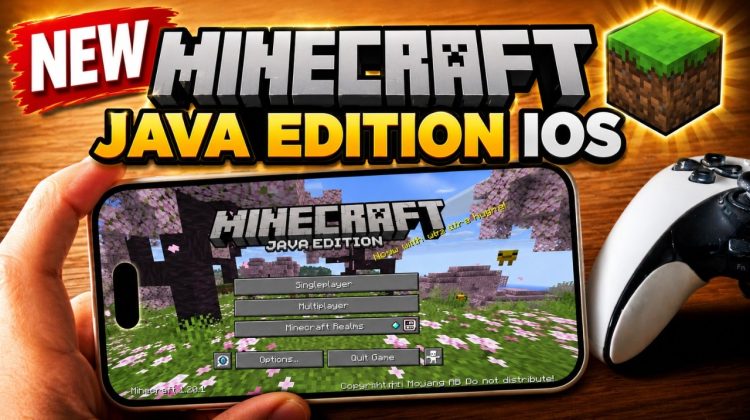
Learn how to install Minecraft Java Edition on iPhone and iPad using PojavLauncher Amethyst. This complete tutorial shows you how to install Amethyst, set up SideStore, install StikDebug, enable JIT, and launch Minecraft Java Edition on iOS and iPadOS.
In this step-by-step guide, I’ll show you two installation methods. For devices running iOS 27 or later, Amethyst can be installed without a computer using SideInstaller. For devices running iOS 26 or lower, I’ll show you how to install it using a computer, iLoader, and SideStore.
After installing SideStore, you’ll learn how to add the Crystalline repository, download PojavLauncher Amethyst, install LocalDevVPN, and sideload the Amethyst IPA directly onto your iPhone or iPad.
I’ll also show you how to install StikDebug and enable JIT for Amethyst. JIT is an important requirement for launching Minecraft Java Edition with better performance and preventing issues such as crashes, extremely slow performance, or a black screen.
✅ In this video, you’ll learn:
• How to install PojavLauncher Amethyst on iPhone and iPad
• How to install SideStore using iLoader
• How to trust the SideStore developer profile
• How to add the Crystalline repository to SideStore
• How to install Amethyst with LocalDevVPN
• How to install StikDebug using SideStore
• How to enable JIT for PojavLauncher Amethyst
• How to run Minecraft Java Edition on iOS and iPadOS
• Amethyst installation method for iOS 26 and lower
• No-computer Amethyst method for iOS 27 and later
📱 Full SideInstaller No-Computer Tutorial No PC:
https://youtu.be/usN502asfwk?si=NFv4RH42fpMhkSQW
⚡ Full StikDebug JIT Setup Tutorial No PC:
https://youtu.be/my8W_TzXr74?si=Lav1ZOue-L2fr5N0
📱Full tutorial install iLoader : https://www.youtube.com/watch?v=AzoZ4WFjyNA
🔗 Download links and required files:
📌StikDebug Official Website:
https://stikdebug.xyz/
📌iLoader:
https://iloader.app/
📌LocalDevVPN:
https://apps.apple.com/us/app/localdevvpn/id6755608044
This tutorial is intended for users who legally own Minecraft Java Edition. Amethyst does not provide Minecraft for free. You will need a valid Microsoft account with access to Minecraft Java Edition to play the game.
If this tutorial helped you install PojavLauncher Amethyst and play Minecraft Java Edition on your iPhone or iPad, leave a like, subscribe, and comment with your device model, iOS version, and Minecraft version.
Timestamps
00:00 Intro
00:20 Amethyst
00:40 Two Ways to Install Amethyst
00:58 First Method Without Computer
01:22 Second Method With Computer
01:39 iLoader (PC)
02:00 Install & Setup SideStore
03:12 Install LocalDevVPN
03:26 Install PojavLauncher Amethyst
04:05 Download and Install StikDebug
04:24 Manage Pairing File
04:38 Enable JIT for Amethyst
04:52 Confirm JIT Is Working
05:16 Final No-Computer Setup Information
#MinecraftJavaEdition #PojavLauncher #AmethystLauncher
💬Join Free iSolution Discussion : https://t.me/isolutional
*Disclaimer : This video is intended for education and knowledge.
Join this channel to get access to live support :
https://www.youtube.com/channel/UCKkwP91xNE4jfdvN8k-CDhg/join
if you have any question, please leave your comment below.
Email : royjunaidi@icloud.com
instagram : instagram.com/royjunaidi