Trying Vanilla Emacs as a Neovim user continues with Day 3, and this time I actually follow the built-in Emacs tutorial.
In this livestream, I keep testing Emacs from the perspective of someone who normally lives inside Neovim, Kitty, macOS, and a keyboard-driven workflow. I go through the basic Emacs movement commands, try to understand Ctrl-F, Ctrl-B, Ctrl-N, Ctrl-P, Ctrl-A, Ctrl-E, Meta key movement, sentence navigation, undo, and the general Emacs way of thinking.
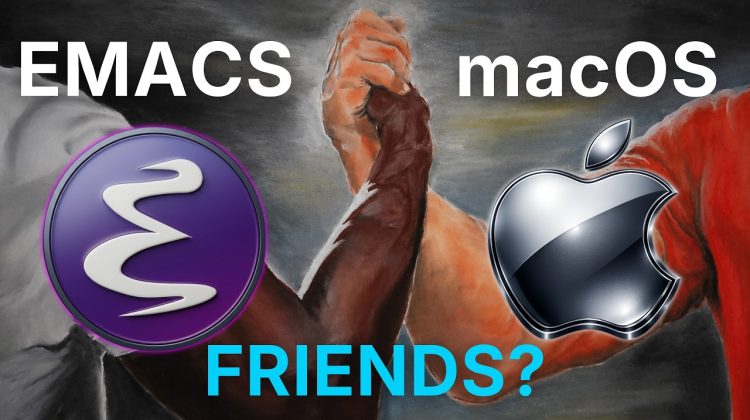
The unexpected part is how much of this also works in macOS. Emacs-style keybindings are available in many macOS text fields, including apps like TextEdit, browser address bars, and other places where text input exists. So this became more than just “trying Emacs.” It turned into discovering how Emacs, macOS, and text navigation are weirdly connected.
I also compare the Emacs learning curve with learning Vim motions for the first time. At the beginning, everything feels painful, slow, and mentally exhausting, but I already went through that with Vim and Neovim, so I know the friction is part of the process.
This is not me switching to Emacs. I am still a Neovim user. But I want to actually try Emacs properly before saying whether I like it or hate it.
Livestream this came from:
https://youtube.com/live/iXCDQlGM_j4
Interview with Prot:
Deep-Dive with Prot: Emacs, Philosophy, Debian, Life & Open-Source Ethics
https://youtu.be/b4nV0jCHwGQ
Members:
If you want your message read out loud during livestreams, include !say
Example:
!say I have a small pp
Donations of $10 or more on Ko-fi, preferred, or YouTube Super Chats will show up on screen and be read aloud by a computer voice.
Support me:
Buy me the Switch 2:
https://ko-fi.com/linkarzu
Join the YouTube Members:
https://www.youtube.com/channel/UCrSIvbFncPSlK6AdwE2QboA/join
My Merch Store:
https://merch.linkarzu.com
My Dotfiles:
https://github.com/linkarzu/dotfiles-latest
Follow me on X:
https://x.com/link_arzu
Topics covered:
Vanilla Emacs, Emacs tutorial, Emacs keybindings, Emacs on macOS, Neovim user tries Emacs, Vim vs Emacs, macOS text navigation, Ctrl-A, Ctrl-E, Ctrl-F, Ctrl-B, Meta key, keyboard-driven workflow, terminal workflow, Kitty terminal, Neovim vs Emacs, learning Emacs from scratch.