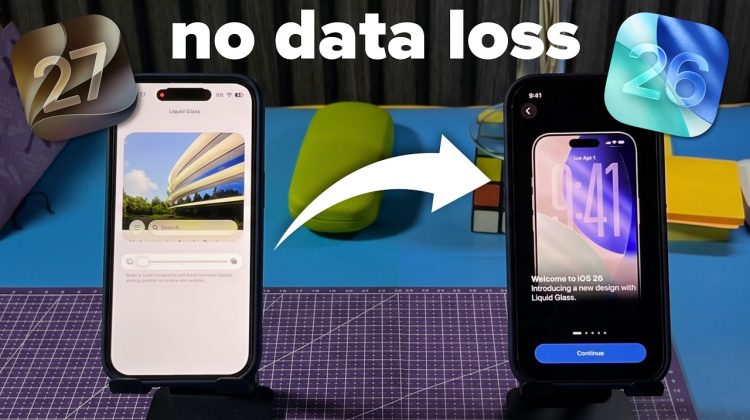
Installed the iOS 27 beta and want to go back to iOS 26 without losing your data?
In this video, I show you exactly how I downgraded my own iPhone from iOS 27 back to iOS 26 while keeping all of my apps, photos, messages and other personal data intact.
⚠️ This guide is based on my own successful downgrade and is intended for educational purposes. As always, create a backup before making any changes to your device.
If this video helped you, consider subscribing for more practical iPhone and Mac tutorials, tips and beta testing videos.
#iOS27
#iPhone
#apple
https://instagram.com/ihaadiyt
https://discord.gg/C5H9CyKXTH
https://tiktok.com/@haadifarouk
https://www.twitter.com/ihaadiyt
https://t.me/ihaadihd
chapters:
0:00 – intro
0:34 – Reset settings
1:00 – Backing up our stuff
1:29 – Getting our stable iOS version
2:05 – Modifying the backup
4:40 – Flashing ipsw for iOS 26
5:39 – Booting iOS 26
6:00 – Restore Modified Backup
6:38 – Booting and testing.
7:27 – recommendations