Nowadays, more and more people will definitely pick it up and take photos through their iPhones, whether they are in daily life or traveling. In addition to the built-in photo app on iOS, which professional cameras/photo apps can improve the iPhone lens function? I believe that many iPhone users don’t know which photo app to choose is better.
This article will recommend 10 popular and practical iPhone professional-grade cameras, which can instantly activate the iPhone camera professional mode, allowing you to customize ISO, shutter and aperture. You don’t need to bring a single-eye camera when going out, and you can also easily take single-eye photos with your iPhone through different photo apps.
10 popular iPhone professional camera app recommendations
- Halide Mark II
- ProCam8
- Camera+ 2
- NightCap
- Adobe Lightroom
- Slow Shutter Cam
- Focos
- Obscura Camera
- Ulike
- VSCO
Halide Mark II
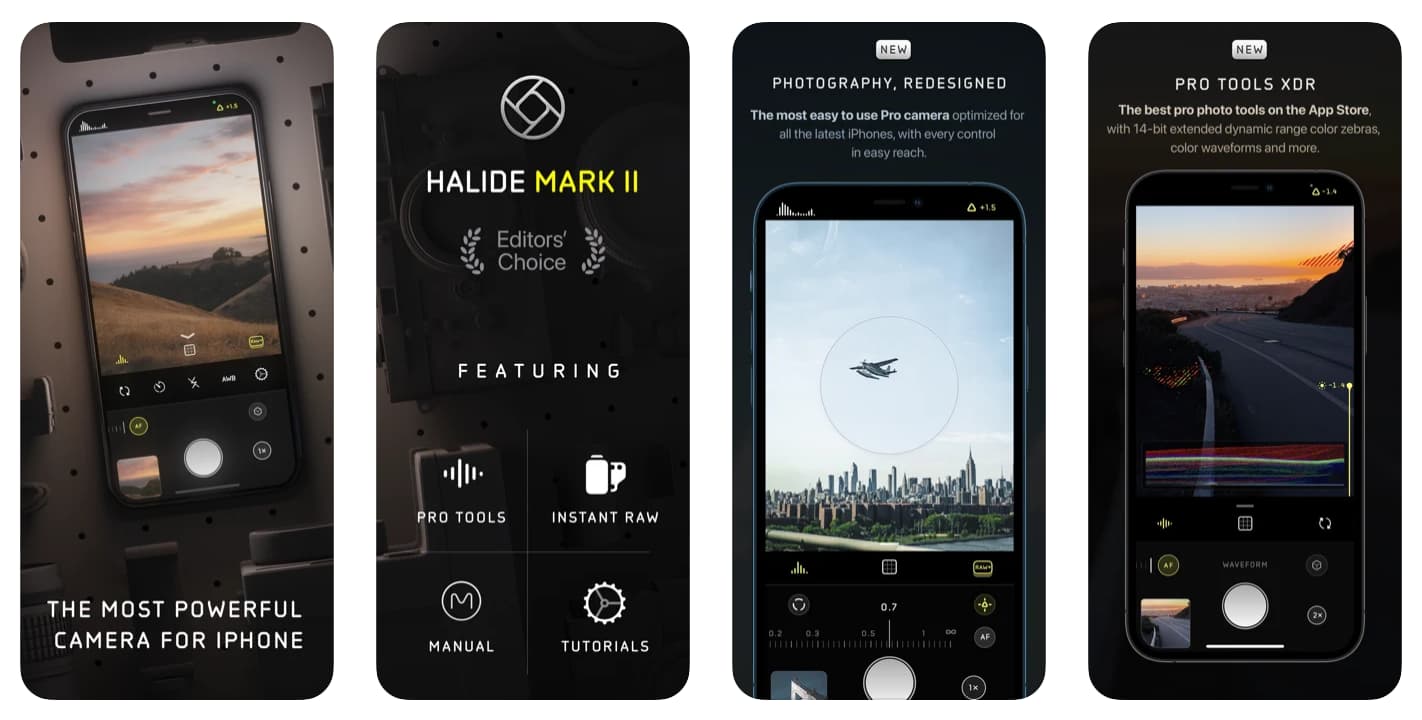
Halide is the most powerful professional camera on iOS, and is also a camera developed by former Apple designers. It has also been awarded the App Store editor’s choice.
The Halide App can change the camera to automatic or manual mode. It has a variety of functions and parameters that allow photographers to master all shooting details. It also provides XDR (extended dynamic focal length) 14-bit RAW streaming fluctuation display, color zebra, peak focus, detailed histogram, loupe, automatic adjustment horizontal grid focus assistant, manual depth capture and RAW support.
For photography novices or professional users, if you want to use the iPhone camera capabilities, there is absolutely no big problem as long as you use the Halide camera.
ProCam8
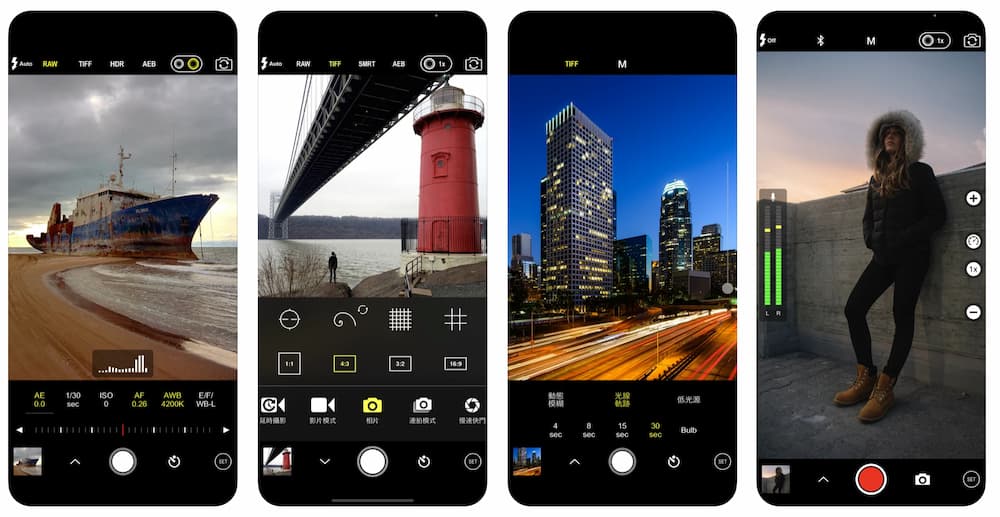
ProCam has professional camera functions, which can manually control iPhone camera ISO, shutter speed, focus, exposure and white balance control, and can even support manual switching of lenses and TIFF (RAW) format shooting. In addition, it also provides three types of shooting: low-light source shooting, light tracks and dynamic blur. It can also support photography with Apple Watch control. You can easily capture good-looking tracks, water flow, and pictures through this app with a tripod.
ProCam also has 60 filters, tilt shift lenses, and 3D photo effects. After the shooting is completed, it can be done immediately through the App. Whether you want to take photos or want to record 4K time-reduction photography, videos and post-production videos, it can be competent.
Camera+ 2
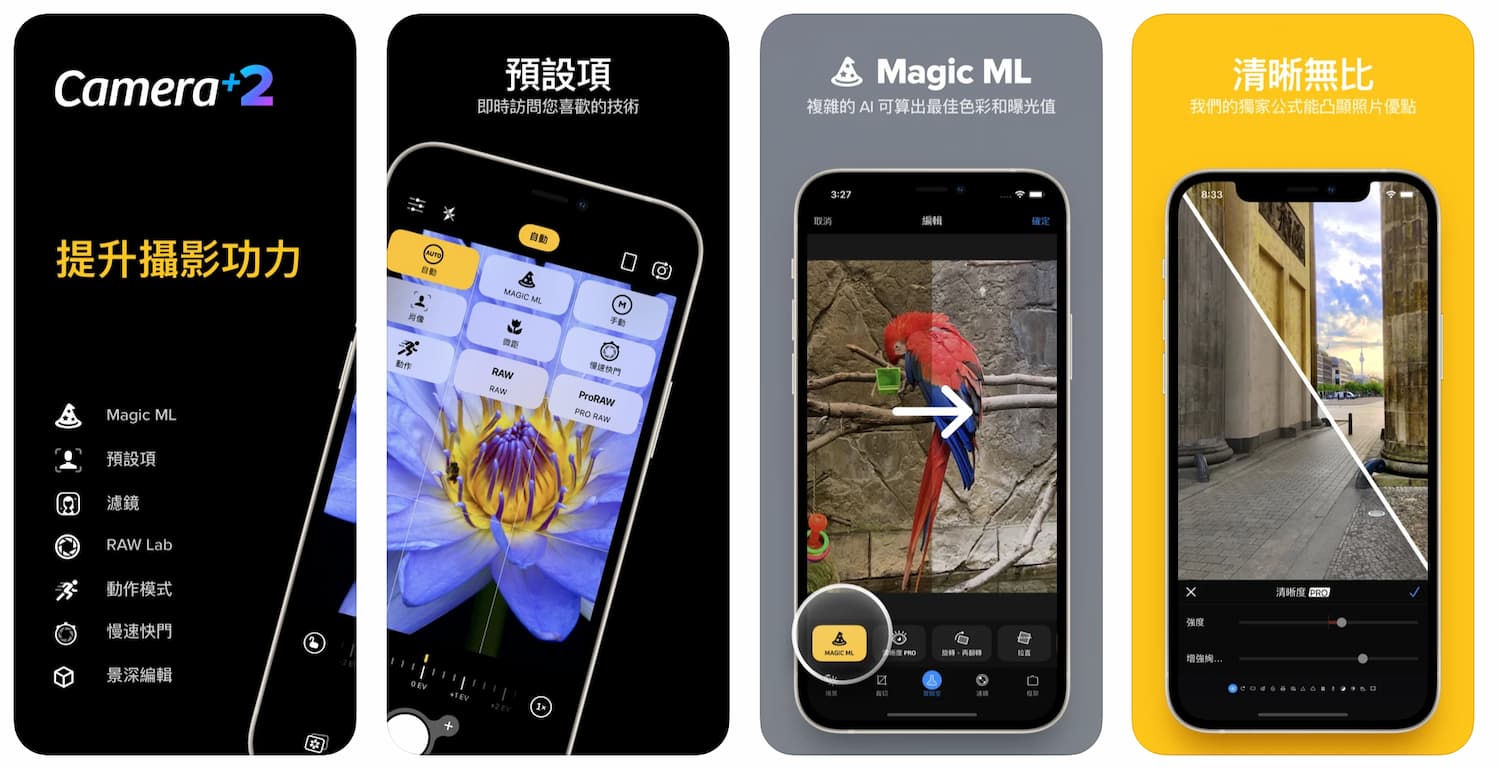
Camera+ is an old professional camera app that has been launched for more than 8 years. It can support advanced manual control and fine-tune camera settings. It uses the screen turntable and control interface to directly control shutter speed, ISO and white balance. If there are dual lenses or triple lenses, you can also manually choose which lens to shoot through.
Camera+ also supports RAW shooting and photo editing, depth of field, and also provides a variety of photography modes, such as automatic detection of smiling face photography, slow shutter, regular exposure, continuous shooting and time-reducing photography. The main advantage is to take close-up shots. The shooting can still be very clear through this app. The camera has built-in AI algorithms to calculate the best color and exposure value.
NightCap
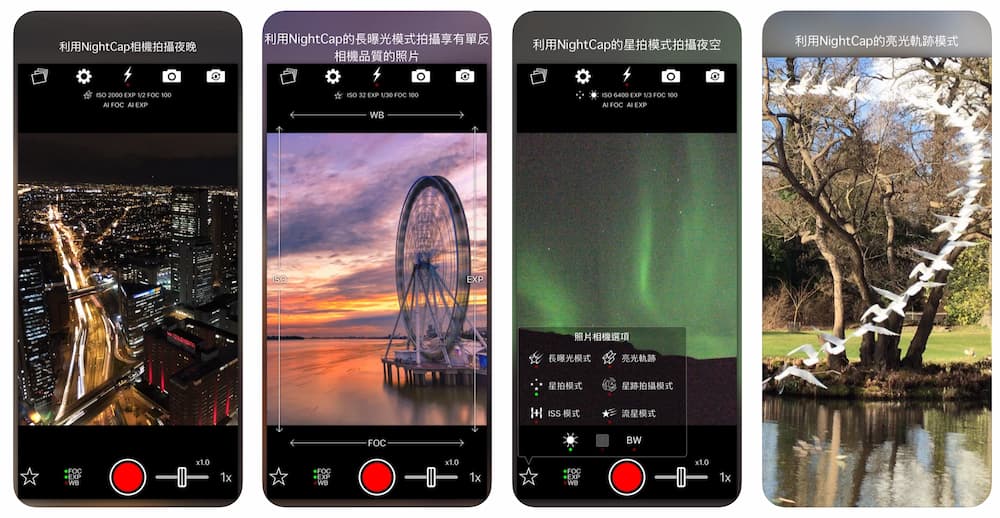
NightCap is the most powerful night shooting artifact on iPhone. It can also take amazing photos in low-light and night scenes. It provides six night shooting modes to choose from, such as regular exposure, bright light track, starry sky, star track, ISS, and meteor mode. If you want to use iPhone to shoot fireflies, car tracks and starry sky, then I highly recommend using NightCap to better.
Adobe Lightroom
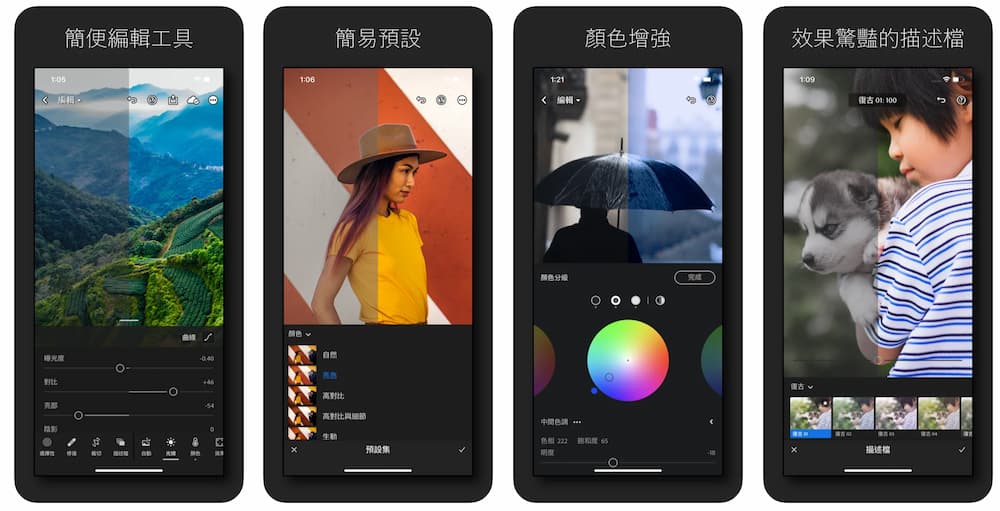
“Adobe Lightroom: Photo Editing Tools & Professional Camera” launched by Adobe is a free and powerful professional app. It is recommended that if you are not familiar with ISO, shutter and aperture, it is recommended to download the Adobe Lightroom App to practice first. After getting familiar with it, then choose the above professional camera apps to shoot. It will not cause you to spend money to buy the app, and you will not be able to use manual control to shoot at all, and in the end it is just there.
As for the free version of Adobe Lightroom App, there is also a professional mode, which can control camera exposure, ISO, shutter speed and filter application. In addition, you can also change the color temperature, exposure, color or contrast of the photo through curves, and also support Raw, Professional and HDR shooting modes. The stronger part is that the app also supports a rich photo post-production. It is absolutely fine to make the photo call into a movie or Japanese style. There are also a variety of filters that can be applied with one click.
Slow Shutter Cam
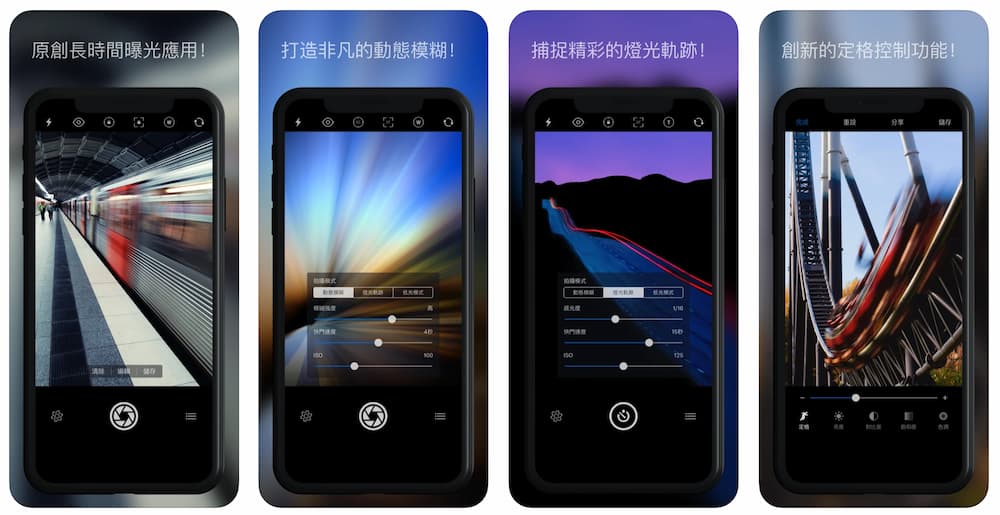
If you prefer to shoot car tracks, fireworks or dynamic lights, and to shoot in low light source mode in the city, it is recommended to use the “Slow Shutter Cam”. This app can achieve a single-eye B shutter effect similar to that of a single-eye B shutter, and also provides three shooting modes: “Dynamic Blur, Light Track, and Low Light Mode”. You can customize the dynamic blur intensity, fast speed and ISO value. As long as you have a little bit of photography, it is usually easy to get started.
Focos
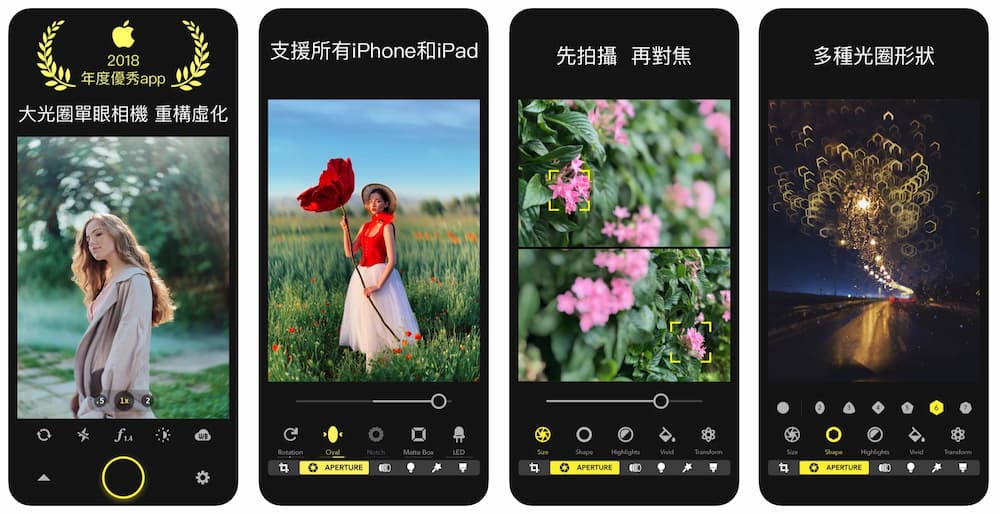
Focos was once named “The Best App of the Year” by Apple in 2018. The application interface of this app is very simple and easy to understand, and has a very powerful function. It can customize the focus point, aperture and optical effects. It mainly uses an AI engine to calculate the depth of field of the photo at any time and can easily turn on the large aperture and background blur function. If you often take portraits or selfies with your iPhone, you must choose Focos.
Obscura Camera
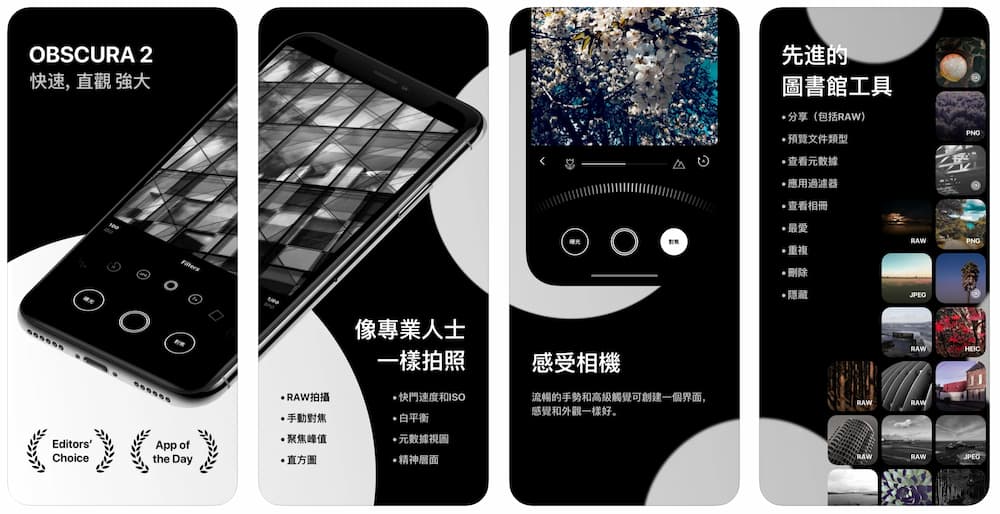
Obscura Camera will be a very useful entry-level professional photography tool for beginners. All functions will be placed on the bottom control dial, and you can select the desired function by sliding left and right.
It also has the functions that professional iOS cameras should have, such as manual customization of ISO, exposure, shutter speed and white balance, and can even customize dual-lens or triple-lens shooting. It also provides portrait, level, grid, filter, RAW, histogram and other functions. It is not very good at taking pictures with a mobile phone. It is recommended that you can use this one to get started.
Ulike
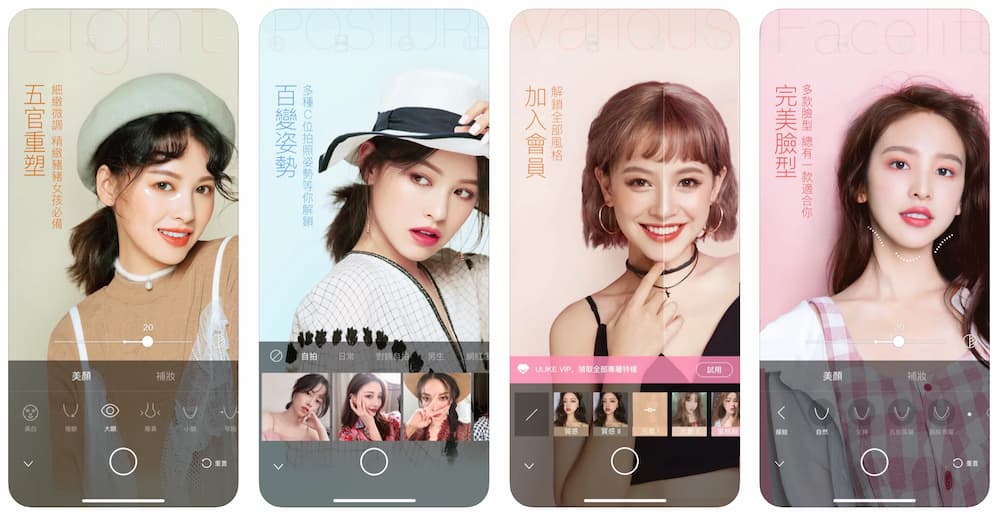
I often take selfies with my iPhone, but I don’t know how to show a POSE similar to the Internet Beauty or Internet celebrity. Then I have to use the Ulike camera, which can give you a variety of POSE examples to see. Being able to show a good-looking POSE is also a professional technology and knowledge!
What should I do if a boy wants to take photos for his girlfriend or female friend and the other person doesn’t want to pose for POSE? Also, open the Ulike professional POSE example and immediately tell the other person how to put it better. After taking the photo, you will definitely be praised for your good photography skills, so that you will not always be said that your iPhone is not good at taking photos. That is because you do not turn on the skin beauty mode. Through this professional skin beauty and POSE shooting tool, girls can praise the iPhone camera to really capture my most beautiful side.
VSCO
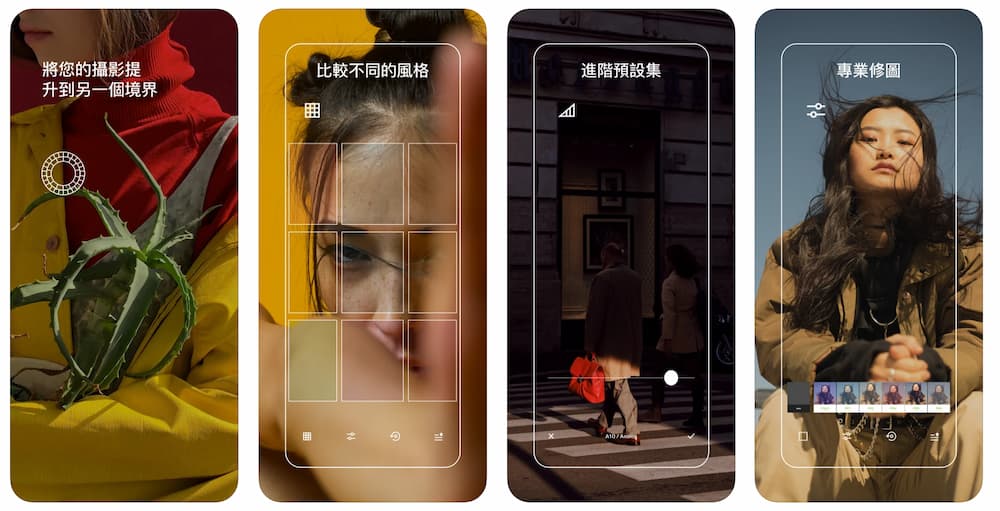
VSCO is an app with the most filters on iPhone. At the same time, it also provides many functions in the professional camera functions of iPhone, such as custom shutter speed, ISO, custom white balance and exposure, and even supports RAW shooting. The biggest power is the rear filter part. If you are not familiar with the set of filters, you must choose VSCO.
The only disadvantage is that VSCO only has a free 7-day trial, and you will have to start charging a monthly or annual fee after the end. It is more suitable for users who want to spend the least time to apply various filters immediately after shooting.
Summarize
The above 10 models are iPhone professional camera apps. There is no so-called model that is the most powerful. It needs to be used according to different needs. For example, when you want to take pictures for your girlfriend, it is impossible to turn on the professional camera to adjust the parameters, right? At this time, you should directly turn on the built-in POSE and skin-beautifying effect of Ulike and you can shoot immediately. If you want to take pictures of car tracks, starry sky and night scenes, there are also special apps that can be shot, such as NightCap and Slow Shutter Cam. If you want to take different scenery, buildings or portraits, you can also shoot through the professional camera app. I hope this article will solve the problem of most iPhone users, but they don’t know which professional camera app to use. Through this article, you can also avoid everyone from stepping on the wrong side.
As for using the iPhone Professional Camera App, will the photos taken through the iPhone look better? That’s not necessarily true. After all, photography is a science, focusing on composition, light and creativity. Even if a person who can take photos can also take good-looking works with an old iPhone, you must not have the best photos taken as long as the camera is strong, the photos taken must be the best mistake and loss.
For more iPhone photography functions, please use the following tips to learn about:
If you want to know more about Apple information, iPhone teaching and 3C information skills, please follow us
Crazy FB Fan Group,
Subscribe to Mad Google News,
Telegram,
Instagramas well as
Subscribe to Madness YouTube.