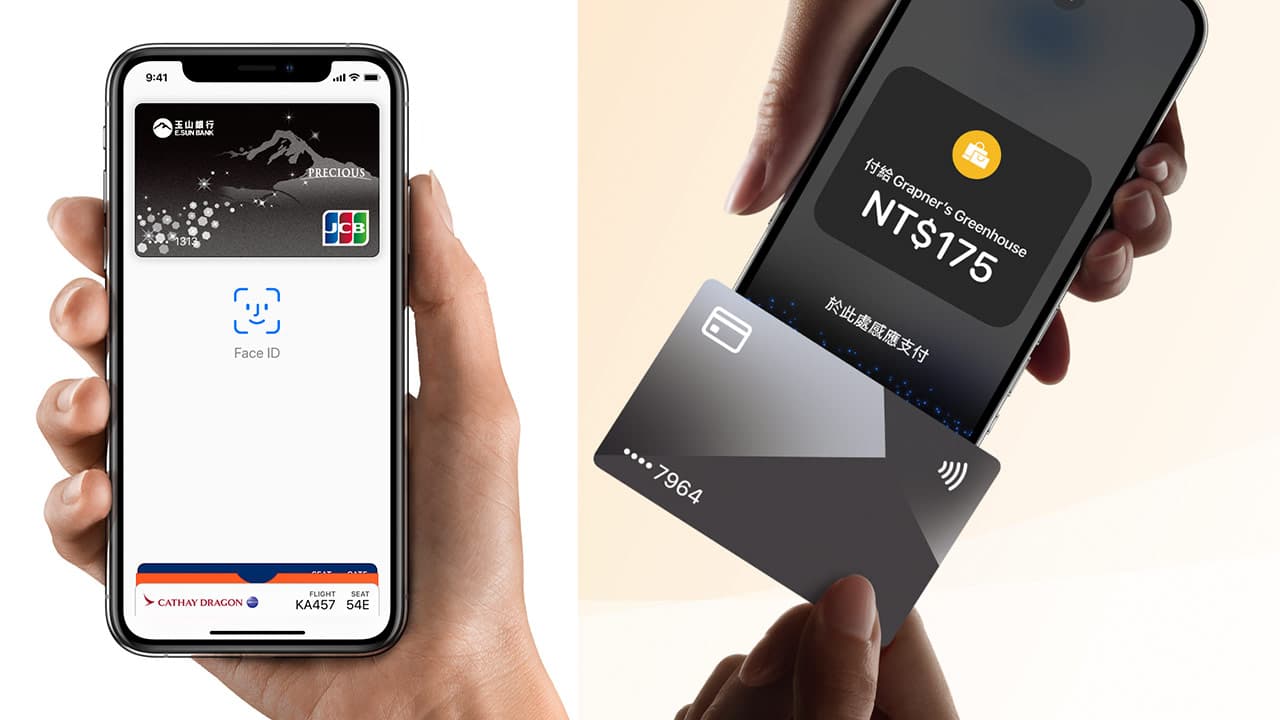
After Apple first opened up third-party iPhone NFC permissions for the EU in 2024, it has now issued a press release announcing that it will open third-party iPhone NFC chip API access to developers in more countries in iOS 18.1, which can support digital wallets, Digital keys, public transportation cards, student ID cards, etc. This article will comprehensively introduce iPhone NFC principles, settings, applications and functional restrictions in various countries, and lead you to comprehensively explore the uses of iPhone’s NFC function.
What is iPhone NFC?
NFC (Near Field Communication) is a short-range wireless communication technology that allows devices to exchange data when they are close to each other. Simply put, when your iPhone is close to another NFC-enabled device or tag, data can be transferred.
Apple began to introduce NFC technology as early as iPhone 6. It was initially mainly used for functions such as Apple Pay. Over time, it gradually expanded the application scope of NFC and still maintained strict control. It was not until 2017 that Apple launched the Core NFC API, which was the first Developers are allowed to read NFC tags in applications, but are prohibited from using them for payment-related functions. However, a new API will be launched in 2024, allowing developers to use third-party NFC transaction payment functions, which is equivalent to officially lifting the ban on iPhone NFC digital payments.
iPhone NFC evolution and development
Apple’s development of NFC technology for the iPhone also varies with each generation of models and iOS version updates. The following is a summary of NFC progress and changes over the years:
- iPhone 6 series: The first iPhone equipped with NFC chip and supports Apple Pay payment.
- iPhone 7 series: supports reading NFC tags.
- iPhone 8 series, iPhone X: supports reading and writing NFC tags, and supports background tag reading.
- iPhone XS series, iPhone XR: Support Express Transit fast mode, which can use transportation cards or payment cards, ticket cards or keys.
- iPhone 11 series and above: Enhanced NFC function experience.
Reminder: Some old models can only support Apple Pay functions. Quick mode functions such as transportation cards, student ID cards, car keys, and room keys are only available on iOS 17.5 and iPhone XS, iPhone XR (inclusive) and above.
iPhone NFC main function applications
Currently, the main iPhone NFC applications can achieve the following functions:
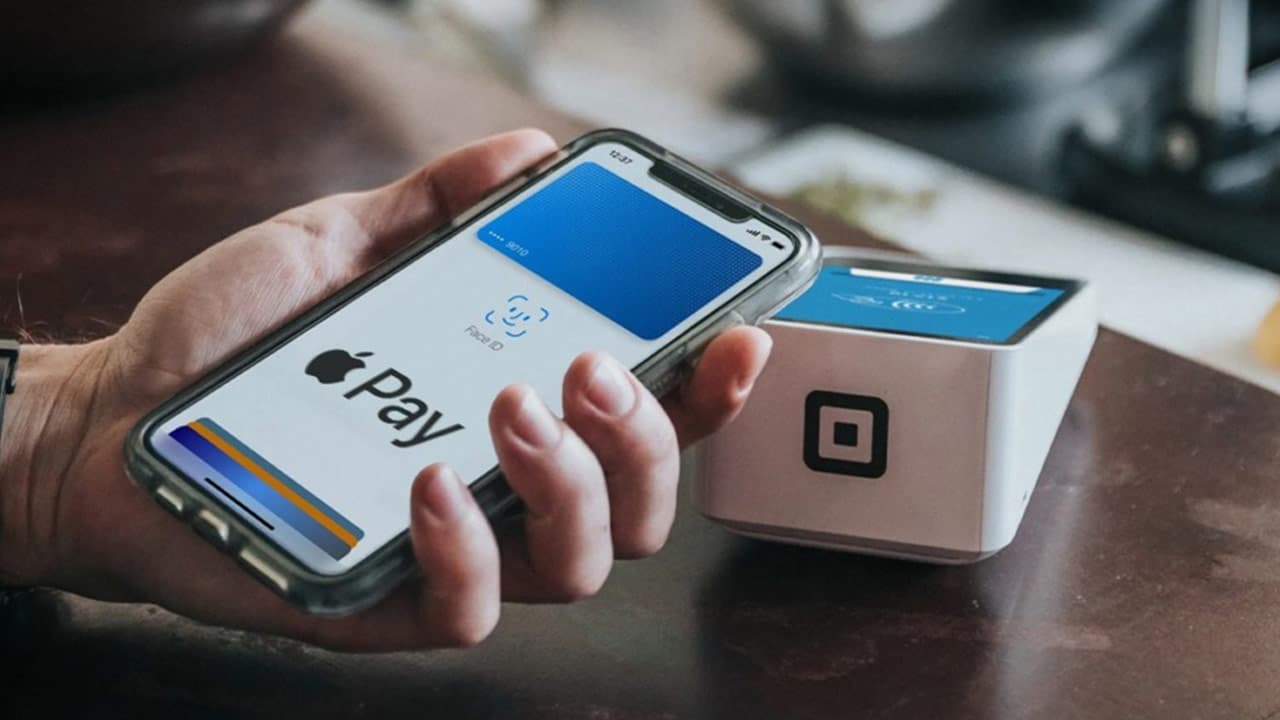
Apple Pay contactless payment
Mobile payment is the most commonly used NFC application. After adding a credit card or debit card directly to the Apple Wallet, you can quickly complete the payment through Apple Pay by simply bringing your iPhone close to the proximity card reader, eliminating the need to take out the physical card. time.
Practical application: Kaohsiung MRT experience Apple Pay actual test, foreign tourists only think it is convenient, fast and safe
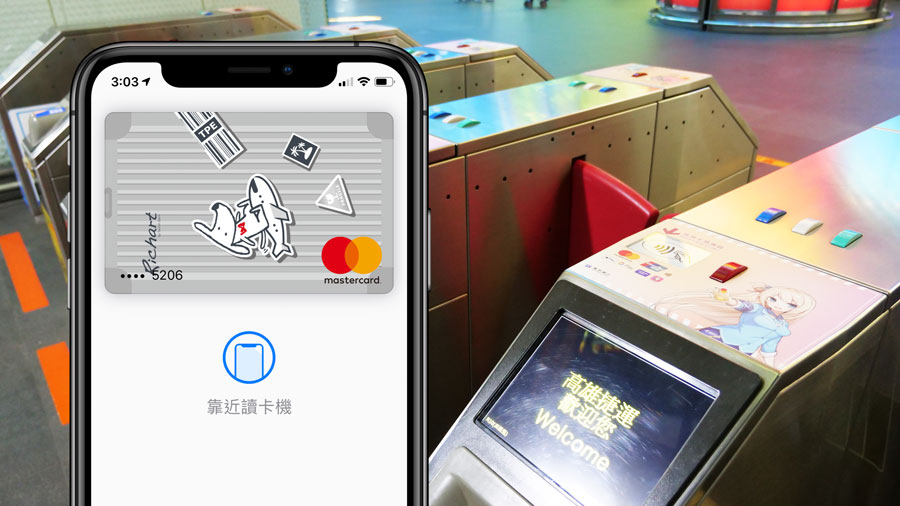
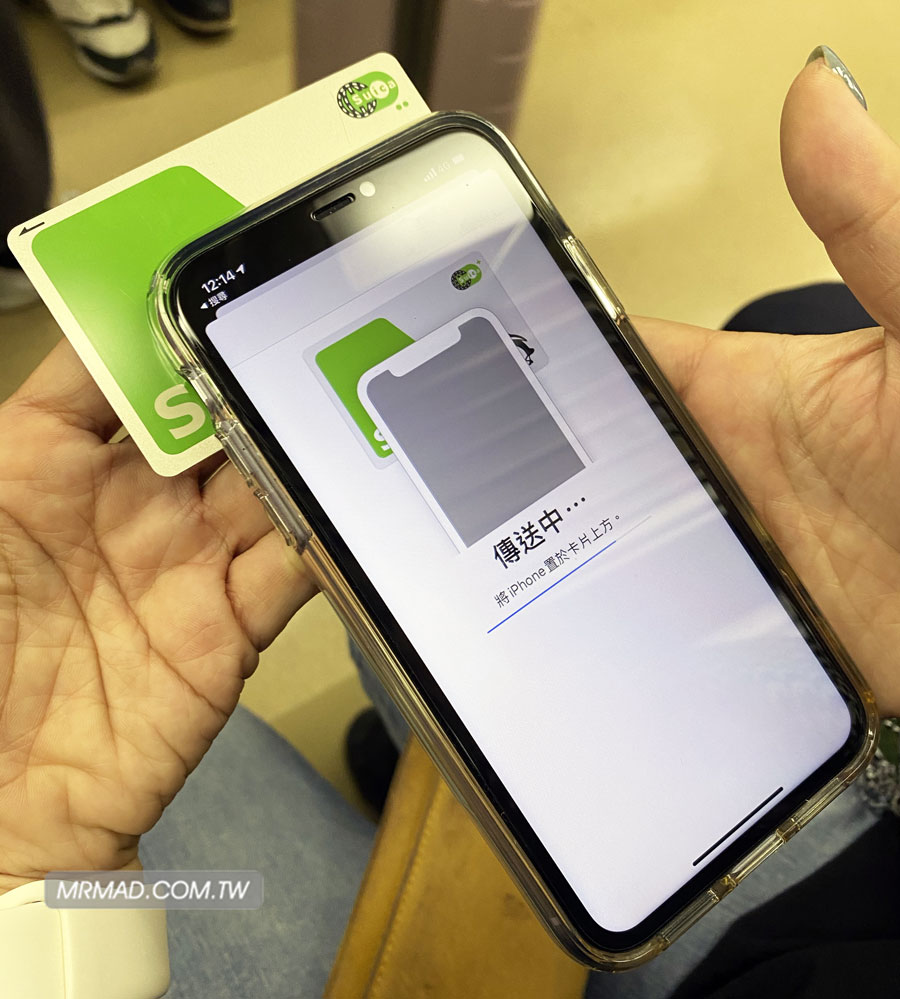
rapid transit card
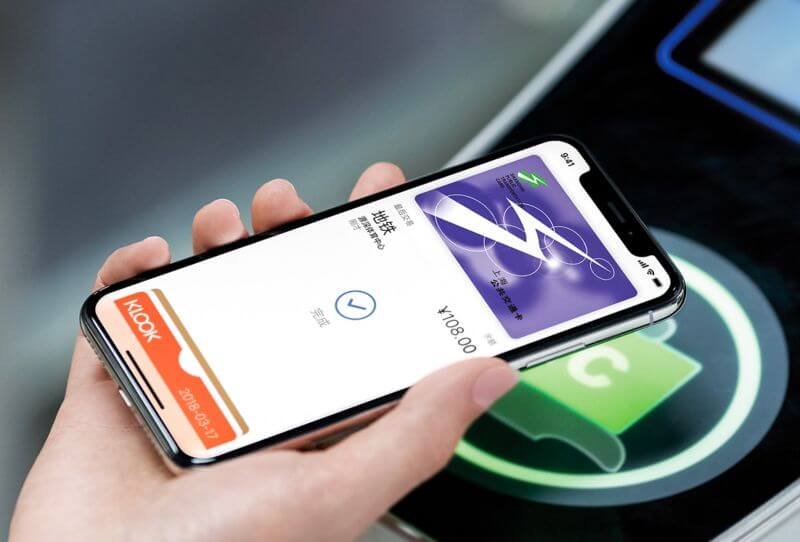
iPhone can also supportrapid transit cardBy joining Apple Wallet, when taking public transportation, you only need to bring your iPhone close to the sensing area to pass through the gate.
However, Taiwan’s EasyCard currently does not support rapid transit cards. It is only supported by Japan’s Watermelon Card, China’s Transportation Card and other countries. The detailed reasons can be fully understood in another article “Apple Pay EasyCard Lazy Guide”.
Practical Application: iPhone Japanese Suica Watermelon Card Tutorial: How to apply for settings to stored value skills
iPhone card tightening
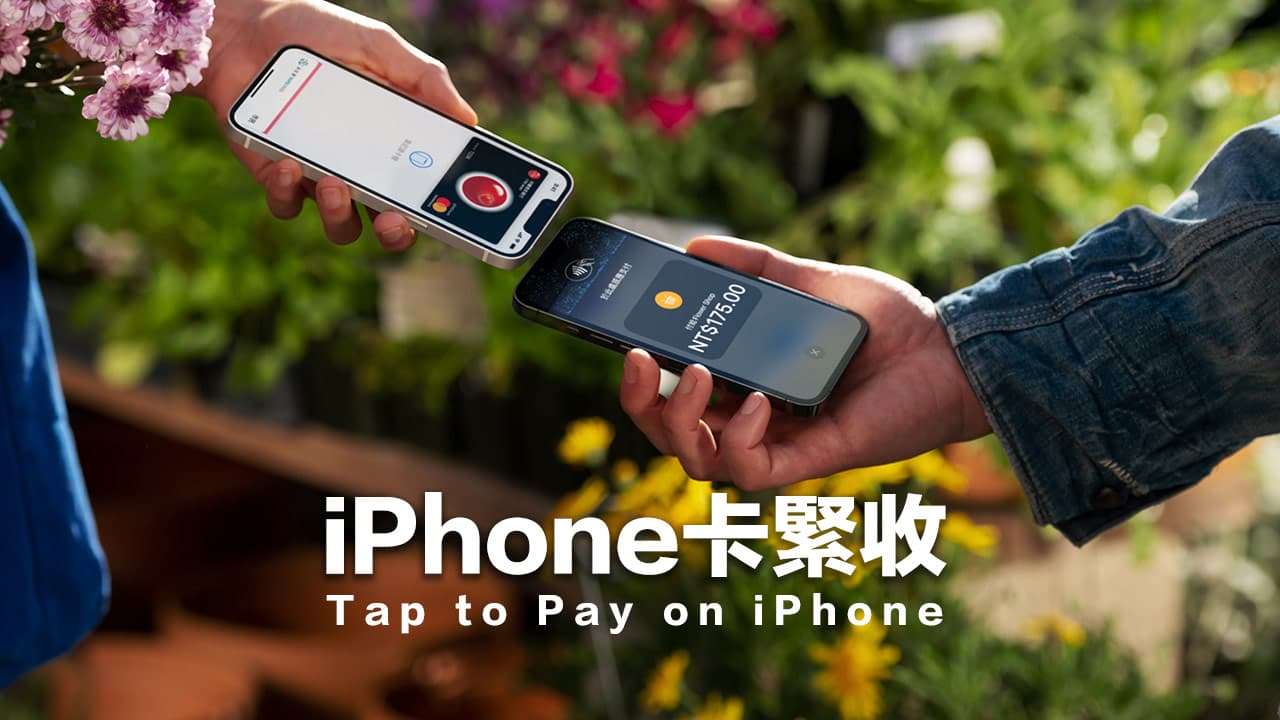
iPhone Card Tightening is an innovative payment feature launched by Apple, which turns the iPhone into a mobile credit card machine. As long as the iPhone supports this feature, you can directly use it to collect payments.
Practical application: What is the iPhone card tightener? How to apply? Understand the 14 major QAs for fast induction payment at once
NFC tag reading
In 2017, Apple introduced the Core NFC API for the iPhone, which for the first time allowed developers to implement NFC tag reading functions in applications, but restricted developers from performing payment-related functions through the API.
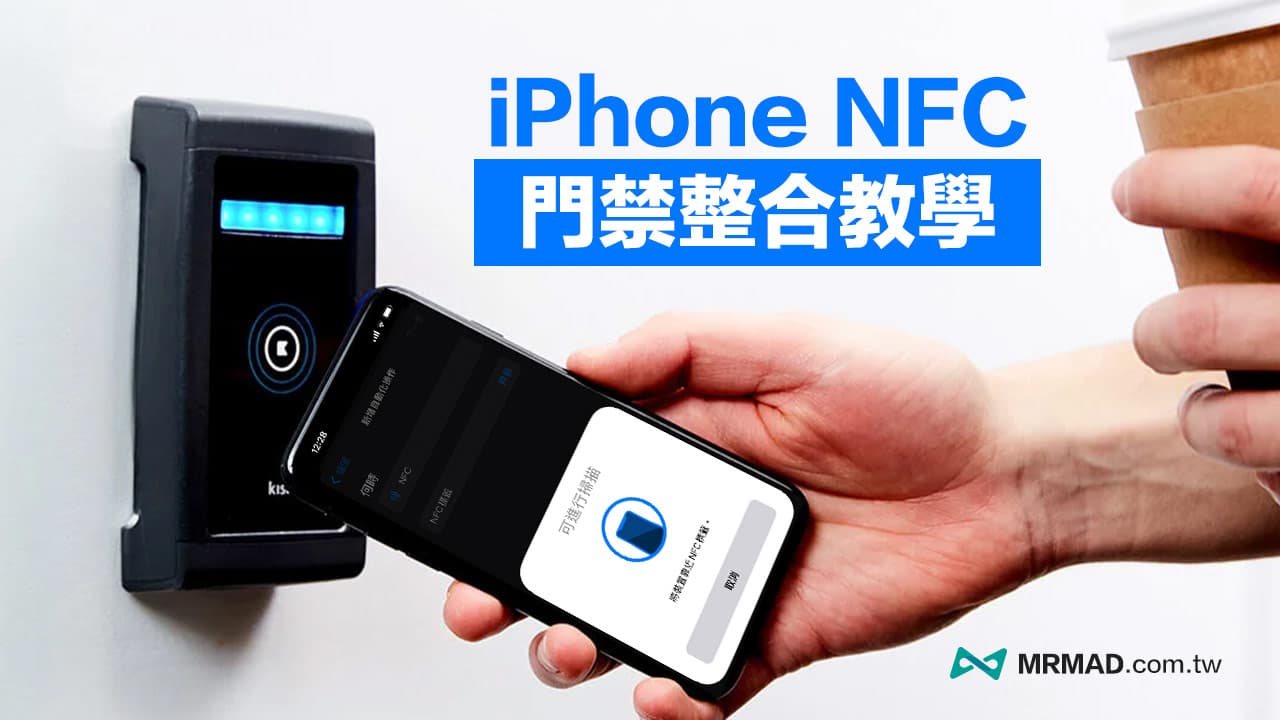
This NFC reading function was finally added to the system settings, allowing users to read the information in the NFC tag directly through the iPhone, trigger specific actions or obtain relevant information. For example, the NFC tag can be attached to the table, mobile phone When you get close, relevant actions can be automatically triggered. More applications are as follows:
- Smart home control: Place NFC tags in different places and touch them to control lighting, audio and other equipment in your home.
- Product information inquiry: Attach NFC tags to products, and consumers can use their mobile phones to obtain detailed product information, coupons, etc.
Related applications: How to copy access control cards on iPhone? Teach you how to use NFC in Taiwan without cracking it
Data transfer
When two iPhones are close to each other, they can also use the NFC function to quickly exchange contact information, or send pictures, videos or files.
Related applications: How to use AirDrop? Teach you to share photos, videos and files with friends via AirDrop
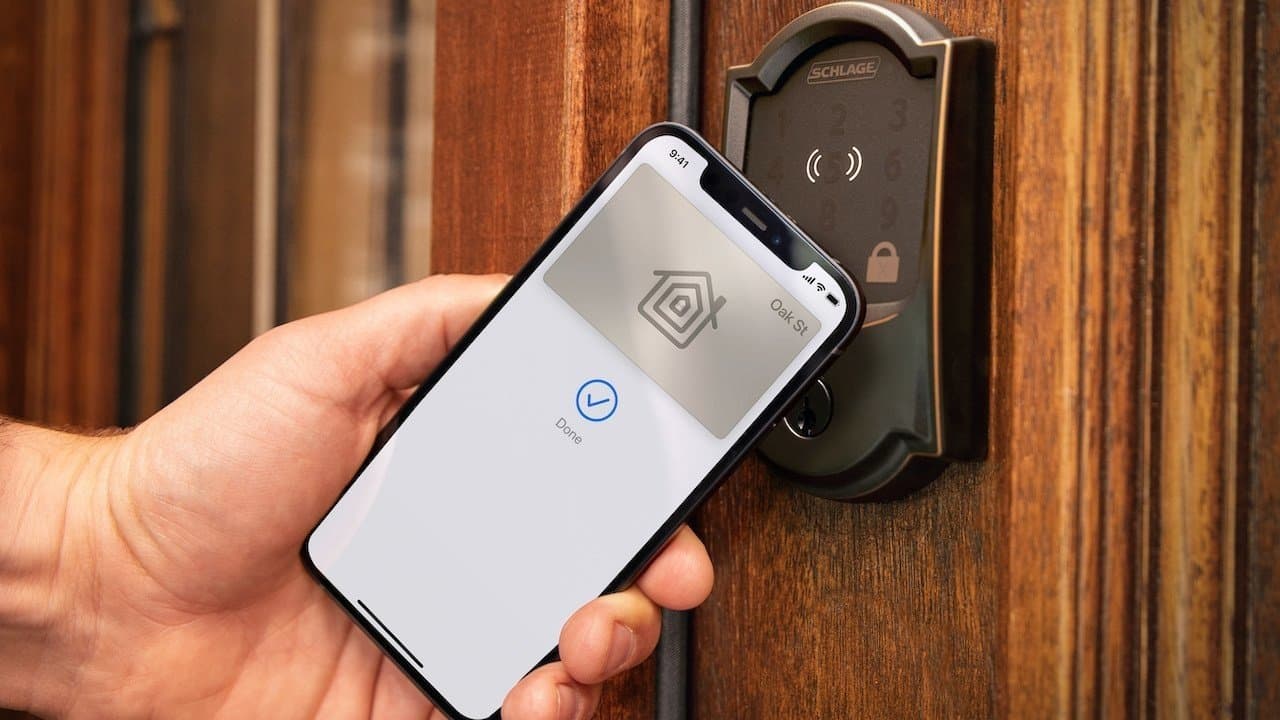
Smart Home Home Key
The iPhone can also be brought close to support Home Key sensor door locks, and the door can be quickly unlocked through NFC without the need for Face ID / Touch ID authentication.
iOS 18.1 opens more iPhone NFC API innovative application services
In addition to the above-mentioned existing iPhone NFC applications, this change also comes as the EU’s Digital Markets Act (DMA) antitrust regulations force Apple to allow developers to use the iPhone’s NFC reading function more freely. iOS 17.4 will be released first for the European Union.
Subsequently, Apple also opened the EU changes to the world. In August 2024, it announced through a press release that starting from iOS 18.1, it would expand NFC functions and payment transaction functions through Secure Element (SE).
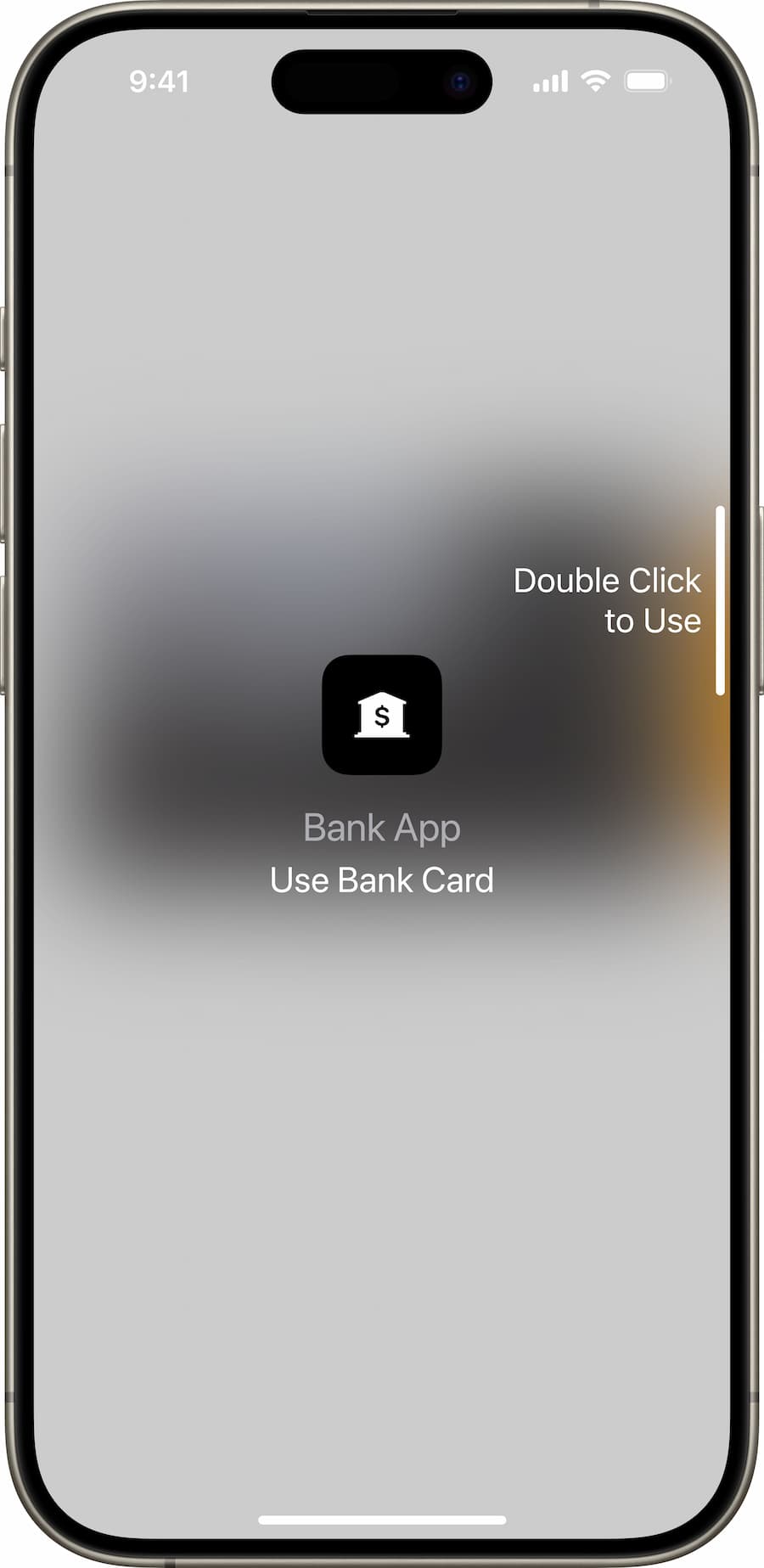
Apple said that this API mainly uses the iPhone’s Secure Enclave to ensure that all data is managed privately. Users can choose another default NFC application to replace the current Apple Wallet wallet that needs to be opened by double-pressing the side power button. APP services.
The latest iPhone NFC functions and scene applications
Below are the latest iPhone NFC and SE API application feature complete support categories:
- In-store NFC payments (Payments)
- Car Keys
- Home Keys
- Hotel Keys
- rapid transit card
- Company identification card
- student ID card
- Merchant membership card or point collection card
- Event tickets (available later)
- ID card, driver’s license (available only in some countries)
open support countries
The iPhone NFC function opened by the latest iOS 18.1 will initially be launched only for developers in Australia, Brazil, Canada, Japan, New Zealand, the United Kingdom and the United States, and will gradually be opened in more countries in the future.
These must be applied by APP developers to Apple for special permission to use this API, and Apple will evaluate each application individually.
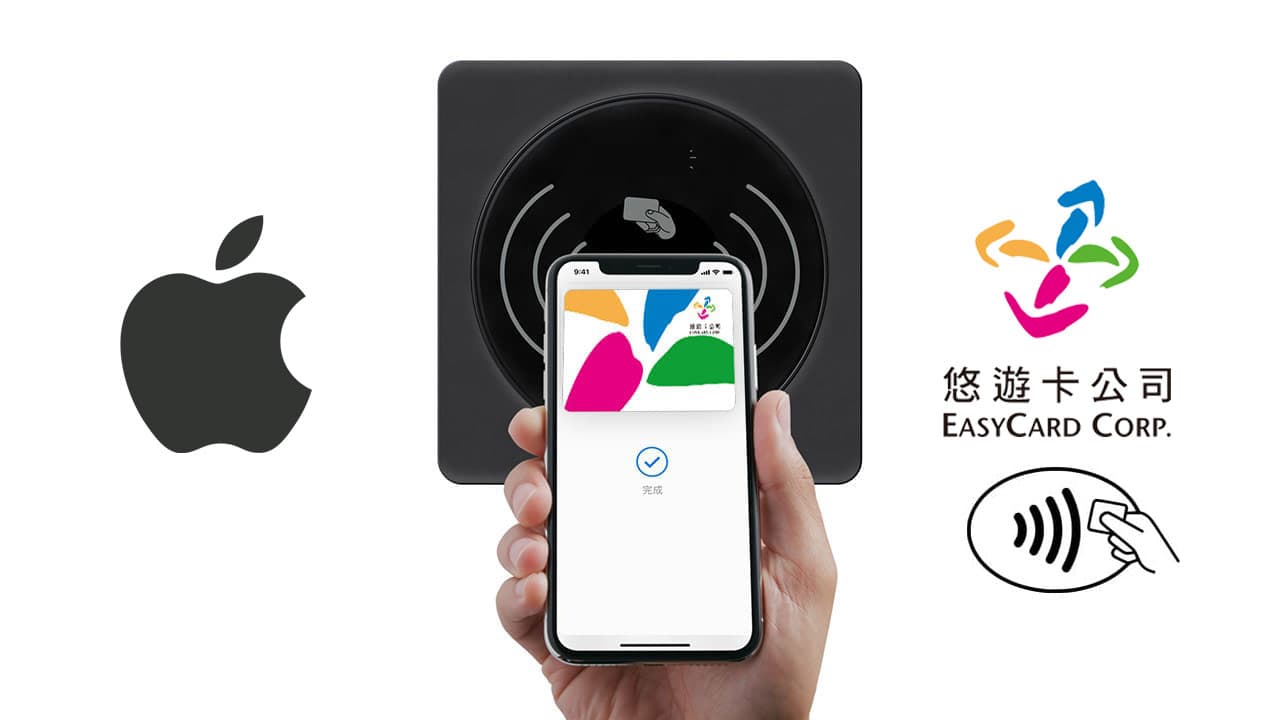
Can LINE Pay and Easy Card be integrated with iPhone NFC?
Judging from the current NFC and SE platform specifications for iOS 18.1 secure contactless transactions announced by Apple, they include third-party NFC payment transaction functions. In the future, it is expected that the EasyCard App can activate payment induction through iPhone NFC.
However, the third-party NFC sensing process needs to be authenticated through Face ID / Touch ID first. This adjustment is expected to be followed by Easy Card, All-in-One Card, LINE Pay or various third-party payments, as long as they pass Apple’s security audit and sign a confidentiality agreement. If it complies with the specifications, it can basically be used directly with a third-party APP to directly call iPhone NFC for contactless payment. The most important thing is that it needs to be opened in Taiwan.
What is the difference between the third-party NFC contactless payment function and Apple Pay?
In the past, Apple limited iPhone NFC payment to its own Apple Pay. This lifting of the ban allows third-party apps to also activate the iPhone NFC sensor payment function. The biggest difference is that it allows users to customize the APP payment to be bound.
For example, you can set Easy Wallet Easy Pay or LINE Pay of Easy Card Company as the default payment method. When entering or exiting the MRT station or getting on or off the train, you can directly bring your iPhone close to the NFC sensing area, and the payment and payment will be immediately sensed. Deduction.
I believe that the opening of iPhone’s third-party NFC contact payment technology can also officially solve the problem of Easy Card being unable to integrate transportation cards for many years.
How to enable NFC function on iPhone?
Generally speaking, iPhone 6 and later models support NFC, and the iPhone NFC default function will be turned on directly without special settings. There is even no switch to turn off the NFC function in the iOS system. When you approach the NFC tag, the iPhone will automatically activate NFC function.
- Check whether the iPhone supports NFC: Only iPhone 6 and later models can support NFC.
- Confirm the iOS system version: The NFC function was officially opened in iOS 13. Be sure to update your iPhone to the latest version of the iOS system.
Where is the iPhone NFC sensing location?
The NFC sensing area of the iPhone is usually located at the top of the back of the phone. The NFC sensing block is located on the side close to the lens. The location is designed to allow users to more naturally bring the phone closer to the sensing area when using the NFC function.
- iPhone 8, iPhone X NFC sensing location: the center area at the top of the back of the fuselage.
- iPhone 11, 11 Pro, and 11 Pro Max NFC sensing location: the upper right corner block on the top of the back of the fuselage (the block on the right side of the lens).
- iPhone 12, 12 mini, 12 Pro, 12 Pro Max NFC sensing location: the upper right corner area on the top of the back of the fuselage (the area on the right side of the lens).
- iPhone 13, 13 mini, 13 Pro, and 13 Pro Max NFC sensing location: the upper right corner block on the top of the back of the fuselage (the block on the right side of the lens).
- iPhone 14, 14 Plus, 14 Pro, 14 Pro Max NFC sensing location: the upper right corner block on the top of the back of the fuselage (the block on the right side of the lens).
- iPhone 15, 15 Plus, 15 Pro, 15 Pro Max NFC sensing location: the upper right corner block on the top of the back of the fuselage (the block on the right side of the lens).
How to use iPhone NFC tag reading function?
Enable NFC tag reading in the control center
- Go to the iOS built-in “Settings” App
- Find “Control Center”
- Add “NFC Tag Reading” to the control center from “Customized Control Items”.
Enable NFC tag reading in the control center
- Open Control Center: Swipe up from the bottom of the screen to open Control Center.
- Click “NFC Tag Reading”: Find the “NFC Tag Reading” icon and click it.
- Close to the NFC tag: Put the back of your iPhone close to the NFC tag, usually the NFC tag will be attached to the sensing area.
- Complete the operation: Your iPhone will automatically sense and perform the corresponding action, such as opening the App and so on.
Function summary
As Apple continues to open up the application scope of iPhone NFC, it will also make the iPhone an important digital tool that is not available in life. I believe that as NFC third-party payment is opened in more countries, you will be able to directly sense it through the NFC function. For payment, you no longer need to manually open the QR Code to scan, making it easier to pay at a store or take transportation.
Further reading:
Reference sources:Apple