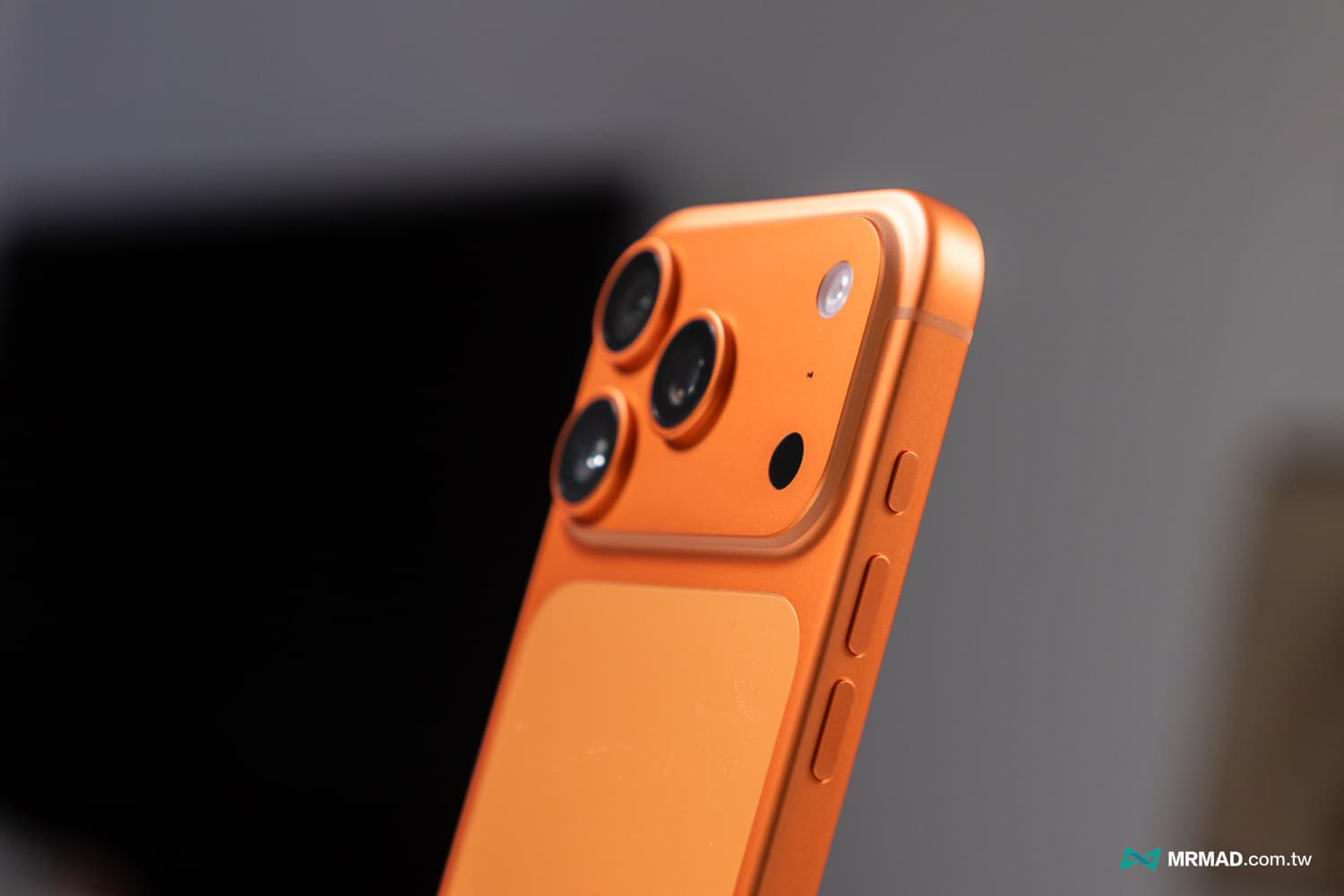
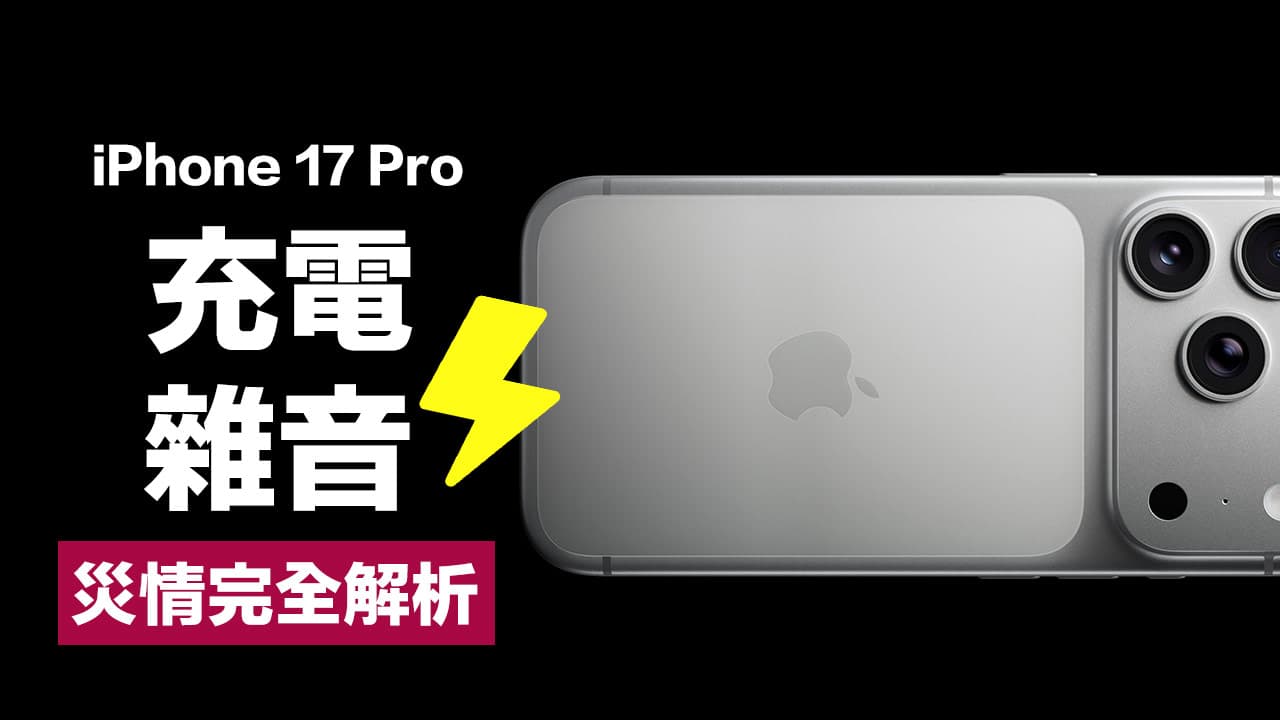
With the popularity of the iPhone 17 series after its launch, I believe many people have bought this flagship machine equipped with the latest A19 Pro chip. However, there have been reports on the Internet recently about the abnormal charging sound disaster of the iPhone 17 Pro and iPhone 17 Pro Max. Many users reported that the speaker (speaker) at the bottom of the phone would emit an unknown subtle sizzling sound or static noise during charging. This incident once again sparked heated discussions in the community.
iPhone 17 Pro makes strange noise while charging
According to the iPhone 17 Pro disaster cases currently compiled on the Internet, the “noise door” this time is mainly concentrated on the iPhone 17 Pro and iPhone 17 Pro Max models. The problem usually occurs within a few minutes after the phone is connected to the charging cable (whether it is USB-C or MagSafe wireless charging). The situation is mainly divided into the following two types:
- Intermittent static sound: similar to the “rustling” sound of a radio that is not aligned with the frequency. Although the sound is not loud, it is particularly harsh in a quiet bedroom or office environment.
- High-frequency current sound: An extremely high-frequency “sizzling” sound, usually related to current input. Some users say that the sound is most obvious when the battery is less than 50% and fast charging is performed.
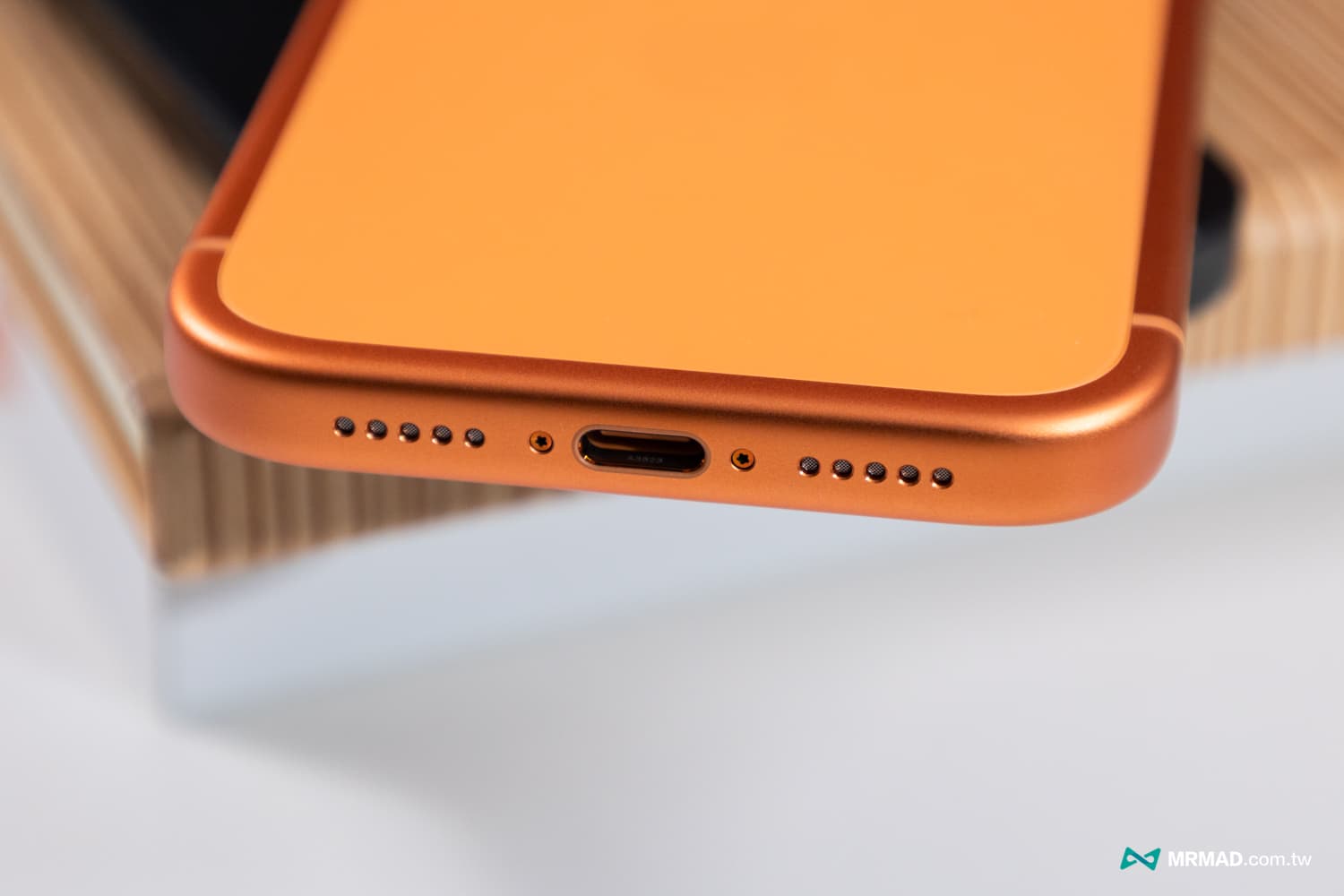
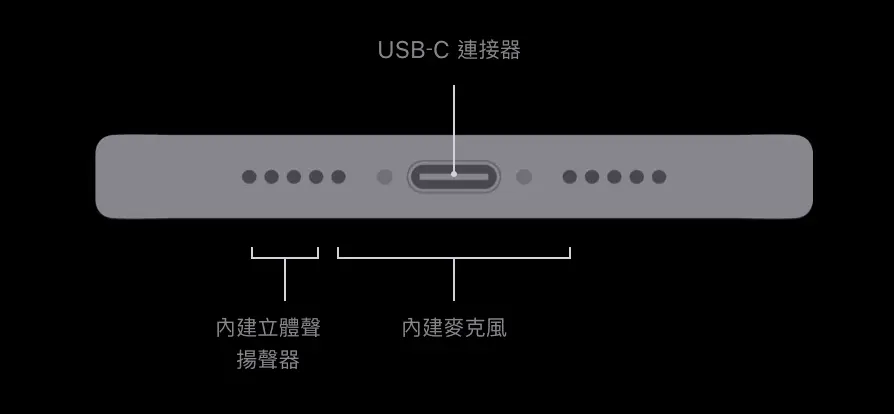
It is worth noting that these sounds do not come from the charger itself, but are obviously coming from the speaker hole at the bottom of the iPhone body. This makes the outside world suspect that the software driver may cause the audio system to be interfered by the charging current, or the internal hardware shielding may be insufficient.
In fact, this problem is not a recent one. As early as October this year, Mr. Crazy reported on the related charging noise problem. When the iPhone 17 Pro Max is charging, there will be static sound, buzzing or hissing sound similar to that of an old radio. Some people even described it as the sound of electric current.
3 steps to quickly detect whether there is any abnormal sound problem when charging iPhone 17 Pro
Not every new phone has this problem. If you want to ensure whether the iPhone 17 Pro is healthy, it is recommended to find a quiet environment and follow the following steps to perform a self-test:
- Step 1: Environment preparation Please ensure that the surrounding environment is quiet and turn off background noise such as electric fans or TVs. It is recommended to do it at night or in a quiet room.
- Step 2: Connect the power supply and use the original USB-C braided charging cable or MagSafe charger to charge the phone. It is recommended to test when the battery is low (about 20-30%), because the charging power is highest at this time and it is most likely to induce current sound.
- Step 3: Listen close to your ear. Put your ear close to the speaker opening on the right side of the bottom of the iPhone (the same side as the charging hole), and listen carefully for any irregular “sizzling” or “bop” sounds.
Normal operation of electronic components will produce very small sounds, but if the sound emitted by the iPhone 17 Pro is loud enough to be heard from a distance of 30 centimeters, then it is not within the normal range.
Possible causes of abnormal sound when charging on iPhone 17 Pro
As of press time, Apple officials have not issued a formal recall plan or announcement regarding this specific issue. However, based on the past experience of new iPhone products and the analysis of foreign disassembly teams, it is speculated that the reasons may point to the following two points:
Audio driver software generation
It may be that the latest iOS 26 system has a conflict in the management of charging power and audio paths. As a result, the iPhone 17 Pro series speakers cannot be completely muted during charging, but instead amplify the noise floor. If it is a software problem, it can usually be fixed in future iOS 26.x updates.
Hardware grounding or electromagnetic interference
This problem may be more difficult, and it is likely to be an internal circuit design problem. If the electromagnetic shielding between the charging module and the speaker module is insufficient, the high-frequency oscillations generated by high-wattage fast charging may be coupled to the audio circuit and produce noise. This kind of problem usually needs to be solved by replacing the iPhone 17 Pro with a new one.
Temporary solution to iPhone 17 Pro charging buzzing sound
If you find that your iPhone 17 Pro does make strange noises while charging, but you don’t want to go to the Apple repair center immediately, you can try the following self-rescue methods that have been tested by netizens and are effective:
- Force restart the phone: Press “Volume Up”, press “Volume Down”, and then press and hold the “Power Button” on the right until you see the Apple logo. This can reset some hardware drivers and temporarily eliminate noise.
- Turn off “haptic feedback”: Some users have found that after temporarily turning off the system’s haptic feedback by going to “Settings” > “Sound and Haptic Feedback”, the noise will weaken, which suggests that there may be linkage interference between the vibration motor and the speaker.
- Replace charging equipment: Try to use a low-wattage (such as below 20W) charging head to reduce the charging current intensity, which can usually effectively reduce high-frequency current sound.
Finally, if Apple checks that this problem is an iOS 26 system error, it is recommended that any subsequent updates be kept to the latest version to solve the problem of abnormal charging noise.
If you want to know more Apple information, iPhone teaching and 3C information skills, please follow us
Crazy Mr. FB fan group,
Subscribe to Mr. Crazy Google News,
Telegram,
Instagramas well as
Subscribe to Mr. Crazy YouTube.