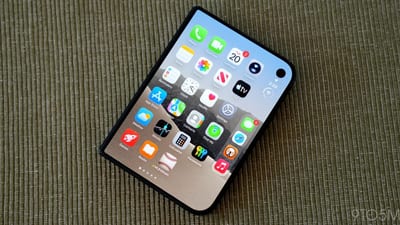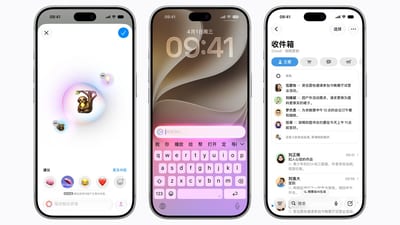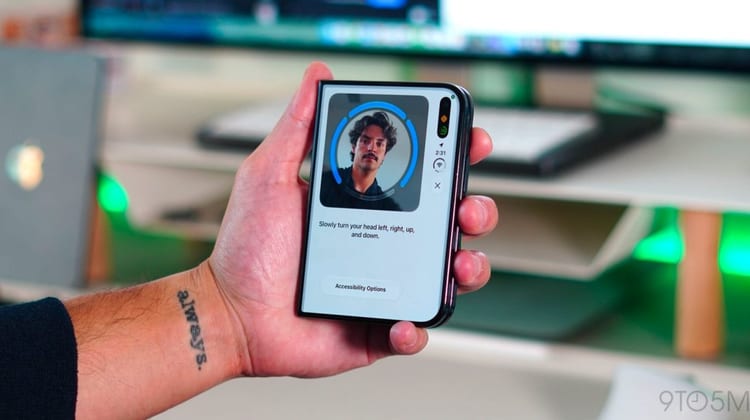
Apple added a face unlock option to the iPhone Duo in the second iOS 27.3 developer beta. 9to5Mac and MacRumors both reported it on November 16. You look at the closed phone, it opens. The setting is named Unlock with Front Camera. It answers the loudest complaint from owners who moved from Face ID iPhones to the Duo. The fine print matters more than the headline.
Unlock with Front Camera is a toggle under Touch ID & Passcode
Install iOS 27.3 beta 2 and the option appears in Settings, under Touch ID & Passcode. Apple's description in the Settings app reads: "Use the front camera, along with a recent Touch ID or passcode authentication, to quickly unlock iPhone Duo when it's closed. Face recognition data never leaves your device."
Read the first clause again. A recent Touch ID or passcode authentication is required before the camera shortcut works at all. The feature is layered on the security you already have. It does not replace it.
Face Unlock is not Face ID and stays locked to the Lock Screen
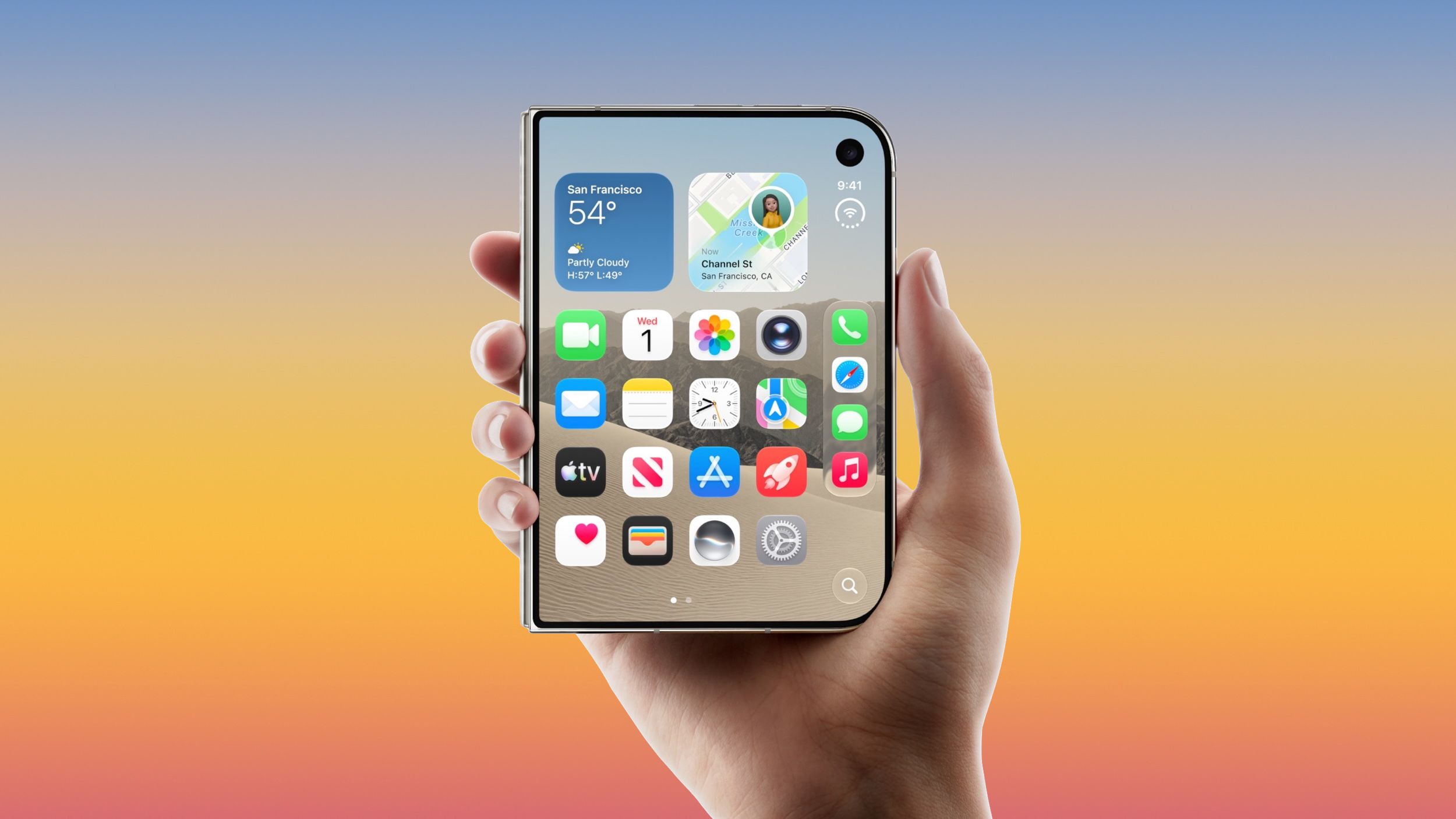
Chance Miller at 9to5Mac puts it in one line: "This isn't Face ID." Recognition runs on the front camera of the outer iPhone Duo display. The Duo has no dot blaster, the dot projector that Face ID hardware needs, so Apple built guardrails around the weaker camera check.
The feature unlocks the phone and nothing else. Apple Pay purchases, passwords and logins from the Passwords app, unlocking apps. All still need Touch ID or a passcode. Leave the Duo alone for 45 minutes and face recognition switches off until you authenticate the old way. Unfolded, it does not work at all. The behavior echoes our iPhone Duo review notes on Touch ID pausing before unlock.
AppleInsider's Wesley Hilliard tried to fool it with photos of himself and with a video of himself moving in front of the camera. Neither unlocked the Duo. After a failed attempt the phone demanded Touch ID and would not retry face recognition even when he showed his real face.
No dot blaster means no unlock in a dark room
Bloomberg's Mark Gurman called the feature a stopgap on similar underlying tech as HomeView. "Doesn't work for Apple Pay and some other features. I expect true Face ID for the Duo 2 or 3." Our own report covers the iPhone Duo 2 Face ID prototypes that may slip to Duo 3.
His next post names the daily annoyance. "The big downside: the Face Unlock doesn't work on low brightness in a dark room because there's no dot blaster hardware in the Duo. So if you're using your phone in bed in the middle of the night it'll be Touch ID still for you."
The MacRumors hands-on with Unlock with Front Camera found the same. In decent lighting it works fairly well. In a dark room, it does not.
Close to Lock keeps folded content off the outer display
The second iOS 27.3 change is a Close to Lock option under Settings > Display & Brightness. Fold the Duo and it locks, instead of handing the current app to the outer display. Miller writes that he had been using a shortcut to mimic this. Now Apple ships the setting. It pairs with the 10 iPhone Duo features worth trying while the real Face ID hardware waits.
Both changes are in the developer beta today. MacRumors says they reach everyone when iOS 27.3 is released in December.
Photo: 9to5Mac, MacRumors
Source: 9to5Mac (Chance Miller), MacRumors (Juli Clover), AppleInsider (Wesley Hilliard), Mark Gurman on X