It has been revealed that Apple’s iOS 27, which is scheduled to be released this month, will include a new feature called “iPhone Handoff” that allows you to switch between one phone number and two iPhones. MacRumors reports based on a video showing the actual settings screen. It seems to be useful in situations where you want to use two iPhones at the same time, such as during the transition period when changing models, operating a sub-machine, or a replacement model during repair.
Share one phone number between two iPhones
iPhone Handoff is a feature whose name was only mentioned in a slide listing hundreds of new features of iOS27 at the WWDC 2026 keynote speech in June. Apple did not provide further details at the time.
Now, a member of the MacRumors forum has released a video showing how the feature works using two iPhones running on the Xcode 27 simulator. According to it, you can select and configure the “main iPhone” and the other “companion iPhone” that you use frequently out of the two.
The user’s primary eSIM remains on the primary iPhone, while the companion iPhone is issued its own companion eSIM. This allows you to switch back and forth between the two devices while using the same phone number.
In the actual settings screen published by MacRumors, you can see that the “iPhone Handoff” item has been added to “Mobile Communication”. Along with the explanation “You can use your phone number on this iPhone and another,” there is a setting called “Use Number on This iPhone and Another.”
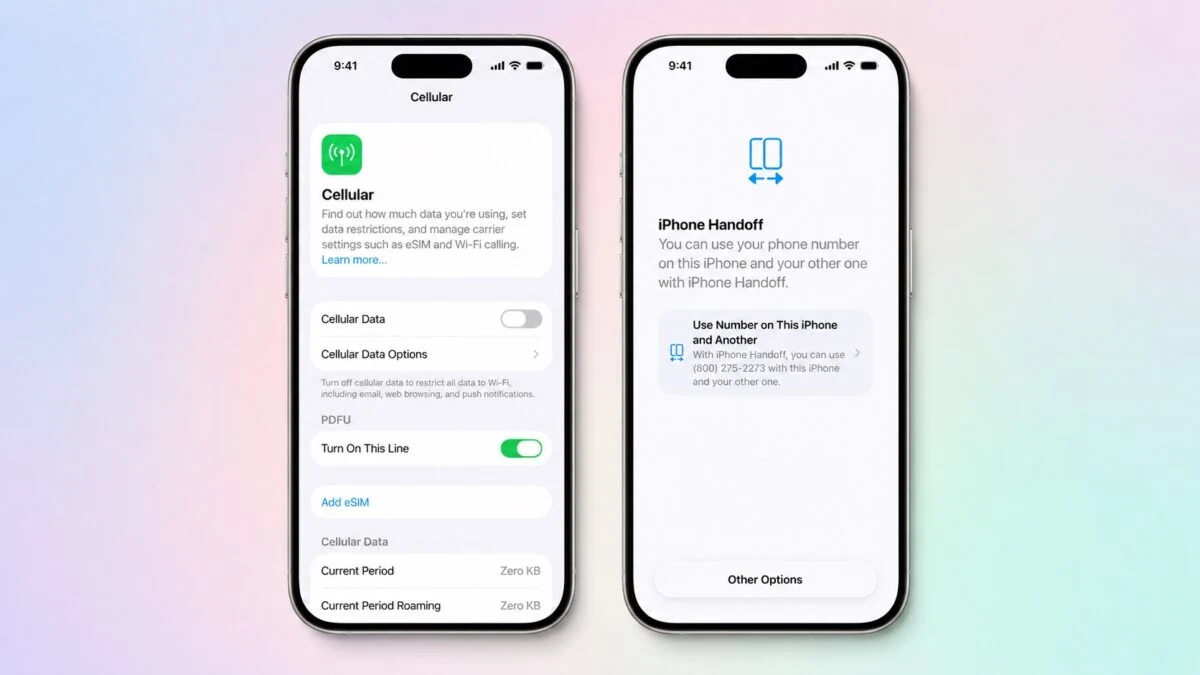 iOS27 settings screen. On the right is “iPhone Handoff”
In addition, what was confirmed this time is a beta version screen before the official release. Since this is a version under development, specifications may change or features may be postponed upon official release.
Configure settings from the mobile communication menu.
Configure settings from the “Mobile communications” menu in the Settings app. All mobile communication settings are managed on the main iPhone, and location information sharing is based on the iPhone that is actually using the phone number at the time.
For Japanese users, the following usage options are possible.
- When changing models, slowly transition by using the old and new machines in parallel.
- Operation of two sub-machines depending on the purpose, such as a large screen model and a small model
- Use your old model as a replacement while your device is in storage for repair or inspection.
Please note that the detailed specifications, such as how many functions can be used on the companion iPhone side, are not clear at this time.
Use requires carrier support
In order to use it, both iPhones must be equipped with iOS 27, and support from the communication carrier is required. Forum posts mention that T-Mobile in the US and Deutsche Telekom in Germany could be the first carriers to respond.
It is currently unknown whether Japanese carriers will support this feature. To find out whether it can be used in Japan, we will have to wait for the information issued by each company after the official release of iOS27.
iOS27 is expected to be officially released in September
iOS27 is expected to be officially released this month after approximately three months of beta testing. MacRumors believes that more information about iPhone Handoff will be revealed soon, as the release is near.
In June, iPhone Mania reported that a change in iOS 27, which was also revealed at WWDC 2026, would be the ability to adjust the volume of alarm and notification sounds individually. iPhone Handoff is also a feature that was mentioned in the same keynote slide, but this is the first time that the specific mechanism has been revealed.
For those who want to get a feel for the new OS before its official release, the article introducing the released iOS 27 wallpapers may also be helpful. Other new features and latest information on iOS27 will be announced in the iOS latest information summary.
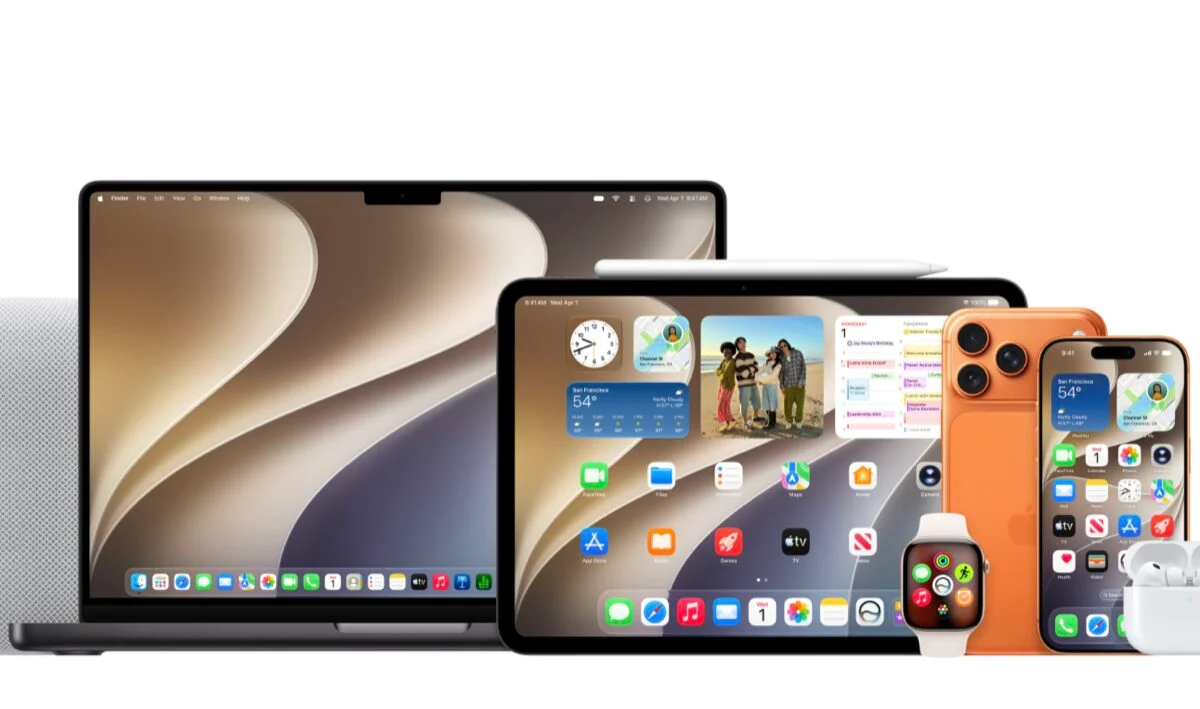 iOS27, iPadOS27, macOS Golden Gate wallpaper
Source: MacRumors
Source: iPhone Mania