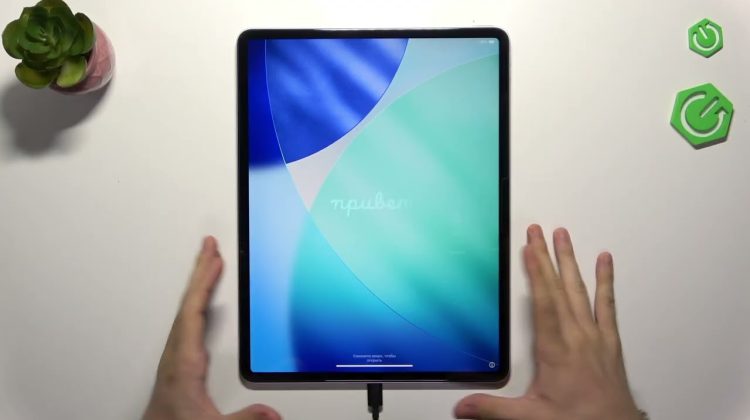
In this video I show how to downgrade an Apple iPad from iPadOS 27 back to iPadOS 26. This method works only while the newer version is still signed (commonly when you are on a beta). I cover checking your iPadOS version, important backup warnings, how to enter Recovery mode, connecting to a Windows PC (Apple Devices app) or Mac (Finder), choosing Restore (not Update) to reinstall the older system, and what to do if restore fails — including entering DFU mode. I also explain Activation Lock during setup and how to finish the iPad setup after the restore. Follow each step carefully; restoring erases all data so make sure you have your backups or have copied important files before you begin.
How to downgrade iPadOS 27 to iPadOS 26 on iPad?
How to put iPad into recovery mode for downgrade?
How to enter DFU mode on iPad to restore iPadOS?
0:00 Intro – downgrade limits and beta requirement
0:32 Check iPadOS version & backup warning
3:20 Enter Recovery Mode – volume up, volume down, hold power
4:48 Connect to computer – Apple Devices app (Windows) or Finder (Mac)
7:02 Choose Restore (Restore and Update) – why not Update
8:18 When restore fails – prepare for DFU mode
11:55 Enter DFU mode – button timing and tips
13:51 Exit DFU & Activation Lock explanation
15:01 Final setup and tips after restore
#iPadOS #iPad #Downgrade #DFU
Find out more:
https://www.hardreset.info/devices/ipados/ipados-27/
Follow us on Instagram ► https://www.instagram.com/hardreset.info
Like us on Facebook ► https://www.facebook.com/hardresetinfo/
Tweet us on Twitter ► https://twitter.com/HardResetI
Support us on TikTok ► https://www.tiktok.com/@hardreset.info
Use Reset Guides for many popular Apps ► https://www.hardreset.info/apps/apps/