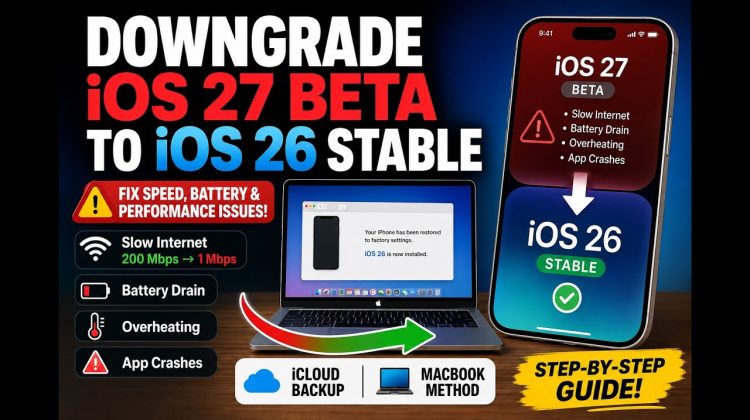
Are you facing issues after updating to iOS 27 Beta?
In this video, I show you how to downgrade from iOS 27 Beta to the stable iOS 26 version using a MacBook. I personally experienced severe internet speed issues after updating, where my network speed dropped from nearly 200 Mbps to around 1 Mbps. Many users have also reported battery drain, overheating, app crashes, and performance issues with the beta version.
📱 In this video:
✅ Why I downgraded from iOS 27 Beta
✅ Common iOS 27 Beta issues
✅ iCloud backup method
✅ MacBook downgrade method
✅ Recovery Mode steps
✅ Important backup limitations before downgrading
✅ Things to know before restoring your data
If you’re experiencing similar issues, this guide may help you return to a stable version of iOS.
If you have any questions or are facing other issues with iOS 27 Beta, leave a comment below and I’ll try to help.
👍 Like the video
📤 Share with friends facing iOS issues
🔔 Subscribe for more iPhone tips, tricks, and tutorials