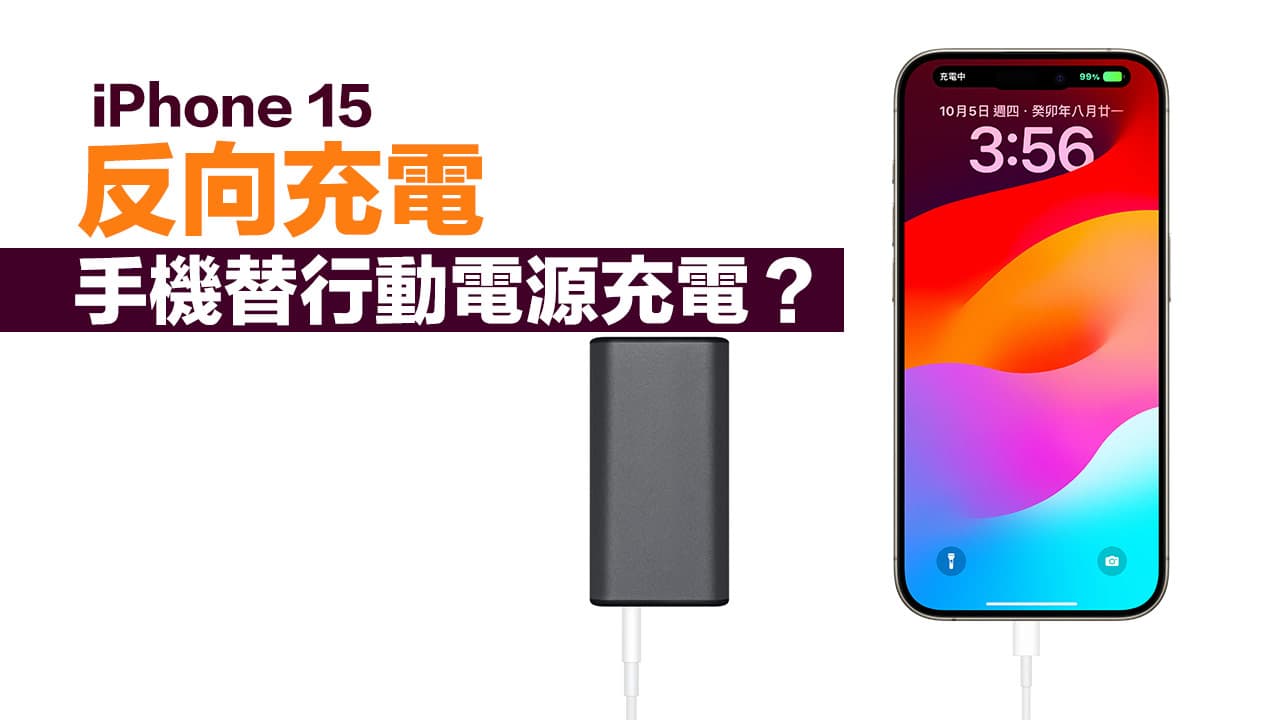
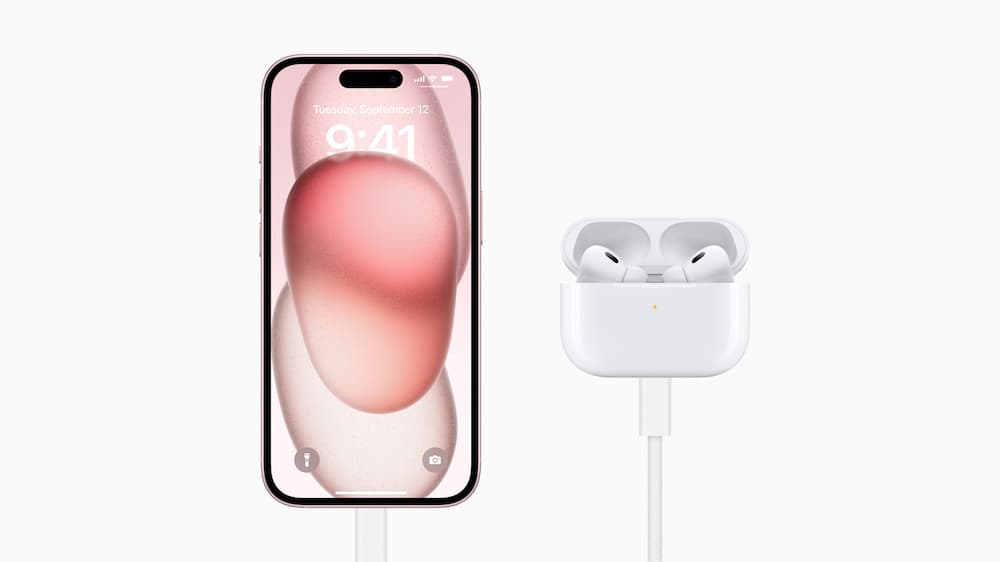
Since Apple equipped the entire iPhone 15 series with USB-C ports, the advantage is that it can be widely used with various Type-C accessories and charging cables, and you can even use the iPhone 15 reverse charging function to recharge AirPods. However, special attention should be paid to when charging the iPhone 15 using a power bank. Some power banks may cause reverse charging, causing the phone to charge the power bank.
Note that iPhone 15 will cause the power bank to be charged in reverse
Apple officials pointed out that the iPhone 15 series USB-C can provide 4.5W reverse charging function. As long as one end of the charging cable is connected to the phone and the other end is connected to other devices, the iPhone can be turned into a temporary power bank to charge other devices.
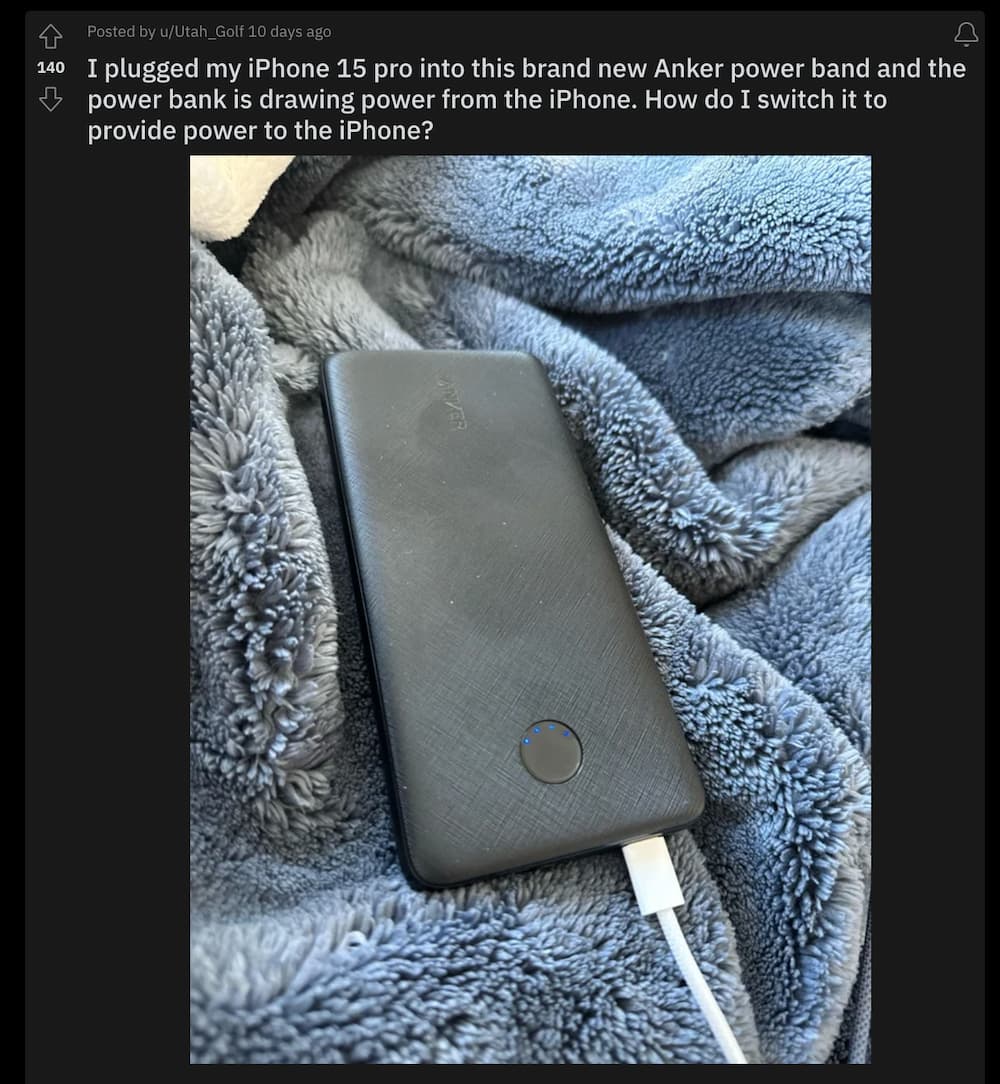
It seems that the iPhone 15 reverse charging function is incompatible with some power banks. Some foreign users are complaining about it. Reddit There are complaints on the forum that when using the USB-C of the Anker PowerCore Slim 10K PD mobile power supply to charge the iPhone 15 mobile phone, it turns into a mobile phone power bank.
Some netizens also contacted Anker customer service and received a response that the reverse charging function of the iPhone 15 series will affect the USB-C charging hole of the Anker PowerCore Slim 10K PD. There is currently no solution and users are required to switch to USB-A charging.
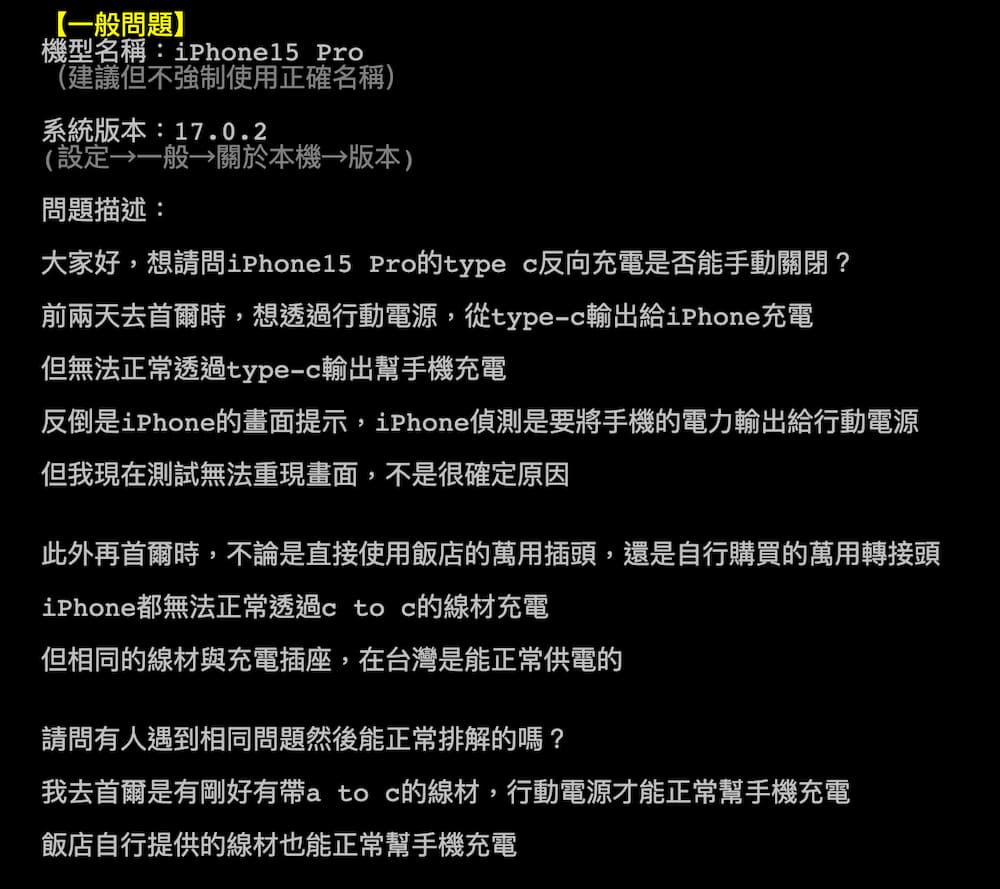
A Taiwanese netizen also encountered a similar iPhone 15 Pro reverse charging problem. The netizen asked for help on the PPT “How to turn off reverse charging on the iPhone 15 Pro”. He said that when charging the phone through the Type-C output on the Belkin power bank , will cause the iPhone screen to pop up a warning prompt “This accessory uses too much power”. Instead, it can be charged normally by using USB-A to USB-C.
Reasons why iPhone 15 USB-C reverse charging replaces the power bank charging
The power bank lacks design Try.SRC mode
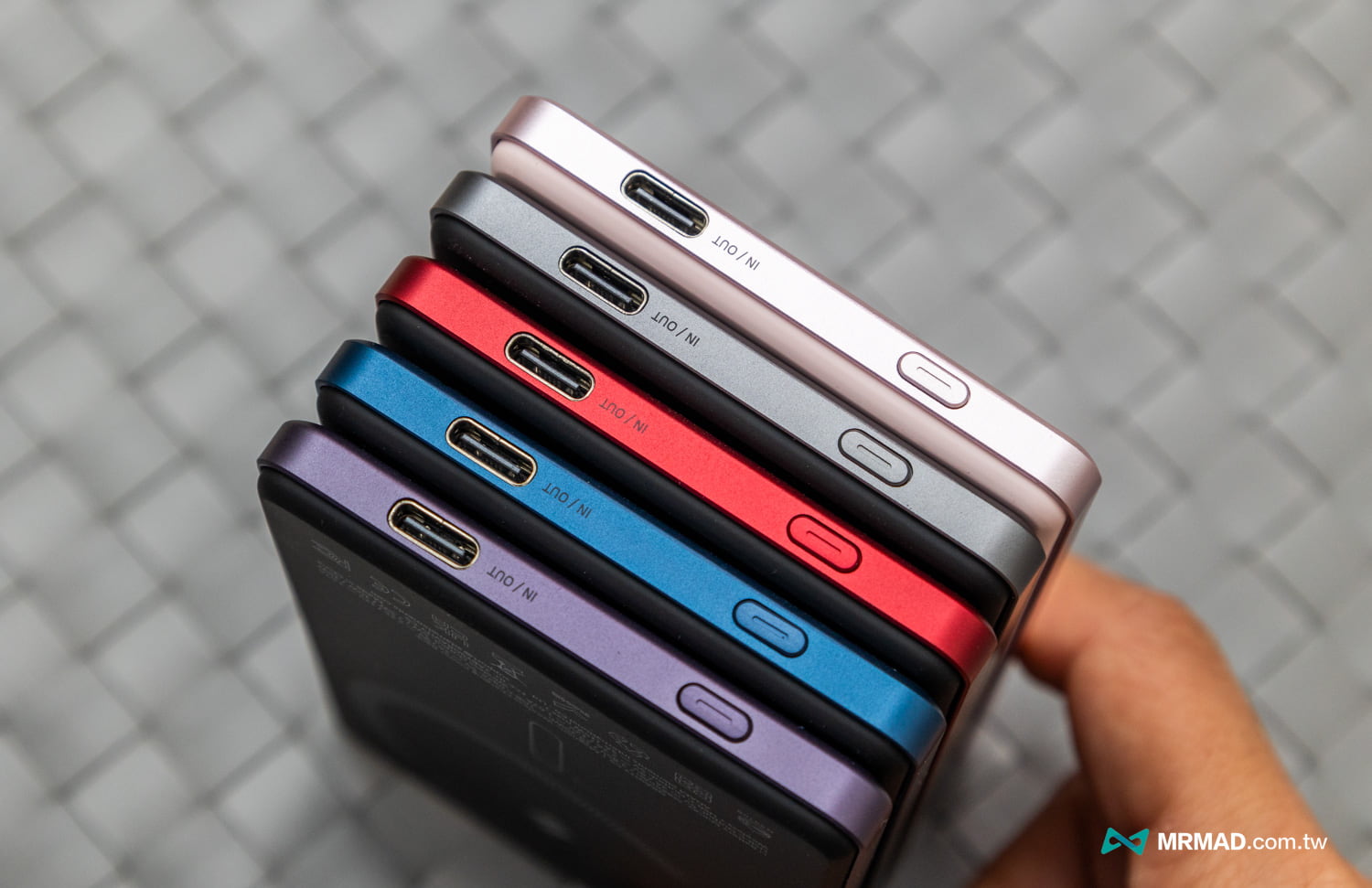
This will cause the iPhone 15 phone to reversely charge the power bank. Mr. Crazy also inquired with the accessories supplier, which will cause the USB-C port of the power bank to be unable to supply power to the iPhone 15. Instead, it will charge the power bank, mainly on the power bank. USB-C adopts a bidirectional design (can output and input power), which is related to the fact that the manufacturer has not designed a “Try.
The USB-C problem of reverse charging of mobile phones also occurs on Android devices. In order to solve this problem, Android mobile phone manufacturers have solved it in software and added reverse control function options to manually turn off the reverse charging function.
USB-C only supports input charging
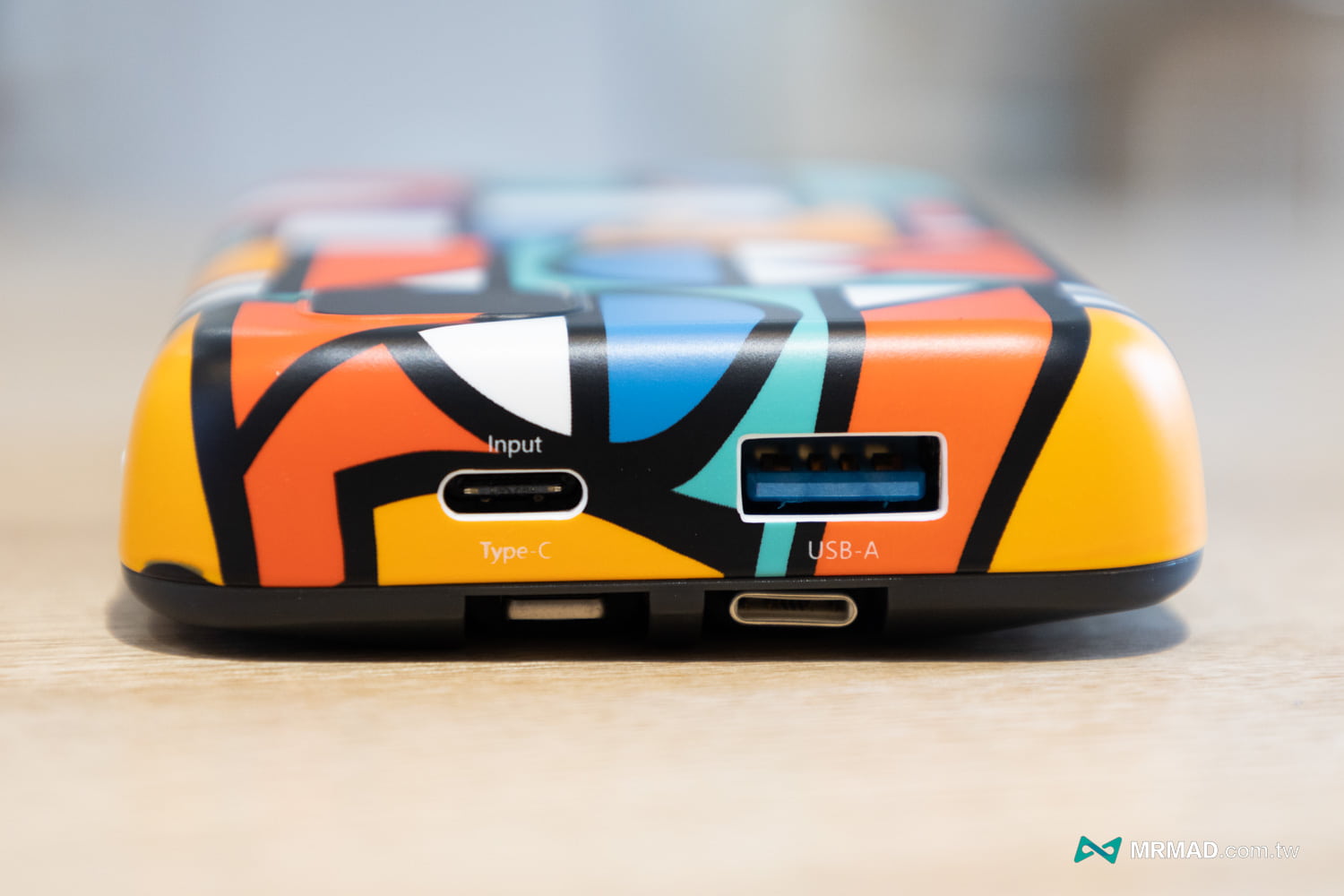
Another reason is that some Type-C charging holes of mobile power supplies are only for power input, that is, they can only charge the mobile power supply. Connecting an iPhone 15 device will also trigger reverse charging.
How to solve the charging problem between iPhone 15 and power bank?
1. Wait for Apple to add a reverse charging switch
The fastest solution at present is that Apple can add a “reverse charging function switch” to the iPhone 15 series, but it has not yet been confirmed that Apple will add it in the subsequent iOS 17 update.
2. Change the charging method of mobile power supply
If you find that your iPhone 15 will charge the power bank, you can try the following four methods:
- Plug and unplug the charging cable again
- First activate the power button of the mobile phone and then connect the mobile phone to charge.
- Use the USB-A charging port of a mobile power supply to charge your iPhone
- Check that the power bank charge is higher than that of iPhone 15
If you have tried all of the above, or you think the USB-A power bank charges too slowly, the last resort is to replace it with a USB-C power bank.
3. Change to another USB-C power bank
If you want to buy iPhone 15 and power bank products that can work normally, there are several products below that can be used normally:
Further reading: