If you don’t like the Liquid Glass effect in iOS 26, Apple also allows users to turn it off through the iPhone settings. But some people are also curious whether turning off the Liquid Glass transparency effect will save the iPhone more power? Some foreign media have also tested different settings of liquid glass, and the results show that in daily use situations, these settings have little impact on iPhone battery life.
iPhone liquid glass test settings in four scenarios
Foreign media conducted four different scenarios of enabling and disabling the Liquid Glass effect on the iPhone 17 Pro Max. Each round lasted 2.5 hours, using the same App usage process, including using TikTok, YouTube, Instagram, Safari and Maps for 30 minutes each to simulate real usage scenarios.
- Liquid Glass is set to “light color”
- Liquid Glass set to “Dark”
- Liquid Glass “Dark” with “Reduce Transparency” and “Increase Contrast”
- Liquid Glass “Dark” also enables “Reduce Transparency”, “Increase Contrast” and “Reduce Dynamic Effects”
During the above test, the appearance of the iOS 26 system was fixed in light mode, the screen brightness was set to 50%, True Tone and Night Shift were turned off, and the iPhone 17 Pro Max screen was kept on.
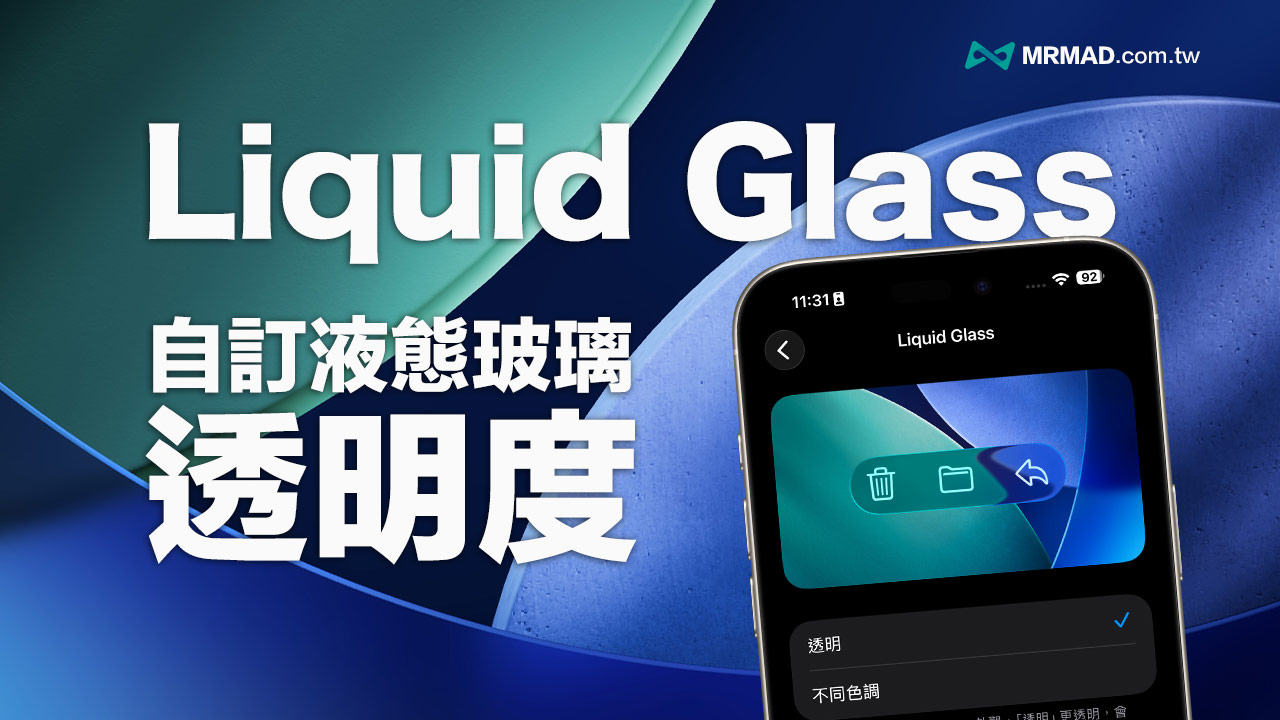
⚠️What is Liquid Glass Dark Mode? Click here to learn how to customize the Liquid Glass atomization effect.
Disabling iPhone Liquid Glass Battery Life Test Results
Many people think that the iOS 26 Liquid Glass animation effect consumes a lot of power. In fact, the final test results show that even if the iPhone disables “reduce transparency” and “reduce dynamic effects”, it will not seriously affect battery life compared to when the Liquid Glass effect is turned on normally.
The battery consumption for each round of testing is as follows:
- Round 1 (Liquid Glass light mode): dropped from 80% to 70%
- Round 2 (Liquid Glass Dark Mode): Dropped from 80% to 69%
- Round 3 (Darker + Lower Transparency + Increase Contrast): Dropped from 80% to 69%
- Round 4 (Darker + Reduce Transparency + Increase Contrast + Reduce Dynamic): Dropped from 80% to 70%
Even if the final power loss in the second and third rounds of testing is an additional 1%, the main consideration process cannot quantify the decimal percentage. Usually such differences can be determined as statistical errors and cannot be regarded as significant changes.
More detailed Liquid Glass power test data shows the iPhone power changes at each stage as follows:
- Round 1: TikTok ended with 79%, YouTube 77%, Instagram 74%, Safari 72%, Maps 70%
- Round 2: TikTok 78%, YouTube 75%, Instagram 72%, Safari 70%, Maps 69%
- Round 3: TikTok 78%, YouTube 76%, Instagram 73%, Safari 70%, Maps 69%
- Round 4: TikTok 79%, Instagram 77%, YouTube 74%, Safari 72%, Maps 70%
Although this test did not show that the difference in settings has a significant impact on battery life, it is only based on a single use scenario of 2.5 hours. It may not be ruled out that long-term use or frequent use of apps with Liquid Glass may have a cumulative subtle impact.
Liquid Glass liquid glass battery life summary
Overall, the final test results show that after turning off the Liquid Glass special effect setting, whether it is switching to Liquid Glass dark mode or reducing transparency, etc., it will not have a significant impact on the battery life of the new iPhone, and will only affect the screen display.
If you really want to extend the battery life of your iPhone, you should give priority to turning on system-level settings such as “Low Power Mode”, “Adaptive Power Mode”, “iOS Dark Mode” and reducing screen brightness. For more power-saving tips, please refer to “31 Super Practical Tips to Solve iPhone Power Consumption”.
Reference data source:macrumors
Tutorial on iOS 26 functions and operating techniques (continuously updated)
iOS 26 update tips and information:
Information related to new features of iOS 26:
If you want to know more Apple information, iPhone teaching and 3C information skills, please follow us
Crazy Mr. FB fan group,
Subscribe to Mr. Crazy Google News,
Telegram,
Instagramas well as
Subscribe to Mr. Crazy YouTube.