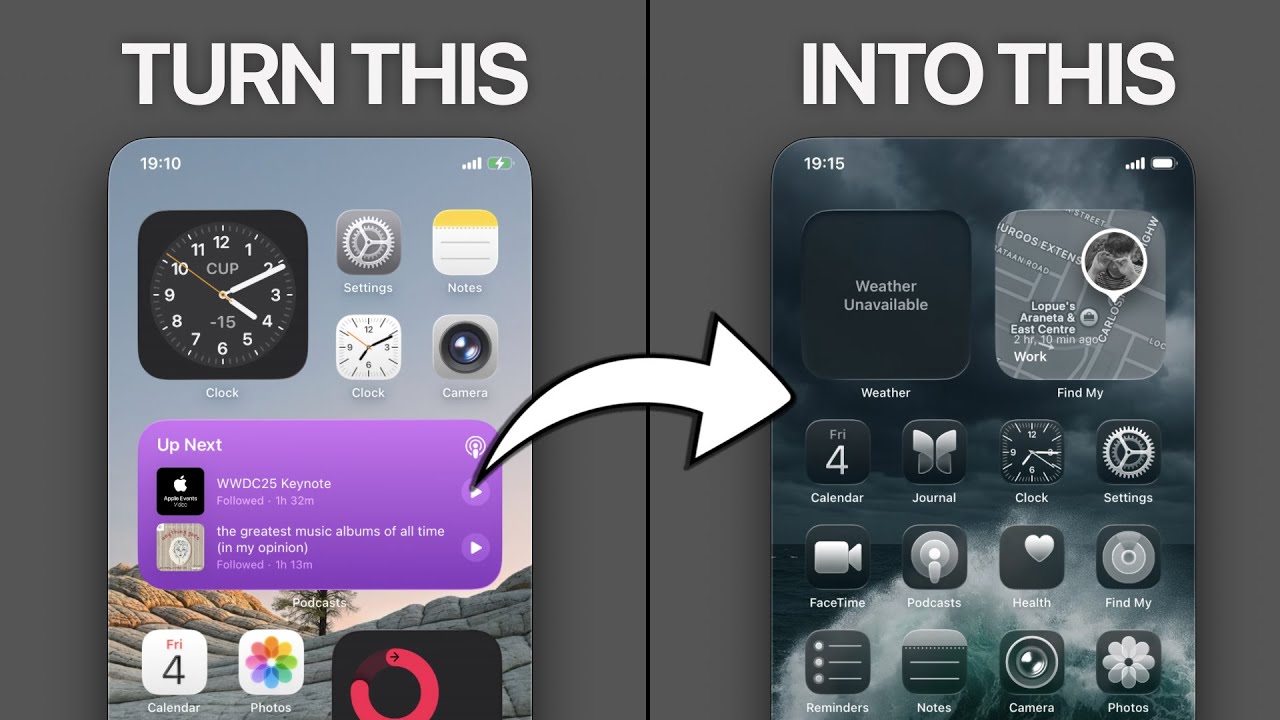
Want to upgrade your iPhone with a clean, aesthetic look? This iOS 26 homescreen customization guide shows you how to completely transform your setup, no third-party apps, no shortcuts, no profiles needed. Just pure iPhone customization using native iOS 26 features.
In this step-by-step tutorial, you’ll learn:
✅ How to edit fonts, widgets, and icons
✅ How to use new iOS 26 layout + color tools
✅ How to get a minimalist or dark theme aesthetic
✅ All without installing a single app!
Whether you’re into clean setups, monochrome vibes, or just want something new, this guide is for you. No jailbreak. No clutter. Just your iPhone, leveled up.
🎵 Music Used:
♪ [No Copyright] Lofi Type Beat – imperfect | aesthetic lofi music / Lofiru
▶️ https://www.youtube.com/watch?v=YTQAjKBNp8g&list=RDYTQAjKBNp8g&start_radio=1
📸 Follow me on Instagram:
https://www.instagram.com/cryptczch/
#wwdc25 #apple #macos #aesthetic #ios #ios26 #iphone #iphonecustomization