#ios #iphone #ipad #nintendoswitch #emulator
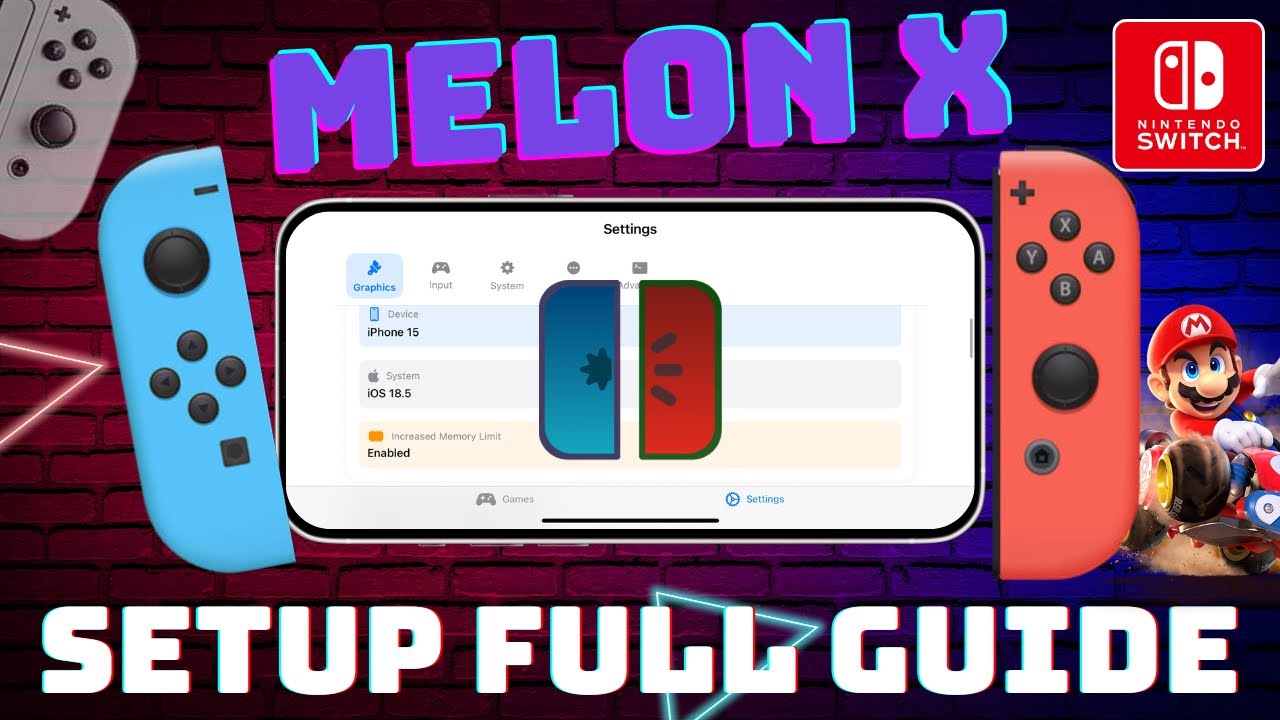
In this video I will show you how play Nintendo Switch Games On iOS Device.
Install and Setup MelonX Emulator.
Ryujin X Website : https://ryujinx.app
Download Key For Ryujin X : https://www.mediafire.com/file/m6jy1ngv7cx7aka/bis.zip/file
Download Key For Ryujin X : https://www.mediafire.com/file/2so4x1s9tx4ov5p/system.zip/file
Download MelonX IPA File : https://git.ryujinx.app/melonx/emu
Download Entitlement IPA File : https://git.ryujinx.app/melonx/emu
ALT Store Guide : https://youtu.be/8SggVgXHT4Q?si=EVuBHea6gxKDrJkf
Enable JIT : https://youtu.be/rx0g2RDukMw?si=bkKwCUoZKYxlGaYO
What We Learned –
✅Play Nintendo Switch Game On iOS
✅MelonX Emulator
✅Install MelonX Emulator
✅Setup MelonX Emulator
Time Stamp
0:00 Intro
0:20 Download Ryujin X
0:35 Install and Fix Ryujin X
1:00 Download The Key
1:08 Extract and Import Key In Ryujin X
1:35 Share Key To iPhone & iPad
1:52 Download MelonX IPA File
2:20 Install MelonX
2:53 Setup Get More Ram App
3:40 Import Key In MelonX
4:15 MelonX Is Ready